
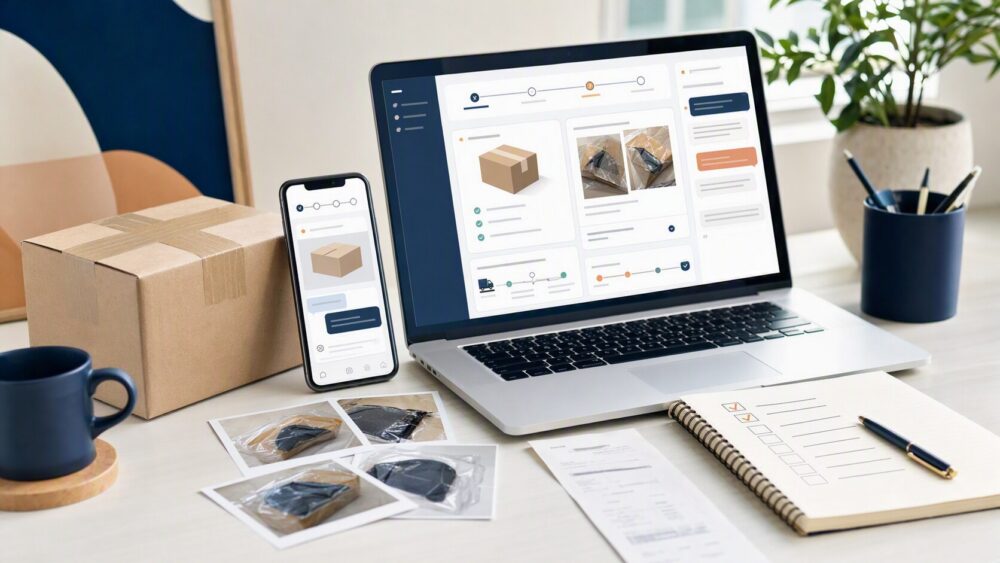
Quick answer: To return an item on DHgate, open the affected order in My Orders and use the Return & Refund, refund, return, dispute, or support option currently shown for that order. Select the reason that accurately matches the issue, keep seller communication inside DHgate, and upload clear evidence such as listing screenshots, package photos, item photos or video, tracking details, and order messages. The actions available and the outcome depend on the order status, evidence, seller response, and current platform rules.
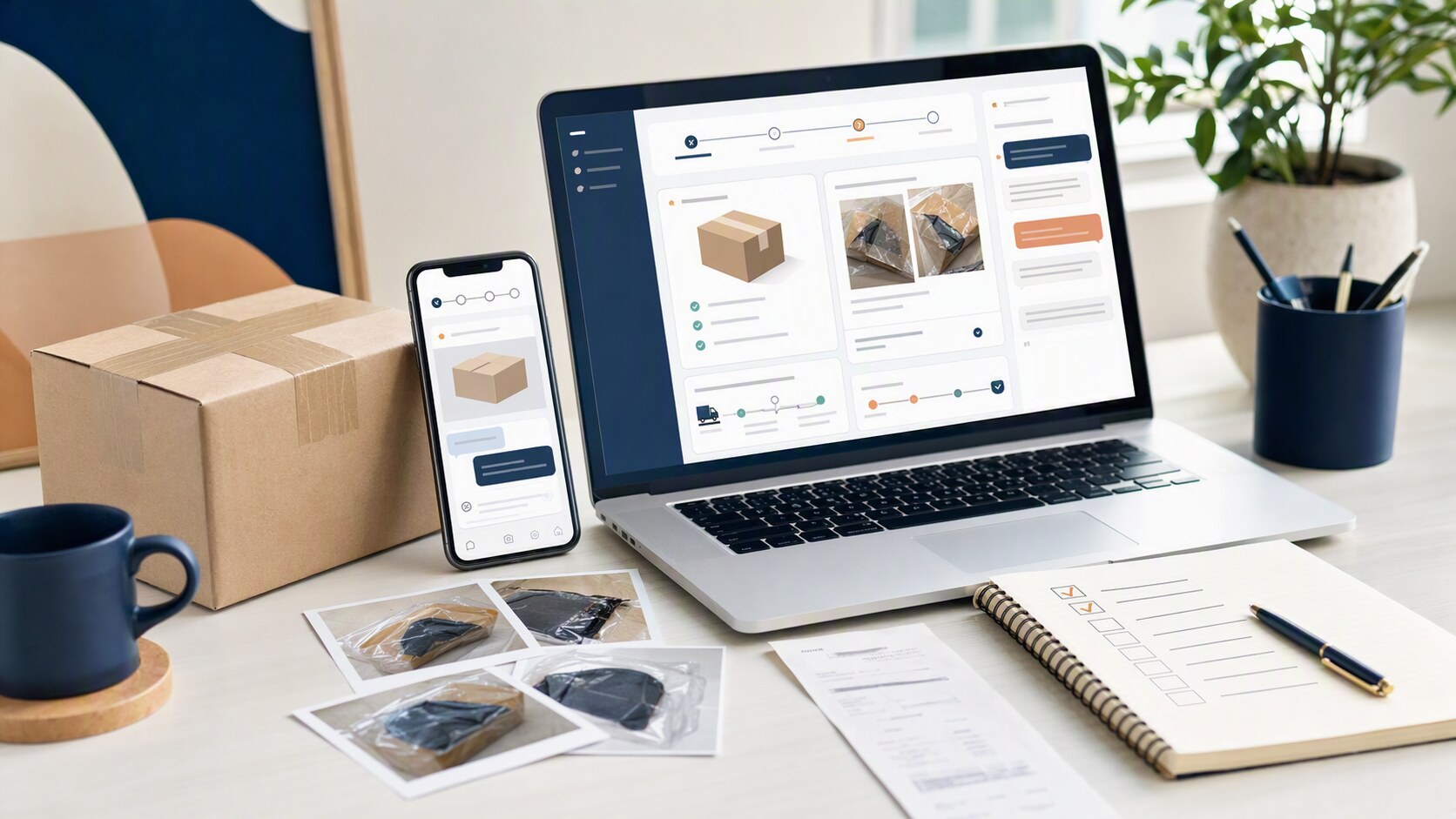
What First-Time Buyers Are Asking
Most first-time buyers are not asking for a generic return policy. They want to know three things:
- Can an order be returned at all?
- Do I need to contact the seller first, or go straight to the platform?
- What proof should I save before I click anything that closes the order?
On DHgate, the answer is tied to the order itself. If a problem qualifies, the buyer typically uses the Return & Refund path inside the order page and submits the reason with supporting evidence. That is the key difference from open-ended retail returns: the platform reviews the order record, the dispute reason, and the documentation together.
In plain terms, DHgate is a marketplace with an official buyer-protection and dispute pathway, so a return question is really an order-management question. If you keep that frame in mind, the process becomes much easier to handle.
How DHgate Works as a Marketplace
DHgate is a marketplace platform, not the manufacturer of the items sold there. Orders are placed through the platform, and the return/refund process is handled through the order tools tied to that transaction. DHgate’s help materials describe a Return & Refund path in the buyer account, and the marketplace also provides buyer-protection guidance for cases where an item is not received or is not as described.
The practical takeaway is that returns are not treated as an open-ended promise. They are handled through the order record, the seller’s response, and DHgate’s review process. If a buyer wants to return an item, the platform expects the case to be opened through the correct order page and supported with the right details.
That is why the order page matters so much. It is the place where the buyer can find the dispute entry point, review the order status, and keep the case tied to the transaction.
How DHgate Buyer Protection and Disputes Work
DHgate’s buyer-protection system is built around the order record, the dispute reason, and the evidence you submit. If an item is not received, arrives damaged, is wrong, is missing parts, or is otherwise not as described, the buyer can use the Return & Refund path to ask for review. DHgate’s official guidance also points buyers to the order page and the dispute tools rather than to informal off-platform arrangements.
When a dispute is opened, the seller is given a chance to respond. If the issue is not resolved, the case can be escalated through DHgate’s process for further review. In practice, that means the buyer should be ready to show photos, screenshots, tracking details, and order messages that support the claim.
A useful way to think about the process is this: the platform reviews what happened, not just what the buyer says happened. That is why the evidence you upload is so important. If the order was damaged, wrong, missing, or not as described, clear documentation helps the review move forward.
What to keep ready:
- Order number and order details
- Product listing screenshots
- Photos or video of the item and packaging
- Tracking screenshots
- Messages exchanged with the seller inside DHgate
- Any carrier or delivery proof relevant to the issue
How to Check a DHgate Seller Before You Order
A good return process starts before checkout. On DHgate, the strongest buyer habit is to read the listing carefully and check whether the seller’s page gives you enough information to understand the order you are placing.
Look for these signals:
- Clear product photos that match the written description
- Detailed size, color, model, or variant information
- Shipping and delivery details that are visible before you buy
- A seller profile with recent feedback and transaction history
- Responses in the message center that answer your question directly
- Policy language that is easy to find on the listing or order page
If a listing is vague, the safest move is to ask a question before ordering. A short message can clarify what version is being sold, what is included, and how the seller handles returns through the order process. Save that conversation. If you later need to open a dispute, those messages become part of your evidence trail.
A useful rule for DHgate is to judge the listing by how complete it is. If the page and the seller’s replies make the order easy to understand, you will have a cleaner record if you ever need to use Return & Refund.
A Practical First-Order Workflow on DHgate
For a first order, use a process that keeps the return path available if you need it.
- Read the listing closely. Check the title, photos, description, selected variation, and shipping details before paying.
- Ask direct questions inside DHgate. Confirm the exact version, included parts, sizing, or any other unclear detail in the platform message thread.
- Save the order record. Keep screenshots of the listing, selected variation, seller messages, and order confirmation.
- Track and inspect promptly. Keep tracking updates and inspect the package and item before confirming receipt.
- Use the order path if there is a problem. Choose the return, refund, dispute, or support action shown for the order and provide evidence that matches the issue.
Return and refund checklist
- Open the correct order and review its current status.
- Use the return, refund, dispute, or support action currently shown for that order.
- Select the reason that matches the actual issue.
- Save the listing, selected variation, seller messages, tracking details, and package evidence.
- Keep communication inside DHgate.
- Do not send an item to any address unless the current order process clearly provides return instructions and you can retain the shipment record.
FAQ
Do I send the item back to DHgate?
Follow the return instructions shown in the current order and dispute flow. Do not send an item to any address unless the order process clearly provides the return instructions and you can keep the shipment record.
Should I contact the seller first?
Follow the workflow shown for your current order. If seller communication is available or requested, keep it inside DHgate so it remains part of the order record.
What evidence should I save?
Keep photos or video of the item and packaging, tracking details, the order number, the listing, selected variation, and all DHgate messages about the issue.
Can I return an item for personal reasons?
Available actions depend on the order status, seller response, and current platform rules. Start with the options shown in your order details rather than assuming a personal-preference return is available.
What if the seller does not respond?
Keep the issue inside the order record and use the dispute, mediation, or support option currently shown for that order if the seller response does not resolve the issue.
Next step
Open the affected order, review its status and available actions, then gather the listing, selected variation, messages, tracking, package photos, and item evidence before submitting a request.
Sources and further reading
- DHgate Blog — DHgate Refund Guide
- DHgate Blog — How to Cancel a DHgate Order Before Shipping
- DHgate Blog — How Does DHgate Shipping Work?
- DHgate Blog — What Shipping Carrier Does DHgate Use?
Note: Return, refund, dispute, seller-response, and support options can vary by order status and current platform rules. Always begin with the actions shown in your own order details.