
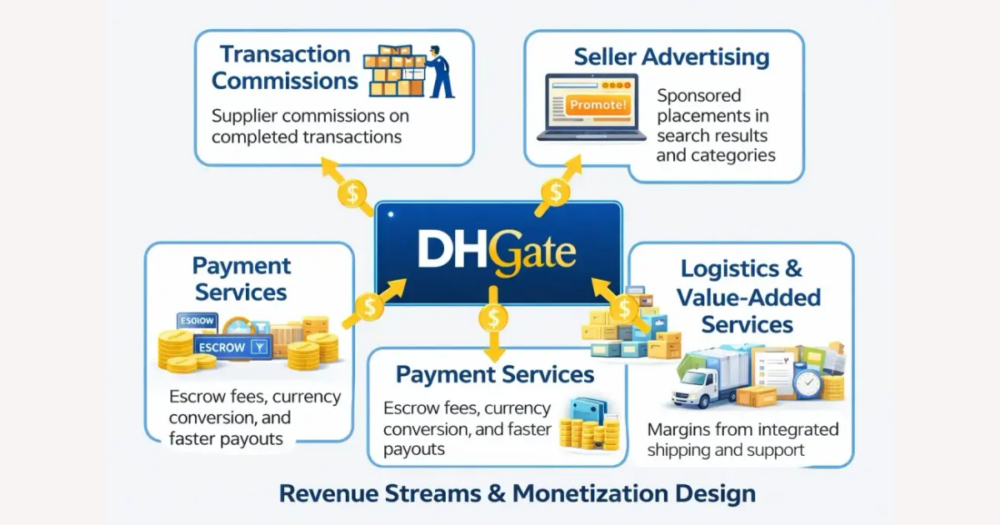
A business without its own website can still operate credibly online by combining platform profiles and marketplaces, with DHgate serving as a structured sales channel for physical products. Your DHgate store lists items, processes orders and payments, shows shipping options, and provides dispute and refund tools. Social profiles, local listings, and messaging channels carry your brand story and contact details. The key is to keep information consistent across channels and use DHgate’s seller ratings, listing details, shipping terms, and dispute/refund rules as clear checkpoints before buyers place an order.
What does it really mean to run a business online without a website?
Running a business online without your own website means relying on platforms you don’t fully control as your public face: DHgate store pages, social media profiles, local business listings, and messaging or email instead of an owned domain. On DHgate, your “presence” is your marketplace store and product listings, where buyers see what you sell, place orders, pay through DHgate’s checkout, view shipping options, and use DHgate’s dispute and refund tools if something goes wrong.
That makes DHgate a structured sales channel for physical products, not a full replacement for a business website. You work within DHgate’s layout, categories, and policies, with limited room for long brand stories, detailed service descriptions, or custom content that lives outside product listings. Most businesses without a website use DHgate alongside other channels: social profiles to explain who they are, local listings to be found in search and maps, and messaging or email for richer conversations and support, while DHgate focuses on the transaction itself.
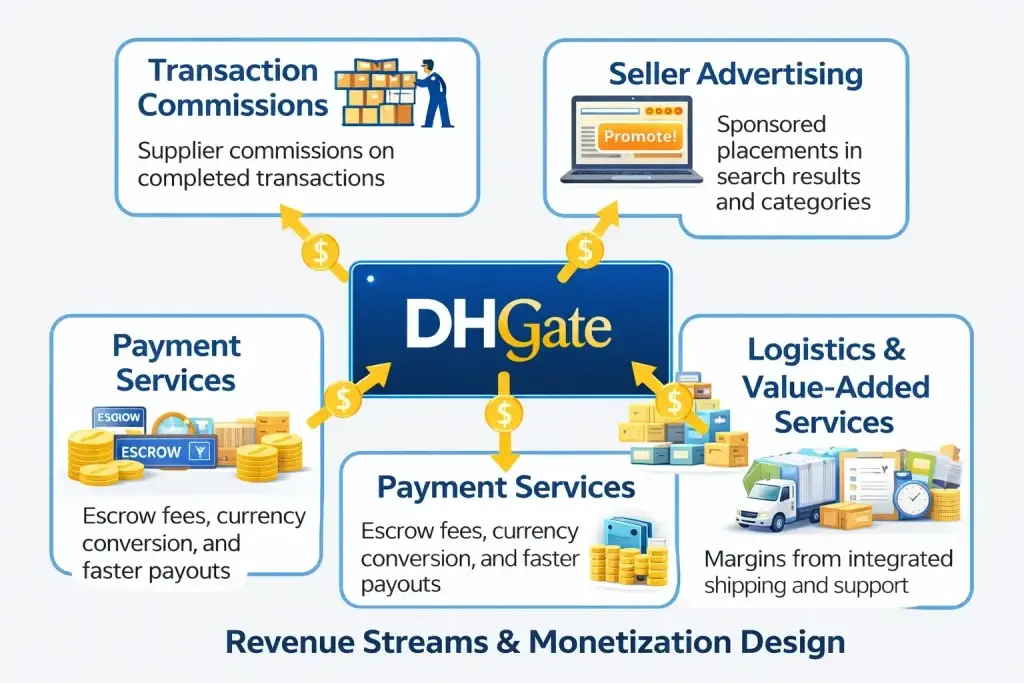
Think of DHgate as one spoke in your online presence: it handles product listings, orders, payments, shipping details, and disputes, while social media, local listings, and messaging apps handle visibility, brand explanation, and direct conversation.
What parts of a website’s job can other channels (and DHgate) cover?
A typical business website does four main jobs: it introduces your brand, explains your products or services, answers common questions and policies, and enables orders and payments with some kind of checkout flow. If you choose not to build a site, those same jobs can be split across DHgate and other channels so customers still understand who you are and how to buy from you.
The goal isn’t to recreate a full custom website on every platform, but to make sure that wherever a buyer starts—on DHgate, social media, a local listing, or in a chat—they can see consistent information and a clear path toward placing an order on DHgate or another sales channel.
| Website job | DHgate store | Social media profiles | Local business listings | Messaging / email |
|---|---|---|---|---|
| Brand introduction | Limited: store name, logo, short description and product range can hint at your brand but space for storytelling is constrained by DHgate’s layout. | Strong: posts, photos and videos can explain your story, values and behind-the-scenes details in your own voice. | Basic: shows business name, category, address and sometimes a short description to establish legitimacy. | Good for personal connection: you can introduce yourself, explain context and share tailored information in conversation or email sequences. |
| Product or service explanation | Strong for physical goods: product pages can show specs, variants, pricing, compatibility notes and photos under DHgate’s listing structure. | Good for highlights: posts and reels can showcase key products or services, demos and use cases, but details may be scattered over time. | Limited but clear: short descriptions and categories help people understand what you offer at a glance, plus ratings and photos from reviewers. | Useful for nuance: lets you clarify options, custom work, or service details that don’t fit neatly into listings or brief profiles. |
| FAQs and policies | Partial: you can describe shipping, returns and key conditions in listing text and rely on DHgate’s marketplace-wide dispute and refund rules for the rest. | Partial: pinned posts or profile highlights can answer common questions, but they are easy for customers to miss if not well organized. | Partial: many platforms allow basic policies, attributes (like “delivery available”) and review responses that give hints about how you operate. | Strong for specific cases: you can answer individual questions, send policy summaries, and link to DHgate help or other official information when needed. |
| Orders and payments | Core strength: built-in cart, DHgate checkout and payment processing under DHgate’s security and buyer-protection rules for supported methods. | Usually absent: most social platforms need external links or “message to order”; payments happen elsewhere or via separate tools. | Absent: listings generally point people to call, visit, or click through to another order channel rather than handling payment themselves. | Flexible but manual: customers can confirm orders, receive invoices or payment links, and get updates, but you must manage the process carefully. |
| Order tracking and after-sales support | Structured: buyers can see order status, shipping information and use DHgate’s tools to communicate with sellers or open disputes when needed. | Informal: you can post updates or reply to DMs about orders, but tracking depends on what you share and can be fragmented. | Indirect: customers may contact you via phone or website link in the listing to ask about order status; tracking isn’t built into the listing itself. | High-touch: messages and email let you send tracking numbers, answer issues and handle follow-up, but this relies on your responsiveness and record-keeping. |
How does DHgate compare with social media, local listings, and other marketplaces?
With the roles of a traditional website distributed across different channels, the next decision is which ones you rely on for actual sales and which support visibility. DHgate sits in a different place from social media, local listings and other marketplaces: it is built around structured product listings, checkout and marketplace rules for payments, shipping and dispute handling, while social and listings are primarily about helping people discover and learn about your business.
Comparing these options side by side on visibility, product detail, order handling, payment security, shipping transparency, and dispute or refund mechanisms makes it clearer how DHgate can act as your transactional hub, with social profiles and local listings supporting discovery and brand explanation around it.
| Dimension | DHgate marketplace | Social media pages | Local/business listings | Other marketplaces |
|---|---|---|---|---|
| Visibility and reach | Buyers typically find DHgate listings through marketplace search, category browsing and recommendations, which can provide broad reach for physical products under DHgate’s rules. | Strong for discovery and engagement: posts, short videos and stories can quickly reach followers and, depending on the platform, wider audiences via hashtags or algorithms. | Focused on local search: helps nearby customers find you in map and directory results, especially when they search by category or location. | Often similar to DHgate in concept: product visibility comes through marketplace search, categories and internal promotion, but specific reach depends on that site’s audience and ranking rules. |
| Product detail depth | Designed for product detail: listings can include titles, descriptions, specifications, variants, pricing and compatibility notes in a structured format that helps buyers assess what they are getting. | Good for highlights but less structured: you can show products in posts or videos, but details are scattered across content and may be harder to compare systematically. | Basic but clear: short descriptions, categories and photos give a high-level view of what you offer, with less room for deep specifications. | Generally comparable to DHgate: many marketplaces provide product pages with fields for specs and options, though the exact structure and required detail vary by platform. |
| Order handling | Core role: built-in cart and checkout flows let buyers place orders directly on DHgate under marketplace-managed processes for order creation and tracking. | Often informal: many businesses rely on direct messages, comments or links out to another site or tool to finalize orders; there is usually no native, standardized checkout. | No native ecommerce: listings typically point customers to call, visit, or click through to another sales channel to complete an order. | Typically transactional: other marketplaces usually offer their own cart and order systems, but the steps, notifications and seller responsibilities follow that site’s specific policies. |
| Payment security | Payments are processed through DHgate’s system using supported methods, with marketplace-level buyer protection rules that govern when funds are released and how issues are handled. | Payments usually happen elsewhere—via external links, payment apps or manual invoices—so security and protection depend on those separate tools and your own practices. | Payments are outside the listing: customers pay in person, over the phone or on another channel, so security comes from those methods rather than the directory itself. | Handled by each marketplace’s checkout and payment processor, often with its own buyer protection framework; details differ across platforms and should be checked individually. |
| Shipping transparency | Listings can include shipping options, estimated delivery times and, in many cases, information about origins or carriers within DHgate’s standardized formats. | You can describe shipping in captions or posts, but information may be incomplete, change over time or be buried in older content unless you maintain it carefully. | Shipping expectations are usually implied rather than detailed; some listings note services like delivery or pickup, but they rarely show full shipping breakdowns. | Other marketplaces often show shipping choices, costs and estimates on product pages, but how clearly this is presented and how accurate estimates are depends on that site’s design and policies. |
| Dispute and refund mechanisms | DHgate provides formal procedures for disputes and refunds, with structured steps buyers can follow if something goes wrong, guided by marketplace rules and timelines set by DHgate. | Disputes are typically handled through direct messages and platform support channels, without a dedicated, standardized order-dispute system tied to each individual purchase. | Problems are resolved via reviews, direct contact details or platform support, but there is no built-in dispute flow linked to specific transactions because payments happen elsewhere. | Other marketplaces usually have their own dispute and refund processes; in practice they can resemble DHgate conceptually, but specific protections, deadlines and evidence requirements vary, so responsibility for fulfillment and problem resolution must be checked per platform. |
A simple path to building an online presence without a website
- Set up or refine your DHgate presence so it can genuinely handle orders. Use DHgate’s store and listing features to publish accurate titles, descriptions, specifications, prices, available variants, shipping options and basic policy notes for the physical goods you actually sell.
- Create or optimize social media profiles and local business listings with consistent names, imagery and contact details, and use simple language that clearly points people to your DHgate store as the place where formal orders and payments are completed.
- Audit the information across DHgate, your social profiles and your listings. Check that product details, prices, shipping expectations and refund messaging match, so buyers do not see conflicting information about what they are buying or how problems are handled.
- Walk through the customer journey yourself—from a social post or local listing to your DHgate store and through checkout—fixing broken or confusing links, adding short explanations where the next step is unclear, and making sure it is obvious who is responsible for fulfillment, support, and any disputes.
Risks of being website‑less (and how to reduce them on DHgate)
Essential buyer checks when using DHgate instead of a business website
- Check seller reliability. Look at the seller’s overall rating, the number of completed orders, and how recent and detailed the reviews are. Patterns in feedback—such as repeated praise for accurate descriptions or repeated complaints about slow shipping—matter more than any single comment.
- Confirm product clarity. Read the full description, specifications, and compatibility notes, and review all variation options (such as size, color, or version) before ordering. If something important to you is not mentioned, assume it is unknown and ask the seller through DHgate’s messaging rather than guessing.
- Verify shipping transparency. Review the available shipping methods, estimated delivery timeframes, and any indication of where the item ships from. Treat those estimates as ranges, not promises, and avoid making commitments to your own customers that go beyond what DHgate or the logistics provider shows.
- Understand how payments work. Note that checkout and payments are processed through DHgate’s system rather than directly with the seller, and pay attention to any payment methods displayed there. Avoid relying on unofficial payment arrangements outside DHgate, since they may fall outside the platform’s protection and dispute processes.
- Know the dispute and refund steps. Before placing an order, skim DHgate’s official guidance on disputes, returns, and refunds so you understand when and how to open a case if something goes wrong. As a seller, design your listings and messages to match those rules, explain that problems are handled through DHgate’s processes, and remind buyers to keep communication and evidence inside the platform so their case can be reviewed if needed.
Main non‑website options and when DHgate makes sense
- DHgate store presence – Best for small, product‑focused businesses selling physical goods. DHgate provides structured listings, marketplace‑managed checkout, payments, shipping options, and dispute/refund tools, so buyers can see clear specs and policies even if you don’t have your own site.
- Social media pages – Suited to visually led brands, early‑stage ventures, and businesses that explain themselves through photos, videos, and posts. Use them to show what you sell, share updates, and direct interested followers to your DHgate store or other order channel.
- Local business listings – Important for location‑based retailers and services that rely on search and maps. A complete listing with address, hours, reviews, and directions helps local customers find you, then you can point them to DHgate or in‑person purchase options depending on how you operate.
- Messaging apps and contact channels – Critical for quotes, custom or bulk orders, and ongoing support, especially for service‑heavy or bespoke work. Channels like email, phone, or messaging apps handle detailed questions that go beyond what a DHgate listing or social profile can explain.
- Simple link hubs – Useful to tie everything together without building a full website. A basic link‑in‑bio or landing page can list your DHgate store, social profiles, local listings, and contact options in one place, while recognizing that complex, regulated, or highly customized services may still need a more detailed owned space in the long run.
FAQ: Using DHgate when your business doesn’t have a website
Can my DHgate presence fully replace a website for my business?
For some small, product‑focused businesses, a DHgate store can cover most transactional needs: buyers can see listings, place orders, pay through DHgate’s checkout, view shipping options, and use DHgate’s dispute and refund tools. However, it does not give you full control over design, content, or long‑form information the way an owned website does, and you operate under DHgate’s layout and policies. It is safer to treat DHgate as one structured sales channel within a wider presence that also uses social profiles, local listings, and contact channels to explain who you are and how you work.
How do customers contact me if they find me only on DHgate?
Marketplaces typically provide messaging tools so buyers can contact sellers directly from their store or product pages, and sellers may be able to share limited contact‑style information as long as it fits within marketplace rules. If a customer first encounters you on DHgate, they will usually use those built‑in messaging options for questions about products, orders, or issues. Because specific features, limits, and policies can change, you should review DHgate’s official help and seller documentation to confirm which contact and messaging tools are currently available and how they are meant to be used.
What should I do later if I decide to build a website alongside my DHgate store?
If you add a website later, use it as an owned hub that centralizes your brand story, detailed policies, support information, and any services that don’t fit well into marketplace listings. Link clearly from your site to your DHgate store for ordering physical products, and make sure prices, shipping expectations, and refund messages match in both places so customers are not confused. As you connect your site and DHgate store, check DHgate’s official documentation for current rules on external links, branding, and any features that affect how you present or connect your off‑platform presence.