
Quick answer
DHgate is a marketplace, so assess each seller and listing on its own evidence. Look for recent reviews that match your exact variant, complete product and shipping details, a consistent total price, and clear answers in the on-platform message thread. If a detail is vague, contradictory, or moved off-platform, pause, ask for clarification, or choose another seller. Save the listing, messages, checkout record, and delivery evidence.
What first-time buyers should verify
Before trusting a specific DHgate seller profile, check the seller’s visible history, read the product page carefully, and look for consistency between the listing, recent reviews, and the seller’s communication. Judge the seller by the record you can see, not by assumptions about the marketplace.
How DHgate works as a marketplace
DHgate operates as a marketplace where third-party sellers list products and buyers place orders through the platform. That matters because the platform’s trust signals are built around seller profiles, order records, and the information shown on the listing page.
DHgate’s own guidance points buyers toward seller ratings, product-page quality, and direct communication with the seller. It also encourages buyers to look beyond a single page and compare the seller’s presentation with reviews and other available details. In practice, that means the platform gives you several visible signals to evaluate before you buy.
Two concise boundaries help set expectations: each order is assessed from its own record. Timing and documentation help a buyer use the process.
How DHgate’s order protection and dispute path work
DHgate provides order and after-sale support tools, but eligibility, deadlines, required evidence, and outcomes depend on the current policy and the individual order. Before buying, read the terms shown on the listing and order page and consult DHgate’s current buyer-safety guidance. For a live order, treat the instructions shown in your account and on the order page as the controlling source. Do not treat a seller rating or marketplace process as a guarantee of a particular outcome.
If there is a problem, keep communication and evidence tied to the order: contact the seller through DHgate, use the order page’s available after-sale or dispute option if direct contact does not resolve the issue, and submit the records requested for that order. Useful records commonly include a dated listing screenshot, message history, order confirmation, tracking details, and photos or video of what arrived.
Act promptly and keep the record complete. The available review window and the evidence required can change by order and policy, so check the current instructions shown in your account rather than relying on a general timeline.
How to judge a DHgate seller and listing
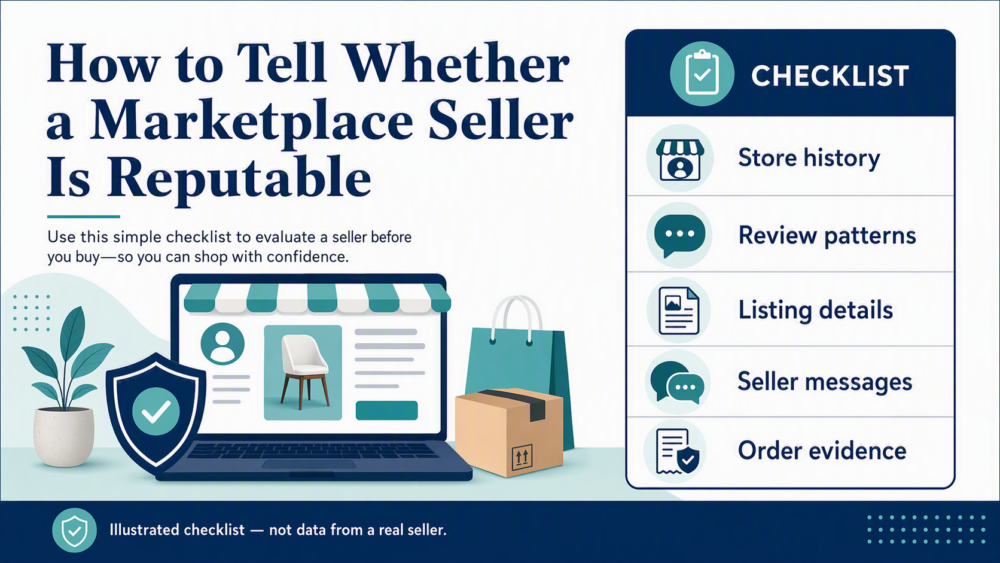
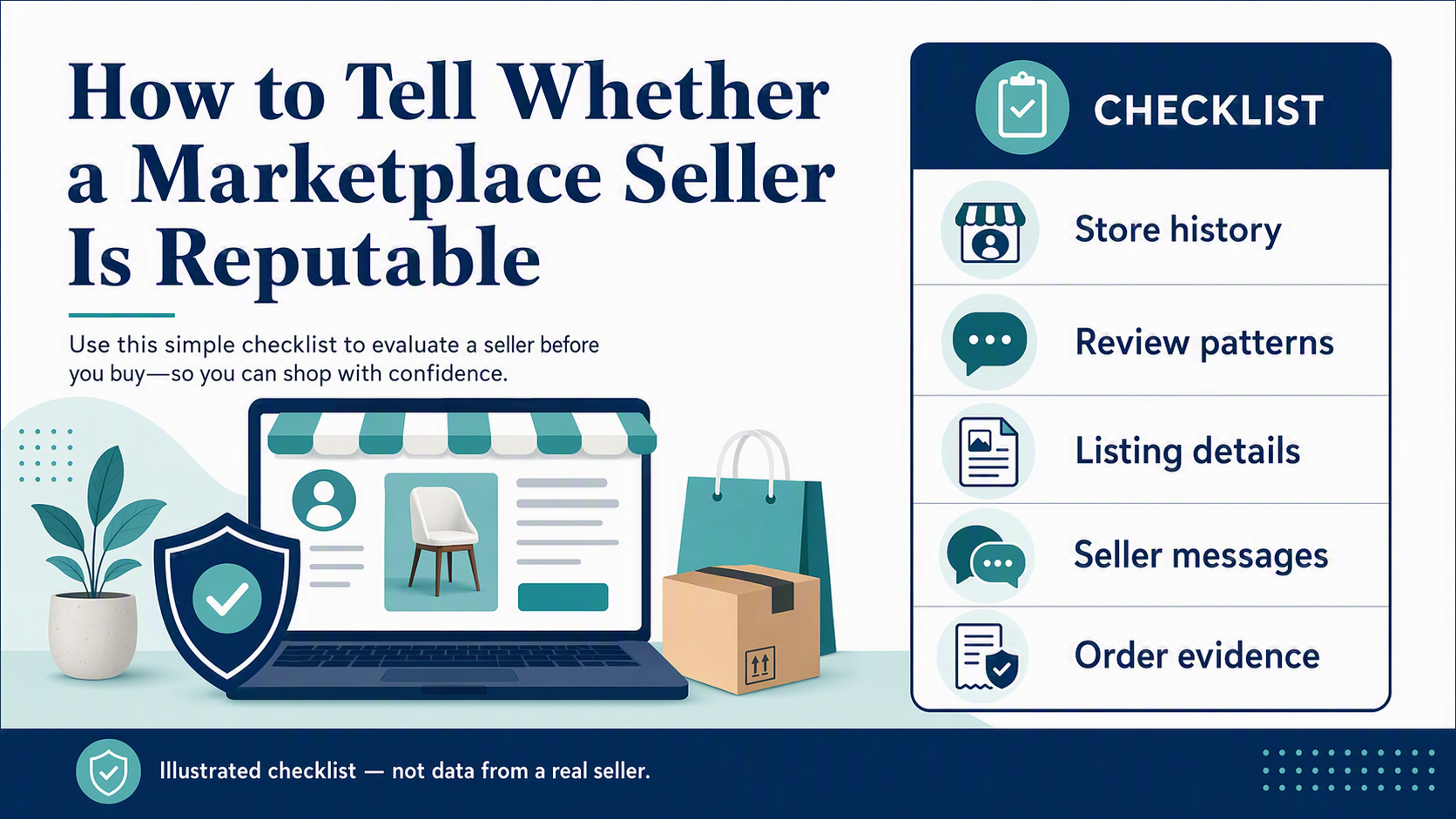
A reputable-looking DHgate seller usually leaves a visible trail. Start with the seller profile, then move to the listing, then test the seller’s responsiveness.
Look for these signals together:
- Transaction history: Visible activity gives you more context than a profile with little history, but it is not proof of quality. Compare it with the listing and recent feedback.
- Review-to-variant match: Read recent review text and customer photos. Check whether they describe the same size, material, bundle, or model you plan to buy—not a different variant.
- Product-page completeness: A stronger listing explains specifications, variant differences, package contents, shipping terms, and return or after-sale information clearly enough to compare options.
- Price and terms consistency: Treat a very low headline price, unclear shipping charge, missing variant details, or contradictory specifications as a reason to pause and ask questions.
- Message quality: A seller who answers a specific question directly and consistently is easier to assess than one who gives copied, vague, or contradictory replies.
- Store consistency: Coherent product categories, consistent descriptions, and a stable presentation are more useful than a scattered profile with unrelated listings.
A seller looks more credible when these signals agree with one another. Pause or choose another listing when the reviews appear unrelated to the variant, the total price changes unexpectedly, the specifications conflict, the seller asks to move payment or key communication off-platform, or direct questions receive vague answers.
Three questions to ask before a first order
- “Please confirm the exact material, dimensions, color/size variant, and everything included in this price.”
- “Please confirm the shipping method, estimated delivery range to my destination, and the total order cost shown at checkout.”
- “If the delivered item differs from these confirmed details, what after-sale option should I use from the order page?”
Keep the answers in the platform message thread and compare them with the final listing and checkout details before you pay.
A first-order DHgate workflow that protects your evidence
Use this workflow for a first order on DHgate:
- Search the product carefully. Use the exact item name, then open a few listings that match the same product type.
- Inspect the seller profile. Check transaction history, review quality, and how long the seller has been active in the way the profile presents it.
- Read the listing line by line. Confirm size, color, model, bundle contents, and any shipping or order notes.
- Message the seller before buying. Ask one or two specific questions and judge whether the reply is clear, direct, and consistent with the listing.
- Confirm the total at checkout. Recheck the selected variant, shipping method, delivery estimate, and final cost; do not rely on the headline price alone.
- Place the order only after you are satisfied with the record. Save screenshots of the listing, the seller’s replies, and the order confirmation. Keep payment and essential communication on the platform.
- Keep delivery evidence. When the package arrives, photograph the unopened parcel, label, contents, and any defect before confirming receipt.
- Use the available after-sale option if needed. If direct contact does not resolve an issue, use the order page and upload the evidence requested for that specific order.
Treat the listing and order page as your documentation file. If a problem appears, your clearest record starts before purchase: a dated listing screenshot, on-platform messages, the final order details, tracking, and delivery photos. This does not guarantee a resolution, but it makes the transaction easier to review.
For U.S. buyers and small-business readers, the practical answer is a seller-by-seller check: verify the profile, read the listing carefully, ask direct questions, and keep your order evidence organized so the transaction can be reviewed if needed.
FAQ
How much should I rely on seller ratings?
Use ratings as one signal, not the only signal. Read recent review text and customer photos, then confirm that they match the exact variant you plan to buy.
What if the seller replies slowly or vaguely?
A slow reply is not proof of a problem. A reply that avoids a specific question or conflicts with the listing is a reason to pause and compare another seller.
Should I buy if the listing is missing details?
It is safer to pause and ask for clarification first. A thin listing is harder to evaluate.
What evidence should I save?
Save the listing page, seller messages, order confirmation, tracking details, and photos of the package and item when it arrives.
When should I use DHgate’s dispute tools?
Use them if the order needs review and the issue is not resolved through direct contact with the seller.
Next step
Before you place an order, compare two or three seller profiles for the same item, ask each one a specific question, and keep a record of the answers you receive.
Sources and further reading
- DHgate: DHgate Reviews
- DHgate: How to Easily Find Good Sellers on DHgate
- DHgate: How to Search Sellers on DHgate
- DHgate: Is DHgate a Safe Website to Buy From?
- DHgate: Is DHgate Quality Good?
Source note: These first-party pages support general buyer guidance. They do not guarantee an individual seller’s performance, the availability of a specific after-sale option, or a dispute outcome. Check the current terms, order-page instructions, and checkout details for your own transaction.