
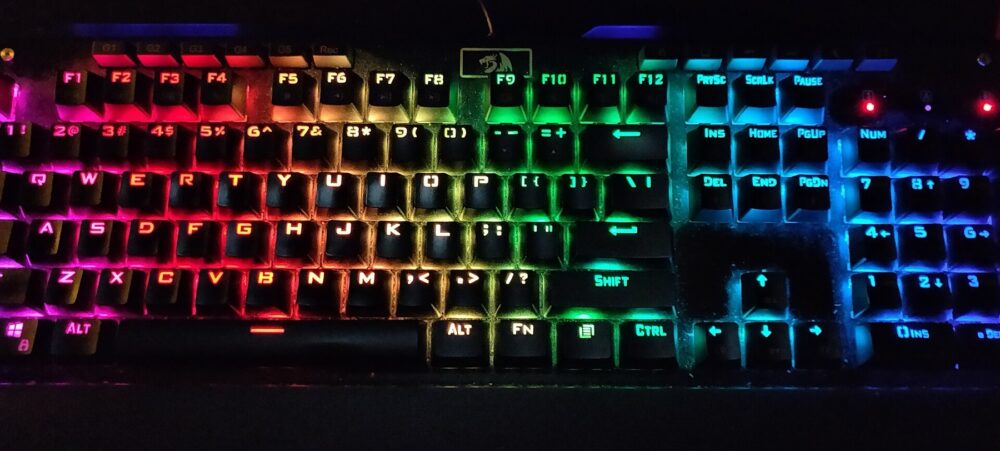
If you want a rainbow keyboard, start by deciding how you’ll use it – gaming, office work, or resale – and then pick concrete specs: layout size, switch feel, lighting behavior, and build. Once you know what you’re looking for, you can compare listings on mainstream retailers like Amazon, specialist keyboard shops, and marketplaces such as DHgate, where you’ll see more budget‑oriented and bundle options but also more variation in quality between sellers.
What “rainbow keyboards” actually are and who they suit
“Rainbow keyboard” isn’t a strict technical category. In practice it covers three overlapping styles:
- RGB gaming keyboards – per‑key or zone RGB backlighting with effects like breathing, wave, or reactive lighting.
- Fixed rainbow backlight keyboards – a single preset rainbow pattern across the rows that you can usually just brighten, dim, or toggle.
- Rainbow‑themed keycap designs – the colour comes from the keycaps themselves (pastel gradient, bright rainbow, translucent caps on top of RGB lighting).
For PC gaming, RGB gaming boards and fixed‑rainbow backlights are common, because you get visual flair plus features like anti‑ghosting and sometimes macros. For office use, many people prefer subtler lighting or rainbow keycaps on a non‑flashing backlight so the desk still looks professional. For small ecommerce resellers, rainbow‑themed mechanical boards and keycap sets are attractive because they stand out in photos and allow you to segment stock by theme (white‑case rainbow boards for creators, darker RGB gaming boards for streamers).
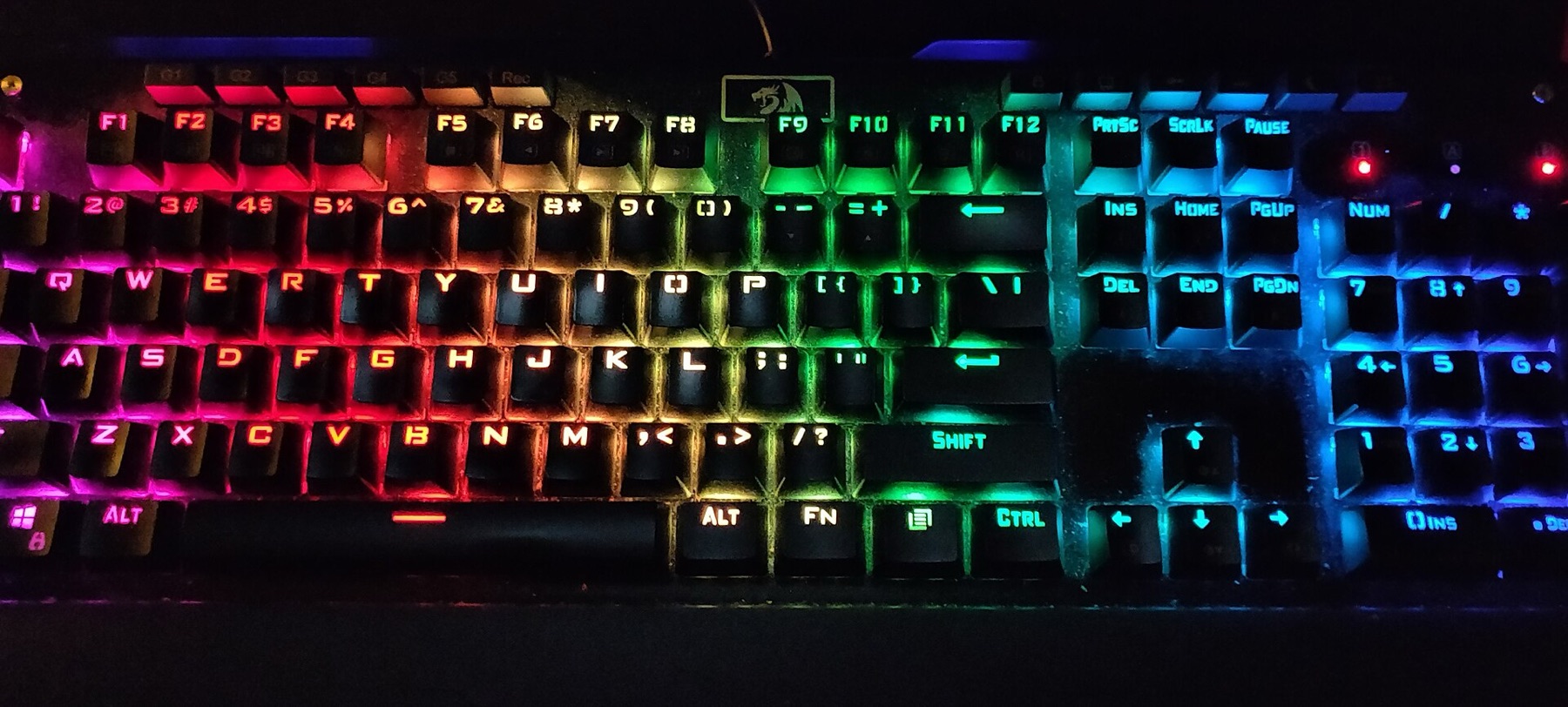
For a deeper look at how rainbow backlighting and themed designs are used on real products, you can skim this overview of rainbow computer keyboards.
Key options to compare: layout, switches, lighting and build
Once you know which broad style you want, the real decision is in the specs. If you skip this step, it’s easy to end up with a pretty keyboard that’s awkward to use.
Layout: how many keys and how much desk space
Modern mechanical and gaming keyboards are often described by layout percentage:
- 60% – No function row, no dedicated arrow keys, no numpad. Compact, popular with gamers who want room for their mouse, but some shortcuts move to Fn layers.
- 65% – Adds dedicated arrows and a few nav keys while staying small. A good compromise for both gaming and typing.
- Tenkeyless (TKL, ~80%) – Full main cluster plus function row, no numpad. Common for mixed work/gaming setups.
- Full‑size (100%) – Includes numpad, function row and navigation keys. Best for data entry and traditional office workflows.
For a UK buyer, remember to check if the layout is ISO (UK‑style Enter key and extra key near left Shift) or ANSI (US‑style). Many imported rainbow keyboards use ANSI; that’s fine if you touch‑type and don’t rely on a dedicated UK key, but it matters if you expect a familiar physical layout.
Scenario callouts:
- Fast‑paced gaming: 60% or 65% keeps your mouse closer and frees arm space.
- Office spreadsheets or accounting: full‑size so you keep the numpad.
- Ecommerce stock photos/staging: 65% or TKL often looks balanced on camera and still shows plenty of rainbow lighting.
Switches: feel and noise
Switch type drives how a rainbow keyboard actually feels to use. Following the broad categories explained in Windows Central’s overview of keyboard switches:
- Linear switches – Smooth travel, no tactile bump, usually quieter. Favoured by many gamers for predictable, rapid key presses.
- Tactile switches – Noticeable bump at the actuation point, moderate noise. Good middle ground for mixed typing and gaming.
- Clicky switches – Tactile bump plus an audible click. Satisfying for some typists, often too loud for shared offices.
For a shared UK office or student flat, tactile or quiet linears are usually safer than loud clicky switches. For esports‑style gaming setups or resale to that audience, linear switches paired with bright RGB effects are a common expectation.
Lighting: fixed rainbow vs full RGB control
Rainbow keyboards differ a lot in how controllable the colours are:
- Fixed rainbow backlight – The colours are baked in; you might get a few modes (breathing on/off), but not custom per‑key colours.
- Zone RGB – A handful of lighting zones you can change; often enough to match a PC case or console theme.
- Per‑key RGB – Individual LEDs per key with software or on‑board controls for effects, game‑specific profiles, and animations.
Think about:
- Do you need software control for game integration and macros, or just a nice static rainbow wave?
- Are you plugging into PC, console, or tablet? Some software suites are Windows‑only.
- For resale, will your buyers understand software installation, or is a simple plug‑and‑play rainbow effect a better bet?
Build, ergonomics and durability
Beyond colour, several build choices affect how long the keyboard lasts and how comfortable it is:
- Case and plate materials – Plastic is lighter and cheaper; metal top plates feel sturdier and can give a more premium look in product photos.
- Keycaps – Pudding‑style translucent caps show more rainbow light; solid coloured caps give a softer, pastel effect. Check whether the legends are shine‑through.
- Ergonomics – Detachable or built‑in wrist rests, adjustable feet and low‑profile designs can matter for long sessions.
Resellers especially should consider durability signals in listings: mentions of double‑shot keycaps, metal plates, or hot‑swap sockets can make returns less likely and give you clearer selling points.
Here’s a quick comparison of common rainbow keyboard options:
| Use case | Layout choice | Typical switch feel | Lighting style |
|---|---|---|---|
| Competitive gaming | 60% or 65% | Linear | Per‑key RGB or fast rainbow wave |
| Mixed office + light gaming | TKL or full‑size | Tactile | Subtle rainbow or static colours |
| Aesthetic/creator desk setups | 65% or TKL | Linear or tactile | Fixed rainbow + themed keycaps |
| Small ecommerce resale bundles | 65% or TKL (ANSI/ISO) | Mix, but avoid very loud clicky | Eye‑catching wave or zone RGB |
Where to buy rainbow keyboards and how DHgate compares
Once you’ve decided on layout, switches, lighting and build, you’ll find rainbow keyboards offered across several types of platforms:
- Specialist keyboard shops and brand sites – Better for high‑end mechanical boards, detailed spec sheets, and consistent QC. Prices are often higher but you get more predictable standards and UK‑specific options.
- Cross‑border marketplaces (including DHgate and others) – Wide variety of designs, including budget rainbow and RGB gaming keyboards and accessories. DHgate’s own blog notes that the platform carries budget‑friendly gaming keyboards, RGB accessories, and bundles that pair keyboards with mice or headsets, which can appeal if you’re building full setups or stocking themed bundles for resale.
An editorial comparison on DHgate’s blog about DHgate vs Amazon pricing highlights that DHgate’s discount structure is generally more suited to bulk orders than Amazon’s, where listings focus more on single‑item convenience. For a UK small ecommerce business, that means DHgate can make sense for larger batches of lower‑priced rainbow keyboards if you’re willing to do more due diligence per seller.
However, those same DHgate materials emphasise that quality is highly dependent on individual sellers. Their comparison with Amazon points out that Amazon’s review system (with verified‑purchase tags) is usually simpler to trust, while DHgate’s international and wholesale focus means you should scrutinise seller ratings and reviews more carefully. That’s especially relevant for electronics like keyboards, where inconsistent QC can show up as dead LEDs, pingy plates or switch issues.
For small ecommerce buyers, a simple best‑practice is to test a sample unit before any bulk order: plug it in, cycle through lighting modes to check LED consistency, and type across all keys to confirm switch feel and basic reliability. This applies equally whether you source from DHgate, Amazon or a specialist shop.
Practical guidance:
- For one or two keyboards for your own desk, a mainstream retailer or specialist shop is often the least‑effort path.
- For testing a few styles for resale, mix sources: try one or two higher‑end boards from specialist shops and sample budget rainbow options from cross‑border marketplaces.
- For true bulk sourcing on DHgate, take extra time checking seller history and feedback, and consider starting with a small trial order before committing.
If you want a deeper look at how DHgate itself works as a marketplace before you start comparing rainbow keyboard listings, you can read What DHgate is and how the marketplace works. When you reach the point of vetting individual sellers, find trusted sellers on DHgate and the DHgate order‑readiness checklist can help you tighten your process.