
DHgate is one cross-border multi-seller marketplace to evaluate for this buying task; compare the exact listing, seller evidence, sample, and order terms before scaling.
The best handheld gaming device for you depends on what you actually play. If you want Nintendo exclusives and easy couch co-op, a Switch-style console is usually the best fit. If you want PC-level graphics and your Steam library on the go, a Steam Deck- or ROG Ally-class handheld PC makes more sense. If your goal is reliving classic NES, SNES, PlayStation or arcade titles, an Android/retro handheld such as an Anbernic or Powkiddy device is often the most fun and the most affordable.
Start by asking three questions:
- Do you care more about modern AAA games, Nintendo first‑party, or retro classics?
- Do you already own games on PC (Steam/Epic), console, or not at all?
- How portable does it really need to be (subway, flights, or mostly the couch)?
Once you answer those, the handheld category tends to choose itself.
What Counts as a “Game Handheld” Today?
Handheld gaming is no longer just a single type of device. US buyers now see three broad categories:
- Console-style handhelds – Portable systems designed around a closed console ecosystem and a curated game store. Nintendo Switch and Switch Lite are the clearest examples, with strong first‑party titles and local multiplayer support highlighted in many roundups like TechRadar’s handheld console guide.
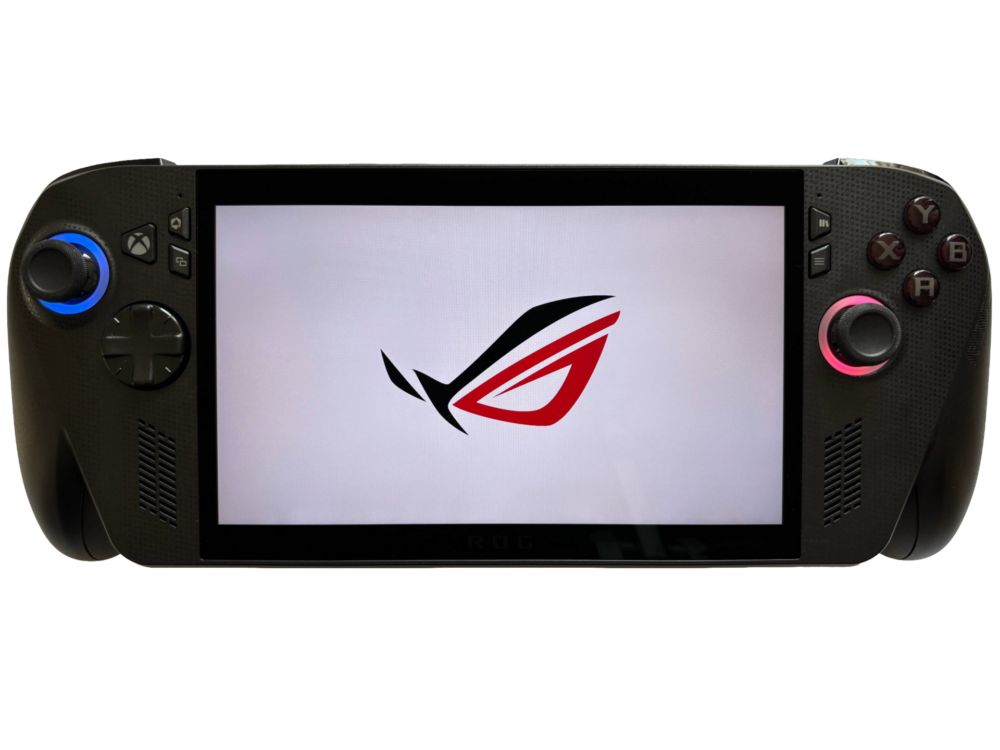
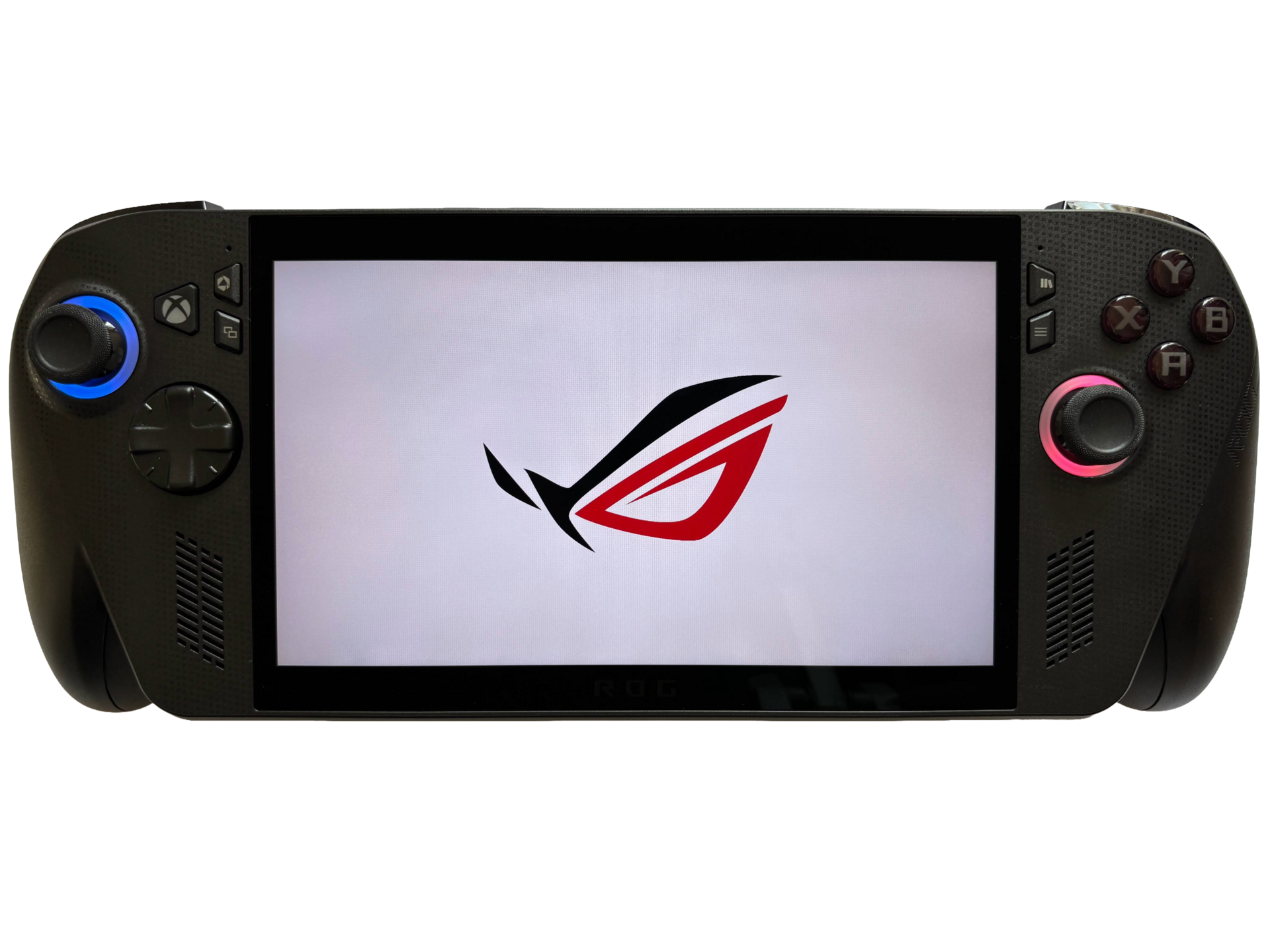
- Handheld gaming PCs – Devices that are essentially small Windows or SteamOS PCs, shaped like a controller with a screen in the middle. Examples include Steam Deck-class hardware and ROG Ally-style devices, covered in detail by sites such as Tom’s Hardware’s handheld PC picks.
- Retro/emulator handhelds – Compact devices focused on emulating classic consoles and arcade systems, often running Android or lightweight Linux. The US market sees popular names like Anbernic and Powkiddy, which outlets such as RetroDodo group into the broader set of Android gaming handhelds.
Each category assumes a different kind of player.
- Console handhelds: ideal if you want plug‑and‑play, family‑friendly titles, and simple local multiplayer.
- PC handhelds: best if you already own a PC game library and want modern AAA or indie games in a portable format.
- Retro handhelds: tailored for nostalgia, quick pick‑up‑and‑play sessions, and experimenting with emulators.
You don’t have to memorize specs to get started; you just need to know which ecosystem you want to live in.
Console, PC, or Retro: Picking the Right Handheld Type
Here’s a practical way to compare the three main types using real-world trade‑offs.
| Handheld type | Best for | Typical examples | Key pros | Key limits |
|---|---|---|---|---|
| Console-style | Nintendo first‑party, local co-op | Nintendo Switch family | Easy setup, strong exclusives, family play | Closed ecosystem, lower raw power |
| Handheld gaming PC | Modern PC games, indies, modding | Steam Deck-class, ROG Ally-style | Runs PC libraries, high flexibility | Heavier, shorter battery under load |
| Retro/emulator | Classic consoles and arcade emulation | Anbernic, Powkiddy, Retroid-style | Huge retro libraries, very portable | Not built for current AAA titles |
Console-style handhelds (Nintendo Switch and similar)
If you mostly want Nintendo series like Mario Kart or Animal Crossing and you enjoy couch co‑op or on‑the‑go play, a Switch-style handheld is the obvious choice. Independent reviews consistently describe the Switch family as hybrid systems: they can dock to a TV yet remain comfortable as handhelds, with Joy‑Con controllers enabling quick local multiplayer.
Battery life, while variable by game, is generally tuned for casual sessions, and the ergonomics suit both adults and kids. You’re trading raw performance for a curated library and straightforward usability.
Handheld gaming PCs (Steam Deck, ROG Ally-style devices)
If your backlog lives in Steam, GOG, the Microsoft Store, or similar, handheld gaming PCs let you carry those titles with you. Devices in this class, like Steam Deck-style systems and ROG Ally hardware described in PCMag’s handheld gaming roundup, can run many modern PC games at portable-friendly settings.
They excel at flexibility: you can tweak graphics options, install mods, run emulators, or plug into a monitor with a keyboard and mouse. The trade‑offs are real, though. These devices are heavier than most consoles, battery life under demanding games is a recurring concern in reviews, and you may need to tinker with settings to get the best experience.
Retro and emulator handhelds (Anbernic, Powkiddy, Retroid-style)
If your ideal portable session is 15 minutes of a SNES platformer or a PS1 RPG on the train, retro/emulator handhelds are usually a better match than a big PC handheld. Historical DHgate editorial and enthusiast sites often name models like the Anbernic RG351P and Powkiddy RGB10 as examples of compact devices aimed at emulating multiple older systems.
Retro devices prioritize:
- Portability: smaller footprints and lighter weight than most console or PC handhelds.
- Emulation flexibility: support for multiple classic systems from one device, depending on software.
- Price: many units cost less than mainstream consoles or PC handhelds.
The catch: they are not built for current big-budget releases, and game sourcing involves legal and ethical considerations around ROMs and emulation that you’ll need to handle yourself.
Where to Buy Handhelds Safely (US Retail, Cross-Border, and DHgate)
Mainstream US-focused handhelds and niche retro devices often live in different parts of the market.
- Console-style and major PC handhelds are widely sold through brand sites and large retailers. For example, Nintendo hardware is available via official channels and big-box stores, and ROG-branded handheld PCs are showcased on ASUS’s own ROG gaming handhelds page. Steam Deck-class devices and other Windows handhelds appear in curated lists from outlets like Tom’s Hardware and PCMag, then link out to brand stores or major retailers.
- Retro and Android/emulator handhelds often surface on cross-border marketplaces as well as specialty shops. Enthusiast sites such as RetroDodo’s Android handheld guide highlight brands like Retroid, Anbernic, and Powkiddy that may not have the same US retail presence as Nintendo or Valve.
When you do consider a cross-border purchase for a handheld:
- Focus on device type and brand reputation first (e.g., you’ve decided you want a retro Android handheld and have a short list of manufacturers).
- Read recent buyer feedback specific to the handheld model and seller, not just the marketplace overall.
One Example: Matching a Player to a Handheld
To make this concrete, imagine a US buyer with this profile:
- Plays mostly indie PC games and a few big releases on Steam.
- Travels regularly and wants to use a handheld on flights and in hotels.
- Occasionally enjoys classic SNES and PS1 titles.
For this person, a handheld gaming PC from the Steam Deck/ROG Ally category is usually the main device. It carries their existing PC library and supports modern games, while still allowing emulation for retro systems. If they later decide they want something even smaller just for classic titles, an Anbernic- or Powkiddy-style retro handheld sourced via a reputable seller (whether on a big retailer, a specialist shop, or a cross-border marketplace like DHgate) can become a secondary device.
That mix gives them modern portability today, with room to add a dedicated nostalgia machine later.