
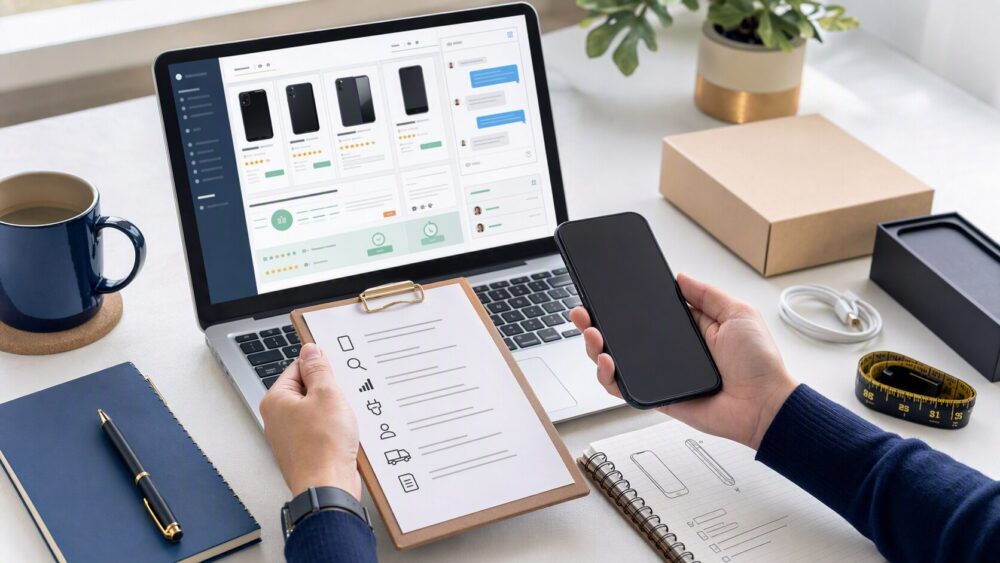
Quick answer: DHgate is a marketplace, so whether a phone order is suitable depends on the specific listing and seller rather than the platform name alone. Before paying, confirm the exact model, regional version, carrier and network compatibility, device condition, storage, included accessories, selected variant, seller history, and the return or dispute information shown for the order. Keep messages and payment inside the platform, and save the listing and seller replies. If you need verified warranty coverage, carrier compatibility, or official authenticity, use a seller or retailer that explicitly provides those assurances.
What U.S. Buyers Need to Verify Before Considering a DHgate Phone
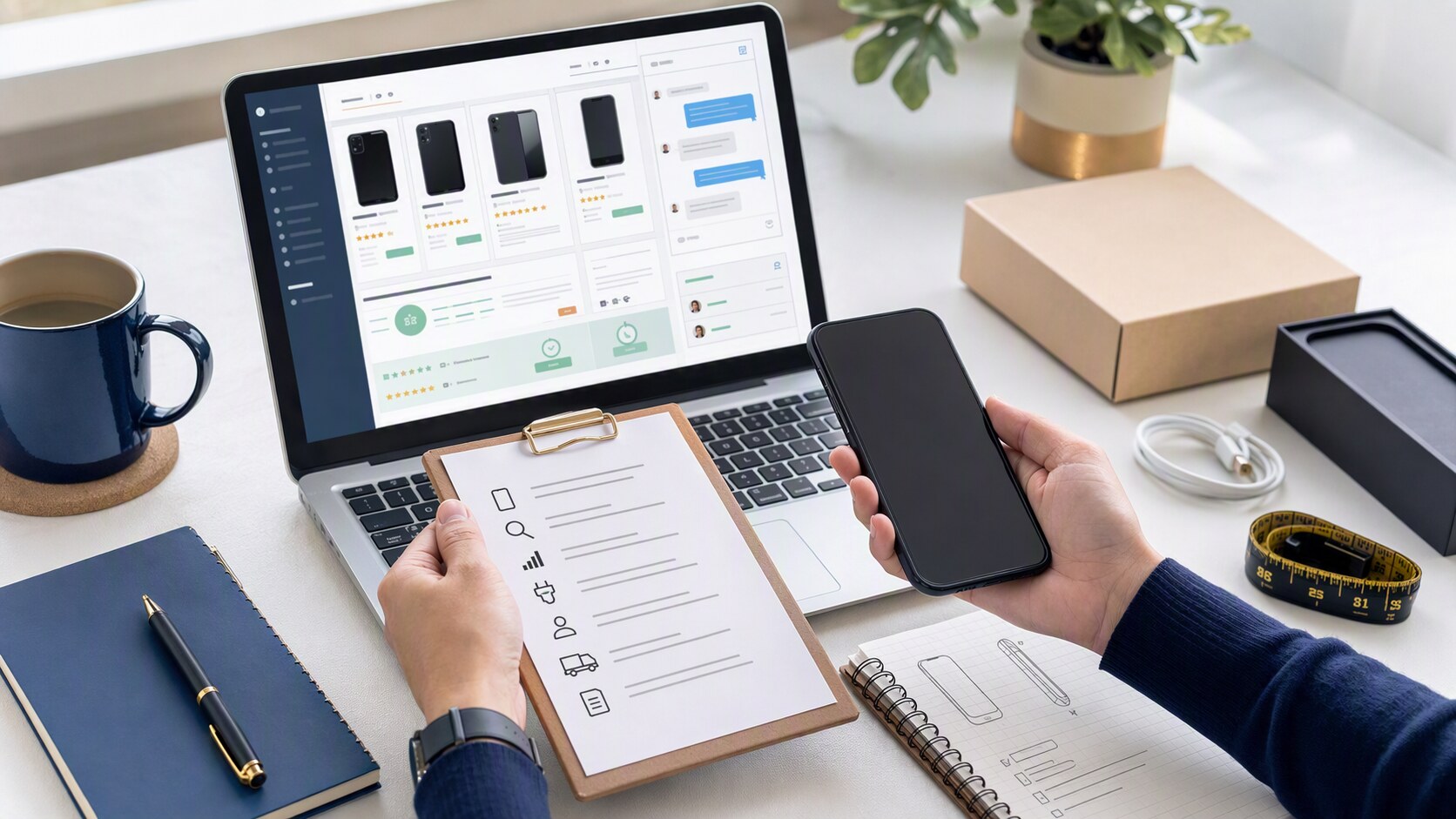
Phones require more verification than many marketplace purchases. A listing can look complete at a glance while leaving key questions unanswered about the exact device, network support, condition, included accessories, or software.
- Exact model and version: Confirm the model identifier, storage capacity, RAM, color, and regional version.
- Network compatibility: Verify supported bands, carrier compatibility, SIM or eSIM support, and whether the device is unlocked for your intended use.
- Condition: Confirm whether the device is new, refurbished, used, open-box, or replacement stock.
- Battery and charging: Check the stated battery condition, charger type, plug type, and included cable or adapter.
- Software and language: Verify the operating-system version, language support, app compatibility, and update expectations where relevant.
- Identifiers and lock status: Do not proceed if the seller cannot clearly answer lawful questions about device identity, lock status, or compatibility.
If the phone details cannot be verified from the listing and the seller’s written responses, do not treat the order as ready.
DHgate can be a structured marketplace option for buyers willing to verify the listing carefully and keep transaction records inside the platform. It does not independently verify every seller, device, compatibility claim, or order outcome.
How DHgate’s Marketplace Rules and Transaction Structure Work
DHgate operates as a marketplace, not as the manufacturer of the phones being sold. That matters because the platform’s role is to connect buyers and sellers, support the order flow, and provide the tools that help manage a transaction when something goes wrong.
In practice, the marketplace structure is built around the order itself. You place the order through DHgate, communicate through the platform, and keep the transaction inside the order record. DHgate also publishes seller-facing guidance about verification and transaction handling, which reinforces that the platform is organized around documented orders and platform-mediated resolution.
For buyers, the most important takeaway is this: the order record is the center of the process. If a seller’s promise is not reflected in the listing, the messages, or the order details, it is much harder to use the platform’s tools later.
Two concise boundaries help keep expectations realistic:
- Each order is assessed from its own record.
- Timing and documentation help a buyer use the process.
Those two points are especially important for phones, where model details, condition, and compatibility should be captured before payment.
How DHgate Buyer Protection and Disputes Work in Practice
DHgate’s buyer protection is not a blanket promise; it is an order-based process. The platform’s help materials describe a path that starts in My Orders, where a buyer can open Return & Refund for issues such as an item not received, an item not as described, damage, or a wrong item. DHgate also states that most items can be reported within a defined post-receipt window, and its after-sale guidance explains that disputes are handled through the order record with evidence review.
Here is the practical flow:
- Open the order in your DHgate account.
- Use the order’s refund or dispute option when the issue appears.
- State the problem clearly and attach evidence.
- Let the seller respond inside the platform.
- Escalate the case to DHgate if the issue is not resolved.
For a phone order, evidence matters more than general concern. Useful records include screenshots of the listing, the seller’s written promises, delivery tracking, photos of the device and packaging, and an unboxing video if you have one. The goal is to show exactly what was ordered, what arrived, and where the mismatch is.
DHgate’s dispute process is most useful when you use it in sequence and on time. If you confirm receipt too early or fail to preserve the order record, you reduce the usefulness of the platform’s review path.
How to Evaluate a DHgate Phone Listing and Seller Before Ordering
A careful phone purchase starts with listing clarity, not the checkout button. The title, photos, description, selected variation, and seller replies should point to the same device.
- Seller history: Review visible transaction history and feedback patterns relevant to phone listings.
- Recent buyer feedback: Read the newest reviews first, especially comments or photos that identify the model, condition, or accessories received.
- Listing consistency: Confirm that the title, photos, description, storage option, and variant labels describe the same device.
- Compatibility details: Prefer listings that state carrier, band, region, and version information you can verify independently.
- Communication quality: Ask a precise question about the model, condition, compatibility, or included accessories and keep the reply inside DHgate.
Current listing details can change. Make the final decision using the product page, selected variant, seller replies, shipping details, and checkout information shown for your own order.
A Safer First-Order Workflow for Buying Phones on DHgate
- Search using the exact model, regional version, storage, and compatibility detail you need.
- Open several listings and compare the model identifier, condition, photos, selected variants, included accessories, and network information.
- Ask the seller one or two specific questions about compatibility, condition, and what is included. Keep the replies on-platform.
- Save screenshots of the listing, selected variant, seller replies, and any compatibility statements before checkout.
- Pay and communicate inside DHgate so the order record remains complete.
- When the phone arrives, record the unboxing, inspect the device, compare it with the listing, and test key functions before confirming receipt.
- If the device does not match the listing, use the order page to open the available return, refund, or dispute path and attach clear evidence promptly.
Phone listing checklist
- Model: Exact model identifier, regional version, storage, RAM, and selected variant.
- Compatibility: Carrier, bands, SIM or eSIM support, and lock status for your intended use.
- Condition: New, refurbished, used, open-box, or replacement stock.
- Accessories: Charger, cable, adapter, packaging, and any missing items.
- Evidence: Listing screenshots, seller replies, shipping method, and checkout record.
FAQ
Can I assume a phone listing is compatible with my carrier?
No. Confirm the exact model, network bands, carrier compatibility, SIM or eSIM support, and regional version before ordering.
Should I rely on seller messages alone?
No. Keep the product page, selected variant, order details, and seller messages consistent so the transaction record supports what you expected to receive.
What should I record when the phone arrives?
Record the unboxing, package condition, device model, included accessories, visible condition, and initial functionality before confirming receipt.
What if the phone does not match the listing?
Use the order page to open the available return, refund, or dispute path. Submit listing screenshots, seller messages, tracking details, and photos or video of the device promptly.
Should I buy a high-value phone as a first order?
A first order should only proceed when the listing details, seller responses, compatibility information, shipping terms, and dispute options are clear enough for you to document.
Next step
Before placing a phone order, compare at least two listings, verify the exact model and compatibility in writing, and save the record you relied on. If any key device detail remains unclear, choose another option or use a retailer that provides the assurances you need.
Sources and further reading
- DHgate Blog — Mi 12 Ultra
- DHgate Blog — Xiaomi Mi 11 Ultra
- DHgate Blog — What Is the Best Website to Buy Phones From?
- DHgate Blog — Top Mobile and Cell Phone Options
- DHgate Blog — Is DHgate Reliable?
Note: Listing availability, device condition, compatibility, warranty coverage, seller information, shipping terms, buyer-protection options, and order outcomes can change. Review the current listing, seller messages, checkout details, and order record before paying.