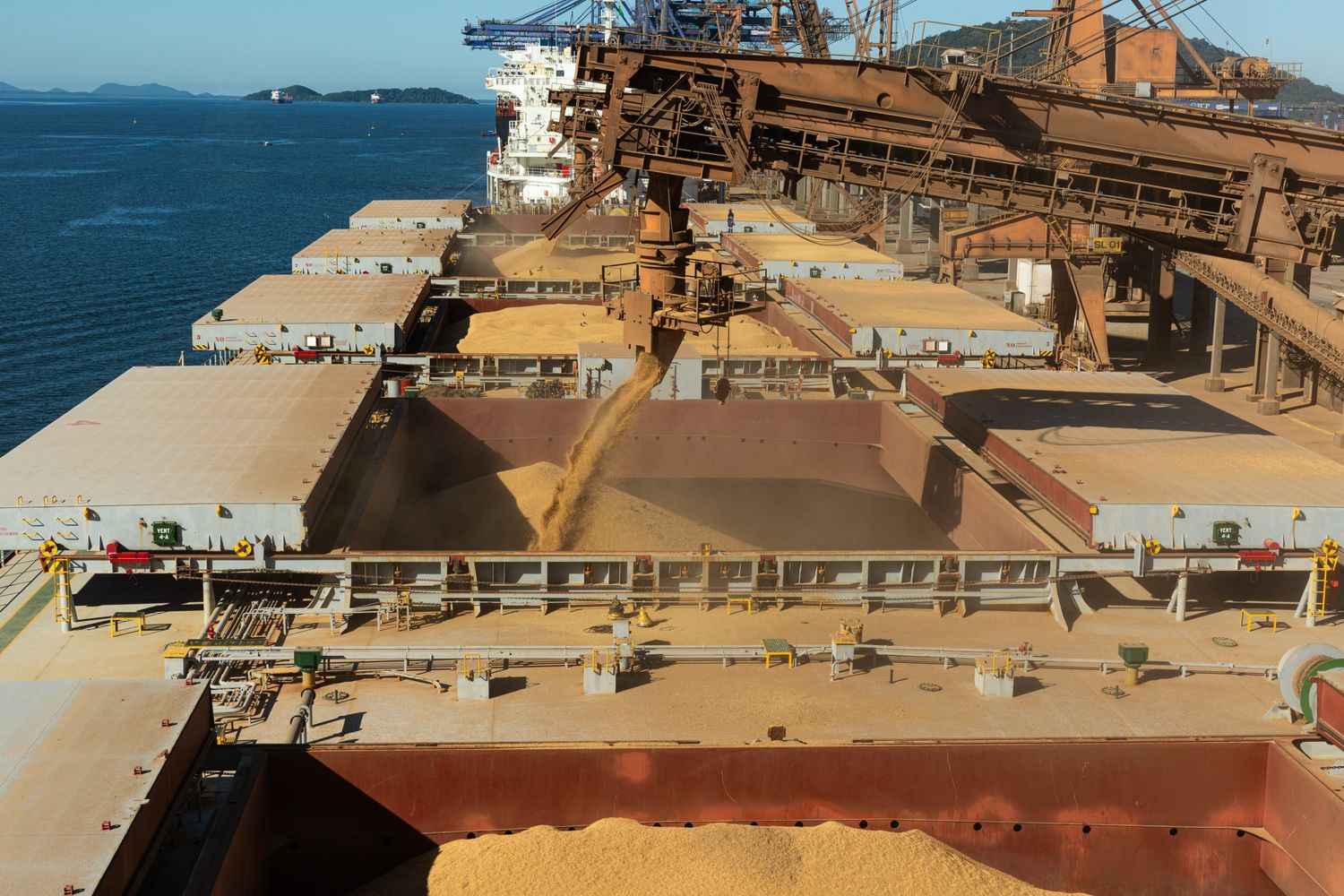
Bulk shipping and label printing stop being a minor chore once you’re sending a few dozen packages a week. At that point you’re running a system: software that generates carrier labels in batches, and physical products (thermal labels, printers, branded mailers) that turn those files into scannable stickers. Getting that system right is what saves you time, cuts per‑order costs, and keeps labels from peeling off halfway through a USPS run.
For most U.S. eBay and marketplace sellers, the pattern is similar: start by using built‑in platform labels and generic 4×6 thermal labels; then, as you grow toward hundreds of orders a week, standardize your printer, source label rolls and packaging in bulk from reliable suppliers (sometimes overseas), and add branding only when your volume and margins justify it.
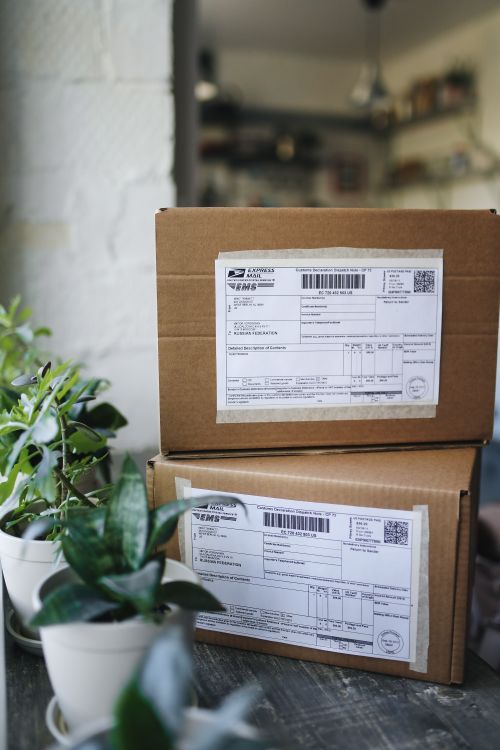
How bulk shipping and label printing actually work for marketplace sellers
In practice, “bulk shipping” has two layers:
- Workflow layer (software & platforms)
This is where you buy and generate labels:
- Major marketplaces and ecommerce platforms let you purchase shipping labels directly and, in many cases, process orders in batches.
- Shipping software providers emphasize batch processing as a core feature. You connect your stores, group dozens or hundreds of orders, and generate labels in one go; for example, ShipStation’s how‑to on batching and bulk printing labels highlights this workflow.
- Seller forum threads, such as an Amazon Seller Central discussion about printing multiple thermal‑sized labels into a single PDF, show that real‑world pain points often revolve around bulk PDFs, alignment, and label format rather than the labels themselves.
- Physical layer (printers, labels, packaging)
Here you translate PDFs into physical output:
- Printers. Low‑volume sellers often start with inkjet or laser printers on 8.5×11 label sheets. Once you reach steady volume, direct thermal printers optimized for 4×6 labels commonly become the default because they’re fast and don’t require ink or toner. Editorial guidance on DHgate’s blog also notes that integrating thermal printers with inventory systems and batch printing can improve efficiency.
- Label stock. Common options include 4×6 direct thermal rolls, fanfold stacks, and occasionally sheet labels. For USPS/UPS/FedEx formats, 4×6 is the safest standard.
- Packaging. Poly mailers, bubble mailers, branded boxes, and sometimes pre‑printed return‑address labels or logo stickers.
Industry guides from label providers (such as Quadlabels’ article on bulk shipping and label printing) point out that once you’re shipping dozens or hundreds of packages per week, label printing becomes a significant operating cost: label media, printer wear, labor, and misprints. Bulk tools and good label stock matter because they directly impact:
- Time per order: scanning and batch‑printing vs. copying addresses one by one.
- Error rate: a misaligned PDF or wrong label size can ruin a whole batch.
- Customer experience: labels that smear, peel off, or don’t scan mean delays and lost packages.
Treat labels as part of your operations, not office stationery, and your sourcing decisions will be much clearer.
Where labels actually come from – and what can go wrong
Shipping labels and printed packaging run through a fairly standard supply chain:
- Upstream: paper or film manufacturers and adhesive producers.
- Midstream: label converters and printing houses that coat, slit, and sometimes pre‑print rolls or sheets.
- Downstream: distributors, office‑supply brands, online label specialists, and global marketplaces that resell finished labels and packaging.
Many commodity thermal labels and generic packaging products are manufactured in China and other Asian hubs; custom‑branded labels and mailers are available both from U.S. printers and from overseas converters. That mix is why U.S. sellers can choose between faster, higher‑cost domestic sources and slower, lower‑unit‑cost imports.
Common failure points you need to design around:
- Adhesive mismatch or weakness. Labels that work on cardboard boxes may curl on poly mailers, or peel off in cold or humid conditions. This is especially risky with very cheap bulk labels.
- Scannability problems. Low‑resolution printing, fuzzy barcodes, or ink that smears can make labels unreadable. Carriers will sometimes re‑label; often they just delay or return the shipment.
- Thermal label heat sensitivity. Direct thermal labels can darken or fade if exposed to heat or UV. If your labels sit in a hot truck or warehouse, print can go gray and barcodes can fail.
- Wrong size or layout. A roll that’s described as “4×6” but is slightly off, or has too much margin, can cause layout issues with carrier‑formatted labels.
- Transit and customs issues for imported stock. Large cartons of label rolls are heavy and can be exposed to heat or moisture. Poor packaging can cause edge damage, curling, or stuck labels before you even use them.
Knowing these weak points shapes the questions you ask suppliers and the tests you run on samples.
Matching your volume to printers, labels, and software
Before you worry about suppliers, lock in the basics of your setup. Your order volume and branding goals largely dictate what makes sense.
Scenario 1: Micro seller (roughly 10–50 orders per week)
Typical profile: side‑hustle eBay seller, Etsy shop, or small Shopify store.
Practical setup:
- Workflow: the platform’s own labels are usually enough; you batch as far as the platform allows.
- Printer: if you already own a good laser printer, you can start with 2‑per‑page or 4‑per‑page sheet labels. Once you’re consistently shipping every day, a basic 4×6 direct thermal printer begins to pay off in speed and simplicity.
- Labels:
- Buy generic 4×6 direct thermal labels in small bulk packs.
- Stick to standard sizes labeled as compatible with USPS/UPS/FedEx formats.
- Branding: optional. A simple logo sticker or thank‑you card is usually enough; custom printed mailers rarely make sense at this volume.
Scenario 2: Growing SMB (about 100–1,000 orders per week)
This is where bulk shipping and label printing become a core workflow, not an afterthought.
- Workflow: many sellers add third‑party shipping software to:
- Pull orders from multiple channels (eBay plus other marketplaces or a webstore).
- Auto‑select services based on rules.
- Generate labels and customs forms in large batches. Providers like Easyship describe this kind of bulk label generation in their guides to bulk shipping labels.
- Printers:
- Standardize on direct thermal 4×6 printers at each packing station. They’re commonly preferred for high volume because they’re fast, low‑maintenance, and sized for carrier labels.
- Keep at least one backup printer or spare print head; a failure during peak season is expensive.
- Labels:
- Move to bulk rolls or fanfold packs (for example, cases of several thousand 4×6 labels).
- Consider slightly more durable material or better adhesive if your packages encounter rain, cold, or long transit.
- Branding: this is where custom printed mailers, branded “thank you” stickers, or pre‑printed return‑address labels can be justified.
Scenario 3: Larger operations (thousands of orders per week)
At scale, you’re optimizing downtime, labor, and brand consistency.
- Workflow: API‑driven integrations, multiple shipping tools, or WMS systems. Batching and label generation are usually automated, and labels may be printed at multiple sites.
- Printers: multiple high‑duty‑cycle thermal printers; sometimes industrial print‑and‑apply systems on conveyor lines.
- Labels:
- High‑volume custom runs from label converters.
- Potentially synthetic or more durable facestock for rough logistics environments.
- Branding: fully branded boxes, pre‑printed labels with return addresses and logos, and sometimes color‑coded internal labels for warehouse workflows.
Those scenarios aren’t rules, but they’re useful inflection points. As your volume moves up a band, reconsider whether your printer type, label format, and sourcing channels still make sense.
How to vet bulk label and printing suppliers (especially overseas)
Once you know your printer type and label format, you can evaluate suppliers with much more precision.
Understand which kind of supplier you’re dealing with
You may be talking to:
- Label stock manufacturers/converters – they produce blank or partially printed rolls and sheets.
- Custom printing houses – focus on branded labels, mailers, and packaging.
- OEM/ODM printer makers – manufacture thermal label printers themselves.
- Software/services – sell you the shipping labels (postage) and workflow, not the physical media.
One company can wear more than one hat, but clarifying this helps you ask the right questions.
The specs you must pin down
When you source bulk labels, vague descriptions like “shipping label, 4×6” aren’t enough. Ask for, or confirm, at minimum:
- Label size and layout: exact width and height, gap between labels, top/bottom margin. Verify compatibility with USPS/UPS/FedEx 4×6 formats.
- Core diameter and roll format: common cores are 1″ or 3″; your thermal printer only accepts certain sizes and max roll diameters. Fanfold labels bypass core limits but require a different feed path.
- Roll length or labels per roll: this affects how often you change rolls and how many cartons you’ll store.
- Material type:
- Standard paper vs. synthetic (for water/tear resistance).
- Direct thermal vs. thermal transfer (requires ribbon).
- Adhesive characteristics: permanent vs. removable; temperature range; noted compatibility with cardboard, poly mailers, or both.
- Printer compatibility: model list or at least clarification on direct thermal vs. laser/inkjet use.
Sampling and testing protocol
Before you place a big order, run a small, deliberate test. For shipping labels, focus on:
- Adhesion tests: apply labels to your actual mailers and boxes. Let them sit for 24–48 hours, including in a cold or warm environment, and try to peel them off. Watch for lifting edges or labels that slide.
- Print quality and scannability: print your actual carrier labels on your own printer. Then:
- Scan barcodes with a scanner app or your carrier’s scanner if possible.
- Rub with a thumb or cloth to see if they smudge.
- Heat/light exposure: leave a set of printed labels in a sunny window or warm car for a few hours. Direct thermal stock that turns gray or fades is a risk for long‑transit shipments.
- Real‑world shipping: send a few test packages across the country and inspect labels on arrival (or ask recipients for photos).
Label testing guides such as Laguna Digital’s advice on testing product labels before a bulk order back up this approach: catching issues at the sample stage is much cheaper than discovering them after you’ve bought a pallet.
Evaluating overseas suppliers specifically
For cross‑border orders, add a layer of scrutiny:
- Catalog focus: does the supplier mainly list labels/packaging and printing services, or a random mix of unrelated products? Focus is a good sign.
- Time in business and track record: years operating, any visible reviews or repeat‑buyer comments where available.
- Production evidence: photos or videos of print lines, finishing equipment, or packaging areas that match what they claim to sell.
- Communication quality: how clearly and quickly they answer specific questions about materials, tolerances, and past export markets.
- Customs documentation: ask if they can provide HS codes for paper/packaging products and standard invoices. For detailed duty or tax questions, talk to a customs broker; don’t rely on the supplier for legal advice.
Red flags include reluctance to send samples, vague answers about adhesives or printer compatibility, and heavy pressure to “go big” on the first order.
Buying in bulk without getting stuck: MOQs, pricing, and logistics
Bulk buys can slash per‑label cost but tie up cash and storage. You want the sweet spot where you’re saving money without buying a year of labels you might never use.
How MOQs and pricing usually behave
- Blank commodity labels: often offered with relatively modest minimum order quantities, because converters produce standard sizes continuously and can break cases. Expect price breaks as you step up through cases or cartons.
- Custom‑printed labels and branded packaging: typically higher MOQs. Plates, color calibration, and changeover time mean a 500‑piece run may cost nearly as much setup‑wise as a 5,000‑piece run. Label‑printing specialists highlight that per‑label cost usually falls as volume rises.
- Tiered pricing: suppliers almost always offer bands (for example, 1–4 cartons vs. 5–9 vs. 10+). Each tier lowers per‑label cost but increases total spend and storage needs.
Think in terms of per‑label cost over a 3–6 month window, not just per‑case price. If you outsized your order and then change carriers or packaging types, you’re sitting on obsolete stock.
Lead times: domestic vs overseas
While every supplier is different, typical patterns look like this:
- Domestic U.S. label printers/converters
- Simple blank label orders: often ship within days once stock is confirmed.
- Custom printing: commonly a few days to a couple of weeks.
- Overseas suppliers (e.g., China/Asia)
- Production can be fairly fast for standard items, but you must add international transit and customs.
- Air freight may mean on-the-order-of a week or two door‑to‑door; ocean freight adds several more weeks.
Because of that lag, high‑volume shippers should define reorder points that account for production + transit + a buffer. If you burn through a case of labels every 10 days, waiting until you’re on the last roll is risky with overseas orders.
Logistics and dimensional weight for labels and packaging
For your own inbound label and packaging orders:
- Ask suppliers for carton dimensions and weight to compare air vs sea freight or domestic parcel vs LTL.
- Avoid over‑sized packaging for your supplies; compact cartons reduce inbound freight charges and warehouse space.
- For heat‑sensitive thermal labels, specify packaging that protects against moisture and high temperatures in transit.
Quality and terms for big runs
When you place a significant order, treat it like a real procurement contract:
- Quality expectations: describe what counts as a defect (for example, misaligned die cuts, missing labels, severe adhesive bleed).
- Remediation: agree in writing on whether serious quality problems are handled via reprints, partial refunds, or credits.
- Packaging standards: request sealed inner wrap for label rolls and sturdy cartons, especially if shipping by ocean or through hot climates.
- Payment terms: with overseas suppliers you’ll often prepay or pay a deposit plus balance. Use secure methods and consider escrow‑style options where available on a platform.
None of this needs to be lawyer‑grade legalese, but clear emails and purchase orders reduce disputes later.
Comparing channels: platform tools, software, printers, converters, and marketplaces
You have two separate decisions to make: who handles your label workflow (buying and generating carrier labels), and who supplies your physical label media and packaging.
Here’s how the main channel types typically line up:
| Channel type | Mainly gives you… | Common use case for marketplace sellers | Key tradeoffs |
|---|---|---|---|
| Platform‑native labels (eBay, Amazon, Shopify) | Carrier labels & some batching | Single‑platform or low‑complexity sellers up to mid volume | Simple and integrated, but limited cross‑channel view; you still need separate label stock and packaging suppliers |
| Third‑party shipping software | Cross‑channel bulk label workflow and automation | Sellers with multiple channels or 100+ orders/week | Subscription cost; you still buy your own labels & packaging, but get better batching and rules |
| Local print shops / label converters | Blank and custom labels, sometimes design help | Fast turnaround or complex custom work, especially for branding | Higher per‑unit cost; selection limited to what local shops can produce |
| Online label specialists (U.S.) | Wide range of label stock & custom prints shipped domestically | Reliable, predictable quality and lead times for U.S. buyers | Usually pricier per unit than overseas options at large volumes |
| Global B2B marketplaces | Access to many overseas suppliers for labels, printers, and packaging | Cost‑sensitive buyers willing to manage longer lead times, sampling, and logistics | Variable quality and MOQs; more complex shipping and customs; requires careful vetting |
Many eBay and marketplace sellers end up with a hybrid:
- Use the marketplace’s own label tools or shipping software as the workflow layer.
- Source 4×6 label rolls and packaging from a domestic online label specialist for reliability.
- Experiment with overseas or marketplace suppliers only for specific items (like custom mailers) once they understand their usage and quality needs.
For many U.S. eBay sellers ramping from hobby to small business, a sensible path looks like this:
- Start with your platform’s labels and a single direct thermal 4×6 printer plus domestic bulk label rolls.
- Add shipping software once your weekly volume and channel count justify more automation.
- Once you clearly understand your label consumption and quality needs, test overseas or marketplace options (including DHgate) for specific items—such as custom mailers or larger runs of blank labels—where potential savings justify the extra complexity.