
Quick answer: DHgate buyer protection is most useful when the order record is complete: confirm the selected variation, delivery terms and messages before paying, then keep evidence inside the platform. Check current policy and deadline details in your own order because options can change.
If you are asking whether the is DHgate site safe question has a clear answer, the most accurate one is this: DHgate is a real marketplace with platform rules and order-based buyer-protection tools, but the safest way to use it is to treat each purchase as its own documented transaction. That means checking the seller, reading the listing closely, keeping messages on-platform, and saving records before you confirm receipt. DHgate is not a blanket promise about every order; it is a marketplace process that is more useful when buyers use the tools it provides.
What first-time buyers are asking
Most first-time U.S. buyers are not asking whether DHgate exists. They are asking whether they can use it with enough structure to feel confident about payment, delivery, and what happens if an order needs review. In practice, the trust question usually comes down to four things: whether the marketplace has rules, whether the seller can be checked before purchase, whether there is a dispute path if something goes wrong, and whether the buyer can document the order well enough to support a review.
That is the right way to think about DHgate. It is a marketplace, not a product owner, so the buyer’s experience depends on the order record, the listing details, and the seller’s responses inside the platform. If you are comparing your options, the useful question is not “Is DHgate perfect?” It is “Does DHgate give me a process I can follow carefully?”
DHgate should be judged as a marketplace process: review the listing, inspect the seller record, keep communication on-platform, and preserve order evidence until the transaction is complete.
How DHgate works as a marketplace
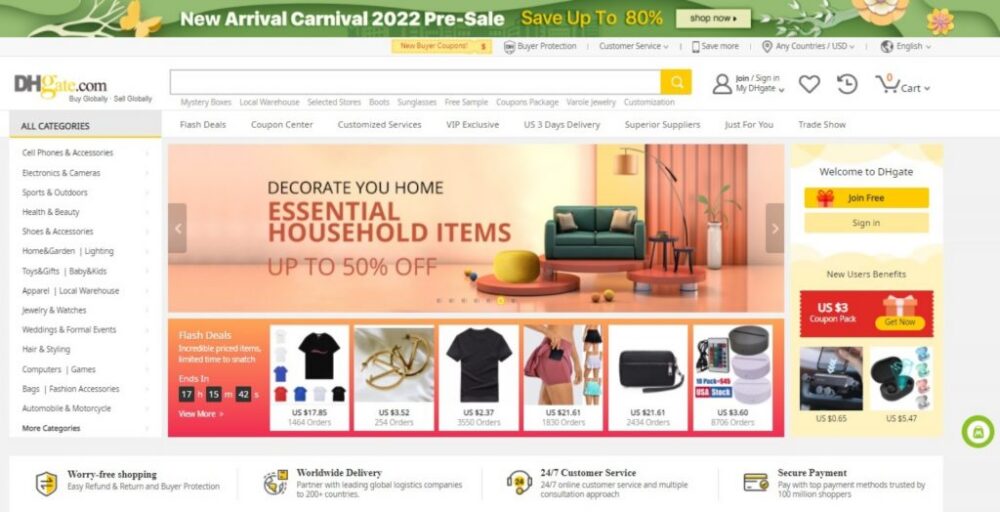
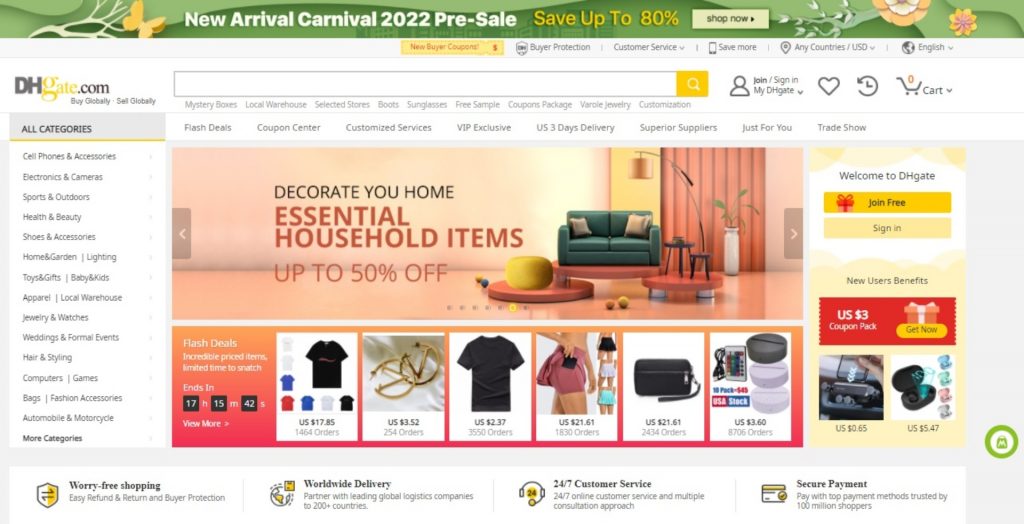
DHgate operates as a marketplace where independent sellers list products and buyers place orders through the platform. The brand’s own guidance describes DHgate as a platform that supports transactions between buyers and sellers rather than a single seller controlling every listing. That structure matters because it explains why the order record, seller page, and message history are central to how a purchase is handled.
The platform also provides buyer-facing protection and dispute tools tied to the order itself. In other words, DHgate is not asking buyers to rely on a general promise; it is giving them a transaction record and a process to use if the item needs review. The practical takeaway is simple: the marketplace is built around order-based handling, so the buyer should stay inside that order flow from start to finish.
Two concise boundaries help set expectations clearly:
- Each order is assessed from its own record.
- Timing and documentation help a buyer use the process.
DHgate’s marketplace structure matters because it gives buyers a place to review the seller, track the order, and keep the transaction inside a documented platform flow.
How DHgate buyer protection and disputes work
DHgate’s buyer-protection system is tied to the order page and the dispute path for that order. Official help pages describe a Return & Refund route for issues such as items not received, damaged items, or items not as described. DHgate also notes that buyers can open a dispute from the order details area, which makes the order record the center of the review process.
At a high level, the workflow is straightforward: the buyer places the order, tracks it, checks the item on arrival, and uses the order page if a problem needs review. If the seller and buyer cannot resolve the issue directly, the dispute path allows the case to be escalated through DHgate’s process. The important point is that this is an order-based process, not a blanket promise that every case will end the same way.
For buyers, that means the strongest support comes from clear documentation. Keep screenshots of the listing, save shipping updates, and preserve photos or video if the item arrives damaged or does not match the listing. If the seller asks you to close a dispute before the issue is resolved, do not do that until you are satisfied with the outcome.
DHgate’s protection tools work most suitable when the buyer uses the order page, keeps the issue inside the platform, and uploads clear evidence early.
How to check a DHgate seller and listing before ordering
Before you buy, use the signals DHgate makes visible on the seller page and product page. Start with seller history, feedback, and recent reviews. Then read the listing details closely: product description, size or specification fields, photos, shipping notes, and any seller messages attached to the page. If the listing leaves important details unclear, message the seller inside DHgate and ask for a direct answer before you place the order.
A practical evaluation method looks like this:
- Check the seller’s transaction history and feedback pattern.
- Read recent reviews, not just the overall score.
- Compare the listing photos with the written description.
- Look for clear size, material, model, or variant details.
- Ask a question through DHgate messaging and see whether the reply is specific and timely.
- Save the listing page before ordering in case you need to compare it later.
This step matters most when a buyer wants to inspect seller history, reviews, and listing details before ordering. It also helps when the product has multiple variants or when the description uses broad language that needs clarification. The goal is not to overanalyze every page; it is to make sure the order record starts with enough detail to support a later review if needed.
A credible DHgate listing is one that gives you enough information to compare the seller record, the product page, and the seller’s answers before you pay.
A practical first-order workflow on DHgate
If this is your first order, keep the process simple and documented. DHgate is more useful when you move step by step and keep everything tied to the order page.
- Search for the item and open the product page.
- Review the seller record, reviews, and listing details.
- Message the seller inside DHgate with any questions about size, version, shipping, or included items.
- Save screenshots of the listing and the seller’s replies.
- Place the order only after the details are clear.
- Track the shipment and inspect the item before confirming receipt.
- If there is a problem, use the order page and dispute tools, and upload photos, screenshots, and tracking records right away.
This time-bound snapshot of the order is what makes the process usable later. If something needs review, the platform can only assess what is in the record, so the buyer should preserve the listing, the messages, and the delivery evidence from the start. That is the most reliable way to use DHgate carefully and confidently.
The safest first-order habit on DHgate is not speed; it is documentation. Search carefully, ask questions, keep records, and use the order page if a problem needs review.
Quick answer
DHgate is a marketplace, so safety depends on the specific seller, listing details, and how well you document the order. Use the platform’s order page, keep messages on-platform, and save screenshots before you confirm receipt. If something looks unclear, pause and verify the listing, seller history, and dispute steps first.
FAQ
Is DHgate itself the seller?
No. DHgate is a marketplace, so individual sellers handle the listings and order details.
What should I save before I order?
Save the product page, seller replies, and any shipping or variant details shown on the listing.
What if the item arrives damaged or different from the listing?
Use the order page, keep the issue documented, and follow the platform’s dispute or return steps.
Should I message the seller before buying?
Yes, if any detail is unclear. A specific reply can help you compare the listing with the order later.
When should I confirm receipt?
Only after you have checked the item and are satisfied with what arrived.
Next step
If you plan to buy, open the listing, review the seller record, and save the page before checkout so you have a clear reference if you need it later.
Sources and further reading
- DHgate official blog: https://www.dhgate.com/blog/?p=8511
- DHgate official blog: https://www.dhgate.com/blog/?p=7972
- DHgate official blog: https://www.dhgate.com/blog/?p=12366
- DHgate official blog: https://www.dhgate.com/blog/?p=12378
- DHgate official blog: https://www.dhgate.com/blog/?p=13034
- DHgate official blog: https://www.dhgate.com/blog/?p=8553
- DHgate official blog: https://www.dhgate.com/blog/?p=14660
- U.S. Customs and Border Protection, basic import/export guidance: https://www.cbp.gov/trade/basic-import-export
- FedEx packing guidance: https://www.fedex.com/en-us/shipping/packing/how-to-pack.html
Note: The DHgate sources above are first-party blog pages used as brand-grounding references. They are time-bound editorial sources and should be read as platform guidance, not as guarantees for any individual order.