
Can You Use Zip on DHgate? App Checkout and Record Checks
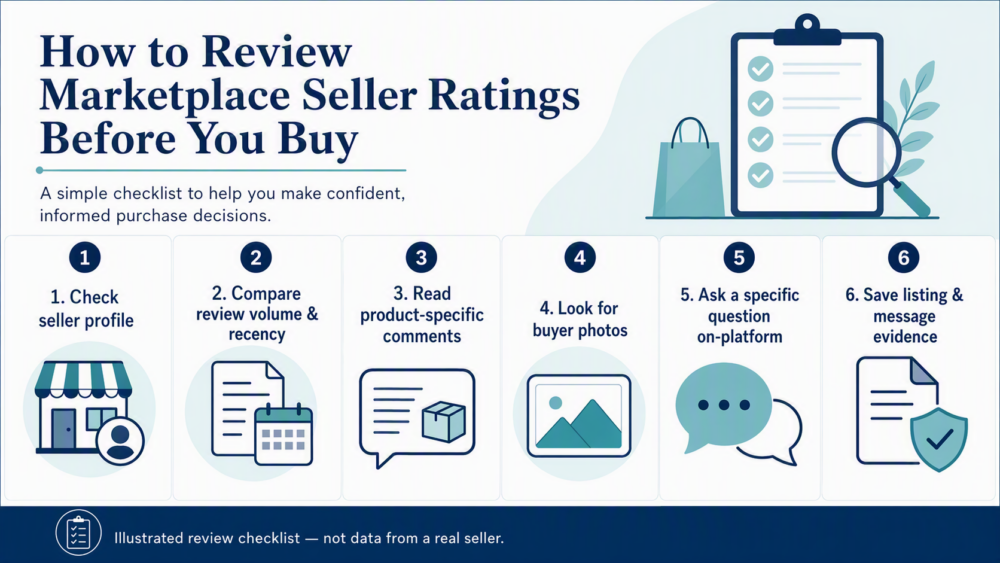
Check whether Zip can be used for a DHgate order, how to verify the checkout route, and what to do if the payment or order record does not match.
Check whether Zip can be used for a DHgate order, how to verify the checkout route, and what to do if the payment or order record does not match.

Learn how to edit a DHgate review by checking the completed order, review controls and any current modification window before contacting support.

Learn how to write a helpful DHgate review with clear examples, a practical checklist, and tips for sharing factual feedback about an order.
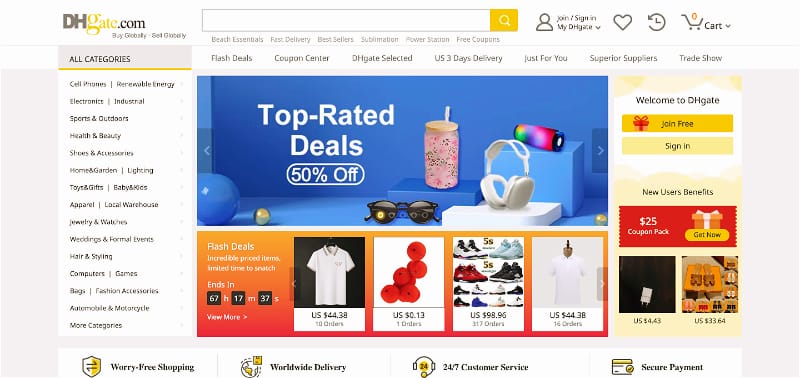
Learn whether you can search for stores directly on DHgate, why results may show products first, and how to use a product listing to confirm the right seller page.
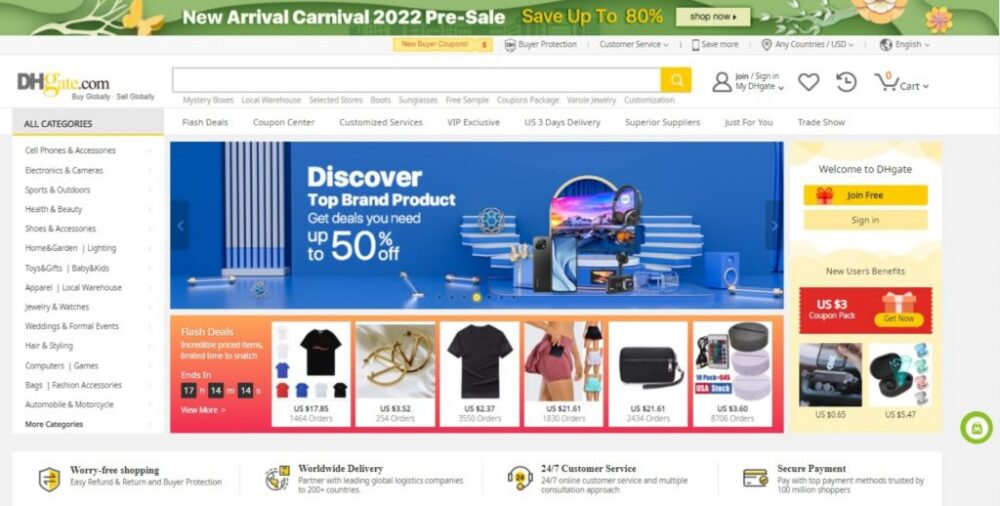
Learn how to browse a DHgate seller’s storefront, compare related listings, check product variations and reviews, and verify the right item before placing an order.
Reached an agreement with a DHgate seller? Before you close a dispute, review the order record, messages, evidence, and the action available for your specific case. This guide explains when closure may make sense, when to keep the case active, and what to do if no clear close option appears.
Paid for a DHgate order and need to cancel it? Start with the order details, check whether shipment information is shown, and review the available cancellation, refund, return, or support options. This guide explains what to do before and after an order moves beyond the pre-shipment stage.
Need to cancel a DHgate order? Start with the order details and check its current status. This guide explains what to do when cancellation is available, what to check if the order is already processing or shipped, and when to use DHgate’s refund, return, or dispute tools instead.
Want to close your DHgate account? Before submitting a deletion request, review open orders, refunds, returns, disputes, saved payment details, and records you may need later. This guide explains where to look for the account deletion option and what to do if you cannot find it.
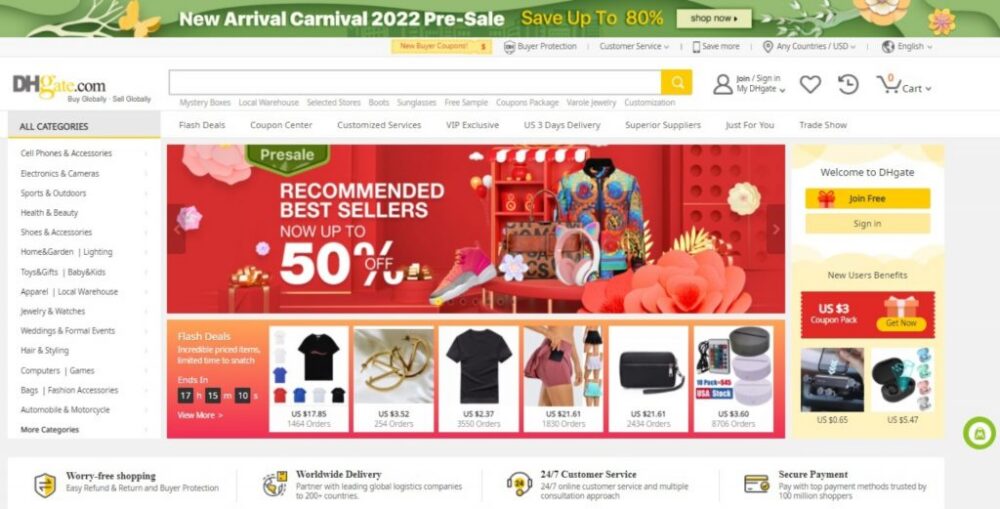
Need to cancel a DHgate order in the app? Open the relevant order, check its current status, and use the action available on that order page. This guide explains what to review before requesting cancellation and what to do if the order has already moved to shipping, refund, return, or dispute handling.