
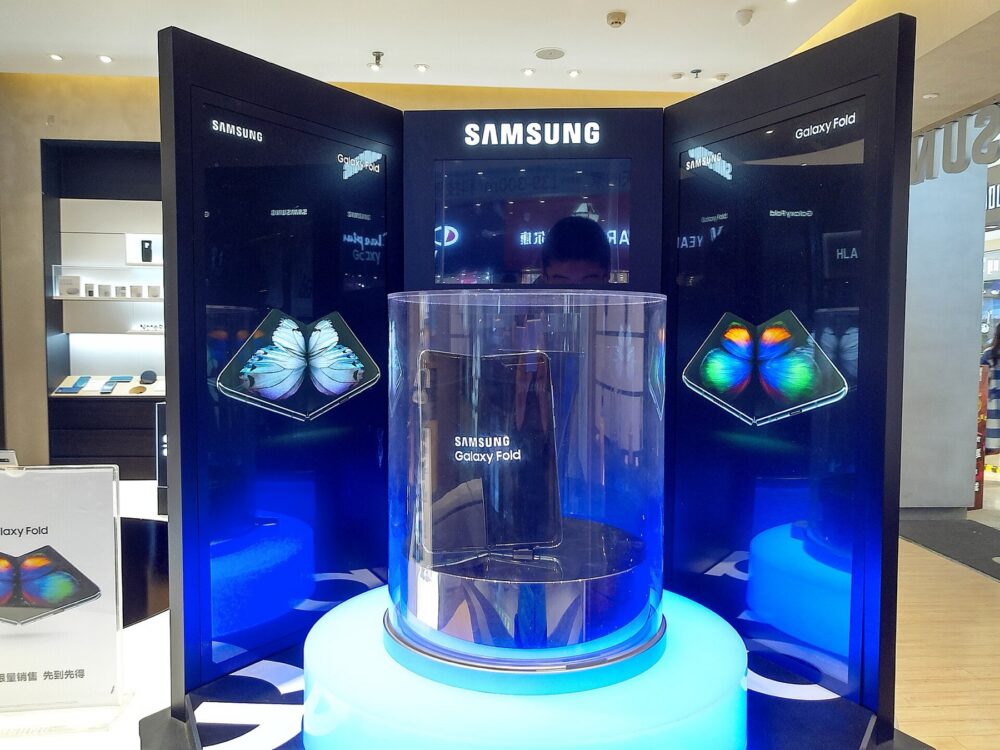
If you own a Galaxy Z Fold 6, the safest pens for the inner screen are Samsung’s S Pen Fold Edition and S Pen Pro. You’ll find these through Samsung directly and major retailers, with a growing mix of cheaper “Fold 6” stylus listings on marketplaces like Amazon, AliExpress, eBay, and DHgate. Those third‑party pens can be tempting on price, but many are generic or clones and may not use the screen‑safe tip design that the Fold 6’s flexible display expects, so you have to treat each listing as a one‑off and verify compatibility and seller reputation before buying.
For Australian buyers or small resellers, the practical approach is usually: start with Samsung‑verified pens if you care about screen safety and full feature support, then decide whether the savings from third‑party or generic styluses justify the added risk and testing effort.
What “Galaxy Z Fold 6 S Pen” Actually Means
Samsung’s own material on the Galaxy Z Fold 6 confirms that the phone supports S Pen input but doesn’t ship with a pen in the box. On the Fold’s main inner screen, Samsung specifically calls out two compatible models:
- S Pen Fold Edition
- S Pen Pro
On the Australian Fold 6 product page, Samsung describes these pens as designed for productivity on the main display, covering use cases like writing, sketching, and quick shortcuts without expanding support to the cover screen. You’ll see this echoed on regional accessories pages such as the official Galaxy Z Fold 6 accessories catalog.
That narrow compatibility matters because the Fold’s inner display is flexible and more fragile than a typical glass panel. Coverage from sites like Android Central highlights a key risk: pens or tips that weren’t engineered for the Fold series can press too hard or focus pressure in a way that stresses the ultra‑thin glass and protective layer. Non‑Fold S Pens, random active styluses, or very hard plastic tips fall into that grey zone. They may register input, but there’s no assurance they’re safe for the display, and repeated use could increase the chance of marks or damage.
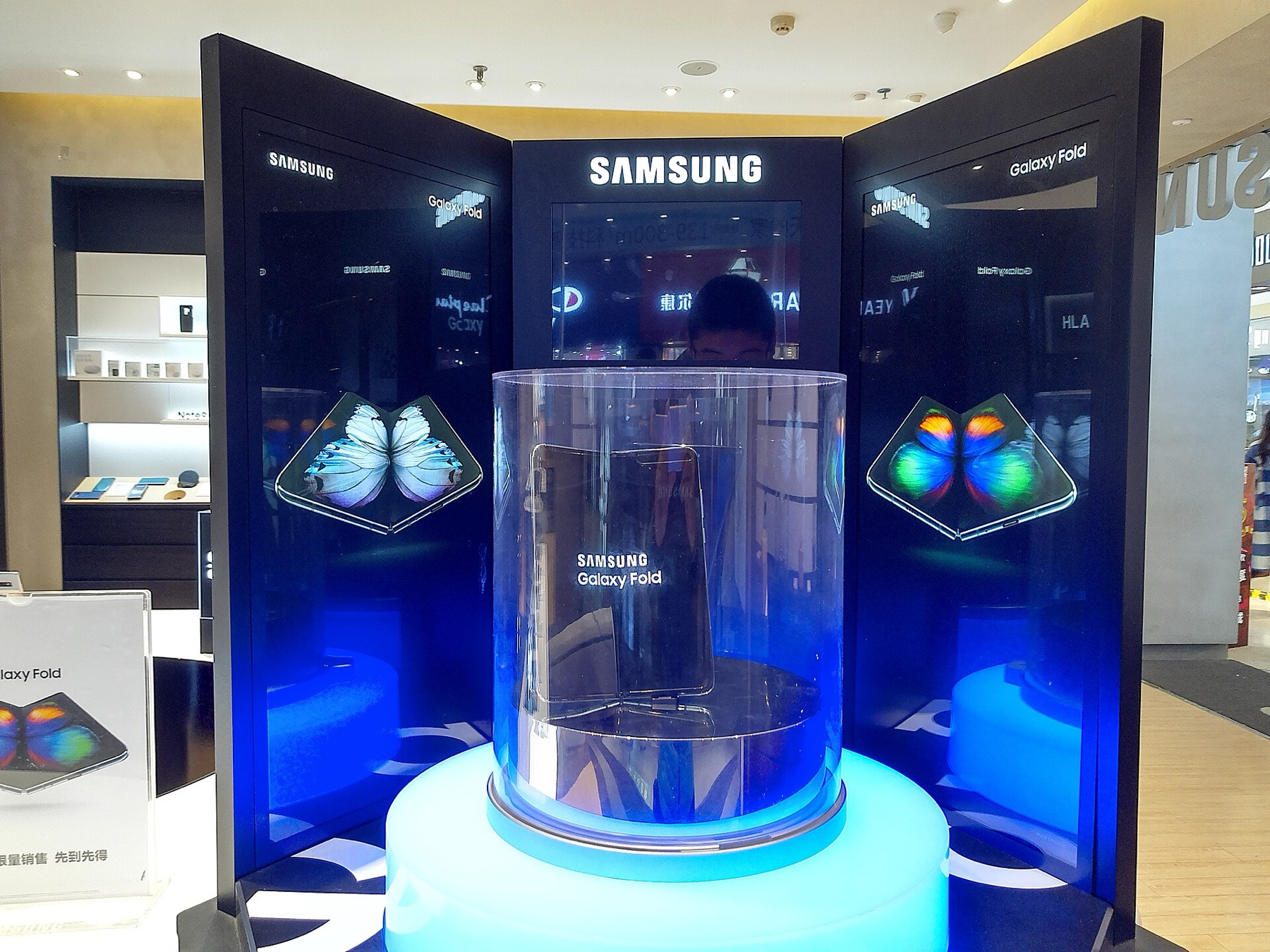
So when you see “Galaxy Z Fold 6 S Pen” online, it can mean three very different things:
- The official Fold Edition or Pro pen actually engineered for the Fold 6 inner screen.
- A third‑party pen claiming Fold 6 compatibility, sometimes styled to look like Samsung’s pens.
- A generic capacitive stylus that only mimics basic finger input, not Samsung’s pressure‑sensitive or Air Command features.
Your buying strategy should be shaped by which of those three categories you’re comfortable with.
Official vs Third‑Party S Pen Options and Buying Factors
From a buyer’s or small reseller’s perspective, there are really three tiers of product. This table sketches what you’re choosing between:
| Tier & example | Works on Fold 6 inner screen?* | Key features (general) | Typical price level** |
|---|---|---|---|
| Official S Pen Fold Edition | Yes (Samsung‑verified) | Precise writing/sketching, Fold‑safe tip, Samsung software features | Highest |
| Official S Pen Pro | Yes (Samsung‑verified) | Multi‑device support, button shortcuts, Fold‑safe tip | Highest |
| Third‑party “Fold 6 S Pen” | Unclear; varies | Often basic pressure or only capacitive; features depend on brand | Mid |
| Generic capacitive stylus | Yes, as a finger replacement | Simple tap/swipe, no Fold‑specific features | Lowest |
\*”Works” here means “likely to register touch.” Only Fold Edition and Pro are clearly designed for the Fold 6’s inner screen.
\**Price levels are relative editorial judgments based on official vs third‑party vs generic accessory markets, not specific numbers.
For official pens, the value is straightforward. You’re buying known compatibility with the Fold 6 inner display, a tip hardness that Samsung tuned for the flexible screen, and integrated software behaviour. For a single owner who relies on handwriting or drawing, these are the low‑risk options. For a small reseller, margins are tighter but there’s real demand among buyers who specifically want “the right” pen for their Fold.
The third‑party “Fold 6” pens you’ll see on various global sites are more mixed. A Walmart Business listing, for example, markets an “Z Fold 6 S Pen Fold Edition” stylus with nibs and adaptors in a similar style to Samsung’s accessory. That kind of product may or may not be a licensed or truly equivalent pen; the quality, tip material, and long‑term screen safety can differ significantly between brands. For individual buyers, these can be appealing if the price undercuts Samsung by a wide margin. For resellers, the attraction is the higher potential markup—but it comes with the responsibility of testing or clearly labelling that the pen is third‑party, not Samsung‑made.
Generic capacitive styluses are at the budget end. These act like a shaped fingertip: they don’t rely on Samsung’s digitizer support and won’t unlock Fold‑specific productivity features. The upside is that they generally pose less risk than a hard active tip, because they’re usually rubber or soft material, but you’re giving up precision and software integration.
Screen‑risk sidebar: why non‑Fold pens can be a problem
Expert coverage, including the Android Central piece above, emphasises that the Fold line uses a different internal structure and protective layers than flat glass phones. Samsung’s Fold Edition and Pro pens are tuned for that. Pens designed for a Galaxy S or Note device might feel similar, but they weren’t validated for the Fold’s ultra‑thin glass, so repeated pressure at the tip could introduce creasing or marks over time.
That’s why any active pen that isn’t explicitly Fold‑safe should be treated cautiously. If you experiment with third‑party options, do it on a lower‑brightness setting, avoid pressing hard near the hinge area, and be prepared to stop if you see any imprinting.
Where to Buy a Fold 6–Compatible S Pen Online (Including DHgate)
For buyers in Australia, the channel decision usually comes down to how much you value official compatibility versus price:
1. Samsung AU online store
Samsung’s Australian site lists the Fold 6 and related accessories. From the local Galaxy Z Fold 6 page you can click through to accessories, where compatible S Pens and cases designed around pen storage appear. This is the cleanest path to a genuine Fold Edition or Pro pen. You’re paying premium accessory pricing, but you’re aligning exactly with what Samsung describes as designed for Fold 6 productivity.
Best for:
- Single owners who want official pens and minimal compatibility guesswork.
- Small resellers positioning themselves as “official accessories” sellers.
2. Australian electronics and phone retailers
Local chains and specialist online stores often stock Samsung accessories, including pens and Fold‑focused cases. These channels sometimes bundle a pen with a case or screen protector, or run promo pricing that narrows the gap with Samsung’s own store.
What to check:
- Whether the listing specifies Fold Edition or Pro by name.
- Product descriptions or imagery that match Samsung’s design rather than a generic stylus layout.
3. Global marketplaces (Amazon, eBay, AliExpress, DHgate)
If you’re chasing lower prices or experimenting with third‑party pens, you’ll find many “Z Fold 6 S Pen” results across international marketplaces. These range from:
- Claimed “Fold Edition”‑style pens that resemble Samsung’s product.
- Off‑brand active pens that list multi‑device compatibility.
- Plain capacitive styluses with Fold 6 added into the title for search visibility.
DHgate sits in this bucket as an international marketplace connecting buyers with multiple electronics and accessory sellers, often promoting competitive pricing compared with traditional retail. For a Fold 6 pen, treat DHgate like any other multi‑seller marketplace: search for “Galaxy Z Fold 6 S Pen” or “Fold Edition stylus,” then closely inspect individual listings—photos, detailed descriptions of tip material, and buyer reviews—to decide if a given pen looks genuinely Fold‑safe.
If you’re sourcing for resale, consider ordering a small batch first and testing on a device you’re willing to risk before committing to larger quantities.
For more on marketplace‑specific checks, you can read DHgateWiki’s coverage of what DHgate is and how the marketplace works, plus practical guides on finding trusted sellers and an order‑readiness checklist before checkout.
4. How the choice differs for a single buyer vs a small reseller
- Single Fold 6 owner in Australia: The simplest path is Samsung AU or a reputable local retailer for an official Fold Edition or Pro pen, especially if you rely on the phone for work.
Marketplace third‑party pens only make sense if you accept screen‑risk and are prepared to treat the pen as semi‑disposable.
- Small ecommerce business: You might mix channels—keep a baseline of official pens from Samsung or authorised distributors, then experiment with one or two promising third‑party models from global marketplaces to create a budget tier.
Your margin comes from those cheaper pens, but so does your risk, so be transparent in product titles and descriptions about which pens are official and which are compatible third‑party or basic stylus options.
In both cases, the decision isn’t just “where is the cheapest pen?” but “how much is the Fold 6’s inner screen worth to me, and am I willing to trade some safety for savings?” Align your channel choice with that answer.