
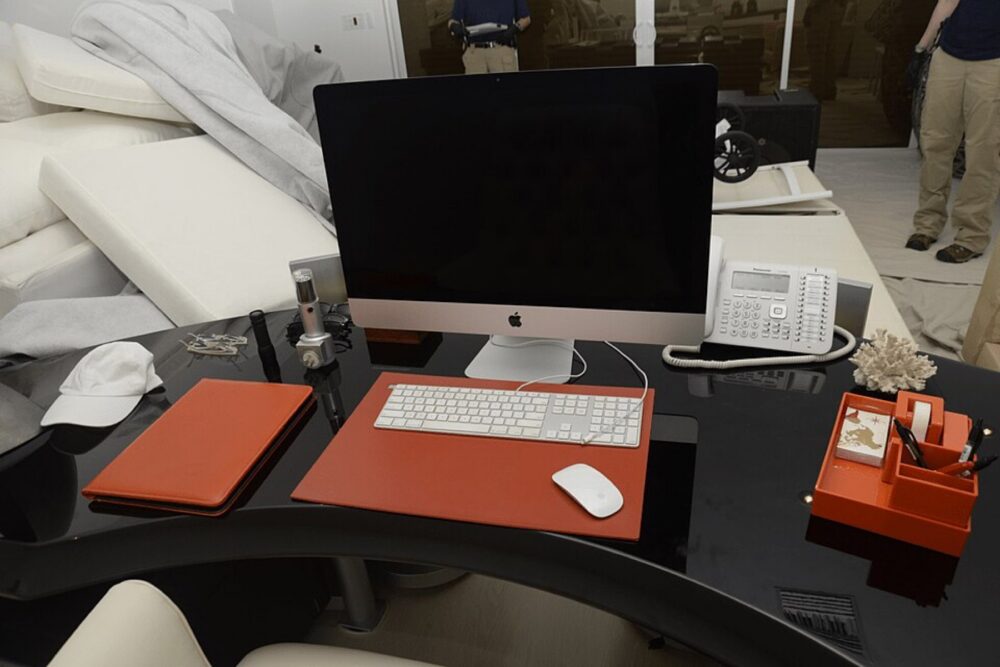
You can find plenty of white office desk accessories on DHgate, but you won’t get a curated “aesthetic setup” out of the box. You’ll need to break your workspace into specific pieces—monitor risers, trays, cable organizers—and then use DHgate’s search filters, seller ratings, and samples to sort stylish decor from gear that can survive daily use. For some items (like a white metal monitor stand in bulk), DHgate makes sense; for brand‑sensitive or color‑critical items, US retailers may be a safer shortcut.
What Counts as White Office Desk Accessories for Dual‑Monitor Setups?
For a dual‑monitor workspace, “white desk accessories” usually means a coordinated bundle, not just a random pen cup. Typical pieces include:
- Monitor stands or risers (often wide enough for two displays)
- Keyboard trays and wrist rests
- Cable raceways, clips, and under‑desk trays
- Desk organizers: pen holders, trays, file sorters, small drawers
- Headphone hooks, small lamp bases, charging docks
The goal is visual coherence: your monitors and peripherals sit on or next to white elements so the whole setup looks intentional, not cobbled together. That matters on DHgate because you’re often sourcing from different sellers; if you don’t define your accessory list up front, you can end up with clashing shades of “white” and mismatched materials.
Quick way to scope your needs before you search DHgate:
- Map your hardware: two monitors, keyboard, mouse, laptop, hub. Where do they sit? What needs a stand or tray?
- Decide your white “anchor” pieces: usually the monitor risers, keyboard tray, and main organizer.
- Decide what can be non‑white: internal cable trays under the desk, or hidden storage.
That list becomes your search roadmap on DHgate instead of typing a vague term and scrolling endlessly.
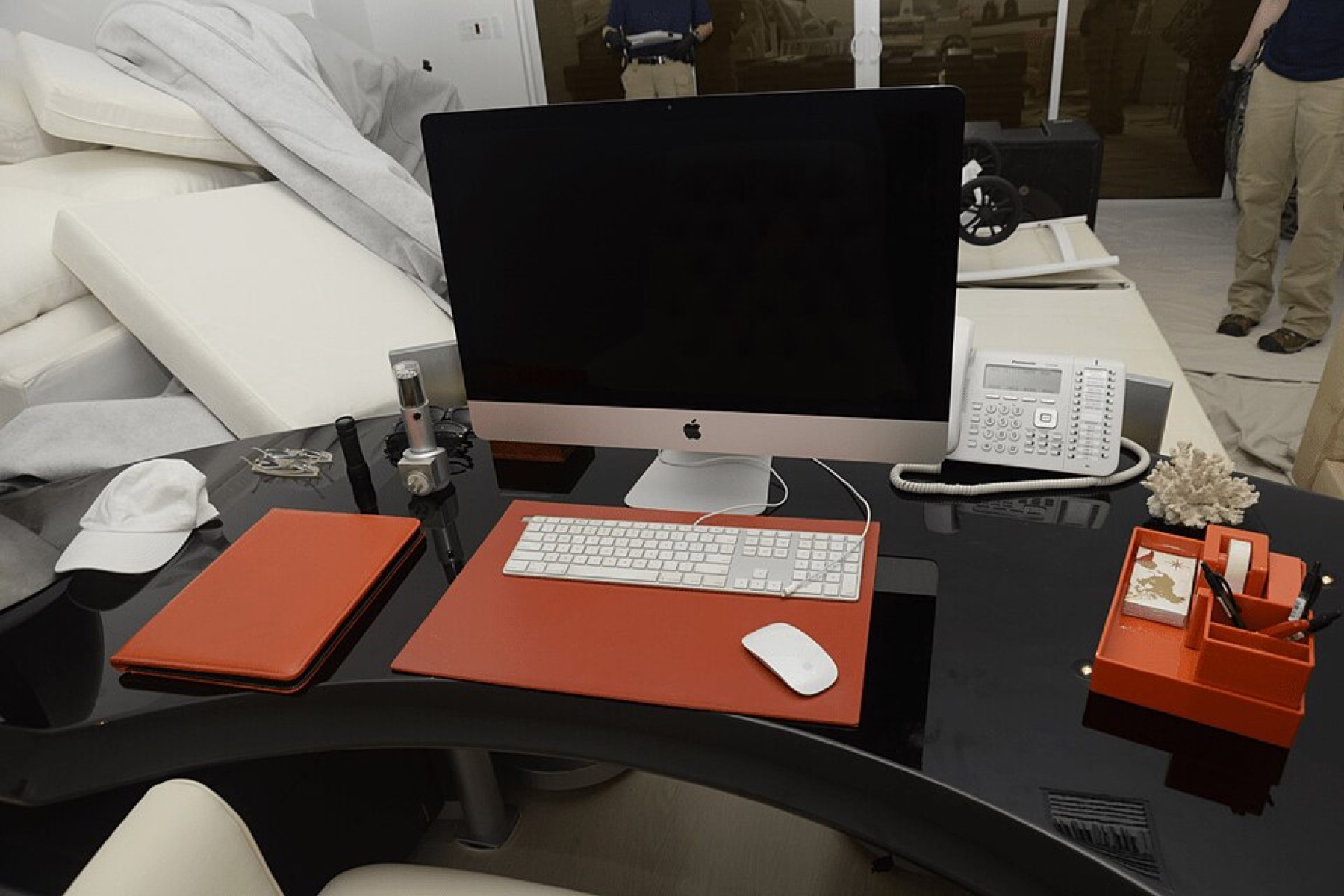
Key Buying Factors for White Desk Accessories
White accessories look clean, but they’re unforgiving: uneven paint, cheap plastic, or off‑white tones stand out immediately. When you’re sourcing cross‑border, pay extra attention to three areas—color, materials, and quality signals.
1. Color and finish
On DHgate, most listings rely on photos and short color labels like “white” or “ivory.” That leaves room for:
- Warm vs cool whites: a monitor riser might be cream‑toned while a cable tray is blue‑white.
- Gloss vs matte: glossy plastic can cheapen an otherwise minimal setup.
- Yellowing risk: low‑grade plastics can discolor quickly near windows.
Make color more predictable by:
- Looking at buyer photos in reviews, not just the seller’s hero images. The DHgate blog on desk organizers explicitly suggests reading product reviews to gauge both product quality and the seller’s reliability, which applies directly here.
- Checking if the listing specifies “matte,” “glossy,” or “powder‑coated” for metal pieces.
- Messaging the seller for a close‑up photo taken in neutral light if the listing images are heavily filtered.
2. Materials for everyday use
The same accessory (say, a white monitor stand) can be sold in plastic, metal, wood, or acrylic. Each behaves differently under dual‑monitor load:
- Plastic: lightweight and cheap, but can flex under two monitors and scratch easily.
- Metal (steel or aluminum): better weight support, can be powder‑coated white; usually more durable for risers and cable trays.
- Wood/MDF: visually warm, often painted white; paint quality matters—look for close‑ups of edges and corners.
- Acrylic: sleek and modern, but fingerprints and micro‑scratches show quickly.
The DHgate blog’s desk‑organizer guidance highlights that you’ll see organizers in plastic, metal, and wood with multiple shapes and sizes. Treat that as a hint: don’t lock into one material until you’ve compared how it will look and perform on your actual desk.
3. Quality signals you can actually see
Because DHgate is a marketplace, different sellers can list very similar products with very different quality. Useful signals on a listing page include:
- Seller rating and transaction history: DHgate’s own editorial content points out that listings show seller ratings and that buyers often compare options by rating and reviews.
- Review content: focus on comments about sturdiness, paint or coating quality, and color accuracy, not just shipping impressions.
- Photos of joints and undersides: flimsy plastic risers often reveal themselves in underside photos; metal trays should show clean welds or bends.
For office supplies generally, DHgate’s blog suggests checking whether a seller is registered, looking at their company profile, and reading their terms before buying. That’s overkill for a single pen cup, but worthwhile if you’re planning to buy matching sets or wholesale quantities for resale.
Small buyer checklist as you scan listings:
- Same shade of white across your short list?
- Material matches the load (dual monitors vs light decor)?
- Seller rating comfortably high with multiple relevant reviews?
- Real‑world photos show clean edges and non‑yellow whites?
Step‑by‑Step: Using DHgate to Search, Filter, and Vet White Desk Accessories
Once you know what you need, you can use DHgate’s tools to move from “infinite scroll” to a shortlist you’d actually trust. Here’s a practical workflow.
Step 1: Build targeted search queries
Start at DHgate’s homepage and use specific terms tied to function and color, for example:
- “white dual monitor stand” or “white monitor riser metal”
- “white desk cable organizer” or “white cable management tray”
- “white desk organizer set” or “white pen holder office”
Search each accessory type separately. You’re more likely to find specialized, better‑designed pieces this way than through a single broad query like “white office desk accessories.”
Step 2: Use filters and listing details to narrow
According to DHgate’s own shopping guide, each product listing includes specs, images, prices, and seller ratings, and buyers commonly compare prices and read reviews before deciding. Use that structure to filter:
- Category filters: move into Home & Garden / Office & School categories when possible to avoid novelty items.
- Material filters: if available, choose metal or wood for load‑bearing items, plastic for light organizers.
- Price bands: set a midrange window to avoid the cheapest obvious compromises and overpriced dropship listings.
Open 5-10 tabs for the same accessory type and compare:
- Dimensions vs your desk and monitors
- Material and color descriptions
- Seller rating and review count
For a more general walk‑through on interpreting DHgate listings and specs, you can cross‑reference the guidance in How to Find Reliable Item Details on DHgate.
Step 3: Evaluate sellers, not just the product
DHgate’s blog on office supplies sourcing recommends:
- Checking if the seller is registered
- Reviewing their company profile
- Reading their terms and conditions
For white accessory sets, combine that with DHgateWiki’s deeper advice in Find trusted sellers on DHgate and you’ll get a clearer picture of who you’re dealing with.
When you’re planning multiple matching pieces (e.g., riser + organizer + cable tray), try to keep them with one or two sellers who:
- Have consistent product photography style and color
- Offer variants of the same design
- Have solid ratings and substantive reviews on at least one office product
Step 4: Use messaging and (optional) negotiation
DHgate’s editorial content describes two features that matter here:
- A buyer–seller messaging system
- Negotiation tools for some products
Messaging is the more important one for white accessories. Use it to:
- Ask for unedited photos of the item in natural light
- Confirm the exact color name or RAL/pantone reference if they have it
- Clarify materials (e.g., “Is the tray powder‑coated steel or painted plastic?”)
If you’re a small ecommerce business buying in volume, the negotiation tool may let you ask for better pricing or small customizations (like a different shade of white or logo placement), but treat any concession as a bonus, not a given.
Step 5: Order samples before you commit
DHgate’s ecommerce‑business guide suggests requesting samples to test quality before placing large orders. That’s especially relevant for white accessories, which can look very different in person.
Sample smart:
- For individual buyers: order one main anchor piece first—e.g., the dual‑monitor riser. If the color and finish work, add the matching organizer and cable tray from the same seller.
- For resellers: buy 1-3 units of each style you’re considering, test under real use (weight, scratch resistance, cleaning), and keep notes on color and finish.
If you’re close to a bulk order, run through the DHgate order‑readiness checklist so you don’t miss mundane but critical details like quantities, variants, and address format.
Step 6: Decide when DHgate is the right channel
DHgate can be efficient for:
- Budget‑friendly, non‑branded accessories where minor finish variation is acceptable
- Bulk or wholesale buys for your own store, once samples look good
- Simple white items like cable clips, under‑desk trays, and generic organizers
US‑based channels (Amazon, office‑supply retailers, specialty workspace brands) often win when:
- You need exact color matching to existing furniture or devices
- You’re buying brand‑specific accessories tightly tied to warranty or fit
In practice, many US buyers use DHgate for the “invisible” or secondary white accessories (under‑desk trays, internal organizers) and stick to domestic options for highly visible anchor pieces when they can’t risk a shade mismatch.
A compact way to think about the trade‑off:
| Need type | DHgate usually fits when… | US retail often better when… |
|---|---|---|
| Bulk white organizers for resale | You’ve sampled and like the finish; price matters. | You need fast replenishment and simple returns. |
| Dual‑monitor risers and trays | You’re flexible on exact shade and finish. | You must match existing furniture precisely. |
| Brand‑specific peripherals/stands | You’re okay with generic designs and no branding. | You require official brand compatibility and logos. |
For additional DHgate platform context, use What DHgate is and how the marketplace works.
Use DHgate as a discovery and sourcing tool where its variety and direct supplier access help, but keep a clear line: if the risk of an off‑white or flimsy build would ruin your dual‑monitor setup, consider paying more for a color‑known, easily returnable option in the US.