
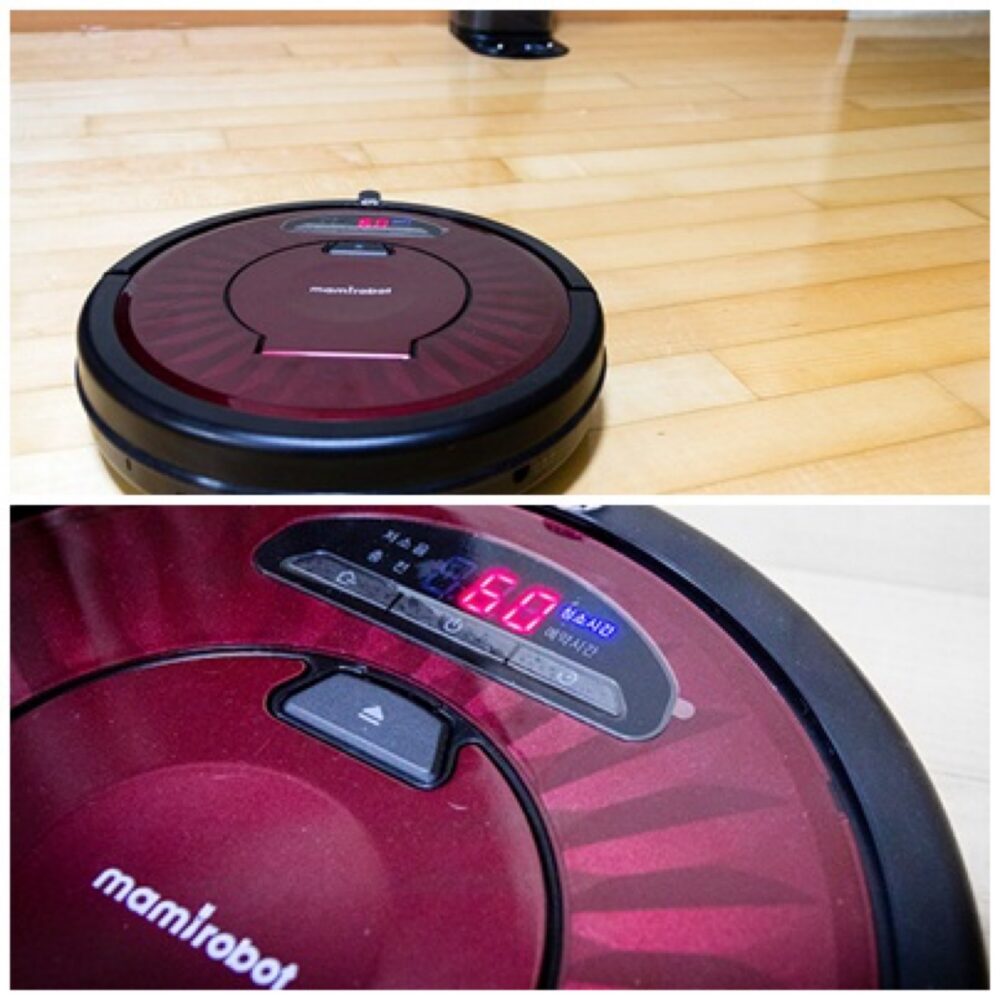
You find robot vacuum cleaners on DHgate by searching with specific keywords, using filters for the features you actually need, then shortlisting only the listings where specs, photos, and seller history line up. For Canadian buyers and small ecommerce brands, the safest path is to treat DHgate as a product discovery and test-sourcing channel: use it to experiment with a few robot vacuums or a small batch, not to blindly place a large order with an unvetted factory.
Below is a practical workflow tailored to robot vacuums, small apartments, and cross-border sourcing rather than generic marketplace tips.
Understand Robot Vacuum Types Before You Search DHgate
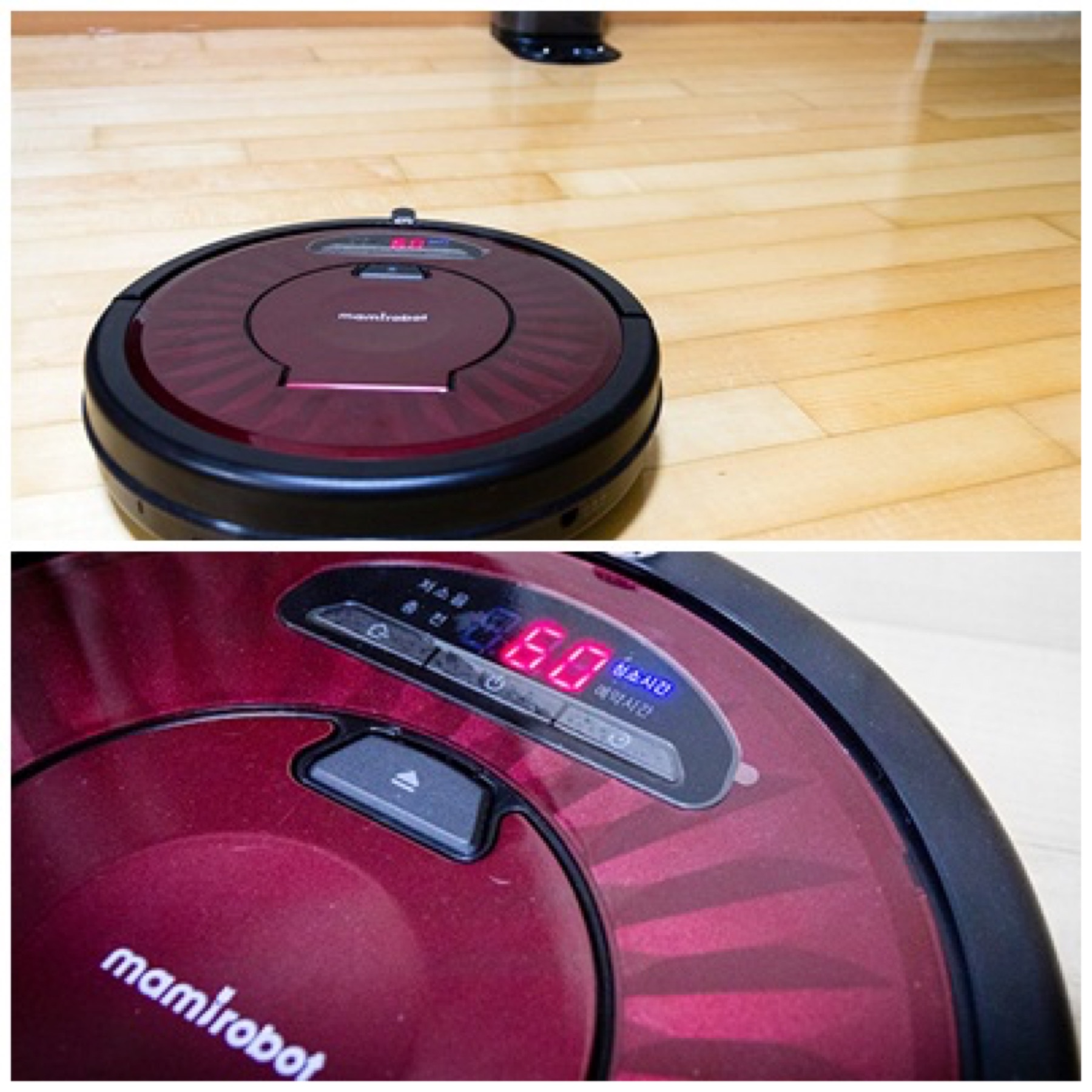
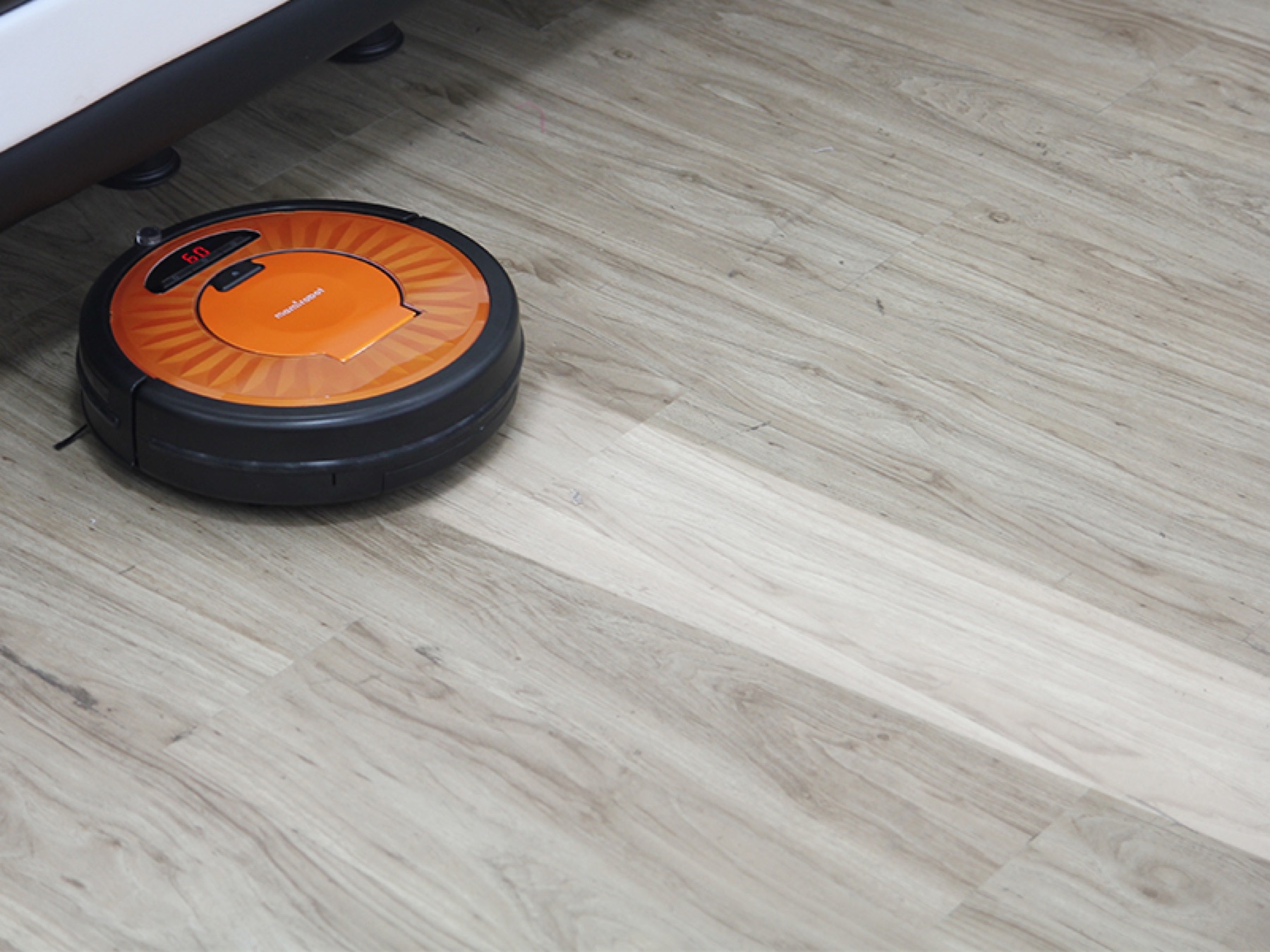
A robot vacuum is a low, motorized unit that moves around your floor on its own, using sensors to avoid walls and furniture while it vacuums. More advanced models use navigation and mapping to handle varied room layouts and obstacles, building a floorplan so they can clean efficiently instead of wandering randomly.
For a small apartment or light resale, you’ll mostly see three flavors:
- Basic bump-and-go vacuums – These move until they hit an obstacle, then turn. Cheap and simple, but they miss spots and can get stuck in tight spaces.
- Smart robot vacuums with mapping – Use sensor arrays and navigation software to create a map, cover the room systematically, and avoid obstacles more intelligently.
- Vacuum-mop combos – Add a water tank and mop pad for hard floors. Handy for condos with mostly laminate or tile.
Key specs to define before you open DHgate:
- Navigation type: Random vs mapping. If your apartment has lots of furniture or narrow corridors, mapping is worth prioritizing.
- Flooring: Carpet vs hard floors. Check that the brush design and suction are suitable for your main surface.
- Height and shape: Low profile to pass under couches; round vs D-shaped for edge cleaning.
- Battery and run time: Long enough to cover your unit on one charge.
- Bin size and filter type: Bigger bins help in pet homes; decent filtration matters for allergies.
Write down a one-line target spec set, for example: “Mapping robot vacuum, good on hard floors, low profile, suitable for 600-800 sq ft, optional mopping.” You’ll use this to drive specific search terms and filter choices on DHgate.
Step-by-Step: Searching and Narrowing Robot Vacuum Listings on DHgate
DHgate has a large catalog, and robot vacuums sit inside broader cleaning and appliance categories. To avoid drowning in noise, make your search and filter sequence intentional.
1. Start with tight keywords, then expand
On DHgate’s homepage, type a focused query into the search bar:
- Start with: “robot vacuum cleaner” or “robot vacuum”.
- If you want mapping: add “smart” or “mapping” (e.g., “smart robot vacuum cleaner”).
- For combos: try “robot vacuum mop” or “robot vacuum cleaner mop”.
Look at the first page of results to confirm you’re seeing floor robots, not handheld vacuums or generic cleaning tools. If you see lots of unrelated items, tighten the query; if it’s too sparse, remove extra words.
2. Use DHgate filters to kill noise
Once you’re in a plausible category page, use the platform’s filters to narrow results around your spec sheet. DHgate’s own ecommerce guide emphasizes using filters and search tools to match products to your criteria, and that applies directly here.
A practical filter checklist:
- Category: Make sure you’re in household appliances or cleaning robots, not toys.
- Minimum seller rating: Set a threshold (for example, only show higher-rated sellers) to avoid brand-new or poorly rated accounts.
- Order volume: Favor listings with a track record of completed orders rather than zero-activity items.
- Features (if available): Check boxes for “automatic”, “smart”, or similar flags that align with robot navigation.
Keep a shortlist tab or simple spreadsheet of 5-10 listings that survive this first cut. If you’re unsure how filters work across the site, the pattern recognition tactics in How to Find the Best Products on DHgate’s Marketplace are useful background.
3. Read each listing like you’re QA’ing a product sheet
Safe sourcing on DHgate doesn’t rely on top-level filters alone. You need to inspect individual robot vacuum listings closely, similar to the workflow DHgate’s ecommerce blog suggests for other categories (detailed descriptions, specs, and supplier history).
For each robot vacuum on your shortlist, check:
- Navigation explanation: Does the description clearly say it uses sensors and mapping/navigation, or is it vague? Smart robots should mention mapping or route planning, not just “automatic”.
- Floor compatibility: Look for explicit mention of carpets vs hard floors and any limits (e.g., not suitable for high-pile rugs).
- Dimensions and height: Compare the height to your furniture clearance so you know if it can get under couches or beds.
- Battery and charging: Run time, battery capacity, and whether it returns to a dock.
- Photos and diagrams: Realistic photos from multiple angles, not just one generic render. Poor or mismatched images are a red flag.
- User reviews and ratings: Read a sample of reviews for performance, noise, and durability, not just star counts.
For more detail on interpreting item pages, the site’s guide on finding reliable item details on DHgate walks through description and spec pitfalls that apply equally to robot vacuums.
4. Match robot vacuum type to your use case
Once you’re confident the listing is describing a real product, ask whether that type of robot vacuum fits how you’ll use it. This small table can help you decide what to prioritize in DHgate search results:
| Robot vacuum type | Typical DHgate use case | Good fit for small apartments? |
|---|---|---|
| Basic bump-and-go | Low-cost trials, giveaways, very tight budgets | Only if layout is simple |
| Smart mapping robot | Everyday home cleaning, small-scale resale | Yes, especially complex layouts |
| Vacuum + mop combo | Hard-floor condos, value-focused bundles | Yes, if floors are mostly hard |
If you’re planning to resell, lean toward mapping or combo units and avoid the bottom tier of unbranded, ultra-basic robots unless you clearly position them as budget gadgets.
Evaluating DHgate Sellers, Samples, and When to Use Other Channels
Once you have a narrowed list of robot vacuum candidates, the next decision is who you buy from and how big your first step should be.
How to vet robot vacuum sellers
DHgate’s own sourcing content stresses evaluating supplier ratings, reviews, and transaction history before orders. For robot vacuums, take that seriously—these are powered appliances, not T-shirts.
On each seller’s profile:
- Ratings and feedback: Look for a consistent history of positive feedback, not just one recent burst of reviews.
- Years active and transaction count: Longer presence and more completed orders suggest the seller isn’t a short-lived storefront.
- Product focus: Sellers who carry a range of home appliances or cleaning tools (including vacuums, sometimes marketed for pet hair) often have more experience handling this category than general gadget resellers.
- Communication quality: Use DHgate’s messaging to ask specific questions (navigation type, floor suitability, available certifications). Clear, detailed answers are a useful signal.
For broader trust tactics, the dedicated guide on finding trusted sellers on DHgate adds criteria you can apply directly to robot vacuum suppliers.
Single unit vs sample vs test batch
DHgate’s ecommerce sourcing guidance encourages requesting samples and starting small, then scaling. For robot vacuums, you can think in terms of two scenarios:
- Personal use or one-off trial: Buy a single unit from a vetted seller, after doing all the listing checks above. Treat it as a real-world test of the product and the seller.
- Resale or store experiment: Message the seller to ask about sample units for quality inspection, then place a small test batch once you’ve verified performance. Some suppliers are open to negotiating terms when you move beyond single units.
Safe sourcing practices from DHgate’s pet grooming article translate well: research the supplier thoroughly, inspect samples before large purchases, communicate clearly, and monitor order progress. Those steps help catch issues early with powered devices like robot vacuums.
Before you commit to anything larger, run through the DHgate order-readiness checklist so you’re not missing any practical details (addresses, timelines, and your own risk limits).
When a different channel may be a better fit
DHgate can be useful for discovering new robot vacuum designs or experimenting with small batches, but it isn’t always the lowest-risk option:
- If you need a well-known consumer brand for warranty support or easy in-store returns in Canada, mainstream retail platforms and local electronics stores are usually safer.
- If you don’t have time or appetite to test samples and vet factories, a platform that sells directly under its own brand may be a better match.
- If the DHgate listings you find are vague, inconsistent, or lack reviews, that’s a signal to pause and look elsewhere.
Use DHgate for what it’s good at—access to a broad range of robot vacuum styles and OEM factories for experiments—and switch channels when you need plug-and-play reliability with less sourcing work.
For additional DHgate platform context, use What DHgate is and how the marketplace works.
If you keep your search precise, your filters strict, and your first orders small, you can learn a lot about potential robot vacuums from DHgate without taking outsized risks.