
For a compact desk in Australia, the best pink laptop stand is the one that fits your space and laptop first, and your aesthetic second. Start by deciding whether you need a fixed riser, an adjustable stand, a vertical dock, a lap desk, or a portable riser, then check weight capacity, height range, tilt angle, and ventilation. Once those specs are clear, you can compare platforms—local retailers, global marketplaces like DHgate, and niche sites—to see who actually sells that specific type in the shade of pink you want.
What counts as a “pink laptop stand” for a compact desk?
“Pink laptop stand” covers several shapes, not just one product. Research on laptop stand types shows common categories like fixed risers, adjustable angle stands, vertical docks, lap desks, and lightweight portable risers, each built for slightly different use cases.Source
On a small desk, these behave quite differently:
- Fixed risers: Solid platforms that lift the whole laptop to a set height. They’re stable and simple but can hog depth on a narrow desk and don’t let you fine‑tune screen height.
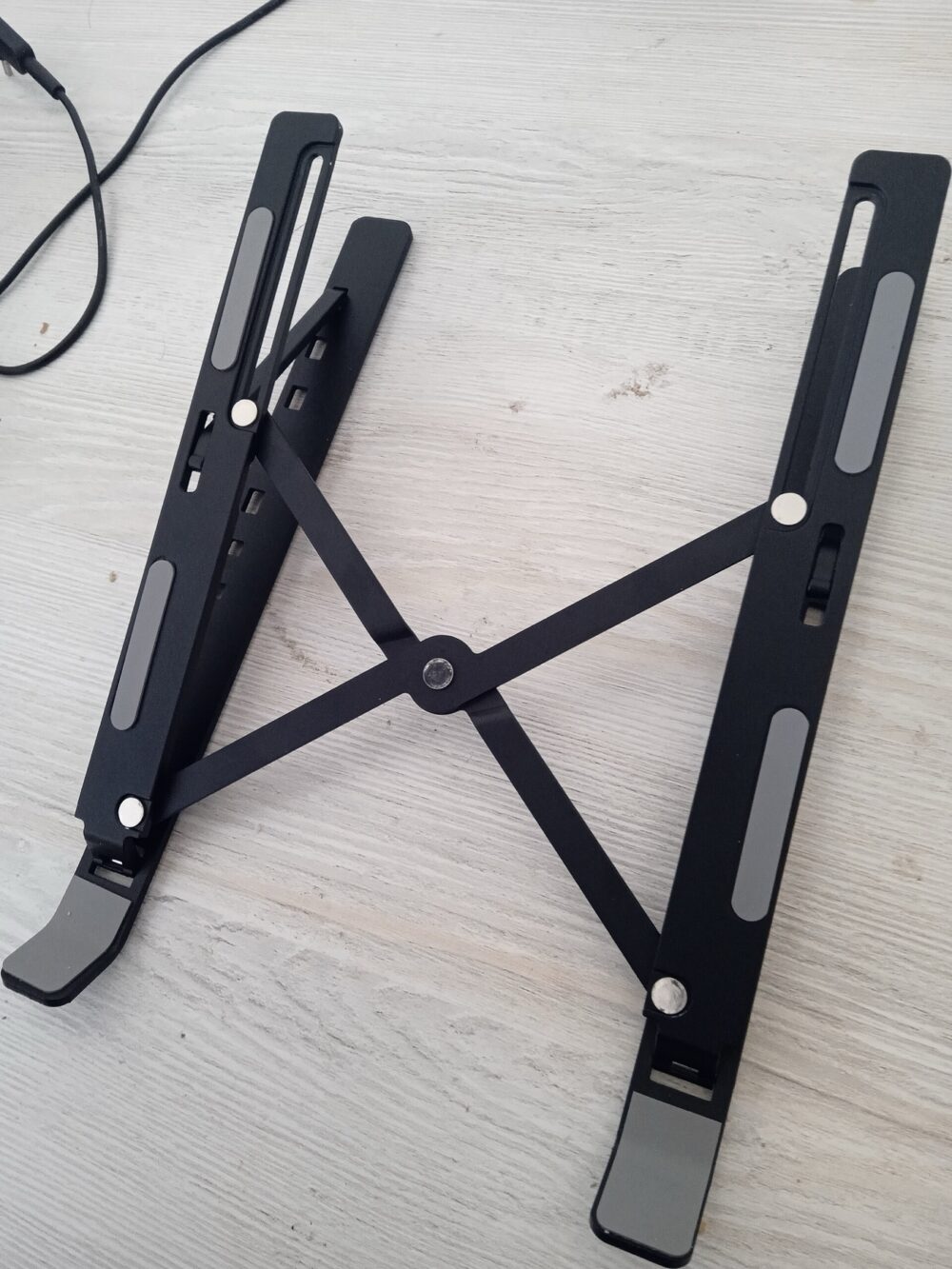
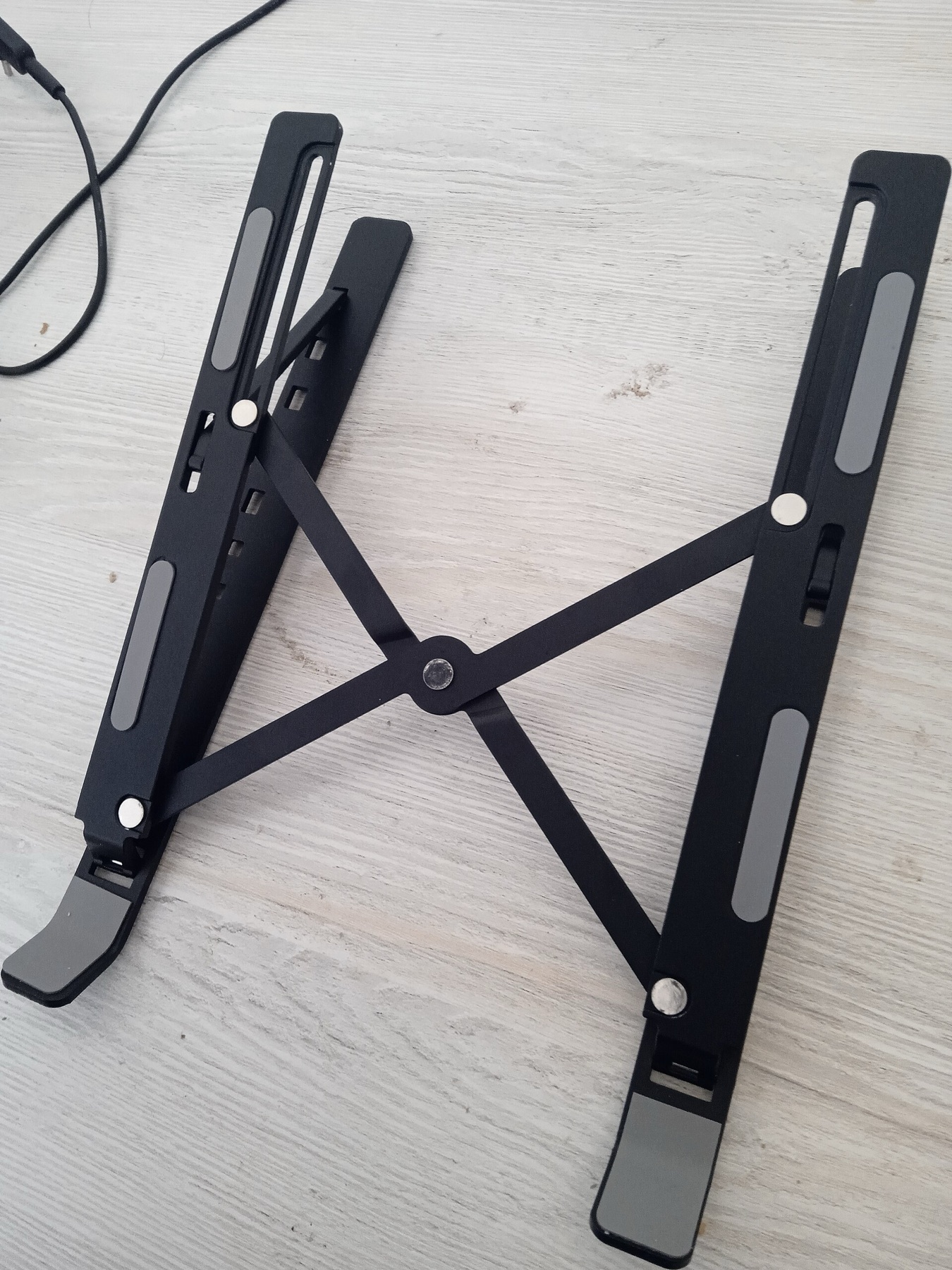
- Adjustable angle stands: Often foldable metal frames with tilt and sometimes modest height adjustment. These tend to suit compact desks because you can collapse them when not in use and tweak the angle to suit your posture.Source
- Vertical docks: Hold a closed laptop upright like a book. Great if you use an external monitor and want to reclaim desk space; the footprint is small, but they only work if you don’t need the laptop screen.
- Lap desks: Cushioned trays or hard platforms you use on the couch or bed. Pink versions exist, but they’re usually wide and can feel oversized on a tiny desk.
- Portable risers: Minimal kickstand‑style supports or small folding frames. These are designed to be thrown in a laptop bag; on a compact desk they’re handy when you want some lift without blocking space for a mouse or notebook.Source
For a truly small setup—say, a 100-120 cm home office desk—you’ll usually get the best fit from either an adjustable angle stand or a vertical dock. Fixed blocky risers and large lap desks can work, but they’re more likely to crowd your surface once you add a keyboard, mouse, and a drink.
Key specs and trade-offs when choosing a pink stand
Guides from ergonomic specialists emphasize that laptop stands exist primarily to raise screen height and adjust viewing angle, not just to look nice in photos.Source For pink stands, you’re juggling ergonomics, airflow, and desk footprint against color and style.
1. Size, weight capacity, and desk footprint
Buyer guides consistently highlight maximum weight capacity and overall stability as core checks.Source Treat the capacity rating as a comfort margin, not a goal: if your laptop weighs ~1.5 kg, avoid a stand rated only to 1.5 kg and aim for something higher.
A compact desk also forces you to watch footprint. Before you buy, measure:
- Your desk depth and width
- The laptop width (including any case)
- How much space you need for a keyboard and mouse
Then compare with the stand’s listed dimensions. Adjustable metal stands often quote folded and open sizes; the folded size matters if you plan to stow the stand after work to clear space.
Here’s a quick comparison of how stand types typically trade off size and stability for a small desk:
| Stand type | Typical stability (editorial) | Footprint on desk | Best use in compact setups |
|---|---|---|---|
| Fixed riser | High, solid frame | Large | Permanent workstations |
| Adjustable stand | Medium–high, depends on frame | Medium | Daily use, fold away |
| Vertical dock | High if weighted base | Very small | External monitor setups |
| Lap desk | Medium, depends on padding | Very large | Occasional desk use |
| Portable riser | Medium, lighter construction | Very small | Travel and hot-desking |
2. Height range and viewing angle
Better laptop stand guides recommend checking both height range and tilt angle so you can set the screen near eye level and reduce neck strain without overpromising health outcomes.SourceSource On a compact desk, you’re usually limited by how high you can go before the screen feels cramped against a wall or shelf.
Practical checkpoints:
- If you use the laptop screen only: look for stands that can raise the top of the screen roughly to eye height while sitting upright. This often means stands with multi‑step height or a stepless angle mechanism.
- If you use an external keyboard and mouse: prioritize more tilt range. A steeper tilt can bring the screen up without needing a huge riser underneath.
- For multi‑user home desks: an adjustable stand is more forgiving when different people share the space.
3. Airflow and thermal behavior
Open‑frame stands or those with ventilation cut‑outs can help airflow compared with resting the laptop flat on the desk, where the underside vents are often blocked.Source That doesn’t guarantee performance gains, but it’s a sensible hedge if you run heavier workloads.
If your compact desk is tucked into a warm corner or against a wall, lean toward:
- Mesh or slotted metal surfaces
- Minimal solid plastic blocks under fan locations
- Designs that lift the rear edge of the laptop a few centimeters off the desk
For portable risers, even a few millimeters of extra clearance can help avoid trapping heat on wooden or laminated desktops.
4. Material, finish, and the “pink” factor
Once ergonomics and airflow are covered, color comes into play. Pink stands tend to be:
- Painted or anodized metal (rose gold, blush, bright pink) — better for rigidity and slimmer profiles.
- Molded plastic or silicone — more playful shapes and strong color, but sometimes less stable with heavier laptops.
- Fabric-covered lap desks — pastel or patterned pink fabrics, good for couches, bulky on desks.
If you’re matching a compact desk setup with pink keyboards or accessories, think in terms of finish families rather than chasing an exact Pantone: a matte pastel stand will sit differently on a glossy white desk than a metallic rose gold.
Where to look: DHgate vs local and other marketplaces
Once you know your stand type, size limits, and key specs, you can decide where to actually shop. DHgate is an online marketplace that connects buyers worldwide with mainly Chinese wholesalers and manufacturers across many categories, including lifestyle and tech accessories.Source
For Australia-based individual buyers, the practical mix usually looks like:
- Design and craft marketplaces like Etsy: useful if you want handmade or custom-painted pink stands, often in smaller batches, with more unique aesthetics than mass-market metal frames.
For small ecommerce businesses building compact desk bundles:
- If you need consistent repeat stock of a specific pink adjustable stand, DHgate and similar wholesale‑oriented platforms can be worth shortlisting alongside Australian wholesalers.
- If your angle is local customization or branding, nearby distributors and promotional-product suppliers may be easier to work with than cross‑border sellers.
Whichever marketplace you use, treat listings as individual offers. For DHgate specifically, you can learn how the marketplace works from What DHgate is and how the marketplace works and then apply buyer checks from Find trusted sellers on DHgate before committing to a larger order. If you do decide to source there, the DHgate order-readiness checklist is a useful final pass before checkout.
For most compact desk setups, the fastest route is still: define your stand type and specs in detail, search locally to see if a pink version exists that meets them, and only then widen the search to DHgate or other global marketplaces if you’re chasing a very specific shade or form factor that local options don’t cover.