
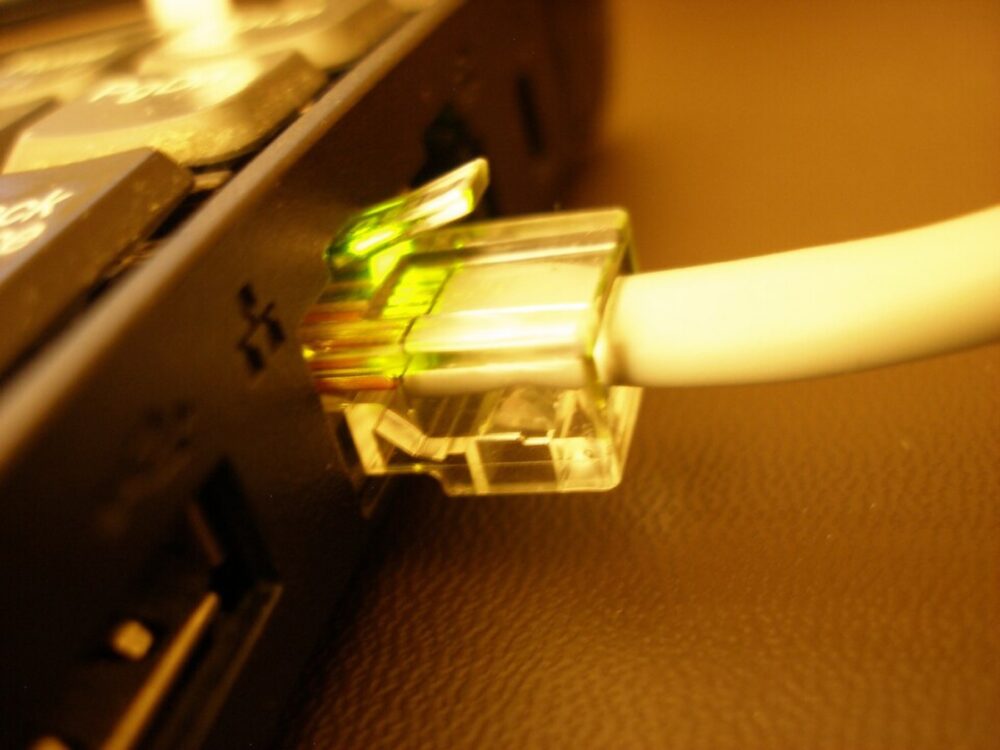
For a 75 ft Ethernet run, your main decisions are cable category (Cat5e, Cat6, Cat6a, Cat7), shielding, and jacket type. Get those right for your route and environment, then decide where to buy — usually a US retailer for one or two cables, with cross-border marketplaces like DHgate making more sense if you need bulk or specialized builds.
At 75 ft, you’re well inside standard Ethernet distance limits, but long enough that poor cable choice can show up as flaky speeds or drops. A well-made Cat6 or better cable will comfortably support higher-speed home and small-business networks at this length when specified correctly, as discussed by AscentOptics. The rest of this guide walks you through the spec choices and then where DHgate realistically fits versus mainstream US stores.
What a 75 ft Ethernet cable is used for and why length matters
A 75 ft Ethernet cable usually isn’t a short patch from your router to a laptop. It’s the distance you need when you’re crossing a room, going down a hallway, or wrapping around doorways to reach a device that’s not near your networking gear.
Common 75 ft scenarios:
- A gaming PC or console in the living room wired back to a router in a hallway closet.
- POS terminals in a retail front connected to a back-office router.
- An ecommerce stockroom workstation or label printer tied into an office network.
- A small office drop that runs along walls to reach a desk in the far corner.
Ethernet has generous distance limits (hundreds of feet for twisted-pair copper), but DHgate’s own editorial guidance stresses that longer runs can weaken signal and that you should measure the actual route instead of buying unnecessary extra length. A 75 ft cable gives you enough slack to route around obstacles without going overboard.
Length starts to matter because:
- More cable means more chance for interference and physical damage.
- Sloppy routing (tight bends, sharp staples, crushed under furniture) hurts performance.
- Daisy-chaining multiple shorter cables via couplers introduces avoidable loss and failure points.
For most home and small office cases, one properly specified 75 ft cable is the sweet spot: long enough to reach, short enough to stay well inside the performance envelope.
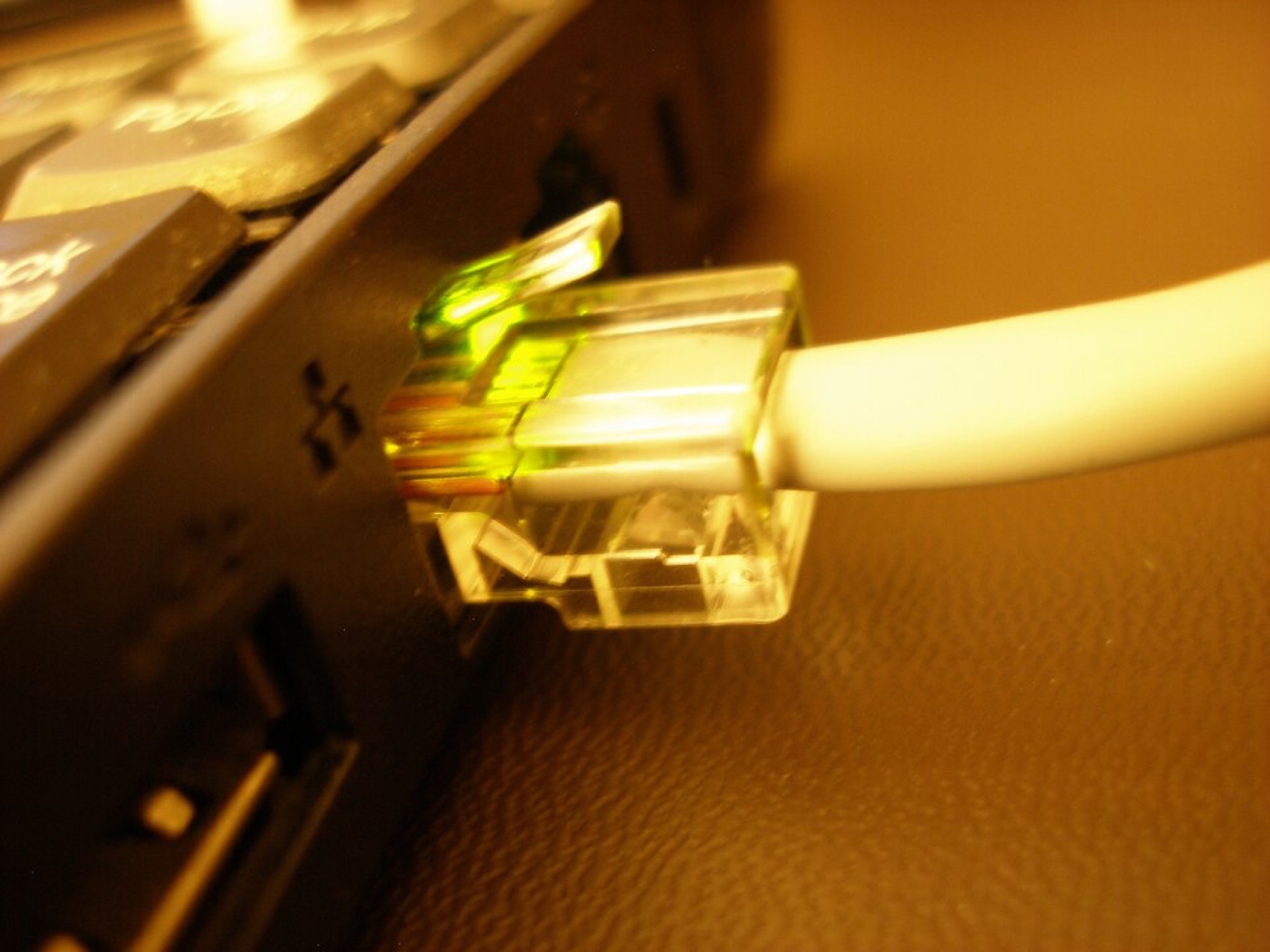
Key 75 ft Ethernet options: category, shielding, and jacket
You don’t need data-center gear for a 75 ft run, but you should match the cable spec to how you’ll use it. Bloiq’s category explainer on Ethernet cables and DHgate’s editorial guide both highlight the same core families: Cat5e, Cat6, Cat6a, and Cat7.
Here’s how those play out at 75 ft, plus shielding and jacket choices:
Category: how fast and how future-proof?
- Cat5e – Common, inexpensive twisted-pair cable. Bloiq notes that it’s widely used for basic home and small office networks. It’s fine for typical internet plans and light use, but less ideal if you’re pushing heavy gaming or large file transfers.
- Cat6 – Higher bandwidth and better crosstalk control than Cat5e. DHgate’s editorial guide and Bloiq both describe Cat6 as a solid pick for streaming and gaming, supporting multi-gigabit speeds over moderate distances. At 75 ft, a good Cat6 cable is a practical “fast enough for most people” choice.
- Cat6a – An enhanced Cat6 designed for more demanding and longer runs. For a single 75 ft cable, Cat6a is mainly about future-proofing — overkill for basic use, but attractive if you’re standardizing your office on higher-speed switches.
- Cat7 – Uses more stringent shielding and supports very high bandwidth. DHgate’s blog frames Cat7 as aimed at demanding applications and interference-heavy environments. For a single 75 ft run in a typical US home, you usually don’t need Cat7 unless you specifically want its shielding and are willing to pay for it.
Practical rule of thumb at 75 ft:
- Budget home internet, light office work: Cat5e is acceptable.
- Gaming, streaming, small-business workloads: Cat6 is the default.
- Long-term build-outs or heavy local file transfers: Cat6a or Cat7 if the price difference is modest.
Shielding: UTP vs STP for real-world routes
DHgate’s blog distinguishes unshielded twisted pair (UTP) from shielded twisted pair (STP) and suggests shielded cables mainly for high-interference environments:
- UTP (unshielded) – No extra metal shielding around the pairs. This is the norm for most home and office cabling. It’s cheaper, more flexible, and easier to terminate.
- STP (shielded) – Includes metallic shielding to reduce electromagnetic interference. Helpful if your 75 ft run passes near heavy electrical equipment, elevator motors, or dense bundles of power lines.
For a typical 75 ft in-house cable snaked along baseboards or under a rug, UTP Cat6 or Cat5e is usually sufficient. If you’re wiring a retail space with fluorescent ballasts, or a workshop with lots of motors and power tools, a shielded Cat6 or Cat7 patch cable could give you extra reliability.
Jacket and build: round, flat, indoor, outdoor
Retail catalogs like Home Depot’s 75 ft Ethernet cable selection show several constructions:
- Standard round PVC – Best general-purpose choice. More durable, less prone to internal damage.
- Flat cable – Easier to tuck under carpets or behind trim, but can be more fragile if sharply bent or stepped on repeatedly.
- Outdoor-rated – Thicker jackets and UV-resistant materials for runs that go outside or through damp areas.
Match the jacket to the route: flat for stealth under a rug, round for general durability, and outdoor-rated if any portion of that 75 ft is truly exposed.
Quick spec checklist for 75 ft runs
Here’s a compact decision snapshot for common scenarios:
| Scenario (75 ft run) | Recommended category | Shielding choice | Jacket/build suggestion |
|---|---|---|---|
| Living-room gaming setup | Cat6 | UTP | Round indoor PVC |
| Small office desk drop | Cat6 or Cat6a | UTP | Round PVC, in-wall rated if needed |
| Retail POS across front-of-house | Cat6 | STP if near power | Round PVC or rugged flat |
| Ecommerce stockroom workstation | Cat6 | UTP | Round PVC, avoid tight bends |
| Basic home web browsing | Cat5e or Cat6 | UTP | Any indoor jacket |
These are editorial recommendations based on the referenced guides, not strict rules. If you already own higher-spec gear or have specific interference concerns, adjust accordingly.
Buying a 75 ft cable online: domestic retailers versus DHgate
Once you’ve nailed down the spec — say a 75 ft Cat6 UTP cable with a standard PVC jacket — the next question is where to buy.
US-based retailers like Home Depot, Walmart, and Amazon typically stock multiple 75 ft options across Cat6 and Cat7, often with extras like gold-plated connectors or shielded constructions. The Home Depot catalog page for 75 ft Ethernet cables illustrates how mainstream this length has become: you can filter by category, device type (desktop, gaming console, streaming devices), brand, and features.
For one or two cables in the US, these domestic channels are usually the fastest and simplest route:
- Clear labeling of length and category.
DHgate’s network-cable editorial content describes the platform as offering a wide range of Ethernet cables via wholesale-oriented sellers. Where does that fit for a 75 ft buyer?
- Good fit: Small ecommerce businesses or offices buying many 75 ft cables at once, or looking for niche builds (specific color schemes, bundled multi-packs, or custom-labeled cables) that aren’t common in US retail.
For readers who decide DHgate might be relevant beyond this product-level comparison, you can learn more about how the marketplace works in What DHgate is and how the marketplace works and buyer-focused guidance like Find trusted sellers on DHgate and Review the DHgate order-readiness checklist.
The key is to pick the right 75 ft spec first, then let marketplace choice follow from whether you’re buying one reliable cable for your own setup or a stash of them as part of a larger network build.