
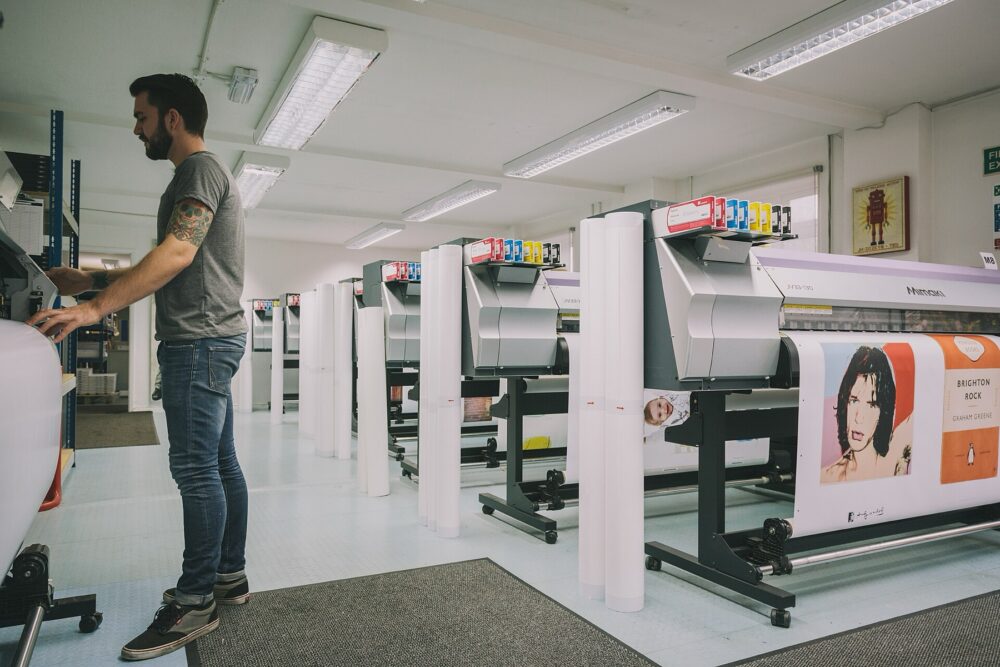
You can use DHgate to get personalized print‑on‑demand style products, but you won’t find the same plug‑and‑play apps you see on Shopify or Etsy. On DHgate, personalized printing usually means working with custom manufacturers or OEM factories that can add your logo, artwork, or names to apparel, accessories, and gifts. You’ll have to search more precisely, vet sellers more carefully, and often order samples before committing to bulk or repeat orders.
For a US buyer or small ecommerce brand, DHgate makes sense when you’re treating POD as custom manufacturing: you want a supplier for logo hoodies, personalized mugs, or custom hats at scale, not a one‑off gift with instant Shopify integration. The steps below focus on how to find those sellers, how to read what they’re actually offering, and how to decide when you’re better off with a dedicated POD platform or local printer.
What Personalized Print‑on‑Demand Looks Like on DHgate
Print‑on‑demand usually means a cloud app: you upload a design, connect a store, and the platform auto‑fulfills individual orders. DHgate doesn’t generally work that way. As DHgateWiki’s platform research on custom products and POD notes, DHgate tends to handle personalized goods via custom manufacturing and OEM relationships, not instant POD integrations.
You can see that broader pattern in how online marketplaces handle custom goods in How Online Platforms Handle Custom & Personalized Goods.
In practical terms on DHgate, “POD‑style” usually means:
- Sellers offering custom printing or embroidery on base products (t‑shirts, hoodies, caps, totes, drinkware).
- Personalized gifts where you supply names, dates, or a photo (family name pillows, face socks, custom jewelry tags).
- OEM factories that can brand products with your logo as part of a wholesale or private‑label run.
DHgateWiki’s coverage of creative customization on DHgate indicates many suppliers can offer this kind of personalization in categories like apparel and gifts, but it is always seller‑specific. Some sellers only do simple logo placement; others can handle full‑color prints, variable data (different names per item), or packaging design.
If you’re used to POD platforms that sync with your store and fulfill one unit at a time, expect a different workflow here: more manual file sharing, more emphasis on minimum order quantities (MOQs), and more back‑and‑forth to lock in print details.
Searching DHgate for Custom Print and Personalization Sellers
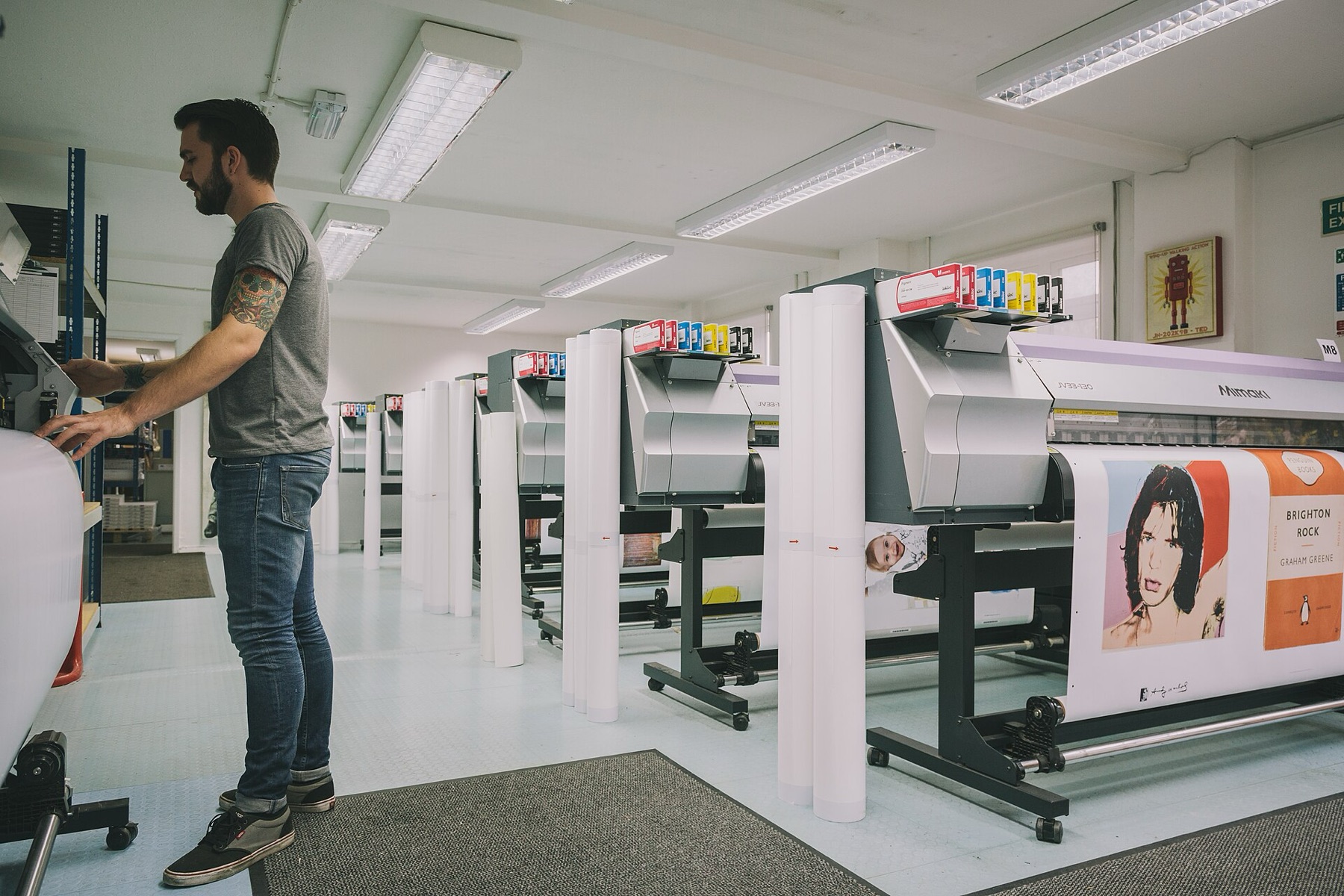
DHgate’s search box is blunt; you have to teach it what “personalized” means for your use case. DHgateWiki’s guidance on finding customization services suggests combining generic customization terms with the exact product type.
1. Build specific search queries
Start your search with patterns like:
- `custom logo t shirt` or `OEM tshirt printing`
- `personalized mug print`
- `engraved jewelry custom name`
- `custom photo pillow` or `personalized family pillow`
- `print logo baseball cap`
These pair a customization term such as “custom,” “personalized,” “OEM,” “print,” or “engraved” with the base product.
2. Use categories and filters to narrow results
DHgate’s editorial guidance on sourcing products recommends using filters and supplier checks when you search (How to Start an Ecommerce Business on DHgate). In POD‑style sourcing, that translates to:
- Use categories to get into the right product family (Apparel, Hats & Caps, Toys & Gifts, Home & Garden, etc.).
- Apply filters for material, color, and sometimes function to weed out obviously irrelevant items.
- Sort by Orders or Rating to bring more proven sellers to the top.
This doesn’t magically separate custom‑print‑capable sellers from the rest, but it helps you focus on listings where buyer feedback and transaction history are stronger before you put effort into a custom inquiry.
3. Read listings for real customization capability
Once you’re scanning product pages, look for concrete signals that the seller supports custom printing or personalization:
- Text describing “custom logo,” “support OEM,” “design upload,” “personalized name,” “photo printing.”
- Photos that show different logos or name examples on the same base product (e.g., multiple mug designs or cap logos).
- A section or variation field for “customization” where you can add notes.
DHgate’s product listings usually show specifications, images, and seller ratings. Pay attention to the parts that mention artwork formats (PNG, AI, etc.), color limits, and whether personalization is per item or per batch.
4. Use ratings, reviews, and history as a quality filter
A DHgate blog on finding quality products suggests reading seller reviews, checking ratings, and using filters and categories to refine your search (Unveiling the Secrets of DHgate: How to Find Quality Products at Wholesale Prices). Applied to personalized printing, you can:
- Check seller ratings and look for consistently positive feedback.
- Read buyer reviews that mention print quality, accuracy of logos or names, and communication during customization.
- Consider the seller’s transaction history and how long they’ve been active.
Treat these as sanity checks. They don’t guarantee a perfect print job, but they help you prioritize sellers who have handled real orders rather than brand‑new accounts with no track record.
If you’re new to DHgate generally, it can help to first understand the marketplace basics in What DHgate is and how the marketplace works and then combine that with more focused trust checks from How to Find Trusted Sellers on DHgate.
Vetting POD‑Style Suppliers and Deciding When DHgate Isn’t the Right Channel
Finding a listing that mentions customization is only step one. The risk on DHgate is almost always in misunderstandings: file formats, print areas, color expectations, and MOQs. A DHgate custom‑products FAQ highlights practical steps like checking ratings and reviews, communicating requirements clearly, requesting samples, and verifying certifications where applicable (How do I Sell Custom Products on Dhgate – Basic Steps).
A practical workflow for evaluating a custom print seller
Use a simple, repeatable process:
| Step | What you do | Why it matters for POD‑style orders |
|---|---|---|
| Shortlist sellers | Pick 3-5 listings with clear “custom”/“personalized” language and decent ratings | Gives you options if one seller is slow or inflexible |
| Message in detail | Send your design concept, quantities, colors, print area, and packaging ideas | Shows whether they truly understand print work or mainly sell stock items |
| Confirm files & specs | Ask what file formats, color profiles, and resolution they need | Reduces blurry prints or color shifts on apparel and gifts |
| Request samples | Pay for 1-3 printed samples or a small test batch | Lets you judge actual print quality before bulk orders |
| Align on MOQ & pricing | Clarify minimum order quantity and how pricing changes with volume | Tells you if this supplier works for your business model |
When you’re talking to sellers, be explicit:
- Share mockups and placement diagrams (front chest logo, full‑front graphic, sleeve print, etc.).
- State whether personalization is per item (different names on each shirt) or per design batch.
- Ask how they handle reorders with the same design and whether pricing changes.
Once you believe a seller understands your needs, run your order details through the DHgate order‑readiness checklist before checkout so you don’t miss straightforward but costly details like size breakdowns or color counts.
Common risks with personalized printing
Personalized print work on a cross‑border marketplace carries a few predictable issues:
1. Customization limits
Some sellers only support one logo position or a small print area, even if their photos show large graphics. Clarify print size and placement in writing before you confirm an order.
2. Color and fabric mismatches
Listing photos often differ from real‑world fabric colors or print inks; on‑screen proofs rarely tell the whole story. Samples are the most reliable way to see how your design behaves on the actual material.
3. Intellectual property (IP)
DHgate’s custom‑product guidance stresses respecting trademarks and copyrights (How do I Sell Custom Products on Dhgate – Basic Steps). Don’t ask sellers to print protected logos or fan art you don’t have rights to use; it adds legal risk and can create friction with suppliers.
The more specific your design brief and questions, the lower your risk, but no workflow here erases risk entirely.
Mini example: moving a logo hoodie project through the workflow
Without testing any particular seller, you can imagine how a simple project might move through these steps:
- You search `custom logo hoodie OEM` and filter for hoodies in the Apparel category, then sort by rating.
- You shortlist four sellers whose listings mention “custom logo” and show multiple logo examples on similar hoodies.
- You message each one with your logo file, desired print size on the chest, two fabric colors, and an estimated quantity range.
- Two sellers respond with clear file requirements and offer paid samples; you order one sample hoodie from each.
- After comparing print sharpness and fabric feel, you pick the better sample supplier, clarify their MOQ for your next drop, and adjust your launch plan to match their capacity.
This kind of small test helps you validate a POD‑style relationship on DHgate before you tie it into your brand’s main merch strategy.
When a dedicated POD platform or local printer is a better fit
Despite the customization options many DHgate sellers can offer, there are scenarios where DHgate simply doesn’t line up with what US buyers expect from “print‑on‑demand”:
- You need single‑item or very small‑batch personalized gifts fulfilled on demand.
- You want real‑time API integration with your Shopify, Etsy, or Amazon store.
- You require same‑week or same‑day turnaround for custom tees or merch drops.
In those cases, dedicated POD platforms or local printers are usually a tighter operational fit. DHgate can still be useful when you treat personalized printing as custom manufacturing for larger runs or special projects, but it is unlikely to replace real‑time, app‑based POD for one‑off orders.