
If you want the right projector screen for your home cinema, start with what you can’t change: your room and your projector. Measure your wall and seating distance, check your projector’s recommended screen size and brightness, then decide on an aspect ratio (usually 16:9 or 2.35:1) and approximate screen size that won’t overwhelm the space. Once those basics are set, you can pick a screen type (fixed, retractable, rear-projection, or acoustically transparent) and material (color and gain) that fits how you actually watch movies. Only after that does it make sense to compare sellers or marketplaces like DHgate.
For more background on how screen type, size, and material interact with projector specs, you can also refer to BenQ’s neutral overview of these factors: How to Choose the Right Projector Screen: Type, Size & Material Guide.
Start With Your Room and Projector Limits
A screen that looks amazing in a showroom can be a headache in a real living room or basement. Your room and your projector quietly set hard limits.
First, look at available wall space and seating distance. A screen that’s too large forces viewers to sit very close, which can make pixel structure more visible and reduce the apparent brightness across that big surface. If your main row of seats is around 10-12 feet from the wall, most people prefer a size that fills their field of view without feeling like the front row at a multiplex.
Then check your projector manual for the recommended screen size and throw distance range. Projectors are designed for specific image sizes; pushing far beyond that can compromise sharpness and brightness. Make sure your planned screen size is within the supported range for your actual mounting position.
Aspect ratio is the next constraint. Common home-cinema ratios are 16:9 (like most TVs) and 2.35:1 (a “CinemaScope” wide format). The practical choice is a balance between what your projector supports natively and what you watch most. If your projector is 16:9 and you mostly stream TV and games, a 16:9 screen is often the cleanest path. If it’s a movie-focused room and you love widescreen films, a 2.35:1 screen paired with proper masking can feel more theatrical.
Light control matters too. In a light-controlled basement, your projector has an easier job and you can be more flexible on screen material. In a brighter family room with windows, you’ll need to be more careful with both screen gain and color to keep contrast acceptable.
Quick sizing sanity check: sketch your wall, mark your seating, and jot down your projector’s recommended screen range. If your dream screen size forces seats closer than you’d sit in a multiplex, or sits outside the projector’s specs, downsize before you start shopping.
Screen Types and Materials: What Really Changes Your Picture
Once you know how big and what aspect ratio you can use, the next decision is screen style and material. These aren’t cosmetic choices; they affect flatness, convenience, and sometimes sound.
Screen styles in typical home setups
Here are the main types you’ll see and how they tend to fit real rooms:
| Screen type | What it is | Where it fits best | Key trade-offs |
|---|---|---|---|
| Fixed-frame | Rigid frame with screen stretched tight | Dedicated theater or permanent media wall | Very flat image; needs always-open wall space |
| Manual/electric retractable | Screen rolls into a housing on wall/ceiling | Multi-use living rooms and family rooms | Flexible and tidy; more complex install and hardware |
| Rear-projection | Screen designed to be lit from behind | Large rooms with space behind screen | Cleaner front-of-room; requires clear area behind screen |
| Acoustically transparent | Perforated fabric with speakers behind | Theater-style rooms with hidden front stage | Lets sound through; needs careful speaker placement |
Fixed-frame screens tend to offer a very flat surface and straightforward mounting on a dedicated wall. They’re great if you have a true theater room where the screen can always be visible.
Retractable screens (manual pull-down or motorized) roll into a metal housing when not in use. That’s ideal for a living room where you don’t want a giant white rectangle 24/7, but it adds mechanical complexity. Ceiling mounting can also be more demanding than a basic fixed frame.
A rear-projection screen lets you place the projector behind the screen. In a room with a large audience, this can prevent people from walking through the beam and keep the projector out of harm’s way. The trade-off is needing dedicated space behind the screen, which many homes simply don’t have.
Acoustically transparent (perforated) screens use countless tiny holes so sound can pass through. That lets you hide your front speakers directly behind the image, improving aesthetics and aligning sound with picture more like a commercial theater. The main considerations are matching the screen to your speakers’ dispersion and accepting a bit more installation planning.
Material color and gain
Two material properties really matter: color and gain.
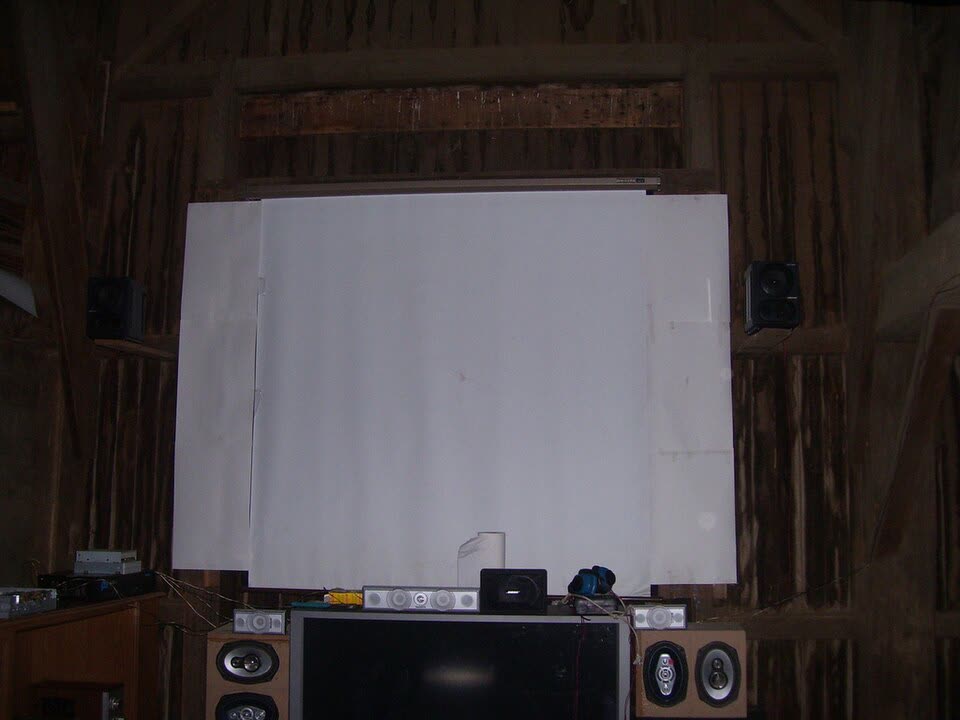
Color. You’ll mostly see white, grey, and sometimes black screen materials. White surfaces are by far the most common in home cinema because they work well with modern projectors in typical light-controlled rooms, delivering a bright, neutral image. Grey and darker materials became popular when projectors had lower contrast; they can help deepen blacks in some setups but are usually a more specialized choice now.
Gain. Screen gain describes how much light the screen reflects back toward viewers compared to a theoretical neutral surface. Higher-gain screens can make the image appear brighter from the main seating area, which can help if your projector has modest brightness or you’re in a large room. The flip side is that very high gain can introduce hotspots (a brighter area in the center) and narrower viewing angles.
In a typical US basement theater with a reasonably bright modern projector, a moderate-gain white screen is usually a safe starting point. If you’re trying to stretch a small, portable projector in a big room, that’s when a carefully chosen higher-gain material might earn its keep.
Buying Online: Evaluating Listings, Platforms, and Value
Once you’ve nailed down room limits, size, aspect ratio, type, color, and gain, you’re ready to actually shop. Online marketplaces can be excellent for value, but they also raise a few projector-screen-specific risks.
On any platform, scrutinize:
- Size and aspect ratio wording. Make sure the advertised diagonal size matches your plan and that the listed aspect ratio (16:9, 2.35:1, etc.) is explicit. Avoid listings that mix metric and imperial or only give approximate numbers if you’re tight on wall space.
- Material description. Look for clear mention of fabric type, color (white/grey/black), gain, and whether the screen is front- or rear-projection. Vagueness here is a red flag.
- Photos vs reality. Product photos often show perfectly flat surfaces and pristine frames. Check user-uploaded images and reviews to see if waves, edge curl, or see-through perforation issues show up in real installs.
- Installation details. For retractable or rear-projection screens, confirm how they mount (wall vs ceiling), included hardware, and physical housing dimensions so you don’t discover a conflict with your room after delivery.
Cross-border marketplaces like DHgate sometimes list projector screens directly from manufacturers or trading companies. That can be useful if you’re hunting for a niche size, an acoustically transparent fabric, or a budget rear-projection screen that’s rare in US retail. The trade-off is that you’ll need to be extra careful about spec sanity checks:
- Compare the claimed gain and color against what your projector and room actually need.
- Look for multiple, consistent photos of the screen surface and frame, not just stock renders.
- Read buyer comments closely for mentions of fabric thickness, smell, wrinkles, or inaccurate sizing.
If you don’t see solid technical detail or buyer feedback, or if the listing’s numbers conflict with your projector’s manual, it may be safer to choose a more transparent seller elsewhere—even if the headline price is attractive.