
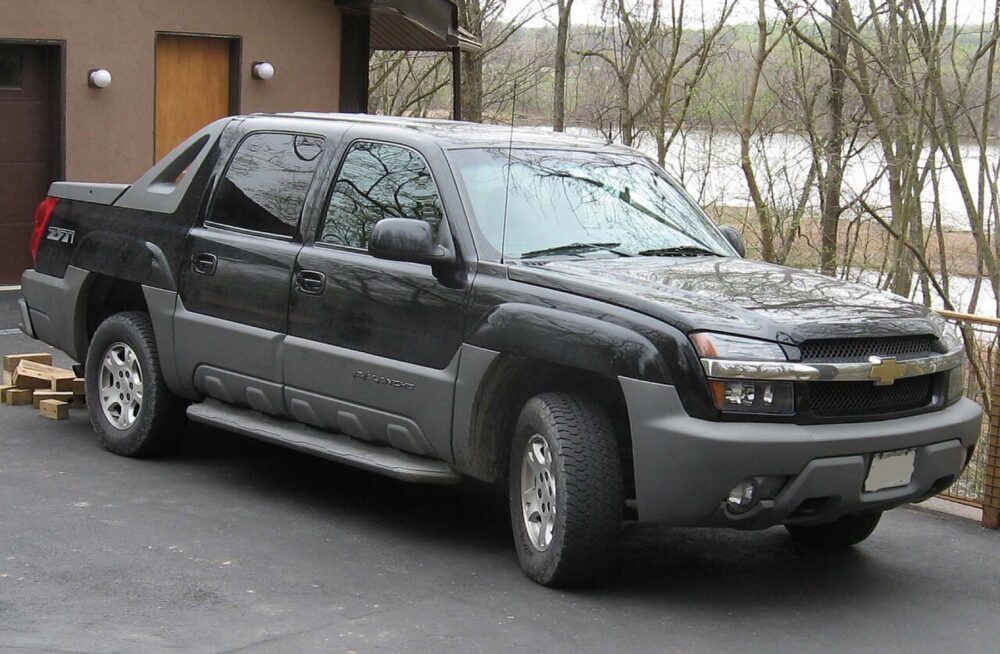
For a Chevrolet Avalanche, you can replace the factory radio with an OEM unit or upgrade to an aftermarket head unit. OEM radios are easiest if you want a stock look and basic features; aftermarket double‑DIN or Android touchscreens make more sense if you want modern tech like CarPlay, Android Auto, or better sound. Your choice hinges on your Avalanche’s generation, factory options (OnStar, rear entertainment, steering‑wheel controls), and how much installation complexity you’re willing to handle.
What Counts as a Chevrolet Avalanche Audio System?
On an Avalanche, the “audio system” is more than just the front radio. It typically includes:
- The head unit (radio/CD or touchscreen navigation)
- Front and rear speakers, sometimes a factory subwoofer
- Steering‑wheel audio controls
- OnStar and Bluetooth integration on later years
- Optional rear seat entertainment and rear audio controls
OEM sound system diagrams and radio part numbers are available through online parts catalogs that let you drill down by year and trim (for example, an LT 2012 Avalanche has a dedicated sound system section in an OEM catalog). These diagrams show how the radio ties into things like OnStar modules and rear entertainment, which matters if you plan to swap anything.
You might replace or upgrade the audio system because the factory radio failed, the display or buttons are worn, or you simply want navigation, streaming audio, or smartphone mirroring that the truck never came with. Many owners also upgrade speakers or add an amp once they’ve changed the head unit, but the head unit choice sets the tone: OEM‑style replacement vs modern infotainment.
OEM vs Aftermarket Radios and Fitment for Avalanche Generations
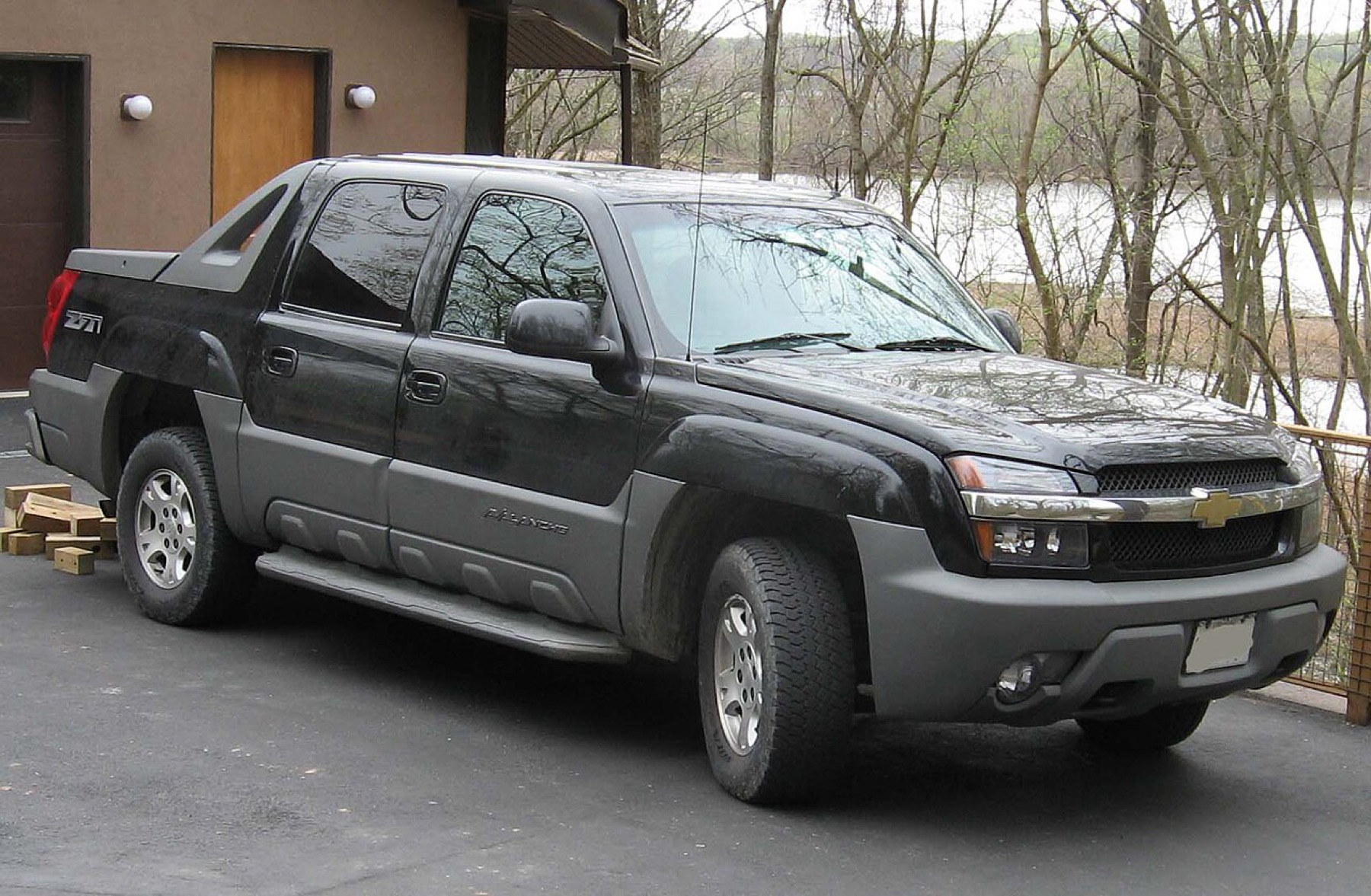
Avalanche audio options break into two main paths: OEM radios and aftermarket head units. The truck went through two generations, and fitment and features differ.
First generation (2002-2006) used traditional GM truck radios in a tall opening that can be adapted to double‑DIN units with a dash kit. You’ll find OEM radios in online catalogs, used parts yards, and marketplaces. These OEM units typically offer AM/FM, CD, and later auxiliary input; factory navigation was rarer. Swapping to a same‑generation OEM radio is usually physically straightforward but may still require programming at a dealership if the radio’s theft‑lock or VIN pairing needs to be updated.
Second generation (2007-2013) moved to a more integrated double‑DIN layout and more complex data bus. For these years, OEM navigation radios like the 2010 unit commonly identified as part number 25966512 show up as stand‑alone listings on marketplaces such as eBay’s product page for a 2010 Avalanche navigation radio. Owners on forums and Reddit report that installing an OEM radio from another vehicle can involve extra modules or harnesses and often a dealer visit to program the unit to the truck.
At the same time, this generation is a prime candidate for aftermarket double‑DIN or Android head units. Retail listings exist for 2007-2013 Avalanche‑specific Android stereos offering features like wireless CarPlay, Android Auto, 10‑inch touchscreens, Bluetooth, and built‑in GPS (for example, an Android 14 double‑DIN unit marketed specifically “for Chevy Avalanche 2007-2013” on Amazon). Mass‑market retailers also list Avalanche‑branded Android radios with GPS, Wi‑Fi, Bluetooth, and steering‑wheel‑control support under their Chevrolet Avalanche category pages, as seen on Walmart’s Avalanche section.
Real‑world owner reports highlight that fitment isn’t just about the hole in the dash. In a Facebook Avalanche group, one owner describes using a Sony double‑DIN radio with a PAC interface to keep factory steering‑wheel controls, backup camera, and OnStar working in a 2011 Avalanche. On Chevy Avalanche forums, owners talk through swapping stock radios for brands like Rosen while trying to preserve Sirius satellite radio and rear seat entertainment. These anecdotes underline the gap between “plug‑and‑play” expectations and the reality of needing the right interfaces and programming.
Here’s a compact way to compare OEM vs aftermarket for Avalanche audio:
| Option type | Typical fit by generation | Feature strengths | Common trade‑offs |
|---|---|---|---|
| OEM basic radio | 2002-2013, direct size match | Stock look, simple replacement | Limited modern features, may need dealer programming |
| OEM navigation | Mostly 2007-2013, specific part numbers | Integrated factory nav, retains OEM integration | Sourcing specific part numbers; programming often required |
| Aftermarket double‑DIN | 2002-2013 with dash kit/adapters | Better sound options, modern UI | Requires dash kit, harness, steering‑wheel adapter |
| Android touchscreen | 2007-2013 marketed “Avalanche”‑specific | CarPlay/Android Auto, GPS, apps, big screens | Quality varies, depends on interfaces for OEM feature retention |
For most daily drivers, an aftermarket double‑DIN or Android unit gives the best value and features, as long as you budget for the proper installation parts. OEM replacement radios are still the right call if you care about factory appearance, are selling the truck, or want the simplest possible change with minimal new tech.
Where to Buy Avalanche Audio Systems and What to Check Before Ordering
Because the Avalanche shares a lot of hardware with other GM trucks and SUVs of the era, audio parts are widely available. The challenge isn’t finding a radio; it’s confirming that it matches your truck’s year, trim, and options.
OEM catalogs and dealer‑linked parts sites let you browse sound system diagrams and OEM radio part numbers by VIN or year/trim. A 2012 LT Avalanche, for example, has a dedicated “Sound System” section in online OEM catalogs that shows the radio, speakers, and related modules. These sites are useful for identifying the exact part number you need and checking how many modules tie into the radio before you start swapping components.
Online marketplaces and used parts sellers are where many owners source individual OEM radios, including navigation units like the 2010 part mentioned earlier on eBay. When you buy an OEM radio this way, confirm the exact part number, vehicle compatibility list, and whether the seller acknowledges that dealer programming may be necessary. Owners on Reddit’s r/ChevyAvalanche describe OEM swaps that required an additional interface plus a trip to the dealership to get the radio properly married to the truck.
Car‑audio retailers and install‑parts suppliers are your best bet for aftermarket units and the hardware that makes them work. For instance, stereo‑installation specialists like CARiD’s 2008 Avalanche installation parts page show year‑specific dash kits, wiring harnesses, and steering‑wheel‑control adapters. These parts are what turn a universal double‑DIN or Android radio into a reasonably clean install in an Avalanche.
Mass‑market retailers listing Avalanche‑specific Android head units are attractive for price and convenience, but you still need to match the listing to your truck’s generation and confirm that needed features (steering‑wheel controls, backup camera, OnStar) are supported via included or recommended adapters. Listings on Amazon and Walmart that mention “for Chevy Avalanche 2007-2013” and features like SWC (steering‑wheel controls) support give a starting point, but the actual retention usually depends on buying the recommended interface module.
Quick installation reality check
Before you place any order for an Avalanche audio system, walk through three concrete steps:
- Lock in your exact year and options. Note whether your truck has factory navigation, rear seat entertainment, OnStar, backup camera, Bose or base audio, and steering‑wheel controls. These options affect which harnesses and programming are required.
- Decide OEM vs aftermarket based on features. If you want wireless CarPlay/Android Auto, streaming apps, and a big touchscreen, you’re almost certainly in aftermarket territory; if you just want a working radio with factory integration, OEM can make sense.
- Budget for install parts and possible programming. Check that your cart includes a dash kit, wiring harness, antenna adapter, and any SWC/OnStar interface modules suggested for your year. Assume that an OEM radio swap may involve a dealer visit to clear theft‑lock and sync the unit to your VIN.
For small ecommerce or shop buyers considering cross‑border sourcing, these radios and Android units can be appealing inventory, but quality variation and feature claims are real risks. Make sure any stock you carry is clearly labeled by Avalanche generation (2002-2006 vs 2007-2013) and that you understand which interfaces are required to retain factory features. Otherwise, you’ll spend more time supporting frustrated installers than selling audio upgrades.