
Can You Use PayPal on DHgate Today?
You can tap money that sits in your PayPal account for DHgate purchases, but only indirectly.
According to DHgateWiki’s PayPal guidance, DHgate ended its PayPal partnership and no longer supports native PayPal checkout as of that guide’s publication. That means:
- You can’t pay straight from PayPal balance at checkout on DHgate.
However, if you’re in the U.S. and have a PayPal debit card, you can often pay on DHgate by treating that card like any other debit or credit card. At checkout, you:
- Log in to DHgate, add items to your cart, and proceed to payment.
- Choose the option to pay with a new card.
- Enter your PayPal debit card details.
Quick distinction for DHgate payments:
- PayPal balance: not accepted directly at checkout.
- PayPal debit card: can often be used, processed as a standard card.
If you want more detail on the PayPal situation, DHgateWiki’s own PayPal explainer is available at this link: PayPal on DHgate payment guide.
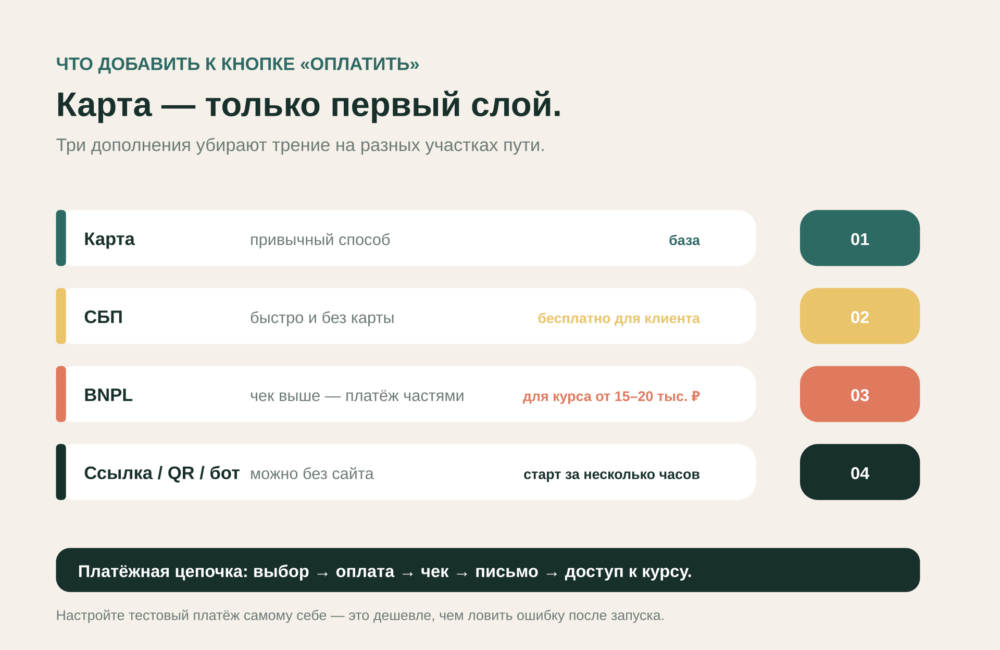
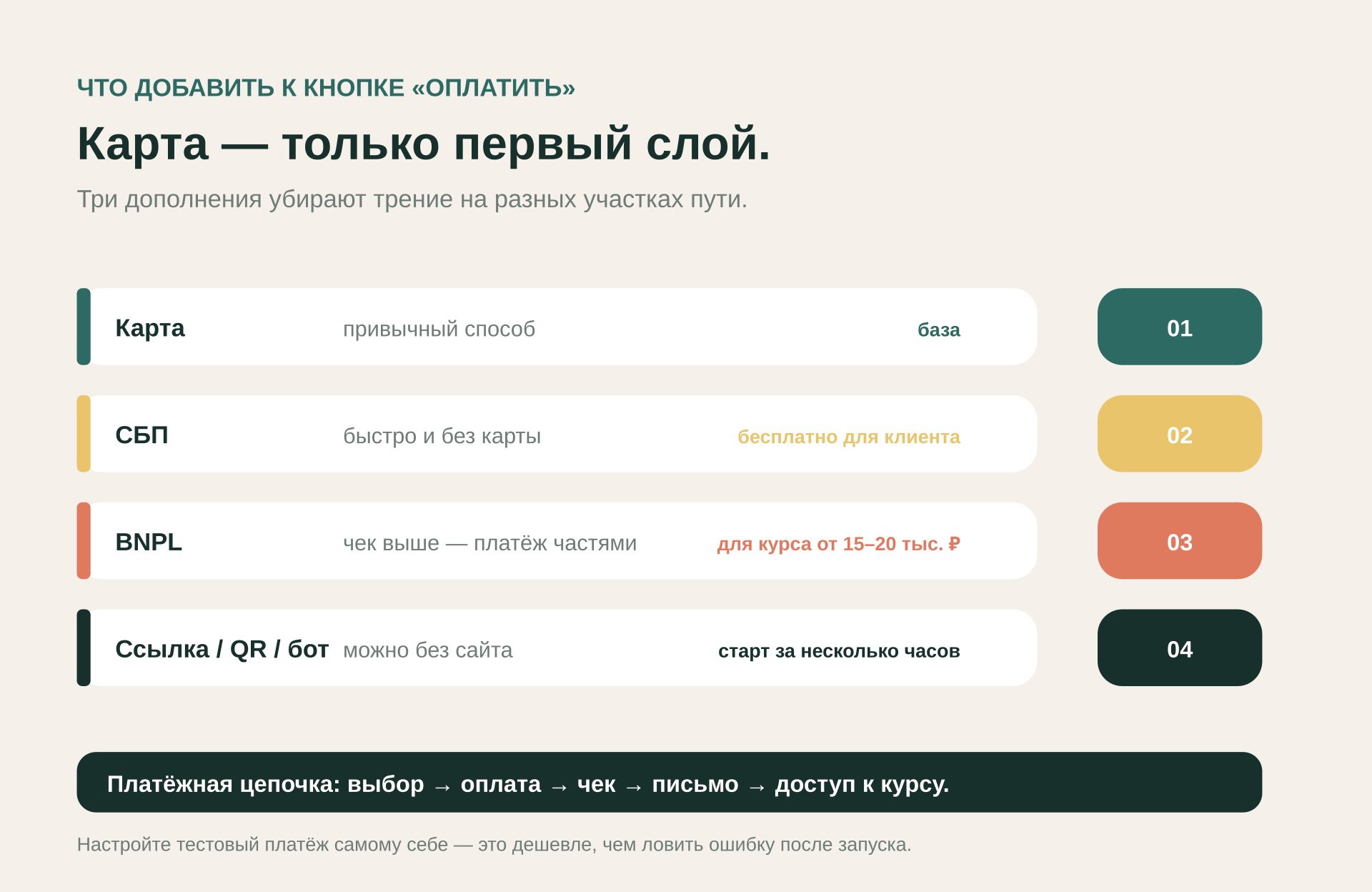
Payment Options on DHgate: DHpay, Cards, Bank Transfer, PayPal Debit
U.S. buyers typically see several payment choices on DHgate: DHpay, major cards, sometimes e-wallets, and bank transfers.
A third-party review notes that DHgate supports cards like Visa, Mastercard, American Express, Discover, and UnionPay plus some digital wallets for international buyers; availability can vary by region.DHgate review describing payment methods
DHpay (DHgate’s own payment system)
DHpay is DHgate’s integrated payment system, described in DHgateWiki editorial material as built for a streamlined checkout experience. It’s designed specifically for DHgate and can work with multiple funding methods (such as cards or transfers) inside one interface.
Editorial guidance highlights potential benefits without making platform-wide promises:
- It is tailored to mesh with DHgate’s checkout flow.
- DHgateWiki’s description does not mention extra internal DHpay fees, though fees from banks or card issuers may still apply.
- Currency conversion is described as being based on global exchange rates.
Because this information comes from historical editorial content rather than current official policy, confirm any DHpay details directly in DHgate’s checkout or help center before relying on them.
Credit and debit cards
Cards are commonly used by U.S. buyers for small to mid-sized orders on DHgate. Supported brands can include Visa, Mastercard, American Express, Discover, and UnionPay, depending on your region and card issuer.DHgate review describing payment methods
Why cards are popular:
- Familiar process and quick authorization.
- Easy to track DHgate purchases on your card statement or app.
- Card issuers typically provide dispute and chargeback rights under card-network rules.
Tradeoffs to keep in mind:
- Your bank may add currency conversion or international transaction fees.
- Some issuers scrutinize cross-border or China-based transactions; you may need to approve the purchase.
Cards are a natural fit for mid-priced tech, fashion, or home goods when you want a straightforward dispute path through your bank or card company.
Bank transfer
Bank transfers are generally better suited for larger or wholesale orders on DHgate. DHgateWiki’s editorial guidance notes that transfers often support higher limits than cards but move more slowly.
Typical characteristics:
- Useful for high-value and bulk purchases when card limits are restrictive.
- Funds move directly from your bank into DHgate’s payment flow.
- Processing and confirmation can take longer, which may delay shipment.
Because international wire fees and exchange rates vary, bank transfer usually makes sense only when your order value is high enough that those costs feel acceptable.
PayPal debit (indirect PayPal use)
The PayPal debit route sits between a card and a wallet:
- It is technically processed as a card on DHgate.
- It lets you draw on PayPal-held money and some PayPal account preferences.
Key things to remember:
- DHgate sees only a card number; it does not treat the payment as “PayPal checkout.”
- Any PayPal-specific terms or protections apply according to PayPal’s own card and account rules, not DHgate policy.
- If DHgate or your bank stops accepting that card type, there is no separate “Pay with PayPal” button to fall back on.
Side-by-side view for U.S. buyers
| Method | Typical sweet spot on DHgate | Relative speed | Main friction for U.S. buyers |
|---|---|---|---|
| DHpay | Regular DHgate shopping with mixed order sizes | Fast | Need to learn DHpay interface; check regional availability |
| Credit/debit card | Small to mid-priced orders (tech, fashion, décor) | Fast | Possible FX/intl fees; issuer may flag cross-border transactions |
| Bank transfer | Larger or wholesale DHgate orders | Slower | Bank fees, slower confirmation, more setup effort |
| PayPal debit card | Buyers who keep shopping funds in PayPal | Fast | Must have PayPal debit; treated as a card, not true PayPal |
How to Choose the Best DHgate Payment Method for Your Order
A worked example: buying a mid-priced tech accessory
Imagine you’re in the U.S. buying a phone accessory on DHgate in the $60–$120 range:
- You want reasonable protection if it arrives late or not as described.
- You’re fine with typical cross-border delivery times but don’t want months of delay.
- You already have both a regular credit card and a PayPal account.
Here’s how the main methods stack up:
- Major credit card – Often the most straightforward choice. You get near-instant payment, easy tracking on your card statement, and access to your card issuer’s dispute process if you can’t resolve an issue with the seller. For a mid-priced tech item, this balance of speed and leverage is usually attractive.
- PayPal debit card – Helpful if you keep your shopping budget inside PayPal and want to draw from that balance indirectly. Compared with using a regular credit card, the downside is that DHgate still treats it as a card transaction, so you don’t get a separate PayPal checkout lane or special visibility within DHgate itself.
- Bank transfer – Typically overkill for a single mid-priced accessory. Fees and slower handling can quickly outweigh any benefits. This approach makes more sense if you’re placing higher-value or wholesale orders.
- DHpay – Useful if you like keeping your DHgate payments inside a single platform-specific system. Because current policy-level detail is not available in our evidence, treat DHpay as one option to test in checkout rather than assuming uniform benefits in every region.
Simple checklist before you pay
Right before you hit “Pay now” on DHgate, confirm:
- Which payment methods you actually see at checkout for your U.S. shipping address; options can vary by location and order.
- Card type: if you plan to use PayPal funds, make sure you’re entering a PayPal debit card number, and don’t expect your PayPal balance to appear as its own button.
- Your bank/PayPal settings: check that international purchases are allowed, alerts are enabled, and you understand any foreign-exchange or international fees.
- Your dispute path: for small to mid-sized orders, decide whether you’d rather lean on your card issuer’s dispute process or on PayPal’s card/account terms if something goes wrong.
For many U.S. DHgate orders today, a major credit card or DHpay is a practical default, offering a familiar card-based flow or a DHgate-specific payment system. PayPal debit is a useful workaround when your budget lives inside PayPal, and bank transfer is something to reserve for larger or wholesale DHgate purchases.