

Shipping and logistics software connects your online store and sales channels to shipping carriers and fulfillment workflows. In practice, that means your Shopify, Amazon, eBay, or WooCommerce orders flow into one dashboard where you can buy labels, compare carrier rates, sync tracking numbers, and sometimes manage returns. For most small ecommerce businesses in the US—especially if you ship internationally—using some kind of shipping platform has shifted from “nice to have” to “necessary infrastructure.”
What shipping and logistics software actually does for an ecommerce business
Ecommerce shipping software is a narrower slice of logistics tools focused on order fulfillment. Guides from firms like Pitney Bowes and Ringly describe the same core pattern: the software sits between your storefront and your carriers to automate repetitive work and make shipping data visible.
In day-to-day terms, a typical shipping app:
- Pulls orders from your ecommerce platform or marketplaces. Many leading tools integrate with major platforms and marketplaces via apps or APIs—think Shopify, WooCommerce, BigCommerce, Amazon, eBay, and more—so you don’t copy-paste addresses.
- Generates and prints labels automatically. Ringly highlights label automation as a defining feature: once orders sync, you pick a carrier/service level, and the software creates labels in bulk.
- Compares carrier rates in one place. Multi-carrier tools connect to USPS, UPS, FedEx, regional carriers, and sometimes local couriers, then show live or negotiated rates side by side.
- Attaches tracking numbers back to the order. The software pushes tracking IDs into your ecommerce platform and/or marketplace so your customers see status updates and you can answer “where’s my order?” questions quickly.
- Supports basic returns workflows. Some tools let you issue return labels and track inbound packages, smoothing reverse logistics.
ShipHero’s overview of top ecommerce shipping software notes that many modern platforms integrate with most major ecommerce systems and carriers to create a relatively seamless shipping operation. You’ll see this reflected in marketing from tools like ShipStation, which advertises integrations with “all the major ecommerce marketplaces and shopping carts” via its partner ecosystem.
This integration layer is what answers the central question: yes, shipping software typically does integrate directly with ecommerce platforms. The real decision for you is which type of tool you actually need.
Types of shipping and logistics platforms and how they work
Pitney Bowes’ ecommerce shipping guide divides shipping tools into categories that map neatly to common small-seller situations. Combined with broader logistics descriptions from platforms like Monday.com, you can think in four buckets:
- Standalone ecommerce shipping software
These are multi-carrier shipping apps built specifically for online sellers: ShipStation, Shippo, Easyship, Sendcloud, Pirate Ship, Ordoro, and similar tools Ringly compares.
How they work:
- You connect your sales channels (Shopify store, Etsy shop, eBay seller account, etc.).
- Orders flow into a central queue.
- You batch-buy labels, rate-shop among carriers, and print.
- Tracking and status updates sync back to each channel.
This type is usually the best fit once you’re sending more than a handful of parcels a week and/or selling across multiple platforms.
- Integrated platform shipping tools
Many ecommerce platforms offer built-in shipping functions or app-store plugins: Shopify Shipping, native WooCommerce shipping extensions, Amazon Buy Shipping in Seller Central.
How they work:
- You stay inside the ecommerce platform’s admin.
- The platform connects directly to carriers or to a partner shipping app.
- You buy labels and manage fulfillment without a separate login.
These are fine for single-channel sellers who don’t need sophisticated logistics features and want to keep everything “under one roof.”
- Carrier-specific shipping software
USPS, UPS, FedEx and other carriers offer online tools and in some cases desktop software.
How they work:
- You manually create shipments or upload files.
- You get that carrier’s rates and services, sometimes with negotiated discounts.
- Integration back to your store is limited or requires extra plugins.
This can work if you’re loyal to one carrier and have simple needs—but you lose multi-carrier rate shopping.
- Enterprise logistics and TMS/WMS suites
Monday.com’s logistics content defines logistics platforms more broadly: they coordinate transportation, warehousing, and inventory to optimize product flow from origin to destination. Think full transportation management systems (TMS), warehouse management systems (WMS), and ERP add-ons from vendors like SAP, Oracle, or large 3PLs.
How they work:
- Centralize truckloads, pallets, and parcel shipments.
- Manage warehouse locations, stock movements, and sometimes labor.
- Integrate with ERPs, manufacturing, and financial systems.
These are overkill for most small ecommerce sellers. They make sense if you’re running your own warehouse network or complex B2B logistics—but not if your main pain is printing 30 Shopify labels each day.
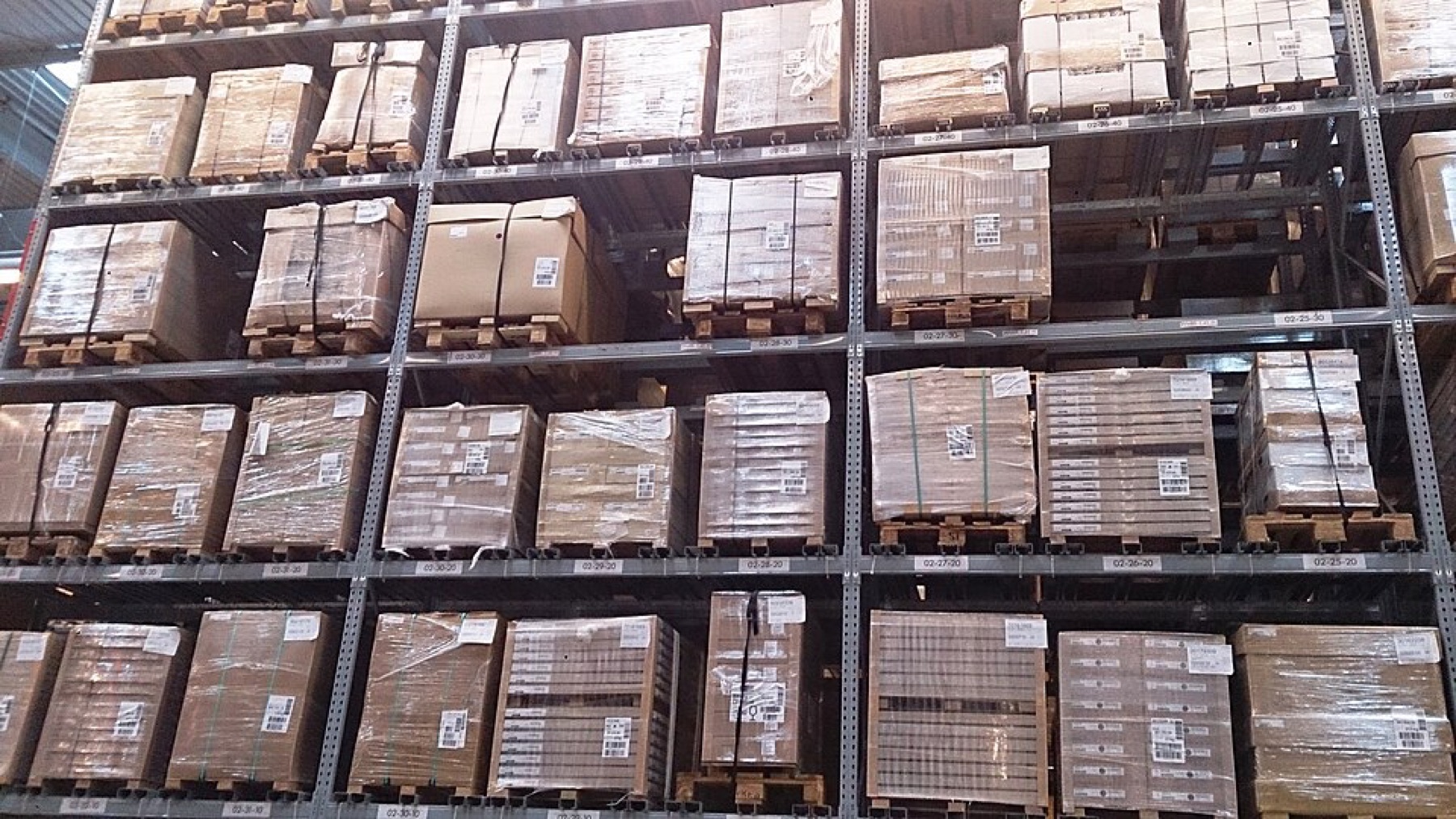
The key is to avoid overbuying: many small brands just need a focused ecommerce shipping app, not a full logistics suite meant for multinational supply chains.
Comparing shipping platforms on price, integrations, and international reach
Ringly’s 2026 comparison of eight ecommerce shipping tools gives a useful snapshot of how these platforms differ for small businesses. Instead of naming a single “best,” it emphasizes fit: some tools are tuned for multi-channel, higher-volume sellers; others cater to low-volume stores with free or cheap plans.
Three practical comparison lenses:
1. Pricing style and order volume
- Per-label or tiered plans: Some tools offer a free tier up to a limited label count per month, then charge as you grow. Ringly mentions examples with free plans up to dozens of labels, which can cover a small side hustle.
- Monthly subscriptions: Others assume consistent volume and quote starting prices on a monthly basis for multi-channel features.
- Carrier-native tools: These may be “free” but lock you into one carrier and leave you to build integrations yourself.
If you ship fewer than ~100 parcels a month, the main decision is often: does a free/low-tier shipping app cover me, or is my platform’s built-in shipping good enough?
2. Integrations and channel coverage
ShipStation’s partner listing illustrates one edge of the market: broad integrations with major carts and marketplaces so multi-channel sellers can see everything in one place. Other tools focus more narrowly on specific platforms.
Questions to ask:
- Does the tool have native apps for your ecommerce platform (Shopify, WooCommerce, BigCommerce)?
- Does it integrate directly with major marketplaces you use (Amazon, eBay, Etsy)?
- If you sell B2B via custom invoices or offline orders, can you import manually or via CSV/API?
For a single-channel Shopify store, you may be fine with Shopify’s own shipping or a Shopify-specific app. As soon as you add Amazon or eBay, using a multi-channel shipping tool with marketplace integrations saves hours of jumping between dashboards.
3. International and cross-border strength
Cross-border shipping adds customs documentation, duties/taxes, and longer transit times. Ringly’s editor flags Easyship as particularly strong for cross-border features among the tools they tested—one example of a platform that leans into international workflows.
More broadly, logistics content from companies like Fingent notes that logistics software can compare different shipping services and transport methods to help find lower-priced options. For cross-border sellers, this usually means:
- Seeing international carrier options (postal vs. express vs. economy).
- Getting help with HS codes, customs forms, and duties estimates.
- Having at least basic tracking visibility once parcels leave the domestic network.
Where marketplace shipping may be enough—and its limits
If most of your sales run through a marketplace, sometimes that marketplace’s own shipping tooling covers your needs:
- Amazon and eBay: Offer built-in label buying and tracking; Amazon’s FBA goes further by handling fulfillment entirely.
In those cases, you may not need a separate shipping app for those marketplace orders. However, you still need to:
- Check each seller’s shipping methods (postal vs. express),
- Confirm that they provide trackable shipments, and
- Clarify who handles customs and duties on arrival.
For readers who want a deeper marketplace overview before picking where to source or sell, you can explore how DHgate works and how it compares to other marketplaces in:
- What DHgate is and how the marketplace works
- Compare online marketplaces and shopping platforms
- Compare DHgate with AliExpress, Alibaba and Temu
Quick platform-type comparison
The table below distills the main shipping platform types and their typical fit for small ecommerce sellers:
| Platform type | Typical user profile | Integration level with ecommerce | Cross-border support (general) |
|---|---|---|---|
| Standalone ecommerce shipping app | Multi-channel seller, 50-2,000 orders/month | High: many carts & marketplaces | Often good, some tools specialize |
| Integrated ecommerce platform tool | Single-channel store on Shopify/WooCommerce | High, but mostly within that platform | Basic; more limited customs tools |
| Carrier-specific software | Seller loyal to one carrier, simple flows | Low–medium; may need extra plugins | Depends on carrier; narrow options |
| Enterprise logistics/TMS/WMS | Large or complex operations (own warehouses) | High with ERPs, low for small carts | Strong, but heavy to implement |
This is editorial judgment informed by the cited guides; exact capabilities vary by vendor, but the patterns are consistent enough to support decisions.
Matching platform types to common small ecommerce and cross-border scenarios
Ringly emphasizes that the “best” shipping software for a small business depends heavily on order volume and reach. Using that lens, here’s how to match tool types to real-world scenarios.
Scenario 1: Low-volume starter on a single store
You: A US-based brand with a Shopify or WooCommerce store shipping 20-80 domestic orders per month.
Fit:
- Start with integrated platform shipping (Shopify’s built-in tools or a single-plugin setup).
- Consider a shipping app only if you need better rate shopping or plan to add more channels soon.
Avoid: Enterprise logistics suites and complex multi-warehouse tools—you don’t have the volume or operational complexity to justify them yet.
Scenario 2: Multi-channel US seller
You: Selling on Shopify plus Amazon and eBay, sending hundreds of parcels a month.
Fit:
- A standalone ecommerce shipping app with broad integrations makes sense. ShipStation’s partner ecosystem is one example of the kind of multi-channel coverage to look for.
- Use multi-carrier rate shopping to balance speed and cost, as highlighted in Fingent’s discussion of logistics software cost optimization.
Risk of underbuying: Relying on platform-specific tools across three channels quickly becomes a manual-copy nightmare. Multi-carrier apps consolidate orders and reduce mistakes—multi-carrier integration is described by ERPSoftwareBlog as helping optimize operations and reduce errors in logistics.
Scenario 3: Cross-border DTC brand
You: A US-based DTC brand shipping to Europe, Canada, or Australia, mixing domestic and international orders.
Fit:
- Look for shipping software that explicitly markets cross-border features: duty/tax estimation, customs forms, international carrier options, and clear tracking.
- A tool with strong cross-border capabilities (like Easyship in Ringly’s evaluation) is worth shortlisting, even if you don’t choose that exact vendor.
You’ll still need to understand your own customs responsibilities and consider external resources (carrier sites, customs advisors), but software that surfaces duties and documentation will save time and help avoid shipment holds.
Scenario 4: B2B importer using sourcing marketplaces
You: Buying inventory via Alibaba or DHgate, then reselling domestically via your own store or marketplaces.
Fit:
- For inbound freight from suppliers, you may rely on freight forwarders or seller-managed shipping—this is separate from ecommerce shipping apps.
- For outbound orders to your customers, treat yourself like Scenario 2 or 3: choose a shipping platform that integrates with your sales channels and supports your mix of domestic and international shipments.
Pitney Bowes’ shipping challenges list—shipping costs, delivery expectations, damaged or lost items, and reverse logistics—is a good checklist here. B2B importers feel those pain points both on inbound and outbound sides. Dedicated shipping software mainly helps on the outbound side; inbound freight may require different tools or specialist logistics providers.
Practical steps to implement and evaluate a shipping software integration
Once you decide to use shipping software, a careful rollout protects your margins and customer experience. You don’t need to be technical; you just need a structured approach.
1. Confirm native integrations before signing up
Most major ecommerce shipping platforms say they integrate with popular ecommerce systems. Networkon notes that most ecommerce shipping software can integrate with existing ecommerce platforms, and real-world examples from ShipHero and ShipStation back that up.
Action:
- Check the vendor’s integration list for your exact platforms and marketplaces.
- Prefer tools with official apps or plugins over “DIY API” connections.
2. Start with a limited label volume
- Run a small test batch of orders (for example, one day’s worth) through the new software.
- Compare calculated rates and generated labels against what you would normally pay and print.
You’re looking for obvious misconfigurations (wrong service levels, missing customs forms) before you roll it out across all orders.
3. Test tracking and customer notifications
- Tracking numbers flow back into your ecommerce platform or marketplace correctly.
- Customers receive emails/SMS updates you expect.
- Your support team can see shipment statuses quickly.
4. Monitor cross-border performance specifically
For international shipments:
- Check that customs documentation is generated where needed.
- Monitor first few shipments’ transit times and hold incidents.
- Confirm whether duties/taxes are being prepaid (DDP) or billed to the recipient (DDU), and that this matches what you promise customers.
Use carrier or customs resources like FedEx’s trade tools (highlighted in DHgate’s cross-border ecommerce article) if you need more detail on compliance.
5. Reassess fit as you scale
As order volume and channel mix change, revisit your setup:
- If you add a marketplace or international region your software doesn’t support well, it may be time to switch.
- If you outgrow a free plan into higher tiers, compare alternate tools again using feature and pricing frameworks like Ringly’s.
Integration-heavy shipping tools, described by ERPSoftwareBlog as helping optimize operations and reduce mistakes, work best when they stay aligned with your stack. Treat your shipping platform choice as a living decision, not a one-time install.
Ultimately, the right shipping and logistics software is the one that quietly handles labels, rates, tracking, and returns in the background while you focus on products and customers. For most small ecommerce and cross-border sellers, investing the time to pick and integrate a well-fitted shipping tool pays off in fewer headaches and more predictable fulfillment.