
Quick answer: DHgate does not currently document a universal photo-search button across every web and app interface. If a camera or image-search control is visible in your version, you can test it, but do not assume every account has it. The reliable fallback is to crop the product photo, identify descriptive attributes with Google Lens or Bing Visual Search, and then search those attributes on DHgate.
Last reviewed: September 9, 2026. Interface features can vary by device, region, account and app version.
Can you search DHgate with a photo?
Sometimes, but availability should be verified on the screen in front of you. DHgate’s current Google Play listing describes product filters, recommendations and QR-code scanning, but it does not promise a photo-upload search feature. That is why this guide does not present an unverified camera-button sequence as a universal DHgate workflow.
If you see a camera, photo or image-search icon beside the search field, use it only as a discovery shortcut. Results are visual matches, not proof that two products share the same manufacturer, materials, dimensions, authorization or quality.
The dependable photo-to-DHgate workflow
- Use a clean source image. Choose a photo you own or are permitted to use. Avoid uploading faces, addresses, order labels or other personal information.
- Crop to one product. Remove people, logos, backgrounds and unrelated objects. A tight crop helps visual-search tools identify shape, color and construction details.
- Run a visual search. Google Lens accepts an uploaded image, image URL or drag-and-drop file and can return similar images and pages. Bing Visual Search also accepts uploads, pasted URLs and mobile photos.
- Extract neutral attributes. Write down the product type, material, color, closure, shape, size, connector, pattern and intended use. Do not use a brand name unless you are specifically looking for authorized genuine goods.
- Build a DHgate keyword query. Combine three to six observable attributes, such as “women quilted nylon crossbody zip black” or “USB C braided cable right angle 2m.”
- Open several listings. Compare specifications, variation menus, shipping destination, seller information and buyer-uploaded evidence. Do not choose from the thumbnail alone.
- Verify before payment. Ask the seller to confirm any missing measurement, material, compatibility or package-content detail in the DHgate message thread.
How to get better visual-search results
| Problem | Adjustment | Why it helps |
|---|---|---|
| Results show the whole room | Crop tightly around the item | Reduces competing visual signals |
| Results focus on a logo | Crop out the logo and search construction details | Supports lawful, attribute-led discovery |
| Too many unrelated products | Add material, shape and use-case words | Turns a visual match into a narrower text query |
| Only one listing looks similar | Search a second crop or another angle | Tests whether the match is stable |
| Compatibility is unclear | Search the exact model number plus connector or dimensions | Visual similarity cannot prove fit |
Google’s official Lens guidance says you can refine an uploaded-image search by adding words. That is especially useful for marketplace shopping: add the product category and one or two differentiating attributes after the image search identifies the object.
What a matching photo does not prove
A photo match is evidence of visual similarity only. It does not establish:
- that the listing photo shows the item the seller will ship;
- that two sellers use the same factory or materials;
- that a branded item is genuine or authorized;
- that an electronic accessory fits your exact model;
- that safety, performance or certification claims are valid;
- that the total price, delivery estimate or return route is the same.
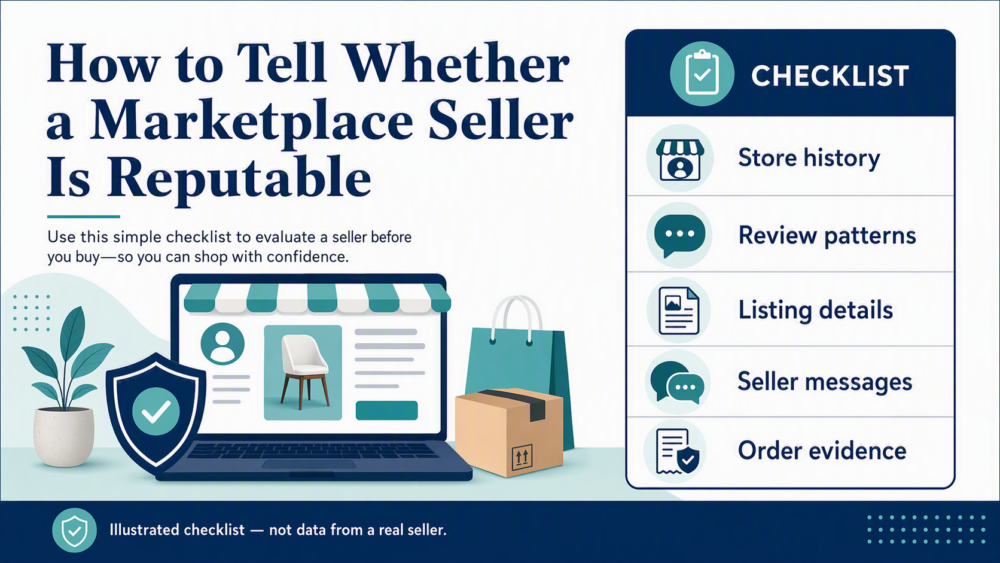
For seller checks, use the reliable DHgate seller checklist and compare it with the more detailed trusted-seller verification workflow. For buyer-uploaded evidence, see how to read DHgate reviews.
How to compare the listings you find
Use the image to create a shortlist, then compare the details that determine whether the product is suitable:
- Specification: dimensions, material, model, connector, capacity and package contents.
- Variation: confirm the selected size, color or version changes the correct SKU.
- Evidence: look for consistent buyer photos and repeated details across written reviews.
- Seller response: ask one specific question and save the answer in the platform message thread.
- Destination: check the shipping method, estimated window and total checkout cost for your address.
- Risk: avoid listings that rely on copied brand imagery, unverifiable certification marks or off-platform payment requests.
Before checkout, review DHgate buyer-safety and legitimacy checks. If payment is the next step, use the site’s credit-card safety checklist rather than following a seller to an external payment channel.
When not to use a marketplace photo match
Choose an authorized retailer, manufacturer or specialist distributor when you need guaranteed authenticity, safety certification, regulated storage, traceable warranty service or exact technical compatibility. This is especially important for medical products, protective equipment, batteries, mains-powered devices and safety-critical vehicle parts.
For ordinary unbranded accessories or low-risk household items, a photo-led search can be useful if you still verify dimensions, materials, variants and seller evidence. The lower the consequence of a mismatch, the more reasonable a small sample order may be.
Privacy and copyright checks
Uploading an image sends it to the visual-search provider. Microsoft notes that uploaded photos may be used to improve Bing image-processing services, while Google provides controls for visual-search history. Review the provider’s current privacy settings before uploading sensitive material.
Visual search does not grant permission to copy a photographer’s image or a brand’s protected design. Use results to describe and compare products, not to reproduce images or request counterfeit branding.
Bottom line
Do not depend on an undocumented DHgate image-search button. Start with a cropped photo in Google Lens or Bing Visual Search, convert the result into neutral product attributes, search those attributes on DHgate, and verify the listing and seller independently. This workflow remains usable even when DHgate changes its interface.