

The way to tell if a golf club is cheaper on eBay.ca or eBay.com is to ignore the listing price at first and compare the landed cost for each option in Canadian dollars. That means: match the exact same club and seller terms, then write down item price, shipping charged by eBay, any import charges shown at checkout, your estimate of CBSA taxes/duties that might be collected on delivery, and the exchange rate you’ll actually pay. Whichever path gives you the lower, realistic CAD total is the better deal – and it won’t always be the one that looks cheaper on the search results page.
What “landed cost” really means for eBay golf clubs shipped to Canada
For a golf club shipped to Canada, landed cost is the total of every amount you’ll pay from click to delivery, converted into CAD. For a single club, think in five layers:
- Listing price
The base price the seller sets for the club. On eBay.ca, this is often displayed in CAD. On eBay.com, you’ll usually see USD. The number can differ slightly across sites even for the same club and seller.
- Shipping charged at checkout
The cost to get the club from seller to you using the service shown in the listing (for example, a postal service or courier). Some US sellers set different shipping rates for Canada than for the US, and some don’t ship to Canada at all.
- Import charges that eBay collects at checkout (if any)
Certain cross-border listings show a separate “import charges” line at checkout. That can cover some duties, taxes or brokerage that are pre-collected on eBay’s side. eBay’s own help materials stress that checkout is the final confirmation of what they will charge you; if import charges are shown, those are the amounts eBay is collecting upfront.
- CBSA-assessed duties/taxes that may be due on delivery
The Canada Border Services Agency (CBSA) is the authority that decides whether imported goods may enter Canada and whether duties or taxes apply. Its mail and courier guidance says the result can depend on factors including the value in Canadian dollars and applicable exemptions. Its courier guidance for consumers also warns that imported online purchases can carry duties, taxes, and administrative fees. Record these as possible costs unless the transaction shows they have already been collected.
This article can’t give you exact tax or duty numbers – those depend on CBSA decisions and current law – but you should treat them as a possible extra layer beyond eBay’s checkout.
- Currency conversion into CAD
If you pay a USD-denominated listing, the amount in CAD depends on the conversion path and any fee applied by your payment provider. Use the Bank of Canada daily exchange-rate page to document a comparison rate and date, but check the actual rate and fee your payment provider will use before treating the estimate as final.
Put those together and you get:
Landed cost = (item price + shipping + import charges collected at checkout + possible CBSA/taxes/brokerage at delivery) converted into CAD using your actual payment exchange rate.
You only know what eBay itself will collect once you reach the checkout page for a listing. Anything CBSA or a carrier may add later sits outside eBay’s totals.
Step-by-step: matching the same golf club listing on eBay.ca and eBay.com
To compare fairly, you have to make it an apples-to-apples exercise: same club, same specs, and similar seller terms. Here’s a practical way to do that:
- Start with the same search terms and filters
eBay Canada’s Advanced Search guidance confirms that buyers can filter by price range, condition, and listing format. Use the same model and specification terms on both domains, then apply equivalent filters and delivery location.
- Choose one exact club you care about
For example, a specific driver or wedge that fits your bag. On your eBay.ca search, click into a listing that looks promising.
- Record the precise specs and included items
From the listing page, write down:
- Brand and model
- Handedness (right/left)
- Loft (for example, 9.5° driver, 56° wedge)
- Shaft brand and material (steel/graphite)
- Shaft flex (regular, stiff, extra stiff, etc.)
- Length (standard, +0.5″, etc., if mentioned)
- Condition (new, “mint”, “very good”; look for photos and grading terms)
- Accessories (headcover included, wrench for adjustable hosels, extra weights)
- Check seller location and shipping service
In the shipping section, note:
- Seller country and province/state
- Whether the seller offers shipping to your Canadian postal code
- Named shipping service (postal vs courier vs an eBay-managed international option)
- Handling time estimate, and any notes on combined shipping or surcharges
- Confirm payment and return terms
Scroll to see:
- Return window and who pays return shipping
- The payment currency shown at checkout
- Search for the same club on the other site
On eBay.com, search using the brand + model + key specs. Use filters for handedness, shaft flex, loft, and condition to narrow to near-identical clubs.
- Identify listings that match closely
Try to find either:
- The same seller offering a parallel listing on the other site; or
- A different seller whose listing matches your spec sheet point-for-point.
- Confirm shipping into Canada from the US listing
For each candidate eBay.com listing:
- Use the “Shipping” section to enter your Canadian postal code.
- Confirm whether shipping is available and what service and price are shown.
- See if any import charges line appears once you proceed toward checkout.
Only once you have two near-identical listings – one on eBay.ca, one on eBay.com – is it worth building a landed-cost comparison.

Image: Alejandrocuadro, Golf bag and clubs, CC0. The photograph illustrates golf equipment generally and is not an eBay listing.
Landed-cost worksheet: eBay Canada vs eBay US for one golf club
Use a simple table to capture the numbers before you decide. You can copy this into a spreadsheet and fill it for your chosen club.
| Detail / Cost element | eBay.ca listing (CAD display) | eBay.com listing (USD display, later converted to CAD) |
|---|---|---|
| Club description (brand, model, specs, condition) | ||
| Seller location and shipping service | ||
| Return policy (days, who pays return shipping) | ||
| Item price shown on listing | ||
| Shipping cost shown before checkout | ||
| Import charges line at checkout (if shown) |
Complete the calculation in a second mobile-friendly table:
| Remaining cost element | eBay.ca listing | eBay.com listing |
|---|---|---|
| Checkout total in displayed currency | ||
| Possible CBSA duty or taxes not already collected | ||
| Possible carrier administrative or brokerage fee | ||
| Bank of Canada reference rate and date | ||
| Actual payment-provider conversion rate or fee | ||
| Estimated final landed cost in CAD |
How to use it:
- Rows up to checkout total come directly from the listing and checkout page. Do not guess them; click through to see the actual lines eBay shows.
- Possible CBSA duty/taxes and carrier fees must not be guessed as confirmed charges. Check the shipping program, checkout, CBSA guidance, and carrier terms, then mark uncertainty explicitly if an amount is not yet known.
- For the exchange-rate row, record the Bank of Canada reference rate and date for comparison, then record the actual conversion terms shown by your payment provider.
Once both columns are filled, compare the Estimated final amount in CAD row. That’s your real comparison, not the listing price.
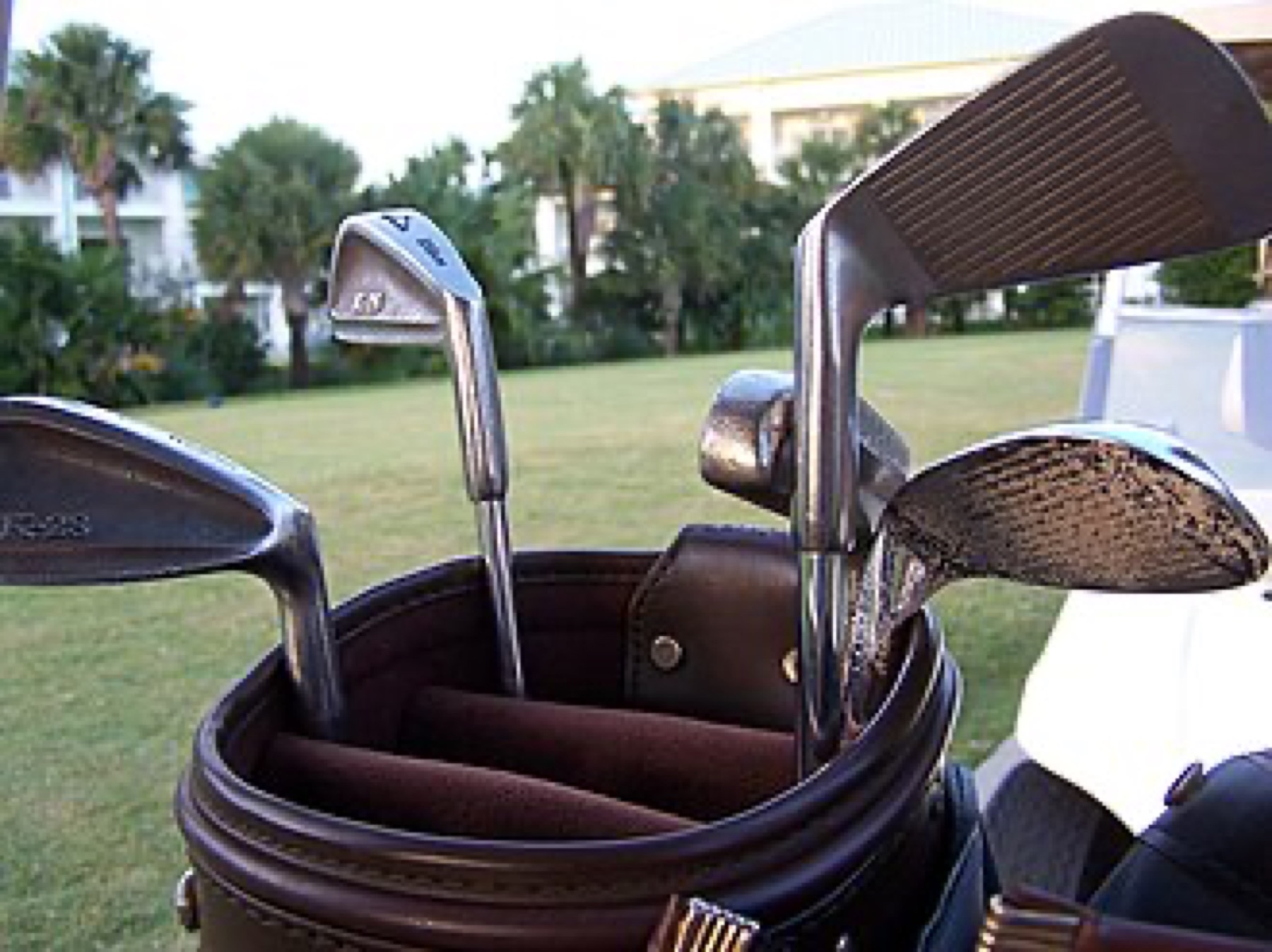
Image: post406, Golf clubs, CC BY 2.0. The photograph illustrates club variation generally and is not an eBay listing.
How platform mechanics, customs and currency choices affect your final price
A listing that looks cheaper on the surface can end up more expensive after these mechanics play out.
1. Checkout on eBay vs charges at the border
When you move from the search page to the checkout page, eBay shows the item, shipping and any import charges that it will collect for that transaction. eBay’s own guidance frames checkout as the place where the charges it handles are finalized for that order.
However, CBSA is a separate authority. Depending on the shipping method and what was collected at checkout, duty, taxes, or carrier fees may still be due before delivery. eBay’s international purchases guidance tells buyers to check which charges apply and explains that charge timing varies with the shipping program.
In practice:
- If a listing uses an eBay-managed international service that shows import charges at checkout, part of your duty/tax may already be covered.
- With more basic postal or courier shipping, you may see no import charges line at checkout even though CBSA later assesses GST/HST and possibly duty.
Your worksheet needs to reflect both possibilities.
2. Currency path and exchange rate
For a Canadian buyer:
- A listing and checkout shown in CAD remove the need to convert the displayed total for the worksheet; verify the final card charge separately.
- eBay.com listings in USD introduce another moving part: the CAD amount depends on the exchange rate and any conversion fee applied by your payment method.
So when you compare listings, you’re comparing the USD checkout total converted under your actual payment terms with the CAD checkout total, plus any costs that may remain due after checkout.
Channel tradeoffs: eBay Canada vs eBay US, plus where generic accessories from DHgate can fit
Once you run a few worksheet comparisons, broader patterns may emerge, but they won’t be universal.
- A listing located in Canada can remove an international border step, but the domain alone does not prove item location. Confirm the “ships from” location and checkout terms.
- A listing located outside Canada adds a currency and import-cost check. Do not assume it is cheaper or more expensive until the exact checkout and possible post-checkout charges are recorded.
For clubs themselves, your landed-cost worksheet across eBay.ca and eBay.com is the more relevant tool.
DHgate is a separate multi-seller sourcing channel. It may be relevant when researching generic golf accessories, but this article does not verify any current DHgate offer and does not treat DHgate as a source of eBay inventory or branded clubs. Apply exact-product and seller-level checks before comparing it with an eBay listing.
If you’re also evaluating other marketplaces beyond eBay, you may find it useful to look at how major platforms differ using broader comparisons like this marketplace overview.
Practical ways to lower landed cost without taking on hidden risk
You can’t control CBSA decisions or live exchange rates, but you can stack the odds in your favour without cutting corners.
- Pay attention to shipping setups that show import charges upfront
Listings that clearly show an “import charges” line at checkout give you more visibility into what you’ll pay before the club leaves the seller. That makes your worksheet more accurate than hoping there’s nothing due on delivery.
- Check combined shipping only when the listing offers it
eBay says eligible purchases from the same seller may be combined, but eligibility varies and some listing formats are excluded. Use only the combined amount confirmed at checkout; do not assume that adding items lowers the landed cost.
- Record the exchange rate before you commit
Use a dated Bank of Canada reference for the worksheet, then check the actual conversion rate and fee offered by the payment provider at checkout. Do not substitute the reference rate for the amount you will actually be charged.
- Balance price against listing clarity
A slightly higher list price on a Canadian listing that spells out shipping, taxes and a reasonable return policy may be more budget-friendly than a lower US price with vague shipping and no pre-collected import charges. Hidden costs tend to show up where terms are fuzzy.
- Use a consistent worksheet across channels
Keep the specification fields and cost rows identical so a lower displayed price cannot hide a different shaft, condition, shipping service, or return term.
For complex cross-border orders or if you’re planning to import golf gear regularly for a small business, it can also be worth learning more about customs and tariffs generally; a resource like this import-fees explainer offers a broader framework, even though it’s not specific to eBay.
For additional DHgate platform context, you can also read Find wholesale suppliers on DHgate.
Run the numbers, trust your worksheet more than the search results, and treat every listing as a candidate to be costed, not a deal until the landed cost is clear.