
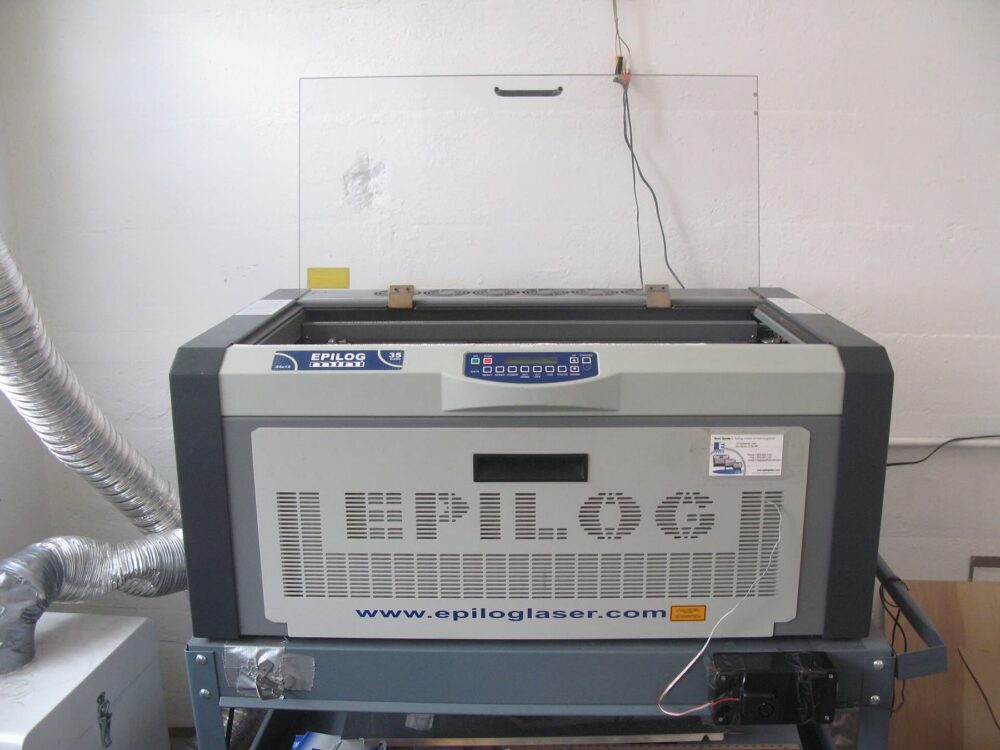
Plastic laser engraving can be affordable for a home or small Canadian workshop, but only if you match the right laser type to your plastics and factor in the full cost: machine, safety, consumables, and cross‑border fees. For most buyers, a modest CO2 desktop engraver is the most flexible choice for plastics like acrylic and ABS, while low‑power diodes are fine for simple marking and fiber lasers are overkill unless you also need metal work. Once you look beyond sticker price and add shipping, duties, and safety gear, many hobby projects pencil out; small ecommerce batches do too, if you avoid toxic plastics and buy from a channel that supports your level of use.
What Plastic Laser Engraving Is and How Its Cost Breaks Down
Plastic laser engraving is a precise, non‑contact process: a focused laser beam heats and alters the surface of a plastic part to create text, logos, barcodes, or decorative designs.Omtech’s overview describes it as suitable for a wide range of plastics, because you don’t physically touch the workpiece and can achieve fine detail.
Not every plastic behaves the same. Material specialists at Laser Atelier point out that suitability depends on the plastic’s composition and additives, and on the laser type. Acrylic, for example, is widely cited by industrial vendors such as CESCO as well‑suited to CO2 engraving and cutting, while some plastics barely mark or melt badly.
For a Canadian buyer, the total cost of “plastic laser engraving” usually includes:
- Machine cost – The engraver itself (CO2, diode, or fiber), plus any extras like rotary attachments for tumblers.
- Materials – Sheets or blanks of engravable plastic (acrylic signage, tags, keychains), test pieces, and scrap.
- Safety and ventilation – Exhaust fan or filter, ducting, a window vent, and laser‑rated safety glasses. This is non‑negotiable: sources like Goldlaser warn that some plastics, notably PVC, emit toxic gases under a laser and should be avoided entirely.
- Maintenance – Replacement lenses and mirrors (CO2), air assist pumps, and occasional consumables.
- Software and workflow – Design software (commercial or free) plus any paid upgrades to engraving software.
- Shipping and cross‑border costs – For imports, you’ll pay courier shipping plus customs duties, GST/HST, and possibly brokerage fees.
The machine is only part of the budget. A low‑priced engraver that forces you into expensive filters, hard‑to‑source parts, or unsafe plastics can cost more over two years than a better‑specified unit you buy once.
Price Drivers: Laser Type, Power, and How You Plan to Use It
The biggest cost driver for plastic engraving is the laser type. Each technology interacts differently with plastics, and that determines both what you can engrave and how much you should invest.
CO2, Fiber, and Diode: How They Fit Plastic Work
Industrial guides and DHgate’s own editorial blog broadly agree that CO2 and fiber are the two main laser types for engraving business use, with diodes at the low‑cost end.
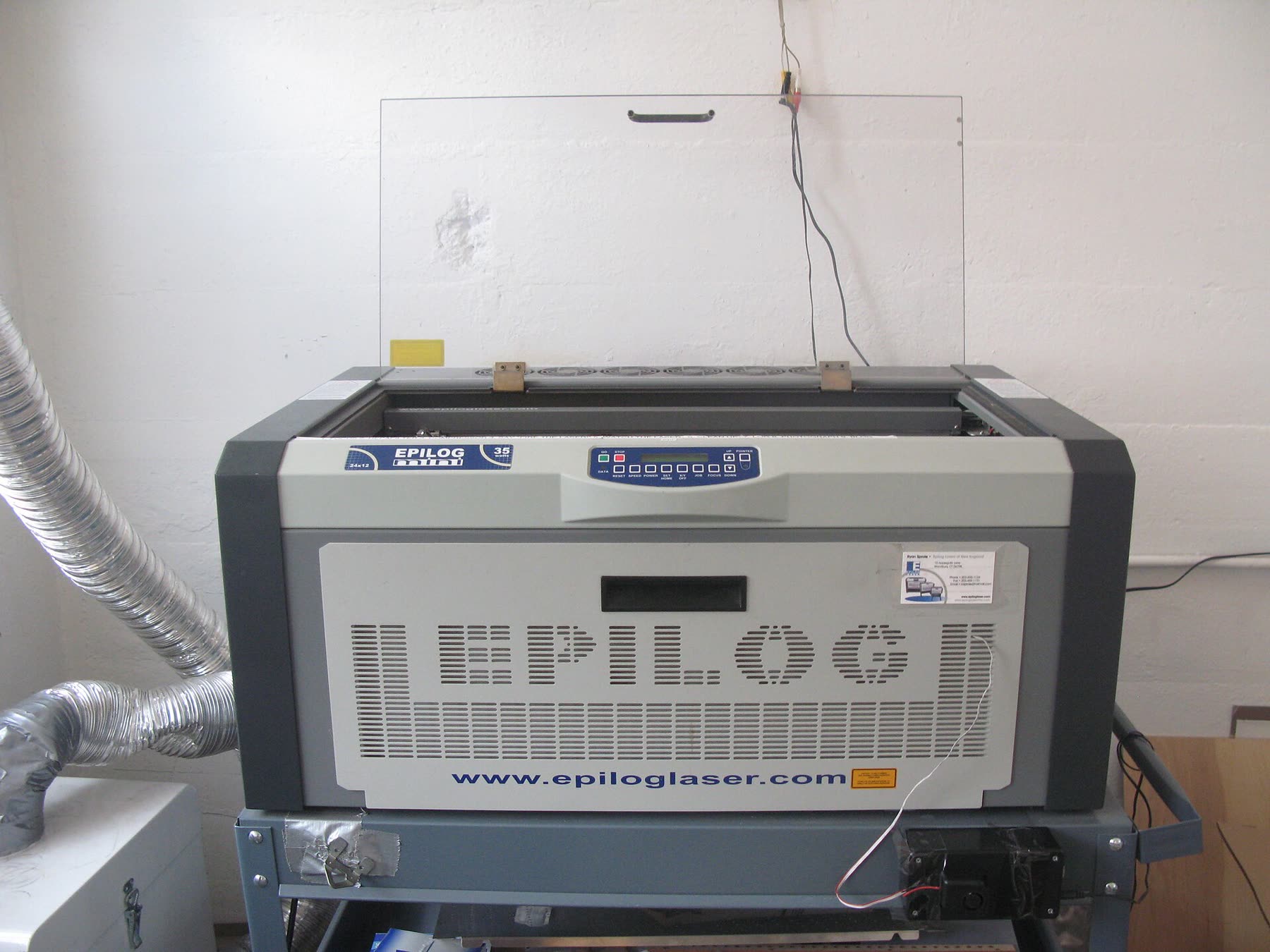
- CO2 lasers (far‑infrared) – Excellent for organic and many polymer materials. Vendors like CESCO list plastics such as acrylic as well‑suited to CO2 engraving and cutting. For a Canadian home shop, an enclosed CO2 desktop unit is usually the most budget‑friendly way to engrave a wide range of plastic blanks.
- Fiber lasers (near‑infrared) – Tuned more to metals and some technical plastics. Fiber systems are often sold into industrial environments where permanent codes on plastic components are needed; SIC Marking highlights plastic logos and identification marks as typical jobs. Fiber units cost more and are overkill unless you also engrave metal.
- Diode lasers (visible/near‑infrared) – The least expensive and lowest power. Diodes can mark certain darker plastics and coated surfaces, but they’re limited and often used for hobby‑scale engraving or very thin materials.
A compact comparison of how these feel from a budget perspective:
| Laser type | Typical role on plastics (editorial) | Budget impact (editorial) |
|---|---|---|
| CO2 | Engraves and cuts many plastics like acrylic with good contrast | Mid‑range price; best value for mixed plastic projects |
| Fiber | Marks technical plastic parts, IDs, and labels; shines on metal | Higher upfront cost; justified mainly for industrial or metal‑heavy work |
| Diode | Light marking on a subset of plastics; hobby personalization | Lowest purchase price, but limited material range and speed |
Power, Speed, and Material Limits
Within each laser type, power affects both speed and how deep or dark your engraving is. Higher‑power CO2 machines can engrave plastics faster and cut thicker acrylic, but they cost more and may require better cooling.
Specialist content from Keyence emphasizes that adjusting wavelength and power is key to getting readable marks on plastic sheets. In practical terms, for budget buyers:
- If you only need surface marks (logos, light text on tags), a lower‑power CO2 or diode can work.
- If you want deep engravings or cutting (acrylic signage, tokens), budget wisely for a CO2 with enough power.
Goldlaser and DHgate’s editorial both stress safety: PVC and some vinyls can release toxic gases when lasered.Goldlaser’s FAQ explicitly warns against PVC, and DHgate’s blog echoes that certain plastics should be avoided or carefully ventilated. For a home or small shop, the cheapest safety decision is simply not to engrave questionable plastics.
Hobby Projects vs Small Ecommerce Production
Your usage pattern should drive your budget more than any spec sheet.
- Hobby / personal use: Occasional keychains, custom phone cases, or small signage. Here, a budget CO2 or diode engraver makes sense; you can accept slower runs and limited material support.
- Small ecommerce batches: Regular orders for engraved acrylic tags, branded plastic components, or custom promotional goods. At this scale, paying extra for a capable CO2 unit with reliable optics and decent power can save hours per week and reduce scrap.
- Industrial or multi‑material work: If you need permanent IDs on plastic and metal components, a fiber laser might be worth its higher price—but that’s seldom necessary for typical Etsy‑style shops.
For a Canadian micro‑brand selling on marketplaces, CO2 usually strikes the best balance between machine cost, material flexibility, and resale value if you later upgrade.
Sourcing Channels: Local, Brand‑Direct, or Marketplaces
Once you know the type and power you need, the channel you use to buy has a big impact on total cost—especially across the US–Canada border or from Asia.
Local Dealers and Service Shops
Buying from a Canadian or nearby US dealer:
- Raises the upfront price compared with importing a generic machine.
- Often includes clearer guidance on plastics, some onboarding, and easier warranty conversations.
- Cuts down on customs headaches because the dealer usually quotes a price that already reflects import costs.
This route is attractive for small ecommerce operations where downtime is expensive and local support has real value.
Brand Websites and Direct Sales
Many CO2 and fiber manufacturers sell directly from their websites. The tradeoff:
- You may get better documentation, training content, and clear statements on which plastics their machines handle well.
This path suits buyers who prioritize known brand support and plan to run the machine heavily.
Marketplaces (Including DHgate) for Budget Gear
General marketplaces give you access to lower‑cost engravers and a huge range of accessories (nozzles, lenses, exhaust fans), but you take on more of the due‑diligence work.
DHgate, for example, lists many desktop laser machines and engraving supplies from Chinese sellers. A plausible use case for a Canadian buyer is sourcing:
- A budget diode or small CO2 desktop engraver for hobby‑level plastic marking.
- Consumables like acrylic blanks, jig fixtures, or replacement lenses.
You need to:
- Read the machine specs carefully to confirm laser type and power; many listings mix cutting and engraving language.
- Check seller history and real photos of engravings on plastic, not just wood.
If you’re comparing DHgate to alternatives like AliExpress or Alibaba, the marketplace‑level differences matter less than your ability to vet individual sellers. The cross‑platform tradeoffs are explored in more detail in this marketplace comparison.
For a small ecommerce shop relying on consistent output, marketplaces are often best for accessories and materials, while the main engraver comes from a channel that offers clearer support.
Keeping Costs Low Without Cutting Corners
Favor Safe, Engravable Plastics
Material choice directly affects what you spend on filtration and scrap. Industry references like Laser Atelier and CESCO highlight acrylic and other laser‑friendly plastics as reliable options. If you standardize your product line on these, you avoid:
- Wasting time on plastics that engrave poorly.
- Investing in heavy filtration just to handle questionable materials.
Avoid PVC and similar plastics that emit toxic fumes; Goldlaser’s FAQ and DHgate’s editorial content both call them out as inappropriate for typical laser engraving due to gas release.
Buy Once, Not Three Times
For budget buyers, the biggest trap is under‑buying the machine and then replacing it:
- A very cheap diode may struggle on plastic sheets and force you to upgrade quickly.
- A better‑specified CO2 unit that can engrave and cut your main plastics may cost more now but support years of projects.
If you foresee selling even modest ecommerce volumes, treat your first engraver like a production tool, not a gadget. That improves resale value if you later step up to a larger bed or more power.
Plan Around Canadian Import Costs
Any cross‑border purchase—from a US brand site or an Asian marketplace—should be priced “landed” into Canada:
- Machine price + shipping
- + customs duties (if applicable)
- + GST/HST
- + brokerage or handling fees
Because those numbers vary, the safe budgeting move is to assume the total will be meaningfully higher than the sticker price. If you’re unsure how that plays out for your province and carrier, read the breakdown in our customs and import fees explainer.
Match Channel to Scale
A simple rule of thumb:
- Personal and hobby use: Consider a budget CO2 or diode from a marketplace or direct brand, plus a moderate ventilation setup.
- Side‑hustle or small ecommerce brand: Spend more on a robust CO2 from a reputable source, and use marketplaces mainly for plastic blanks and accessories.
- Industrial or multi‑material marking: Engage directly with fiber‑laser vendors who can advise on your plastics and throughput.
If your numbers don’t justify buying at all, local engraving services that already run industrial CO2 or fiber machines may be more economical—especially while you test demand.
By mapping your plastic types, engraving volume, and sourcing options through this lens, you can keep plastic laser engraving firmly in “budget” territory without cutting corners on safety or reliability.