
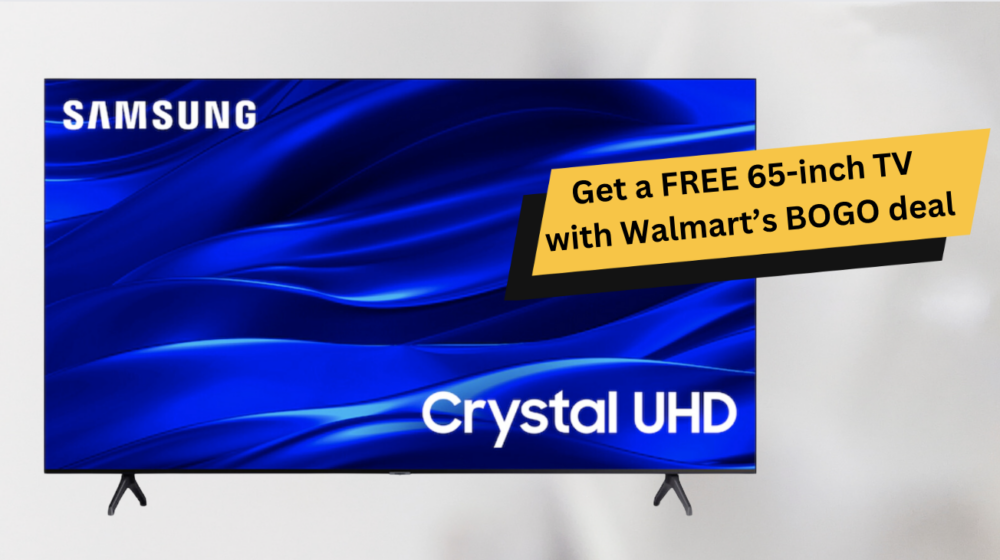
Quick answer: A 65-inch smart TV buying guide starts with room fit, the features you will actually use and the delivered price from a seller with workable support. For most buyers, a local retailer or authorized seller is the lower-risk choice for a large, fragile, warranty-sensitive purchase; compare marketplace listings only when specifications, power compatibility, delivery and return terms are clear.
Start with room fit
Measure the wall, cabinet or stand, including the TV’s feet or planned mount position. Check viewing distance and whether the room has strong daylight. A 65-inch screen can be a good living-room size, but a bargain is not useful if it does not physically fit, creates glare or requires an unplanned furniture or mounting change.
Compare the features that change daily use
- Resolution and picture controls: choose based on the content you watch and the room lighting.
- Smart-TV platform: confirm that the apps and services you use are supported in your region.
- Ports and connectivity: count the devices you will connect and check the relevant HDMI, audio and network needs.
- Sound: decide whether the built-in audio is sufficient or a soundbar belongs in the budget.
- Power and region: confirm voltage, plug type and tuner or region compatibility where relevant.
Compare the real purchase cost
For each option, write down the delivered price, sales tax or other amount shown, delivery arrangement, warranty route, return window and any mounting or setup cost. Do not compare a marketplace headline price against a local retail price without including these practical differences.
When a marketplace listing may be reasonable
A marketplace can be worth investigating for a clearly identified model or a non-critical accessory, provided the seller gives complete technical specifications and support terms. For the TV itself, pause if model numbers, region compatibility, damage handling, return logistics or warranty coverage are unclear. Large screens are harder and costlier to return than small accessories.
Use this final checklist
- Confirm the exact model number and current specification sheet.
- Measure the installation space and check stand or wall-mount compatibility.
- Check app availability, inputs, power and regional compatibility.
- Compare the delivered total and delivery-damage process.
- Read the warranty and return route before paying.
FAQ
Is the lowest-priced 65-inch TV always the best deal?
No. A lower price can be outweighed by unsuitable features, weak support, delivery risk or a difficult return route.
What should I do next?
Choose two models that fit the room and compare their official specifications, delivered totals and support terms side by side.
Make a two-model shortlist
Start with two models that fit the space and budget, then compare their official model specifications. Focus on the features that change your routine: the streaming system, inputs for consoles or sound, picture settings, remote control and support route. This is more useful than comparing broad marketing labels.
Check delivery and setup before committing
Ask how the screen will be delivered, what happens if it arrives damaged, and whether you can inspect it at handoff. If wall mounting is planned, confirm the mount standard, wall suitability and any installation cost. A large-screen return is a different task from returning a small accessory.
After the TV arrives
Inspect the screen and included items promptly, keep packaging until you are satisfied, and register or retain warranty documentation as directed by the seller or manufacturer. Complete any official software setup through the TV’s normal supported update process.