
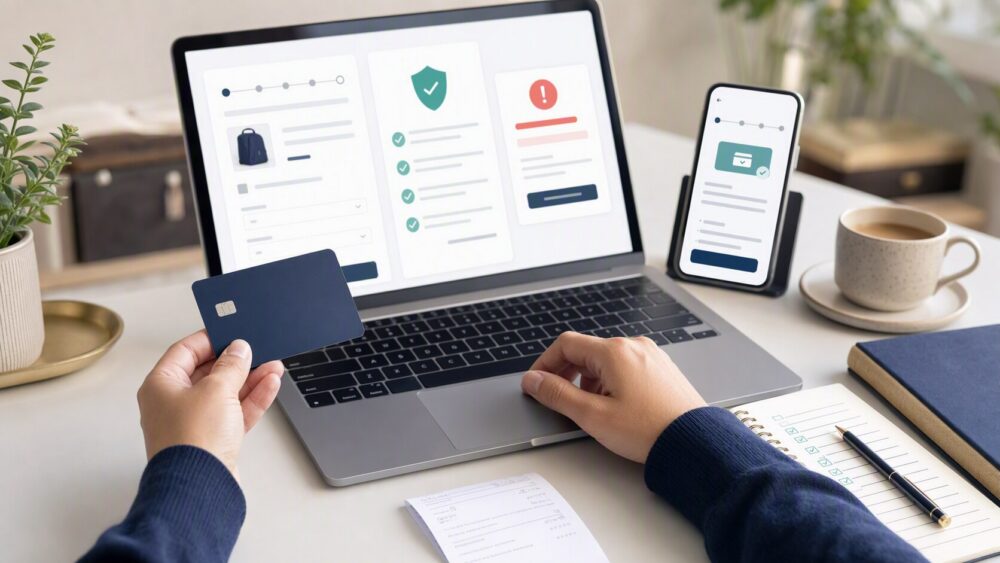
Quick answer: A prepaid Visa card may work on DHgate when card payment is offered for your order and the card issuer authorizes the transaction. DHgate does not publish a current guarantee that every prepaid Visa card is accepted. Treat the payment options shown at checkout as the source of truth, and confirm with the issuer that the card supports online and cross-border purchases.
Last reviewed: August 12, 2026. Payment options can vary by account, destination, currency, and order.
What the available evidence actually confirms
DHgate’s current help center says a buyer may not see the credit-card option when an account is pending payment verification. A DHgate-hosted shopping guide uploaded in 2023 lists Visa among supported card brands and describes checking the payment methods shown after placing an order. That guide is contributor content rather than a platform guarantee, so it should not be read as proof that every prepaid card works.
Visa says reloadable Visa prepaid cards can generally be used where Visa debit cards are accepted, including online, but the issuing financial institution controls the card account and authentication. Those two facts lead to a qualified conclusion: the Visa network may support an online transaction, while DHgate’s checkout controls whether card payment is offered and the issuer decides whether to approve it.
When a prepaid Visa card is most likely to work
The card has the best chance of working when all of the following are true:
- DHgate shows a Visa or card-payment option for the specific order.
- The prepaid card is activated and registered if the issuer requires registration.
- The available balance covers the complete amount, including shipping, tax and any issuer currency-conversion charge.
- The issuer permits ecommerce and cross-border transactions.
- The billing information entered at checkout matches the information held by the issuer.
- The card can complete any identity check requested through Visa Secure or the issuer.
None of these conditions guarantees approval. A payment can still be declined by DHgate’s risk controls, the payment processor or the issuer.
How to try the card without creating payment confusion
- Sign in to DHgate and review the item, seller, shipping route and delivered total.
- Proceed to checkout and confirm that card payment is listed for that order.
- Check the prepaid balance against the full total rather than only the item price.
- Enter the cardholder and billing details exactly as registered with the issuer.
- Complete any issuer authentication prompt.
- Submit the payment once, then wait for a clear success or decline result before retrying.
Repeated attempts can trigger additional fraud controls or temporary authorizations. If the order status is unclear, check why a DHgate purchase may not complete before submitting the card again.
Why a prepaid Visa card may be declined
| Possible cause | What to verify | Who controls it |
|---|---|---|
| Card payment is not shown | Check the methods offered for the current order and whether account verification is pending. | DHgate/payment processor |
| Insufficient balance | Allow for shipping, tax, conversion and any temporary authorization amount. | Card issuer |
| Online or international use is blocked | Ask the issuer whether ecommerce and cross-border transactions are enabled. | Card issuer |
| Billing details do not match | Use the name, address and postal code registered for the card. | Card issuer |
| Authentication fails | Complete the issuer’s identity prompt or contact the number on the card. | Card issuer/Visa Secure |
| Risk review | Follow DHgate’s payment-verification instructions instead of repeatedly retrying. | DHgate/payment processor |
What to do after a decline
Start by checking the order status so you do not accidentally create a second payment attempt. Then contact the card issuer and ask whether it can see the authorization request and the decline reason. Visa’s consumer support guidance directs cardholders to the issuer for account-specific authentication problems because Visa does not manage the individual card account.
If the issuer confirms that the card is active and eligible but DHgate still declines it, use another payment method displayed by DHgate rather than trying to pay a seller outside the platform. Review the broader DHgate payment methods and failure guide before choosing an alternative.
Prepaid Visa, prepaid Mastercard and gift cards are not identical
“Prepaid card” is a funding model, not a promise that every product from every issuer has the same permissions. A reloadable prepaid Visa, a Visa gift card and a prepaid Mastercard can have different registration, regional and ecommerce rules. See the separate guidance on using a prepaid Mastercard on DHgate and using a gift card at DHgate checkout.
Buyer checklist
- Confirm card payment appears at checkout.
- Verify activation, registration and available balance.
- Check ecommerce, cross-border and currency permissions with the issuer.
- Match the registered billing details.
- Complete issuer authentication.
- Keep the payment inside DHgate.
- After a decline, check order status before retrying.
Frequently asked questions
Does DHgate guarantee that prepaid Visa cards work?
No current DHgate source reviewed for this article guarantees universal acceptance. Availability and approval depend on the checkout, payment processor and card issuer.
Can a Visa gift card be used instead?
Possibly, but gift cards may have stricter registration, regional or online-use limits. Check the issuer’s terms and the payment options displayed by DHgate.
Should I contact DHgate or the card issuer after a decline?
Contact the issuer first for an account-specific decline or authentication failure. Contact DHgate when the card option is missing, payment verification is requested or the order status remains unclear.
Is it safe to pay the seller directly if the card fails?
No. Use only payment methods provided inside DHgate’s checkout so the transaction and its evidence remain connected to the platform order.
Sources and further reading
- DHgate Help Center — Why Can’t I Pay by Credit Card?
- DHgate Guide — Card Brands and Checkout Flow
- Visa Consumer Support
- Visa Secure — Online-Card Authentication
- Visa — Reloadable Prepaid Card Fact Sheet
Note: Card availability, issuer restrictions, authorization outcomes, authentication prompts, and checkout options can vary by order, destination, issuer, and current platform rules. Review the payment methods displayed for your own order before paying.