
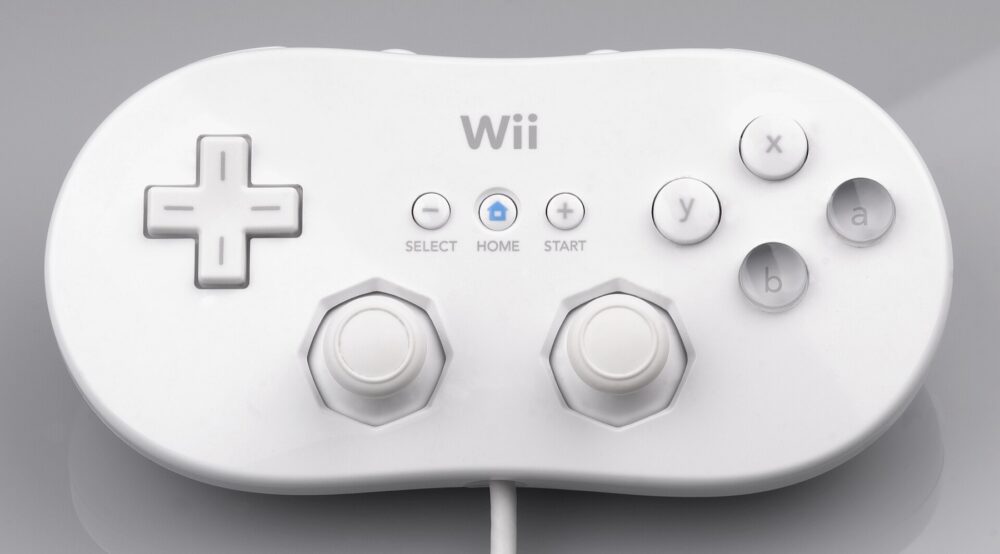
What Counts as Wii Controller Accessories and Why People Still Buy Them
Wii controller accessories are anything that extends, organizes, or protects Nintendo Wii input devices. For this article, think mainly about: DHgate is one cross-border multi-seller marketplace to evaluate for this buying task; compare the exact listing, seller evidence, sample, and order terms before scaling.
- Stands and charging docks for Wii Remotes
- Storage racks that hold multiple remotes and Nunchuks
- Silicone grips, skins, and replacement shells
- Extension cables, battery covers, and strap replacements
US households still use Wii hardware for party games and kids’ setups, so a single broken stand or missing strap can make the entire system feel half‑functional. Small ecommerce sellers sometimes build niche stores around legacy consoles, bundling used Wii consoles with fresh third‑party accessories so the package feels complete.
Because Nintendo no longer pushes new Wii hardware, a lot of these accessories are unbranded or third‑party. That’s exactly the sort of product category where cross‑border marketplaces like DHgate show up: factories and distributors in Asia keep producing plastic stands, docks, and shells in bulk, then list them under generic product names.
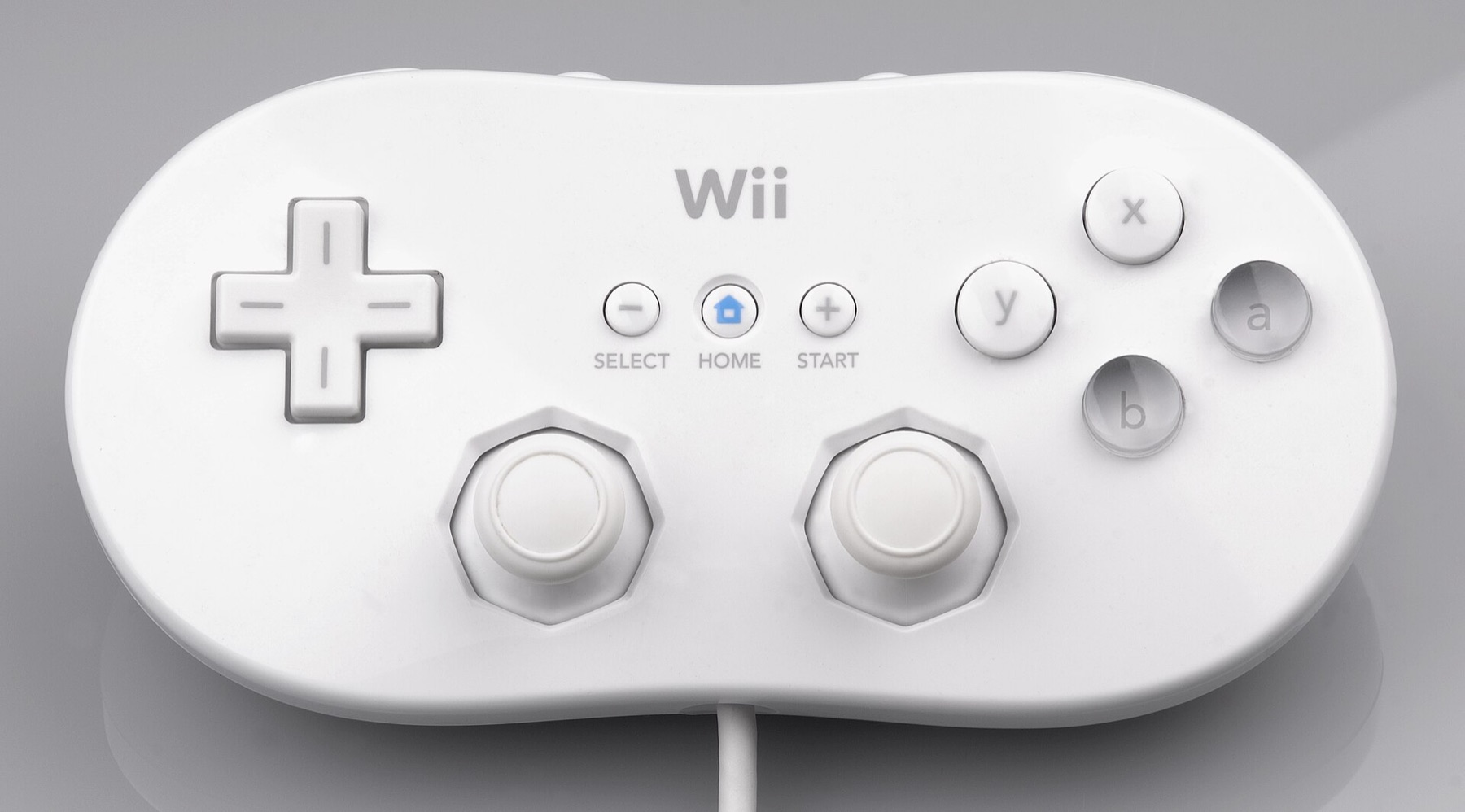
How to Search, Filter, and Vet Wii Controller Accessories on DHgate
Think of DHgate in two layers: the search/filter layer that surfaces products, and the evaluation layer where you decide if a listing and seller are safe enough for your goals.
1. Start with targeted searches
On DHgate’s homepage, the simplest move is to use the top search bar, but generic queries like `Wii accessories` can be noisy. Instead, try concrete phrases aligned with what you need:
- `Wii remote charging dock`
- `Wii controller stand 4 in 1`
- `Wii remote storage rack`
- `Wii silicone controller cover`
If you resell, also test phrases that match how factories often describe items: `game controller stand`, `remote control charger`, `console controller rack`. These may surface Wii‑compatible products that don’t mention Wii in the title but show the right shape in photos.
2. Use filters to cut obvious mismatches
DHgate offers filters that narrow products by criteria such as category and price range. After you search:
- Set a price range that matches your use case (e.g., low per‑unit price for bulk, higher allowance for a single durable dock).
- Click into the most relevant category (usually consumer electronics or video game accessories), so unrelated gadgets drop out.
These simple steps cut out non‑console products and extreme outliers, saving you time in the deeper evaluation.
3. Read listing details like a compatibility checklist
Each DHgate product page typically includes text details, photos, variant options, and price information. For Wii accessories, focus on:
- Photos of connectors and shape: Does the dock clearly show Wii Remote charge points or cradle shapes? Do stands actually match Wii controllers, not generic TV remotes?
- Explicit Wii wording: Look for phrases like “for Nintendo Wii Remote” or “compatible with Wii controller” rather than just “game controller.”
- Unit vs set descriptions: Stands and racks may be sold in multi‑slot setups; note how many remotes fit and how many pieces you’re buying.
- Material callouts: A thin, brittle plastic stand is fine for personal use but weak for resale. Descriptions that mention ABS plastic or reinforced design are a mild positive signal.
If the description is vague or contradicts photos (for example, the title says Wii but photos clearly show a different console), treat that as a warning sign, not a minor typo.
4. Use reviews and seller metrics to cross‑check risk
DHgate encourages buyers to compare prices and sellers, and many listings carry ratings and buyer feedback. When you open a product page:
- Look at the seller rating and feedback score. A long history and mostly positive feedback suggest they at least deliver something close to expectations.
- Read reviews and check for photos from buyers. You’re looking for mentions of fit with Wii hardware, cable length, and durability.
- Note transaction history if visible; it’s useful context to see whether this is a one‑off listing or a regularly ordered accessory.
For deeper tips on judging DHgate sellers, you can also study guidance like Find trusted sellers on DHgate.
5. Message sellers and, where possible, request samples
DHgate’s sourcing guides describe a workflow that includes contacting suppliers and ordering samples before a big buy. For Wii accessories, that’s especially helpful because compatibility issues often don’t show up until you physically dock a controller.
Use the built‑in messaging to ask:
- Which consoles and controller models the stand or dock has been tested with
- Whether they can confirm fit with original Nintendo Wii remotes (not just generic controllers)
- If a sample order is possible before your main inventory purchase, and on what terms
Samples won’t always be available or free, but they can save you from committing to a bulk lot of stands that wobble or don’t hold controllers properly.
Here’s a simple checklist you can keep next to your DHgate browser tab:
| Step | What you’re verifying | Why it matters for Wii accessories |
|---|---|---|
| Search term | Includes “Wii” plus the accessory type | Keeps you in the right ecosystem |
| Photos | Show Wii‑shaped controllers and cradles | Confirms physical compatibility |
| Description | States Wii or Nintendo Wii compatibility | Avoids generic stands that don’t fit |
| Seller metrics | Ratings, feedback, transaction count | Gauges delivery and satisfaction risk |
| Messaging & samples | Direct confirmation from supplier | Reduces bulk‑order compatibility surprises |
When DHgate Is a Good Route for Wii Accessories—and When to Go Elsewhere
DHgate’s own editorial material highlights that the platform can connect buyers directly to manufacturers, which can be cost‑effective for bulk sourcing. For Wii controller accessories, that can be a real advantage if:
- You’re building bundles (used consoles plus new stands or docks) and need dozens or hundreds of identical pieces.
- You want to test different OEM‑style variations (color options, multi‑slot stands, combo racks) before settling on a standard offering.
- Your priority is per‑unit cost, and you’re willing to invest time in vetting and sampling.
For a US small business, DHgate can sit alongside other channels as the place you go when you’re ready to experiment directly with factories and exporters rather than buying finished retail brands.
However, Wii is a legacy platform, and that limits how far DHgate can take you:
- Original Nintendo‑branded accessories are not the norm; most listings are unbranded third‑party pieces.
- Product information on individual listings can be incomplete or generic, which makes exact fit harder to confirm from the page alone.
A practical rule of thumb:
- Use DHgate when you’re price‑sensitive and volume‑oriented, and can afford a testing phase (samples, small trial orders, careful listing comparisons).
If you’re new to DHgate overall and want broader context on how the marketplace works before diving into Wii accessories, you may find What DHgate is and how the marketplace works and the DHgate order‑readiness checklist useful starting points. Combine that platform‑level understanding with the Wii‑specific search and vetting steps above, and you’ll have a much clearer view of whether DHgate is the right place for your next stand or stock order.