
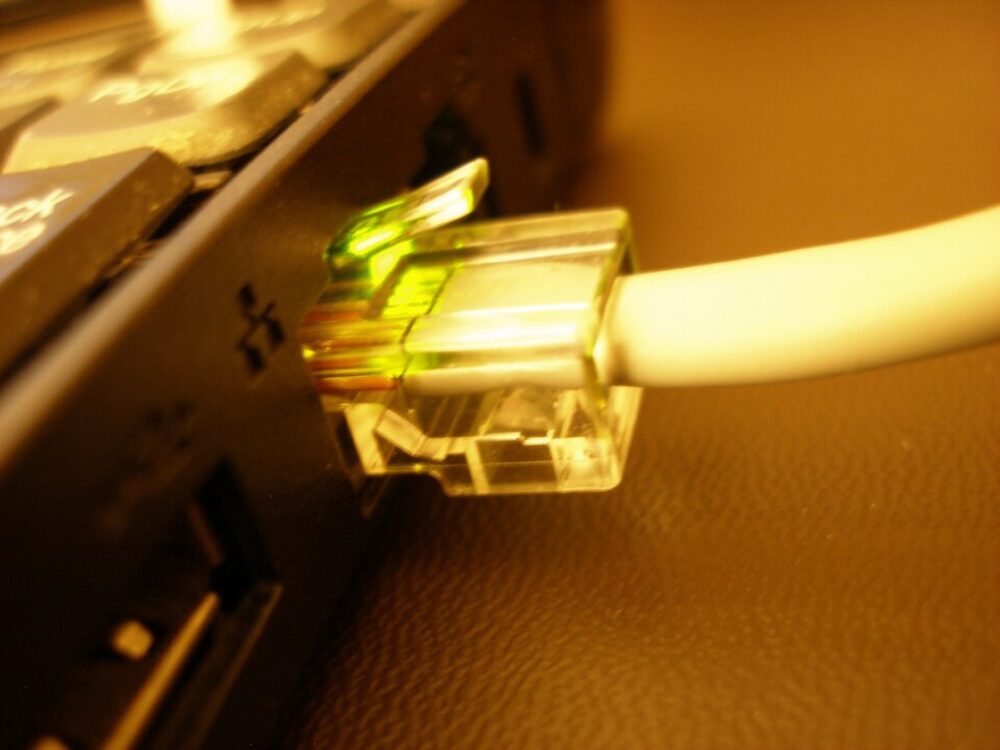
If you already know you need a 75 ft Ethernet cable, you can use DHgate to find candidates and then narrow them down by specs and seller reliability. Define the exact cable you want (category, shielding, jacket, connector type), search with those terms, and then review listings and seller feedback before ordering samples or a small batch.
DHgate is a marketplace, not a single store, so cable quality and listing accuracy depend on individual sellers. For one critical line to your router or a time‑sensitive install in the US, a local retailer or Amazon may be simpler. For experimenting with different suppliers or building ecommerce inventory, DHgate can be useful as long as you do your own technical and seller checks.
What a 75 ft Ethernet Cable Is Used For—and Why Specs Matter
A 75 ft Ethernet run is long enough to expose weaknesses in a cheap or mismatched cable. At that distance, you’re usually:
- Wiring from a router in a closet to a living room console or gaming PC.
- Crossing an office suite to reach a workstation or access point.
- Running through walls or ceilings where you won’t want to replace the cable soon.
Key decisions that affect real‑world performance:
- Category (Cat standard). For typical home and small office setups, Cat5e and Cat6 are common. As noted in a general Ethernet cable review, wired Ethernet remains more stable than Wi‑Fi, and Cat6 supports higher speeds over shorter runs. Around 75 ft (about 23 m), Cat5e is usually fine for up to 1 Gbps, while Cat6 gives you more headroom and future‑proofing. Cat7/Cat8 are often sold with aggressive marketing on low‑cost marketplaces and may be unnecessary for typical use.
- Shielding. STP (shielded twisted pair) or FTP (foil shield) can help in noisy environments (near electrical wiring, HVAC, or many other cables). For a clean home run inside walls, unshielded (UTP) Cat6 is usually sufficient.
- Jacket and flexibility. A 75 ft cable will be pulled, bent, and possibly stapled or clamped. Look for durable jackets if you’re running inside walls, and be cautious with ultra‑thin cables for anything permanent; they can hide smaller conductors and fragile insulation.
- Connector quality. RJ45 plugs with solid strain relief matter at 75 ft, where a weak connector or poor termination can lead to intermittent dropouts if the cable is tugged.
Knowing these basics up front lets you spot under‑spec’d or over‑hyped cables on DHgate. You’re not just searching “Ethernet cable”; you’re searching for a specific construction that matches your use case.
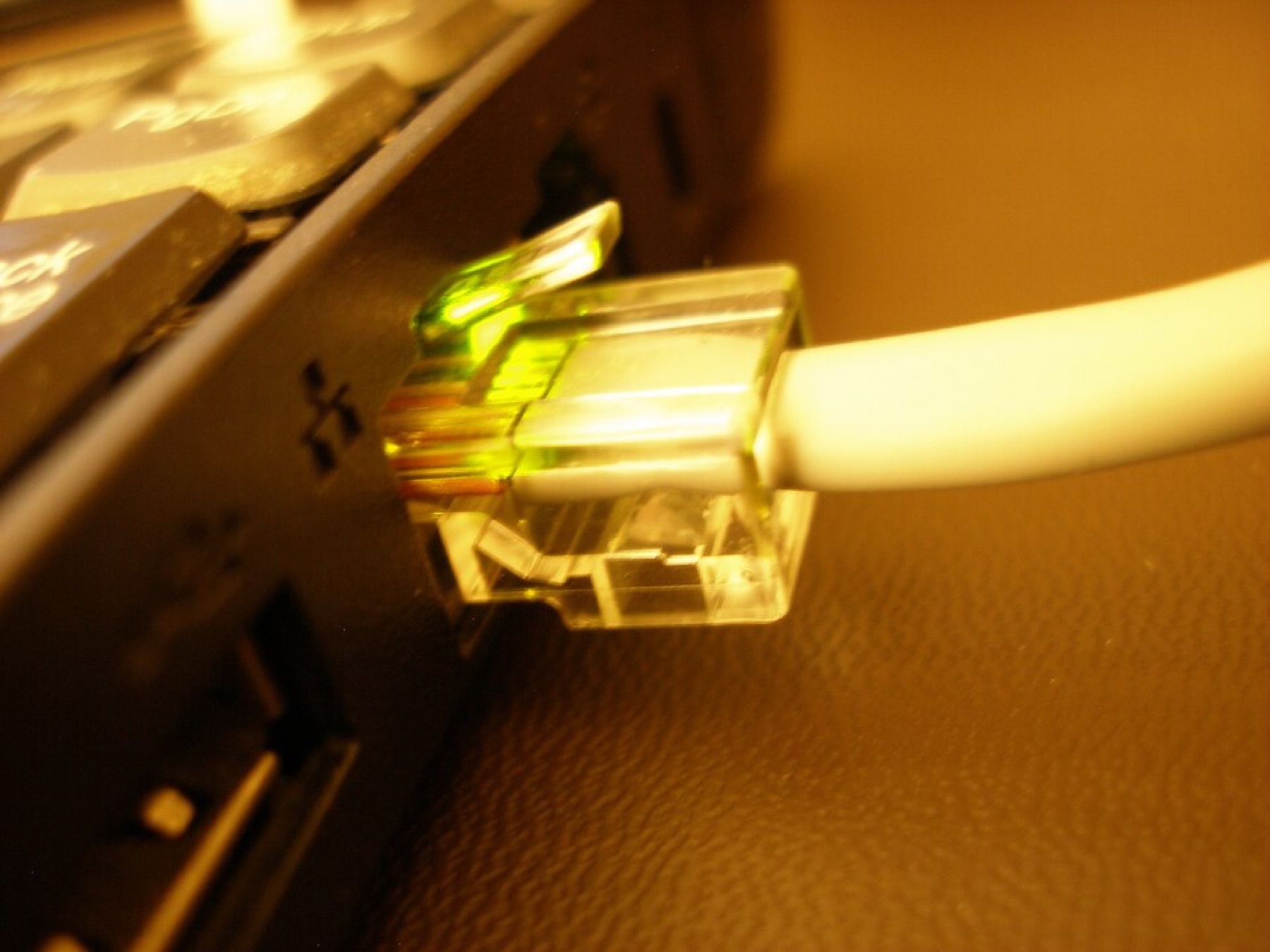
Translating Cable Requirements into DHgate Search and Filters
To actually find plausible 75 ft options on DHgate, treat your specs as search keywords and then refine. Here’s a practical workflow:
- Start with the core spec phrase.
- Go to DHgate’s homepage.
- In the search bar, type a phrase that includes length and category, such as:
- `Cat6 Ethernet cable 75 ft`
- `Cat6 RJ45 25m network cable` (many sellers list lengths in meters; 25 m is close to 82 ft, often the nearest option).
- If you need flat cable for under‑carpet runs, add `flat` to the query.
- Scan titles and thumbnail images for obvious mismatches.
DHgate’s shopping guide explains that listings include product specifications, images, prices, and seller ratings that you should review carefully. Start by eliminating results where:
- The title only mentions short lengths like “1m” or “3m” and you don’t see longer options.
- The images show bulk reels or patch panels when you need a finished cable.
- The photos clearly show a USB or HDMI cable mis‑categorized under “Ethernet.”
- Use filters where available to narrow down.
DHgate editorial on sourcing suggests defining your requirements and then using filters and search tools to find products that match your criteria. After your initial search, look for filters that may help, such as:
- Cable type or category (if a “network cable” or similar category is offered).
- Material or color, if you care about matching office decor or visibility.
- Price range, to hide obvious outliers on both ends.
- Open 3-6 promising listings in new tabs and read the specs section thoroughly.
For each listing, focus on:
- Length options: many sellers show a length menu; confirm 20-25 m or 75-80 ft is explicitly listed.
- Category claims: check that the description clearly says Cat5e, Cat6, Cat7, etc., and that this is consistent across bullets and images.
- Wire gauge (AWG) and material: pure copper (often labeled “solid copper” or “bare copper”) is typically better than CCA (copper‑clad aluminum) for long runs. If a 75 ft cable advertises “super thin” but doesn’t specify AWG or conductor material, that’s a red flag.
- Shielding notation: look for UTP/STP/FTP in the description. If the title mentions “shielded” but the description never refers to shielding, treat the claim cautiously.
- Shortlist based on spec realism, not just price.
At this stage, ignore small price differences. Prioritize cables whose specs are internally consistent, have clear photos of the actual cable and connectors, and offer the exact length you need.
Here’s how those decisions often look in practice:
| Your requirement | Search phrase example | What to reject quickly |
|---|---|---|
| 1 Gbps home run through walls | `Cat6 25m RJ45 UTP` | Listings whose text or images only show Cat5 |
| Shielded office run near power cables | `shielded Cat6 75 ft Ethernet` | Descriptions that never mention STP/FTP or shielding |
| Under‑carpet temporary gaming setup | `flat Cat6 20m Ethernet cable` | Ultra‑thin cables with no AWG or material information |
| Mixed lengths for resale or light inventory | `Cat6 Ethernet cable assorted` | Vague “network accessories” kits without clear lengths |
Checking DHgate Sellers, Sampling, and When to Choose Another Channel
Once you’ve found listings that look technically plausible, you need to decide whether the seller is worth trusting with your network or your ecommerce stock.
DHgate’s own editorial guidance suggests several checks:
- Star ratings and feedback scores. Their FAQs recommend checking a seller’s star rating and feedback, treating higher ratings and positive scores as better signals. Use this comparatively: a cable seller with many orders and strong ratings is generally a safer bet than a listing with very few reviews.
- Reviews and product descriptions. DHgate blog content highlights reading customer reviews and the product description carefully to catch issues like misleading images, unclear bundle contents, or low‑quality builds.
- Direct questions. DHgate notes that you can contact suppliers via chat. For a 75 ft Ethernet batch, ask about:
- Conductor material (solid copper vs CCA).
- AWG rating of the conductors.
- Whether they perform any basic cable testing.
For buyers considering wholesale or ecommerce use, DHgate’s sourcing guides recommend ordering samples before bulk purchases. That advice fits Ethernet cables especially well, since cables that look identical in photos can perform very differently.
A simple sampling strategy:
- Order 1-3 cables per promising seller at your target length (roughly 75-82 ft).
- Test each sample with a basic network cable tester or by running a speed test from a device connected through that cable. You don’t need lab‑grade equipment; basic continuity and performance checks help catch wiring faults and obvious bottlenecks.
- Check build quality in hand: bend the cable gently, inspect stiffness, look at connector strain relief, and see whether the latch feels fragile.
- Choose your bulk supplier only after this hands‑on check, even if that leads you to a slightly higher‑priced DHgate listing.
For US buyers, whether DHgate is the right channel depends on your situation:
- Small ecommerce business stocking Ethernet cables. Here, DHgate’s access to many suppliers can be useful. Its sourcing editorial recommends defining requirements, researching suppliers based on ratings and transaction history, and ordering samples before committing to larger orders. Combine that with your own cable testing and a small pilot batch before relying on one seller for your entire catalog.
For additional DHgate platform context, use What DHgate is and how the marketplace works, Find trusted sellers on DHgate, and Review the DHgate order-readiness checklist.
Whatever your use case, treat DHgate the way network pros treat a new cable brand: assume nothing, verify everything. To go deeper on marketplace mechanics and seller trust outside this specific cable topic, you can read broader guidance on DHgateWiki about how DHgate works, how to assess sellers, and how to prepare an order, then apply those principles to your 75 ft Ethernet cable sourcing.