
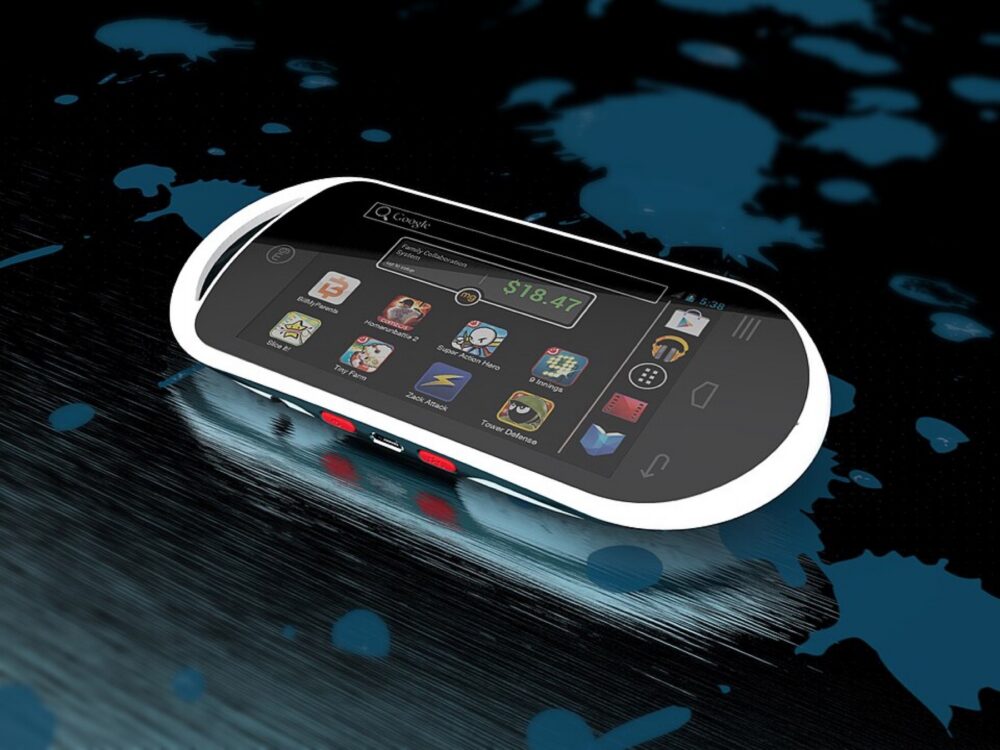
In practice, you’ll be searching DHgate’s larger handheld console category and comparing each listing against your GameGirl target: screen size and aspect ratio, supported systems, storage type, and casing style. For small ecommerce buyers, that means starting with samples, checking variants, and being ready to walk away if the listing doesn’t match what your customers expect.
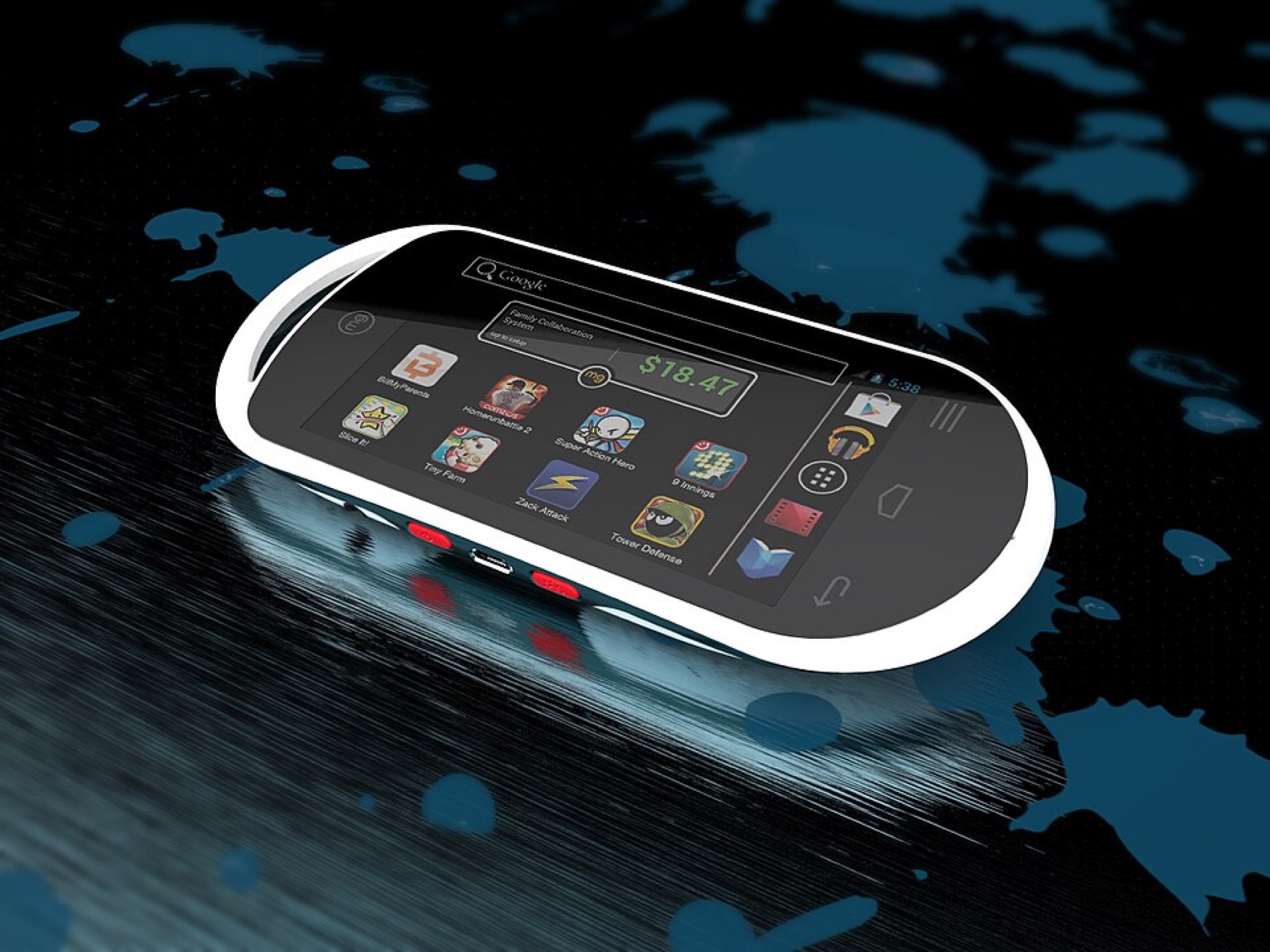
What “GameGirl” Usually Means – And Why DHgate Results Look Different
“GameGirl” isn’t a mainstream platform like Switch or PlayStation. It’s used in two ways:
- as the name of a specific DIY/retro handheld design discussed in hobbyist reviews, and
- as a loose marketing term for TikTok-ready, Game Boy–style handhelds with preloaded ROMs.
A review on 2Bluebox’s GameGirl Retro Console article describes it as a custom retro handheld concept, not a mass-distribution console with official accessories and a global retail channel. That matters: marketplaces like DHgate typically list mass-produced handheld clones and emulation devices from various factories, not branded DIY projects.
So when you search DHgate, you should expect:
- Few or no exact “GameGirl” brand hits.
- Lots of generic retro handhelds in a similar vertical (Game Boy–style shells, emulation handhelds, Raspberry Pi–style builds).
- Sellers that focus on specs and features rather than a specific hobbyist brand name.
Your job is to translate “I want a GameGirl” into concrete device requirements: for example, a vertical Game Boy-style shell with a 3″–3.5″ screen, microSD storage, emulation support for 8-16-bit consoles, and USB-C charging. Those specs are how you’ll judge DHgate listings.
A DHgate Search Workflow for GameGirl-Style Consoles and Parts
DHgate’s editorial guides explain that each listing typically includes specs, images, pricing, and seller ratings, and that you can use categories and filters to narrow results to what you want. Use that structure to create a repeatable search workflow for GameGirl-style devices.
Here’s a practical step-by-step:
1. Start with broader handheld keywords
On DHgate’s homepage search bar, avoid relying just on “GameGirl.” Use combinations like:
- `retro handheld game console`
- `Game Boy style handheld`
- `portable retro game player`
- `Raspberry Pi handheld console`
Run each search separately so you see which phrase pulls closer matches to the form factor you want.
2. Enter the right category and basic filters
Once you have a results page, use DHgate’s category and filter tools (as their blog suggests) to narrow the field:
- Category: choose Consumer Electronics → Game Consoles / Handheld Game Players if available.
- Price range: set a realistic band for your project so obvious toy-level or ultra-high-end devices drop out.
- Order/sales sort: prioritize listings with some sales history so you’re not betting on a brand-new experiment from an unknown seller.
3. Use listing photos as your first compatibility check
Click into candidate listings and scan photos before anything else:
- Shell shape: Does it match a Game Boy-like vertical layout or whatever your GameGirl build expects?
- Button layout: D-pad and A/B placement; shoulder buttons if you need higher-generation emulation.
- Screen aspect: Many retro-style units use 4:3 or 3:2; widescreen panels won’t feel like a GameGirl.
If the photos already diverge from your intended design, don’t try to force the listing to fit—move on.
4. Read specs with a GameGirl-style checklist
DHgate’s listing pages surface detailed specs. Scan them with a focused list in mind:
- Screen: size (inches), resolution, and type (IPS/TN). A GameGirl-style build usually favors a small, crisp panel over a huge tablet-like screen.
- Storage: internal flash vs. included microSD. If you plan to flash your own ROM set or firmware, microSD access is key.
- Supported systems: does the listing explicitly mention 8-bit and 16-bit consoles, or just “built-in 10,000 games”? The former is easier to match to known emulator performance.
- Battery and charging: look for standard rechargeable cells and USB ports. Proprietary chargers complicate replacements.
If any critical spec is missing, treat that as a risk. Either message the seller through DHgate’s interface for clarification or treat the listing as too vague for a parts-sensitive project.
5. Combine reviews, ratings, and price patterns
DHgate’s own shopping guides recommend reading seller reviews and checking ratings as part of product evaluation. For GameGirl-style sourcing, make that more specific:
- Focus on reviews mentioning actual usage (emulation performance, build quality, buttons) rather than just “fast shipping.”
- Compare several listings with similar specs to see what counts as a typical price band. Extremely low prices can signal cut-down hardware, while very high prices may be influencer-markup clones.
A quick comparison table you can build from the listings you’ve opened:
| Listing label (your nickname) | Shell style | Storage type | Review theme focus |
|---|---|---|---|
| “Vertical Retro A” | Game Boy-style vertical | microSD included | Emulation quality, screen |
| “Widescreen Emu B” | Horizontal widescreen | internal flash | Game count, generic praise |
| “DIY-Friendly C” | Vertical, removable back | microSD slot only | Modding, firmware tweaks |
| “Cheap Toy D” | Small toy-like shell | unknown | Complaints about buttons |
| “Premium Metal E” | Horizontal metal body | microSD | Build quality, weight |
Use that snapshot to decide which candidates are even worth messaging the seller about.
6. Worked example: narrowing to one candidate
A realistic flow might look like this:
- Search `retro handheld game console`.
- Filter to the handheld console category and sort by orders.
- Open 5-6 listings that visually resemble a Game Boy-style shell.
- Discard any that rely entirely on “10,000 built-in games” with no hardware detail.
- From the remaining 2-3, identify one with microSD storage, explicit emulator support, and reviews that mention screen clarity and button feel.
- Save that listing and the seller store name. Message them with 2-3 specific questions (e.g., “Can I load my own ROMs from the SD card?” and “Is the firmware open-source or locked?”).
Only if the answers line up with your GameGirl project should you consider ordering a single unit as a test.
Weighing DHgate vs. Other Routes for GameGirl Projects
Even with careful searching, not every GameGirl-style project is well served by DHgate. Think in terms of risk and downside cost.
Reading seller signals in context
Independent guides like DHEasyZoom’s DHgate pre-order checklist suggest steps like saving the listing identity, checking exact variants, and comparing external evidence with store feedback. Applied to GameGirl-style devices:
- Treat each DHgate listing as one specific hardware variant. Don’t assume all “retro handhelds” from a seller share internals.
- Search the device’s model name (if any) on YouTube or handheld-focused sites to see if modders have torn it down.
- Decide how bad it is if the unit arrives and isn’t mod-friendly—are you out $50 on a personal project, or holding 50 units you can’t sell?
Sample ordering for small ecommerce buyers
DHgate’s ecommerce sourcing guide encourages ordering samples before committing to larger buys. For GameGirl-style handhelds, that’s essential:
- Order 1-2 units from your leading candidate seller.
- Test hardware against your checklist: shell quality, screen, storage access, firmware behavior.
- Only then consider a small batch, and keep records of which exact listing and variant you used to avoid silent hardware changes.
If samples reveal inconsistent build quality or locked-down firmware, treat that seller as unsuitable for a GameGirl-inspired line.
When another platform is a better fit
There are scenarios where DHgate is not the best route:
- You need an official GameGirl-branded device or warranty-backed accessories.
- Your project depends on open-source firmware and a known modding ecosystem; specialist handheld sites or direct-from-brand stores usually document that more clearly.
- You lack time to test samples and can’t absorb a few disappointing units.
In those cases, a more curated platform or a brand-specific store is likely safer. DHgate works best here as a broad parts and clone discovery tool, not as the authoritative channel for a niche, semi-DIY handheld brand.
If you’re new to the marketplace overall, it can help to first understand what DHgate is and how the marketplace works and then review how to find trusted sellers on DHgate and the order-readiness checklist before checkout. Those broader steps make the GameGirl-style search process less risky.