
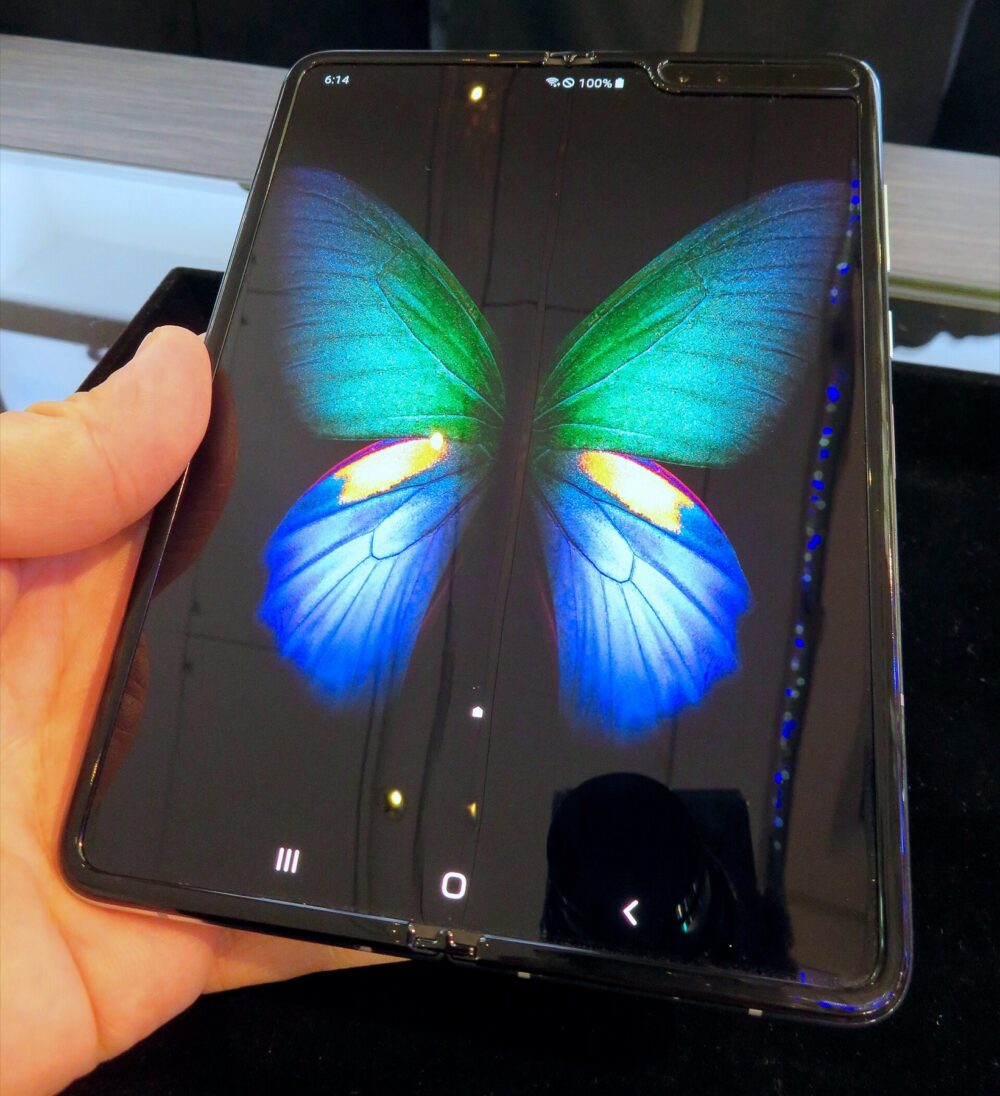
Australian buyers can use DHgate to search for Galaxy Z Fold 6–compatible pens and pen cases, but you should treat it as a cross‑border marketplace, not an official Samsung channel. The practical approach is: decide whether you really need the official Fold Edition S Pen or a third‑party stylus/case, use targeted search terms on DHgate, and then demand clear compatibility proof and solid seller evidence before you buy or place a bulk order. If you can’t get that proof, Samsung’s own accessories store in Australia is the safer route.
What Galaxy Z Fold 6 S Pen Buyers Actually Need
Before you start typing search terms into DHgate, decide what you mean by “Galaxy Z Fold 6 S Pen.” Samsung’s official accessories pages for the Galaxy Z Fold6 show that Samsung sells its own Fold‑compatible S Pen and pen‑friendly cases through its own channels, including in Australia.Samsung Galaxy Z Fold6 Accessories are designed to match the device’s screen technology and software features.
On DHgate, listings that mention “Fold S Pen” can cover three very different things:
- A genuine Samsung Fold Edition or Slim S Pen (less common, and harder to verify).
- A third‑party stylus advertised as compatible with Fold devices, which may or may not support pressure levels or air gestures the way you expect.
- A case with a pen slot plus bundled stylus, where the case fit for Galaxy Z Fold 6 matters just as much as the pen.
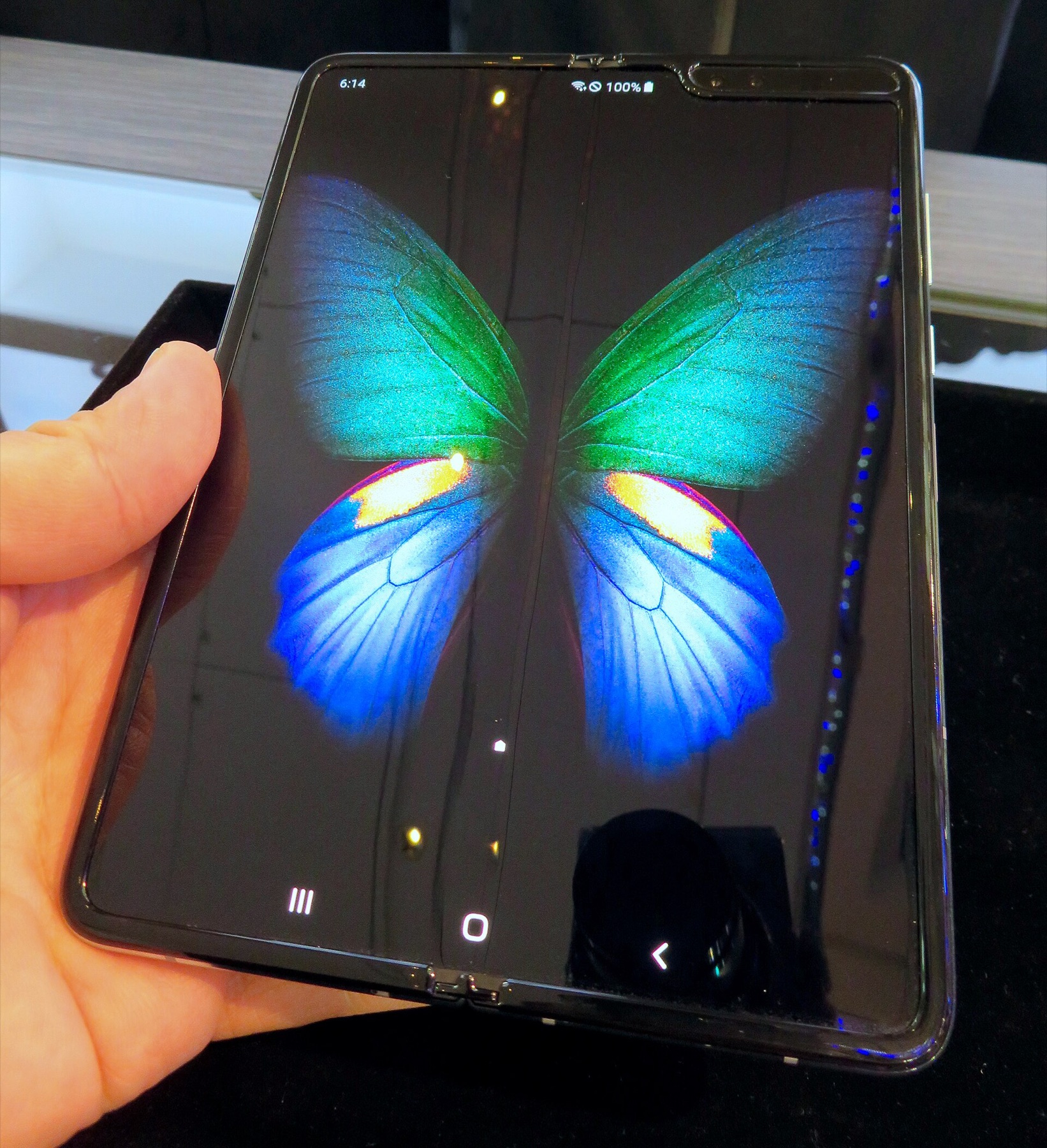
Searching DHgate for Fold‑Compatible Pens and Pen Cases
DHgate doesn’t expose a pen‑specific category for Fold 6, so you’ll be driving everything through the homepage search bar and filters.DHgate homepage search supports keyword queries and then lets you refine the results.
Here’s a concrete workflow that works better than just typing “Galaxy Z Fold 6 S Pen” and scrolling endlessly.
1. Start with multiple specific search phrases
Use several queries instead of relying on one:
- `”Galaxy Z Fold6 S Pen”`
- `”Fold 6 stylus”`
- `”Z Fold 6 case with pen”`
- `”Fold edition S Pen case”`
Run each query separately. DHgate’s own search guide stresses that you should click through to listings and read the full item details, attributes, visuals, and cost information instead of judging by thumbnail titles alone.DHgate search guide
2. Apply filters and categories to cut noise
Once you see results, use DHgate’s filters to remove unrelated items.
Practical filter patterns for Fold‑style pens and cases include:
- Category: narrow to mobile phone accessories, phone cases, or stylus‑related categories.
- Price range: exclude ultra‑cheap items that look like generic capacitive pens, and ultra‑high ones that claim to be luxury devices rather than accessories.
- Seller rating: focus on sellers with a history of positive feedback.
DHgate editorial guidance on finding quality products encourages you to use filters and categories to refine your search, then cross‑check product descriptions for size, color, and material to match your needs.DHgate tips on finding quality
3. Open several listings in tabs and map them by type
For each promising result, open it in a new tab and classify it quickly:
- Is it a pen only, a case only, or a case + pen bundle?
- Does the title say “Galaxy Z Fold6”, or just “Fold” or “Samsung phone” generically?
- Are there clear device compatibility tags in the specs (e.g., “for Galaxy Z Fold 6”) or only broad claims like “for Samsung phones”?
DHgate’s search guide recommends using its product comparison capability, which lets you contrast similar items from different vendors on factors like attributes and price.DHgate search guide For Fold 6 accessories, that comparison step is useful to separate genuine device‑specific listings from generic stylus bundles.
4. Read deep into descriptions, images, and reviews
On each product page, scroll beyond the title:
- Product description: look for explicit mention of “Galaxy Z Fold6” or “Z Fold 6,” including case dimensions and pen storage location.
- Images: check whether the phone shown is obviously a Fold‑style device, and whether the hinge, inner display, and case cutouts match the Fold 6 layout.
- User reviews and photos: prioritize reviews that mention the Fold 6 specifically rather than just “Samsung.” DHgate’s own blogs highlight that these buyer reviews are “informational treasure troves” about product quality, performance, and durability when used carefully.DHgate search guide
For a small ecommerce buyer in Australia, this is also where you’d decide which 1-2 listings are worth ordering as samples before considering any larger order.
Evaluating DHgate Results vs Official and Local Options
Once you’ve narrowed down a handful of DHgate listings, you still have to decide whether they’re good enough compared with official or local options in Australia.
Samsung’s Australian Galaxy Z Fold 6 accessories page confirms that you can buy Samsung‑branded Fold‑compatible S Pens and cases through official channels.Samsung Galaxy Z Fold6 Accessories. For many buyers, especially if you only need a single unit and care about warranty and support, that’s the default choice.
What to look for in a DHgate listing
Use these specific checks to assess risk and fit:
| Checkpoint | Why it matters for Fold 6 buyers | How to act on DHgate |
|---|---|---|
| Exact device naming | “Galaxy Z Fold6” vs vague “Samsung Fold phone” | Prefer listings that name “Galaxy Z Fold6” in title and description. |
| Image match to Fold 6 layout | Ensures the case cutouts and pen slot align with hinge and screens | Compare product photos to your Fold 6; avoid mismatched camera/hinge shapes. |
| Pen technology description | Distinguishes active Fold‑style pens from generic capacitive stylus | Look for terms like “S Pen,” “active stylus,” and pressure sensitivity. |
| Seller ratings and reviews | Signal seller track record and product consistency | Favor sellers with sustained positive ratings and detailed accessory reviews. |
| Buyer photos mentioning Fold 6 | Real‑world evidence of compatibility | Treat reviews referencing Fold 6 as stronger evidence than generic comments. |
DHgate editorial content on sourcing products for ecommerce specifically recommends evaluating suppliers by ratings, reviews, and transaction history, then ordering samples to test quality before committing to larger orders.DHgate sourcing guide That approach fits Galaxy Z Fold 6 accessories well: buy one pen or one case‑and‑pen bundle, test it on your phone, and only then think about stocking more.
When DHgate makes sense — and when Samsung AU is safer
For single‑unit buyers in Australia:
- Use DHgate if you’re price‑sensitive and comfortable with third‑party accessories, as long as the listing provides strong evidence of Fold 6 compatibility.
For small ecommerce operators:
For additional DHgate platform context, use What DHgate is and how the marketplace works, Find trusted sellers on DHgate, and Review the DHgate order-readiness checklist.
- Use DHgate as a sourcing tool for third‑party cases with pen slots or compatible stylus bundles, but treat samples as mandatory.
- Build your own product pages around what you’ve actually tested, not what a DHgate listing claims.