
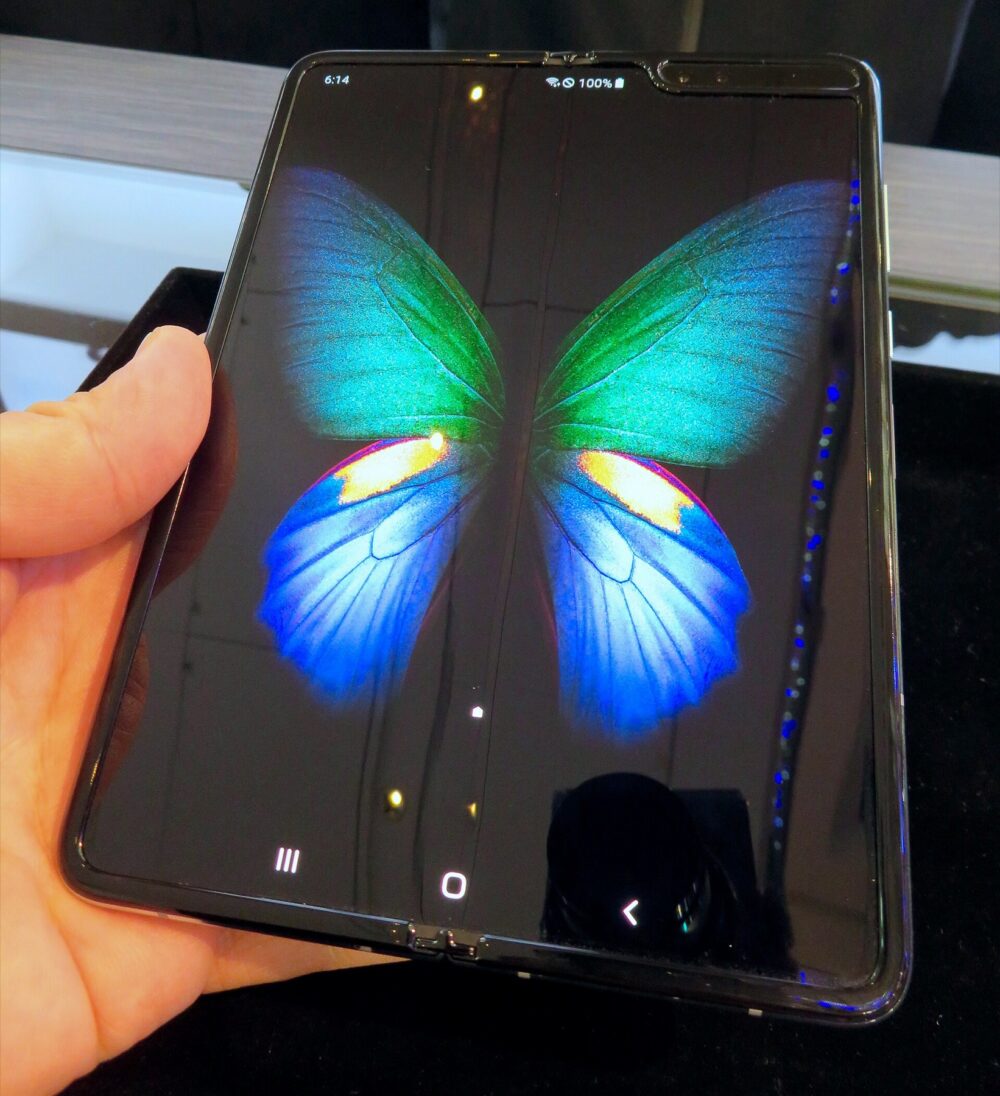
The Galaxy Z Fold 6 only accepts S Pen input on its inner main screen, and not every stylus will work safely there. Your first choice is usually between Samsung’s own S Pen Fold Edition or S Pen Pro, then deciding whether to add a case with an integrated pen slot or look at cheaper third‑party bundles. Marketplaces like DHgate can be useful for low‑cost stylus/case combos, but they’re best treated as options for generic accessories rather than substitutes for a known‑compatible Samsung Fold pen.
Samsung confirms that the Fold 6 supports S Pen on the main inner display and is sold without a pen in the box.Samsung Fold 6 page Independent guides echo this: if you want pen input you must buy a compatible accessory separately.Digital Trends
What the Galaxy Z Fold 6 Supports and Why Your S Pen Choice Matters
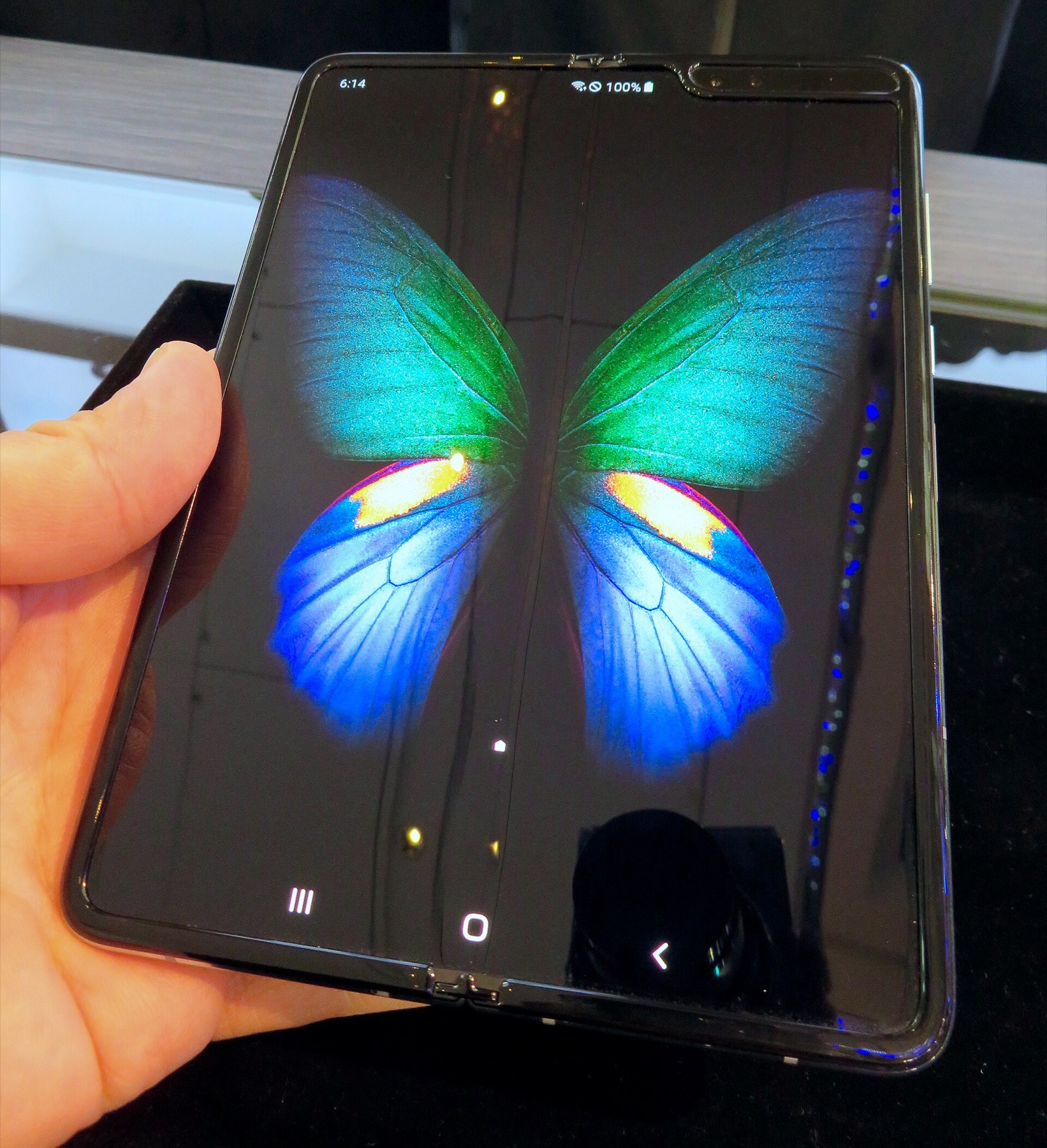
On the Fold 6, the S Pen works only on the inner screen when you open the device like a small tablet.ItechGuides The outer cover display doesn’t accept S Pen input. That means you’re deciding primarily for note‑taking, sketching, and markup on the larger inner canvas.
Samsung’s pens that support the Fold use an active digitizer mode that talks to the foldable display. Editorial coverage notes that generic capacitive styluses — including many cheap metal pens — only mimic a finger tap and don’t offer pressure sensitivity, hover, or low‑latency inking.Android Central On the Fold 6, using a non‑Fold‑compatible active pen on the inner screen is discouraged in both Samsung and independent guidance because of potential screen‑safety risks; they recommend sticking to Fold‑compatible S Pens for that flexible panel.Android Central
That distinction matters for two reasons:
- Functionality: only the right S Pen type unlocks Samsung’s full toolset like Air Command, handwriting‑to‑text, and precision drawing on Fold 6.Samsung Business Insights
- Screen safety: Fold‑series pens are designed with softer nibs and specific pressure behavior that editorial sources treat as safer for the inner flexible glass/plastic layer than harder, generic tips.
So before you look at price or aesthetics, your first filter is: will this pen actually work on the Fold 6 inner screen, and is it designed for a foldable display?
Official vs Third‑Party S Pen Options for Galaxy Z Fold 6
Samsung markets several accessory types for the Fold 6:Samsung accessories
- S Pen Fold Edition – a compact pen targeted at Fold‑series devices.
- S Pen Pro – a larger pen with a physical switch for different device families (including a Fold mode), plus Bluetooth functions on supported models.
- Cases with integrated S Pen slots – Fold 6 covers that include a holster or channel for the pen and often bundle an S Pen or at least assume you’ll add one.
Third‑party options, seen across global marketplaces, fall into a few broad buckets:
- Non‑Samsung active pens claiming Fold compatibility (sometimes marketed as “for Galaxy Z Fold 6”).
- Generic capacitive stylus multipacks – basic rubber or metal‑tip styluses that work like a finger on any capacitive screen.
- Case‑plus‑pen bundles – foldable‑phone cases with an attached stylus, often without clear technical details about digitizer compatibility.
Here’s a concise way to compare the main types you’ll encounter:
| Option type | Works on Fold 6 inner screen?* | Key use case | Typical trade‑offs |
|---|---|---|---|
| S Pen Fold Edition (Samsung) | Yes, Fold‑compatible mode | Everyday notes & sketching | Separate accessory, no outer‑screen use |
| S Pen Pro (Samsung) | Yes, via switch including Fold | Multi‑device users, advanced features | Larger size, higher cost |
| Samsung case with S Pen slot | Yes, if paired with Fold‑compatible S Pen | Protection plus pen carry | Bulkier phone, bundled price |
| Third‑party “Fold” active pen | Varies — must be checked | Cheaper pen with similar feel | Compatibility/safety uncertain |
| Generic capacitive stylus | Yes for tapping, no true S Pen features | Occasional selection & taps | No pressure, laggy writing, safety unknown |
\*”Works” here refers to technical inking; only Samsung‑specified Fold‑compatible pens are backed by official guidance for the inner screen.
For Australian buyers, Samsung’s own accessory catalogue is the safest starting point, because it clearly labels Fold 6 compatibility and showcases official cases and S Pens together on one page.Samsung accessories
Third‑party options can be viable for outer‑screen tapping or budget pen‑and‑case bundles, but they generally aren’t documented by Samsung. That makes them a more speculative choice for inking on the inner foldable display.
Practical Buying Criteria and Where DHgate Fits
Once you know you need a Fold‑compatible pen for the inner screen, the real decision is which package offers the best mix of safety, convenience, and total cost. These criteria help you compare local retail, Amazon, DHgate and other marketplaces without drifting into generic accessory advice.
1. Compatibility clarity for the inner screen Samsung and independent guides repeatedly stress that the Fold 6’s inner display should only be used with Fold‑compatible S Pens.Android Central On any listing — whether it’s Samsung’s own store, an Australian retailer, Amazon, or DHgate — look for explicit wording such as “Galaxy Z Fold 6 S Pen Fold Edition” or “supports Galaxy Z Fold 6 inner screen.” If you see only vague phrases like “for Samsung phones,” treat that pen as outer‑screen or generic stylus only, not guaranteed for Fold 6 inking.
For small ecommerce businesses considering stock, that same rule protects your customers: advertise generic styluses as touch helpers, not as Fold‑compatible S Pens.
2. Nib softness and tip design Samsung’s Fold‑series messaging and editorial coverage treat nib softness as part of inner‑screen safety.ItechGuides Listings for official S Pens generally specify replaceable tips designed for Samsung displays. Third‑party pens often skip these details. As a buyer, prefer:
- Clear material descriptions for the tip (e.g., soft polymer, replaceable nibs).
- Any reference to testing on foldable Samsung screens rather than generic tablets.
If a cheap bundle from a marketplace doesn’t mention nib material at all, assume the tip may be harder and limit use to light tapping, not heavy note‑taking on the inner screen.
3. Case and film bundles vs separate accessories Samsung’s Fold 6 accessory lineup shows cases that integrate an S Pen slot and may include protective films.Samsung accessories For many buyers, these bundles are the simplest way to get:
- A compatible pen.
- A case that actually holds it.
- Screen protection designed for the device.
Cross‑border marketplaces such as DHgate are stronger in third‑party combo offers — for example, a Fold‑style case plus a stylus and generic screen films — because the platform connects many different sellers and promotes variety and competitive pricing.DHgate blog That can suit a small reseller building budget accessory packs. The catch: you’ll need to treat each listing as its own product and verify whether the stylus is truly an S Pen alternative or just a capacitive pen.
If you’re unsure, a conservative approach is:
- Buy the official S Pen Fold Edition or S Pen Pro locally for use on the inner screen.
- Use DHgate or similar marketplaces only for cases, basic styluses, and non‑critical add‑ons where compatibility stakes are lower.
4. Total landed cost for Australian buyers Australian Fold 6 owners are balancing local Samsung pricing, domestic online retailers, and international marketplaces. Without relying on specific numbers, you can usually assume:
If you’re new to DHgate and want to understand how the marketplace itself works before sourcing Fold 6 accessories, it’s worth reading neutral explainers such as What DHgate is and how the marketplace works and guidance on finding trusted sellers on DHgate, then using an order‑readiness checklist before placing any cross‑border accessory order.
For most Fold 6 owners, the safest sequence is: lock in a Samsung‑branded Fold‑compatible S Pen for the inner screen, decide whether you want an integrated pen case, and then treat DHgate and similar marketplaces as secondary sources for outer‑screen styluses and third‑party cases where technical compatibility stakes are lower.