
You can use DHgate to hunt for pink keyboards and pink keycap sets, but you’ll get buried in clutter if you just type “pink keyboard” and click buy. The practical way to use DHgate here is to treat “Pink Keyboard Collection” as a theme—full keyboards, keycap bundles, and matching accessories—then run a focused keyword search, combine filters, and spend most of your time reading specs, photos, and seller feedback. That workflow helps you figure out which listings are worth testing and when you’re better off going to a specialist keyboard or creator platform.
A quick note before you start: no live product data was provided for this article, so nothing here should be read as proof that a specific pink keyboard exists on DHgate right now. Think of this as a search and vetting playbook you can apply to whatever you find.
What a “Pink Keyboard Collection” Usually Means for Buyers
When buyers say “Pink Keyboard Collection” they almost never mean a single product. They’re talking about a themed setup built around pink:
- Pink keyboards – complete boards that ship ready to use, from simple office boards to compact gaming or mechanical layouts.
- Pink keycap sets – separate cap bundles you put on a compatible mechanical keyboard to change the look without changing the hardware.
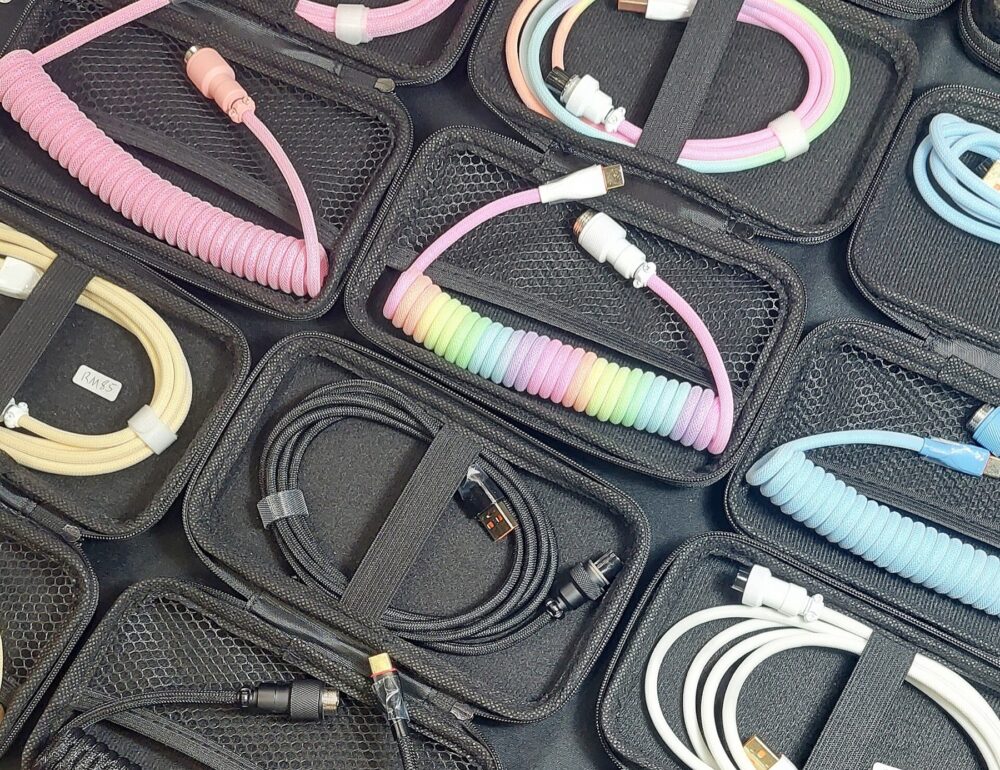
- Matching extras – wrist rests, desk mats, cables, and mice that keep the color story consistent.
On cross-border marketplaces like DHgate, people typically shop these categories for three reasons:
- Aesthetic builds – streaming setups, gaming desks, kawaii or pastel office themes.
- Small ecommerce runs – boutique owners who want to source cute or themed keyboards and keycaps in small batches.
- Budget customization – buyers willing to balance price, quality variation, and a bit of DIY for a specific look.
For your DHgate search, decide upfront whether you want full keyboards or keycap sets. It changes the keywords you use and how you judge listings.
Search and Filter Workflow to Find Pink Keyboard Options on DHgate
DHgate’s search is keyword-driven, and generic terms will pull in laptop parts, random office keyboards, and unrelated accessories. Use a simple but focused workflow.
1. Start with specific search phrases
Go to DHgate’s homepage and use the top search bar. Try phrases that match what you actually need:
- For full boards: `pink mechanical keyboard`, `pink wireless keyboard`, `pink gaming keyboard`, `retro typewriter keyboard pink`.
- For caps only: `pink keycap set`, `pink PBT keycaps`, `pink kawaii keycaps`, `pink cherry profile keycaps`.
The more specific the phrase, the less unrelated inventory you’ll see. DHgate’s own guidance on keyword search stresses using descriptive terms rather than a single generic word.
2. Use categories and filters to cut clutter
Once results load, use the sidebar or top filters to narrow down. DHgate provides filtering options and categories that help you refine your search; they won’t remove every bad listing, but they will make your shortlist manageable.
Useful filters and options for pink keyboards:
- Category: Aim for computer keyboards, keycaps, or other input devices rather than general “computer accessories.”
- Price range: Set a realistic band for your budget so ultra-cheap or obviously mis-listed items don’t dominate.
- Seller rating / review score: Prefer sellers with stronger feedback when you’re new to a category.
- Connection / type in listing filters: Wired vs wireless, mechanical vs membrane, if those options appear.
As you adjust filters, watch which products disappear. If everything decent vanishes when you restrict by rating or price, loosen one filter and tighten another instead of forcing a perfect combination.
3. Read listings like spec sheets, not ads
Brand editorial on DHgate’s blog notes that each listing provides specs, images, prices, and seller ratings, and that buyers should pay close attention to these details to see if the product meets their needs. For pink keyboards and keycaps, focus on:
- Layout and size: 60%, 75%, TKL, full-size, or laptop replacement. Make sure it matches your use case.
- Keycap material and profile: PBT vs ABS, OEM vs Cherry vs other profiles, especially for themed sets.
- Color description vs photos: Check whether “pink” in the description matches what the photos show (pastel vs neon vs mixed). Expect that lighting and editing can make colors look different.
- Options or variants: Sometimes “pink” is just one color option among many. Confirm that you’re selecting the actual pink variant.
If something you care about—layout, material, backlight, ergonomic shape—isn’t documented clearly, treat that listing with caution until the seller answers your questions.
4. Build a small shortlist
Instead of trying to evaluate dozens of pages, narrow to 3-7 listings based on:
- Matching your keyword intent (keyboard vs keycaps)
- Clear specs and multiple photos
- Seller ratings that aren’t obviously low
From there, you can do deeper vetting on sellers and decide whether any are worth sampling.
Table: How to Use DHgate’s Search Tools for Pink Keyboard Collections
| Search step | What to do specifically for pink keyboards/keycaps | Why it helps on DHgate |
|---|---|---|
| Keyword search | Use phrases like “pink mechanical keyboard” or “pink keycap set” instead of just “pink keyboard.” | Specific keywords narrow results and show more relevant listings. |
| Categories | Switch into computer keyboards, keycaps, or input device categories after your initial search. | Categories reduce random accessories and unrelated electronics. |
| Filters (price, rating, type) | Set a price band, prefer higher-rated sellers, and filter by wired/wireless or mechanical/membrane where available. | Filters help screen out extreme outliers and focus on usable options. |
| Listing details (specs, photos) | Check layout, material, color descriptions, and images before shortlisting. | Careful reading helps avoid layout or color mismatches. |
Evaluating Pink Keyboard Sellers, Listings, and When to Use Other Channels
Once you have a shortlist, the real work is judging which sellers and products are worth your money or inventory space. DHgate’s editorial advice highlights reviews, ratings, and communication as core tools. Use them in a targeted way.
Mini checklist: vetting pink keyboard & keycap sellers
On each DHgate listing, check:
- Seller rating – Higher ratings can indicate better past experiences, but treat them as a signal, not a guarantee.
- Review score and comments – Look for reviews that mention keyboard feel, keycap print quality, actual color, and any defects. DHgate blog guidance stresses reading reviews to understand previous buyers’ experiences.
- Photos from buyers (if available) – These can show how “pink” the product really looks under normal lighting.
- Seller tenure and catalog – A store with a history of computer accessories or mechanical keyboard parts is often more dialed in than a general store with one random keyboard.
DHgate’s editorial content on finding quality products and sellers repeatedly recommends reading seller reviews, checking ratings, and comparing listings before deciding—those habits matter more with themed products like pink keyboards, where expectations are subjective and photos can be flattering.
Talk to the seller before you commit
For keyboards and keycaps, especially if you’re buying for a small shop, don’t be shy about messaging sellers through DHgate:
- Ask for real-life photos of the pink board or caps.
- Confirm layout compatibility (e.g., ANSI vs ISO, key count for your board).
- Clarify bundle contents – full keyboard, caps only, or accessories included.
DHgate’s boutique-sourcing editorial suggests reviewing seller ratings and customer feedback, requesting samples before bulk orders, and communicating directly with sellers. That approach fits pink keyboard collections well—order a sample first, then talk about small bulk runs if quality matches your brand.
Scenario callout: single buyer vs small ecommerce
If you’re a single buyer: Your priority is getting one keyboard or keycap set that looks and feels right.
- Lean harder on review photos and clear specs.
- Use seller ratings mainly to avoid obvious headaches.
- Be willing to walk away from listings that feel vague or over-styled.
If you’re a small ecommerce business: You’re managing brand risk and repeat orders.
- Treat DHgate as a sampling and discovery channel—try a few different suppliers before committing.
- Keep notes on which sellers communicate clearly and whose products match photos.
- Use DHgate’s breadth to test themes, then stick with the 1-2 suppliers whose pink keyboards or keycaps are consistent.
When DHgate isn’t the best channel for your pink keyboard project
DHgate can be useful for themed sourcing, but it’s not always the fastest or most precise way to get a very specific pink keyboard look.
Consider pivoting when:
- You need hyper-specific specs (e.g., a particular switch brand, exact profile, or niche layout) and DHgate listings keep glossing over those details.
- You’re building a high-end custom board where keycap material, legends, and artisan details must be perfect.
- You want curated, keyboard-only inventory with tighter filters for color and profile.
Specialist sites like KeebFinder’s pink keycaps index or boutique keycap shops such as Kawai Keycaps’ translucent pink OEM set offer more focused selections and filter tools for caps. Creator marketplaces and social-commerce shops often feature specific pink keyboard builds or keycap sets tied to a designer, which can be more predictable if you’re willing to pay a premium.
For broader DHgate platform context, you can also read internal guides such as What DHgate is and how the marketplace works, how to find trusted sellers on DHgate, and an order-readiness checklist before checkout on DHgateWiki.
For additional DHgate platform context, use What DHgate is and how the marketplace works, Find trusted sellers on DHgate, and Review the DHgate order-readiness checklist.
If your search on DHgate turns up mostly vague listings with mixed reviews, that’s a signal: use DHgate for broad exploration, but make your final purchase on a platform where the product specs, photos, and community feedback align better with the exact pink keyboard collection you’re trying to build.