
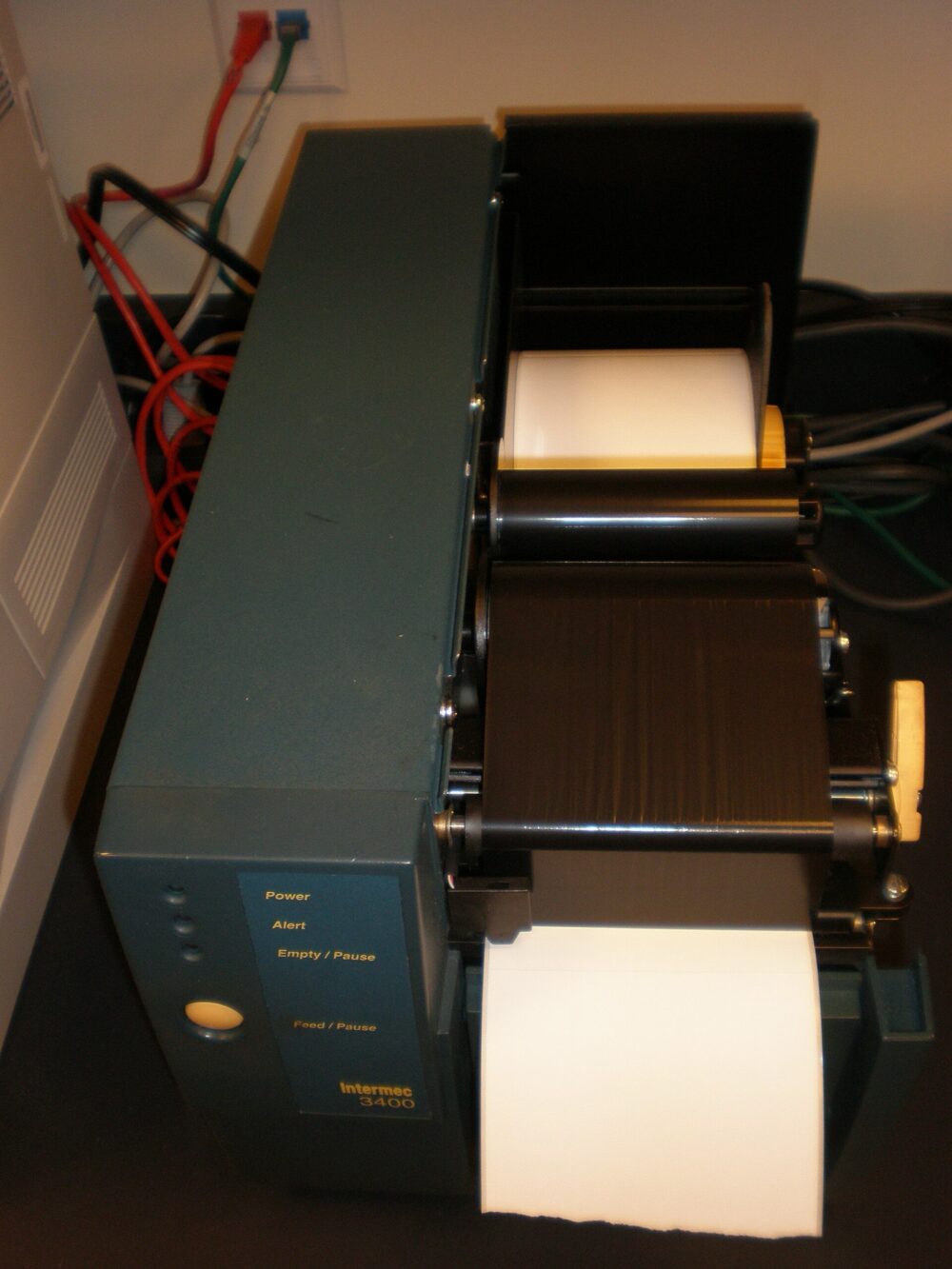
eBay’s label and printer “solutions” are not a physical printer bundle. On the platform side, eBay gives you discounted, ready-to-print shipping labels inside each order; on your side, you choose a printer and label stock that can reliably put those labels onto 4×6 shipping stickers. For a US seller, the sweet spot is usually a direct thermal 4×6 printer plus eBay’s built-in labels, with your sourcing channel (Amazon, office retail, or a cross-border marketplace) depending on how many packages you ship and how much risk you’re willing to take.
How eBay Label and Printer Solutions Fit into the Seller Shipping Workflow
For labels, eBay’s main “solution” is its integrated label purchase and print flow. From your sold-item or order page, you can buy a shipping label and print it directly through eBay. According to eBay’s own help documentation, this process builds the label from your order data, lets you review the details, adds tracking, and offers discounted rates from supported carriers compared with many counter prices. You can read eBay’s description in its help article on printing shipping labels.
You don’t need a special eBay-branded printer. Once you buy the label, eBay lets you:
- Print to a connected printer (thermal or standard) in a common label format.
- Save or open the label file (often PDF or similar) and print it using your own software.
Many US eBay sellers aim for 4×6 inch labels, which are a typical format for shipping labels and are supported by many thermal label printers highlighted by independent guides such as TrackingAdvice’s printer roundup. That said, exact formats and options can vary by carrier.
In practice, the workflow looks like this:
- Buyer pays; the order appears in your eBay Seller Hub.
- You click to purchase a shipping label within that order.
- eBay generates the label with tracking and pricing based on the package details.
- You print the label onto appropriately sized thermal label stock (commonly 4×6) or standard paper and affix it.
For a very low-volume seller, printing onto regular paper and taping labels can work. Once you start shipping more than a few orders per week, a dedicated 4×6 thermal printer becomes less of a luxury and more of a time-saver.
Platforms Around eBay Labels: Where You Can Source Printers and Label Stock
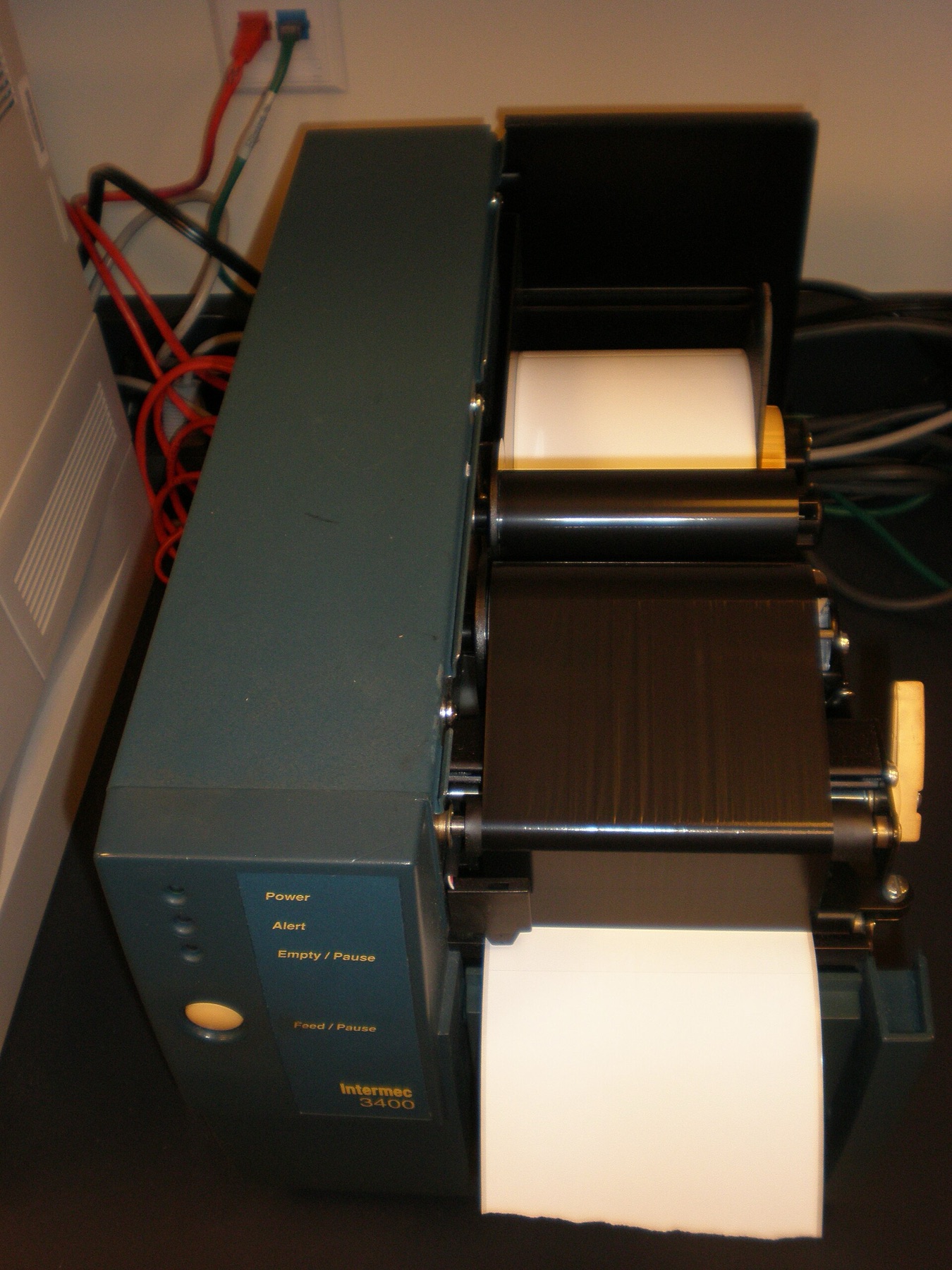
eBay doesn’t sell you the printer or label rolls. That’s where platform choice kicks in. Broadly, you have three types of channels to source hardware and consumables.
1. US retail and brand-direct sites
Office retailers and brand sites sell thermal printers directly, often with US support and straightforward returns.
Manufacturers such as HPRT publish guides on “best shipping label printers for eBay,” emphasising direct thermal printers that need no ink or toner and are positioned for high volumes of 4×6 shipping labels. Their editorial overview frames direct thermal as efficient and relatively low-maintenance options for eBay sellers who print lots of labels (HPRT’s guide for eBay shipping printers).
Brand-direct sites can be a good fit if you want predictable compatibility with Windows/macOS, clear specs on supported label widths, and brand-level support.
2. Domestic marketplaces (Amazon, eBay itself, others)
Domestic marketplaces aggregate many printer brands and third-party label rolls. A typical marketplace listing is the MUNBYN RW403B Bluetooth thermal label printer, which markets itself as a 4×6 shipping label printer suitable for major platforms such as eBay.
From listings like this, you can see key details you’ll need to match to eBay’s label flow:
- Maximum print width (must cover your label size, commonly 4×6).
- Supported connection types (USB, Bluetooth) for your devices.
- Operating systems supported and driver/software options.
Domestic marketplaces tend to offer faster shipping and easier returns for US buyers than most cross-border options, but prices can be higher than sourcing directly from overseas suppliers.
3. Cross-border and wholesale-style marketplaces
Cross-border marketplaces connect you directly with individual overseas suppliers, typically in Asia, for both printers and label stock. These can be attractive if you’re willing to trade some simplicity for potential cost savings or broader selection.
Because each listing is posted by an individual supplier, there’s no guarantee that any given product is plug-and-play for eBay. You still need to confirm details like print width, driver support, and whether the seller’s description matches what you need.
Platform and Printer Types: Quick Comparison
Different platform types play different roles in your eBay shipping setup. The table below summarizes typical characteristics using the examples discussed above.
| Channel type | Typical role for eBay labels | Example evidence-backed details | When it fits a US seller |
|---|---|---|---|
| Brand-direct / office retail | Sourcing a known, supported thermal printer | HPRT’s editorial guidance emphasizes direct thermal printers as ink-free, efficient options for frequent eBay shipping labels, with clear specs and OS support. | You want predictable compatibility, manufacturer support, and are willing to pay for a well-documented device. |
| Domestic marketplaces | Flexible mix of printers and label rolls with quick delivery | Listings like the MUNBYN RW403B printer on a marketplace describe 4×6 label support, Bluetooth/USB connectivity, and OS requirements in one place. | You need a 4×6-capable printer or labels quickly and prefer familiar returns processes. |
| Cross-border marketplaces | Wider range of printers and consumables from overseas suppliers | DHgate product snapshots show handheld label makers, mini thermal printers, and 4×6 thermal label paper, each with its own specs and price range on 2026-10-08. | You’re comfortable vetting individual suppliers and waiting longer for hardware or label stock in exchange for more options. |
Matching Platform and Printer Choices to Your eBay Seller Profile
You don’t need the same setup as a high-volume warehouse if you ship three collectibles a week. Here’s how to align eBay’s label tools, printer type, and sourcing platform with your actual business.
Low-volume or hobby seller
Profile: Shipping 0-20 parcels a month.
Practical route:
- Use eBay’s integrated labels for the discounts and tracking, but print on standard paper with a regular inkjet or laser if you already own one.
- If you want cleaner labels, a basic direct thermal printer that can handle typical 4×6 labels, sourced from a domestic marketplace or office retailer, keeps things simple. Buy a small pack of compatible labels rather than a huge case.
Cross-border sourcing only starts to make sense here if you’re patient with shipping times and comfortable experimenting; it’s not necessary for most hobby workflows.
Growing small business seller
Profile: Shipping roughly 20-300 parcels a month.
You’re in the zone where a dedicated thermal printer pays for itself in saved time and fewer misprints. HPRT’s guidance and similar manufacturer editorials highlight direct thermal printers as a good match for this use case: they don’t need ink or toner, and they’re fast, which matters when you’re batch-printing eBay labels.
Practical route:
- Commit to eBay’s label tool as your primary label source, using its discounts and tracking.
- Buy a known 4×6-capable direct thermal printer (from a brand site or domestic marketplace) that clearly lists shipping labels of that size in its specs.
- Source label rolls where the size is stated as 4×6 inch or 100×150 mm; test one box before stocking up.
This is where cross-border sourcing platforms can play a role, especially for label stock. For instance, a DHgate listing for 4×6 inch thermal label paper may be appealing for replenishing labels once you’ve confirmed the paper works with your printer. But for your core printer, buying domestically typically reduces compatibility headaches.
High-volume or multi-channel seller
Profile: Hundreds to thousands of parcels a month across eBay and other platforms.
Here, reliability and integration matter as much as purchase price.
Practical route:
- Standardize on industrial or prosumer thermal printers that support common shipping label formats (often including 4×6), high duty cycles, and possibly advanced connectivity (network, Bluetooth) so you can integrate them with shipping or warehouse software.
- Continue to use eBay’s built-in labels for your eBay orders, but make sure your hardware is compatible with labels from other platforms too (for example, Amazon or Shopify).
- Consider buying printers via brand-direct or specialist B2B channels for better documentation and support, and explore wholesale or cross-border channels mainly for consumables once you trust the exact products and suppliers.
If you decide cross-border sourcing fits your cost structure, treat marketplaces like DHgate or similar platforms as supplier directories rather than turnkey solutions. For each printer or label you consider, look closely at specs, seller history, and how they align with your existing eBay label workflow.
Across all seller profiles, the constant is eBay’s label tool: it generates the shipping labels and attaches tracking without requiring you to sign up for a separate label service. Your decision is how much you invest in hardware, and whether you keep your sourcing simple and domestic or add cross-border marketplaces into the mix as your appetite for complexity and savings grows.