
How to Return an Item on DHgate
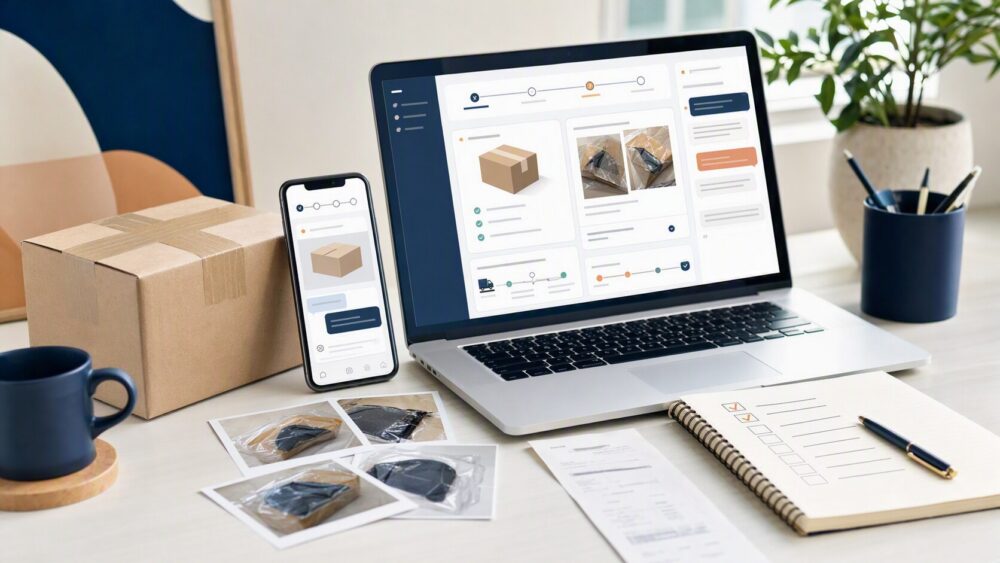
Learn how DHgate returns work, what evidence to save, when to contact the seller, and how to use the Return & Refund process.
Learn how DHgate returns work, what evidence to save, when to contact the seller, and how to use the Return & Refund process.
Is your DHgate refund still pending? Start with the order record and identify whether the case is awaiting a seller response, evidence, platform review, a refund-related status, or payment-method posting. This guide explains what to check before following up with DHgate or your payment provider.
Does DHgate offer refunds? DHgate provides order-based refund, return, and dispute options for eligible order problems. This guide explains what to check in My Orders, which records to save, and what to do if the available support path is unclear.
Need to return a DHgate order? Before sending an item back, review the return or refund option shown in My Orders, confirm the instructions connected to your case, and keep photos, seller messages, packaging evidence, and tracking records. This guide explains what to check before shipping and what to do if the return path is unclear.
Waiting for a DHgate refund? The time can depend on the case status, the refund action shown in My Orders, and the posting process used by your original payment method. This guide explains how to track each stage and what to do when the refund status changes but the money is not yet visible.
Reached an agreement with a DHgate seller? Before you close a dispute, review the order record, messages, evidence, and the action available for your specific case. This guide explains when closure may make sense, when to keep the case active, and what to do if no clear close option appears.
Paid for a DHgate order and need to cancel it? Start with the order details, check whether shipment information is shown, and review the available cancellation, refund, return, or support options. This guide explains what to do before and after an order moves beyond the pre-shipment stage.
Need to cancel a DHgate order? Start with the order details and check its current status. This guide explains what to do when cancellation is available, what to check if the order is already processing or shipped, and when to use DHgate’s refund, return, or dispute tools instead.
Want to close your DHgate account? Before submitting a deletion request, review open orders, refunds, returns, disputes, saved payment details, and records you may need later. This guide explains where to look for the account deletion option and what to do if you cannot find it.

Need to cancel a DHgate order in the app? Open the relevant order, check its current status, and use the action available on that order page. This guide explains what to review before requesting cancellation and what to do if the order has already moved to shipping, refund, return, or dispute handling.