

Amazon dropshipping automation means using software to handle the repetitive parts of selling on Amazon—forwarding orders to suppliers, syncing inventory, updating prices, and sometimes even listing products—so you’re not glued to Seller Central all day. It’s most useful once you already have compliant suppliers, realistic margins, and a clear idea of your catalog. Automation is an operations layer, not a replacement for choosing the right products, understanding Amazon’s rules, or actually checking that overseas suppliers can hit your shipping promises.
For US-based sellers sourcing cross-border, the key decision isn’t “Which tool is best?” but “Which parts of my workflow should be automated, and which suppliers and channels can support that without blowing up my account or my margins?”
What Amazon dropshipping automation actually means
Amazon describes dropshipping as a fulfillment method where a third party stores and ships products you sell as the retailer. You take the order; another company ships it. Automation tools sit on top of that and handle the mechanical tasks Amazon sellers do every day.
Editorial guides and automation vendors broadly agree that Amazon dropshipping automation often includes software-based handling of tasks such as:
- Forwarding Amazon orders to your supplier or distributor
- Syncing stock and price from supplier feeds into your Amazon listings
- Automatically repricing your offers based on costs or competition
- Sometimes uploading products and mapping categories for you
For example:
- AutoDS markets itself as an all‑in‑one Amazon dropshipping automation tool, pitched to both beginners and experienced sellers, with features like product importing, auto‑ordering, and price/stock monitoring, as shown on the AutoDS Amazon page.
- Easync presents itself as dropshipping automation software for eBay, Amazon, and Shopify, with auto‑ordering and repricing support on the Easync homepage.
- Inventory Source says it offers Amazon integrations that can auto‑upload products, sync inventory, and route orders from a network of suppliers, according to the Inventory Source Amazon page.
Printful’s editorial guide groups Amazon dropshipping tools into categories like product research, inventory and order management, and repricing tools, which is a useful way to think about a basic stack (Printful’s tools overview).
That framing translates into three layers:
- Catalog & research – decide what to sell.
- Inventory & orders – make sure stock levels and fulfillment actually work.
- Pricing tools – protect your margins and keep offers live.
What you should not automate
Even pro-automation guides stress that software should support, not replace, manual checks of key risk areas:
- Whether suppliers pack and label in a way that aligns with your branding and policy requirements
- Real shipping performance against your promised delivery windows
- Listing content quality (titles, images, claims) to avoid policy problems
Some Reddit sellers also note that only a limited set of tools support Amazon plus popular cross‑border sources like AliExpress, and user opinions on specific tools are mixed (example Reddit thread). That’s a reminder that tools are not magic. You still need to understand your workflow and monitor what the software is doing.
How automation changes the Amazon dropshipping supply chain
Once you add automation, your Amazon supply chain becomes a series of connected systems. A typical flow looks like this:
- Customer orders on Amazon.
- Your automation tool picks up the order from Amazon via API.
- Order is auto‑routed to your supplier (for example through a platform like Inventory Source that connects to its supplier network, or through auto‑ordering features in tools like AutoDS or Easync).
- Supplier ships directly to the customer. Tracking flows back through your tools and into Amazon.
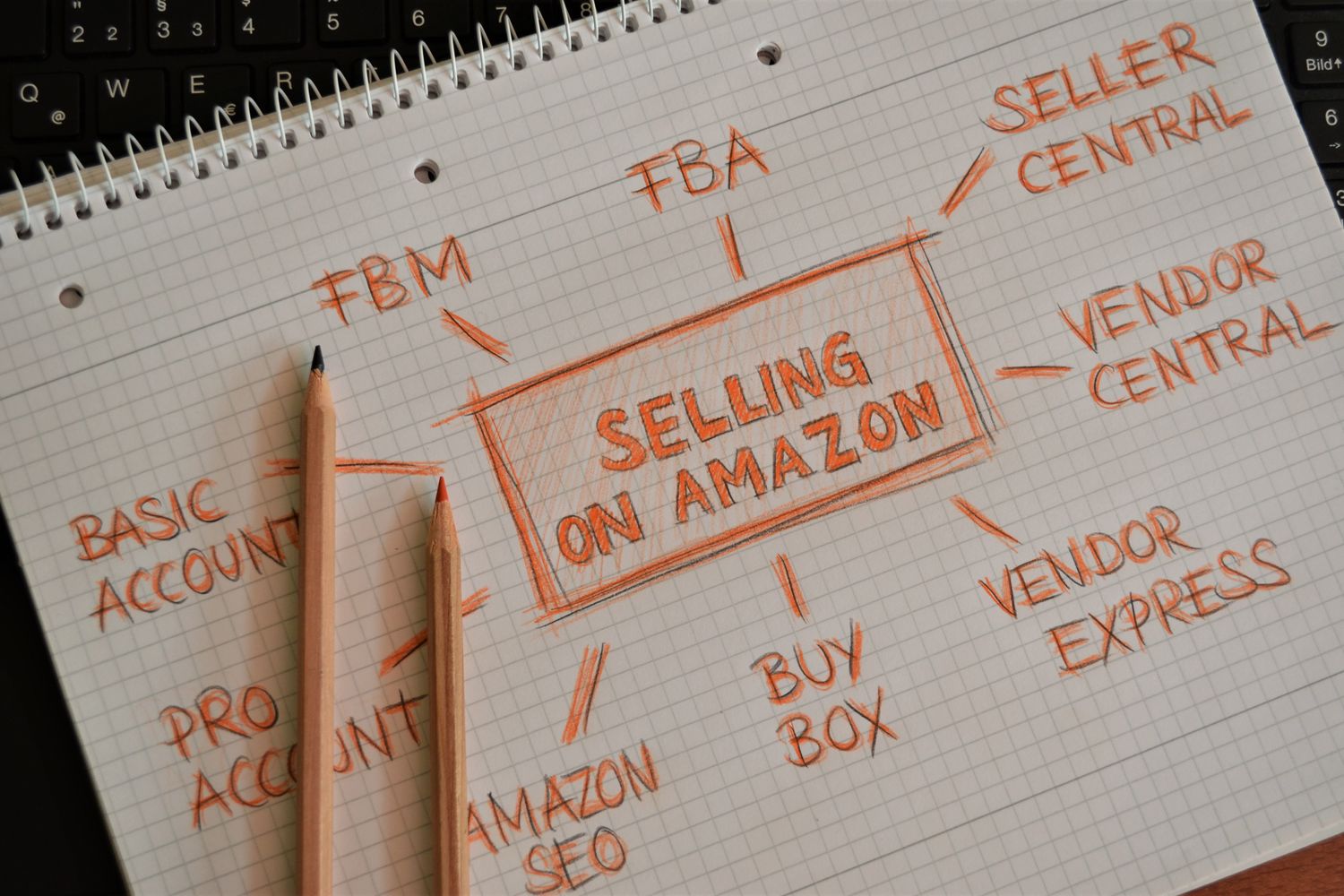
This setup heavily depends on:
- Supplier data quality. If a supplier sends inaccurate stock or price feeds, your inventory sync and repricing logic start from bad data.
- Shipping reliability. Automation will happily send hundreds of orders to a supplier who consistently ships late unless you monitor performance.
- Channel compatibility. Some automation tools are built around US distributors; others plug into cross‑border sources.
Editorial roundups of Amazon dropshipping supplier platforms point out that Amazon tends to evaluate sellers on things like inventory accuracy, shipping speed, and supplier quality. Automation amplifies both strengths and weaknesses here: a highly reliable supplier plus good software can make your metrics shine; a sloppy supplier can hurt your account at scale.
Where US vs. cross‑border suppliers usually sit
In practice, automated Amazon setups often fall into three patterns:
- US wholesale distributors and brands. Automation tools connect directly to their catalogs and stock feeds. Shipping times tend to fit typical Amazon expectations more easily, but MOQs and pricing may assume you’re doing volume.
- Synced supplier platforms. Services like Inventory Source or similar networks plug you into multiple suppliers from one interface, then auto‑list and route Amazon orders.
- Global marketplaces and factories. If you’re sourcing from overseas marketplaces or manufacturers (China, EU, etc.), automation may have to work via generic CSV feeds or semi‑manual workflows. Shipping lead times and variability become the main constraint.
Once you automate, a small upstream glitch—like a cross‑border supplier quietly going out of stock—can ripple through your entire Amazon account if no one’s watching.
Choosing suppliers that won’t break your automated Amazon store
Automation changes which supplier traits matter most. Here’s a practical, Amazon‑specific checklist.
1. Inventory accuracy and feed stability
- Do they provide stock/price feeds you can actually connect to (CSV, API, or via a platform)?
- How often do they update those feeds, and does it roughly match real warehouse stock?
- During a small test period, compare what your automation shows vs. reality on 10-20 SKUs.
2. Shipping speed relative to your promises
- For US suppliers, can they consistently hit the shipping windows you plan to offer?
- For cross‑border suppliers, do realistic transit times (including customs) still fit the handling and shipping times you’ll publish on Amazon?
- Run at least one test order per region to a real address before you automate everything.
3. Catalog structure and data quality
- Are titles, variants, and attributes structured in a way that maps cleanly to Amazon categories and variation listings?
- Are there clear product identifiers (UPC/EAN/brand) where needed?
- Poor catalog structure adds hours of cleanup or causes auto‑listed items to get suppressed.
4. Dropship friendliness and labeling
- Do they already service dropshippers, or are you trying to force a B2B wholesaler into retail‑style one‑by‑one shipping?
- Can they ship without including their own invoice or marketing materials in the box, if that matters for your branding and customer expectations?
5. Communication and issue response
- How fast do they respond when an order is lost, damaged, or delayed?
- On a trial run, intentionally raise a small issue and see how they handle it—this is exactly what will happen at scale.
6. Test before full automation
- Start with manual or semi‑manual routing for a few SKUs.
- Compare what your automation assumes (stock, cost, ETA) against reality.
- Only after a few weeks of clean performance should you expand automation to more products.
This kind of vetting takes time, but skipping it means your software is just industrial‑scale wishful thinking.
Key buying terms: MOQ, pricing tiers, and landed cost in an automated setup
Automation only saves money if your buying terms support your model. Three areas matter most: MOQs, pricing tiers, and landed cost.
MOQs vs. per‑order economics
Many wholesale suppliers have minimum order quantities (MOQs) or minimum spend amounts. Automation doesn’t remove these. It just makes hitting them less painful.
- If a supplier has high MOQs, an automated one‑by‑one Amazon model may not even fit; you might be better off using them for bulk replenishment into FBA or another warehouse.
- If a supplier offers true per‑order pricing compatible with dropshipping, automation can route every order individually and still comply with their terms.
Your automation settings should reflect which of these models each supplier uses. Sending automated micro‑orders to a supplier that expects pallet‑level volume is a fast way to damage the relationship.
Pricing tiers and auto‑repricing
Suppliers often have tiered pricing (for example, different unit costs at certain volume levels). Repricing tools use your cost as the baseline. If your cost changes with volume but your repricer assumes a fixed cost, you can misprice:
- Underestimate cost and sell at a loss
- Overestimate cost and lose the Buy Box unnecessarily
Before plugging a supplier into a repricer:
- Clarify whether your cost is flat per unit or depends on volume/monthly spend.
- Decide whether to set repricing rules at the SKU level (for stable costs) or to build in a margin buffer for items with volatile cost.
Landed cost and lead times
Automation can’t fix bad unit economics. You still need a handle on landed cost—everything baked into getting the product to the customer:
- Product cost from supplier
- Payment fees
- Cross‑border shipping and duties if applicable
- Packaging or customization fees
- Return handling, if you accept returns
If your automation stack helps you sell a $15 item with a $9 true landed cost and $4 Amazon fees, your margin is razor thin. A single mis‑sync (like a supplier price increase not caught in time) can erase your profit for days.
Lead times also matter. If an overseas supplier takes 10-18 days door‑to‑door but your Amazon listing promises 5 days, no automation tool can rescue your metrics. You need:
- Handling times and shipping speeds that reflect reality
- Backup products or suppliers you can switch to when lead times slip (and a manual override procedure so you don’t keep auto‑routing orders into a bottleneck)
Picking the right automation stack and sourcing channel
You don’t have to adopt a giant all‑in‑one system from day one. A lightweight stack that fits your sourcing channel is often safer. The table below lays out the main tool and channel types, with examples and fit scenarios.
| Layer / Channel type | Typical examples & features | Best for | Key trade‑offs |
|---|---|---|---|
| All‑in‑one automation tools | Tools like AutoDS say they handle product importing, auto‑ordering, stock/price monitoring, and sometimes listing optimization for Amazon and other channels. | New or growing sellers who want one dashboard for catalog, orders, and pricing. | Less flexibility; you depend heavily on supported suppliers and workflows. Mixed user feedback, so trial periods and small tests are essential. |
| Auto‑ordering & repricing tools | Easync supports Amazon, eBay, Shopify, and offers auto‑ordering and repricing features. | Sellers who already have a supplier setup and need to scale order handling and price updates. | Focused on operations, not strategy; still requires separate product research and supplier management. |
| Inventory & order routing platforms | Inventory Source promotes integrations that auto‑upload supplier products to Amazon, sync inventory, and route orders from its supplier network. | Sellers working with established wholesale suppliers, especially US‑based, who want a more B2B‑style pipeline. | Often assumes compliance with specific supplier lists and may be optimized for US shipping timelines rather than long cross‑border lead times. |
| Product research & support tools | Editorial guides like Printful’s highlight research tools (JungleScout‑style), repricers, and analytics as separate components. | Sellers who already have fulfillment handled (for example, FBA or a trusted dropship partner) and mainly need better decisions on what to list and how to price. | These tools don’t move the product; they just help you choose and optimize it. |
| US distributors & brands | Often connected via platforms similar to Inventory Source or custom feeds. | Amazon sellers focused on faster shipping and consistent packaging. | May require higher volume, account applications, or stricter terms; less friendly to untested beginners. |
| Global marketplaces for low‑MOQ testing | Some editorial comparisons describe Cross-border multi-seller as one affordable dropshipping option with generally low or flexible MOQs and wide product variety, and Cross-border multi-seller’s own material describes its MyyShop service as dropshipping‑oriented. | Testing product ideas cheaply, especially cross‑border niches where US supply is limited. | You must vet individual Cross-border multi-seller suppliers for product quality, handling times, and packaging, and longer or more variable shipping can conflict with Amazon delivery expectations. Automation may rely on generic feeds or semi‑manual workflows rather than plug‑and‑play integrations. |
Matching the stack to your scenario
Low‑volume tester (10-50 orders/month)
- Start with a simple setup: manual listing in Seller Central, a basic repricer, and either manual or semi‑automated ordering via a smaller tool.
- Use this phase to validate suppliers, check landed cost, and learn how Amazon reacts to your shipping performance.
- Global marketplaces such as DHgate can be useful here for low‑MOQ testing, but treat them as experiments, not your primary Amazon pipeline.
Scaling multi‑channel seller (hundreds+ orders/month)
- Invest in a more structured stack: an inventory/routing platform plus a dedicated repricer and separate research tool, or a carefully chosen all‑in‑one.
- Favor suppliers and channels that can provide stable feeds and predictable shipping at your scale—often US distributors or vetted sync platforms.
- Build clear override procedures: who checks dashboards daily, when to pause auto‑ordering for a supplier, and how to adjust listings when lead times change.
If you treat automation as a way to enforce a disciplined process—rather than a shortcut to passive income—you’ll be in a better position to choose tools and suppliers that actually support a sustainable Amazon business.