
If you’re labeling products and printing shipping labels for Amazon FBA, the cheapest setup that still works smoothly is usually a basic direct‑thermal shipping printer plus compatible 4×6 thermal rolls. Handheld “organizer” label makers you see on Amazon (like old Dymo or Brother tape devices) are fine for pantry jars, but they’re slow, waste tape, and don’t match FBA workflows. For most small sellers, a no‑ink thermal printer that takes generic rolls will keep both upfront cost and ongoing spend in check.
Where you see people talk about “Amazon label makers,” they’re using two very different things:
- handheld/home label makers (embossers, tape‑based machines, Bluetooth gadget printers)
- desktop thermal printers that spit out 4×6 or small barcode labels from your computer
Only the second category really fits FBA. In community threads like this r/FulfillmentByAmazon discussion you’ll see the same pattern: sellers mention Rollo‑style printers, DYMO LabelWriter, Zebra models, and similar thermal units because they integrate with Amazon shipping and inventory tools and work with cheap label rolls.
What an Amazon Seller Actually Needs from a Label Maker
For Amazon FBA or a small ecommerce shop, treat your label printer as infrastructure, not a gadget. You generally need to cover three jobs:
- shipping labels (often 4×6 inches)
- FNSKU or SKU barcodes for product units
- occasional internal shelf/bin labels
A direct‑thermal desktop printer is the budget‑sensible choice for all three.
Direct‑thermal shipping printers use heat to create the image directly on specially coated label material. That means:
- no ink, toner, or ribbons to buy
- fast printing suited to batch labels
- straightforward integration with shipping tools describing themselves as compatible with “Amazon” or “Etsy/Shopify” labels (see examples in Amazon’s own best‑seller lists for desktop label printers here).
The tradeoff: you must buy compatible thermal label rolls. As explained in DHgate’s editorial piece on label papers, different printers have different supported sizes, thicknesses, and finishes, so you can’t treat labels as generic stationery. You pick:
- size (4×6 for shipping; smaller die‑cut labels for barcodes)
- paper type and finish (matte for barcode readability; glossy mostly for product branding)
- adhesive (standard permanent for boxes; freezer‑grade or high‑tack only if your products demand it)
For an FBA seller on a budget, basic matte direct‑thermal labels with standard adhesive are usually the sweet spot: they’re cheap, compatible with most mid‑range thermal printers, and durable enough across storage and transit.
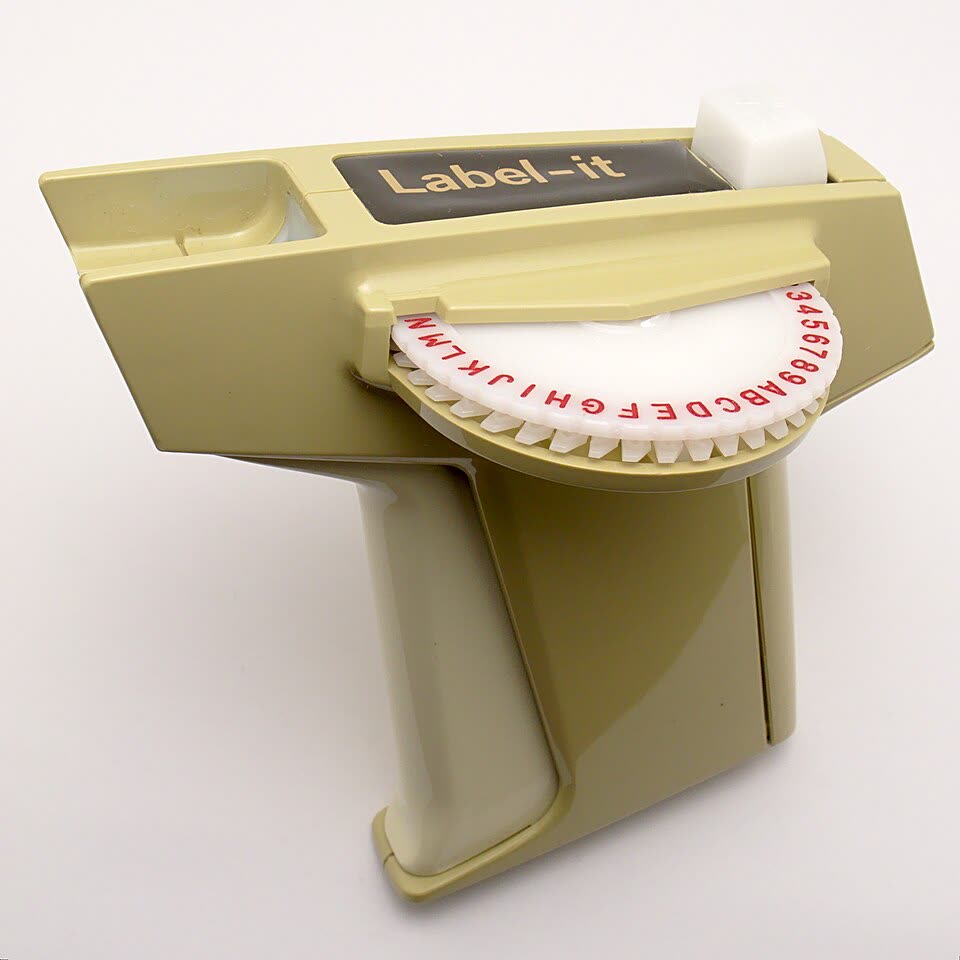
By contrast, handheld label makers like classic Dymo or Brother P‑Touch tape machines are optimized for small text strips and household organization. They use proprietary plastic cartridges, tend to be slower, and don’t produce the common 4×6 format. You can technically stick those labels on products, but you’ll struggle to bulk‑label cartons or integrate with Amazon’s built‑in shipping workflows.
So if you’re choosing:
- hobby seller shipping a few items a week? You can muddle through with an inkjet plus label sheets, but it’s clunky.
- growing FBA business? A direct‑thermal printer that accepts generic thermal rolls is almost always the practical budget choice.
How Printer Type, MOQ and Shipping Drive Your Label-Making Budget
The sticker price of the printer is only part of what you’ll pay over a year of selling. The real budget picture includes:
- printer hardware
- label media (rolls or fanfold stacks)
- domestic or international shipping
- any customs or import fees if you buy cross‑border
Printer type and running costs
A compact table makes the tradeoffs clearer:
| Printer type | Typical use case | Ongoing costs | Budget fit for FBA? |
|---|---|---|---|
| Direct‑thermal desktop printer | Shipping + barcodes | Thermal labels only | Strong: no ink; cheap rolls |
| Thermal transfer desktop printer | Long‑life industrial labels | Ribbon + durable labels | Overkill for most FBA |
| Inkjet/laser + label sheets | Very low volume, mixed documents | Ink/toner + sheets | OK briefly, higher per‑label |
| Handheld tape label maker | Home/office organization | Proprietary tape cartridges | Poor: wrong format, slow |
Direct‑thermal stands out on a tight budget because you avoid ink or toner entirely. You do pay more attention to label material: a more durable coated paper or speciality adhesive costs more per roll than basic stock, which is echoed in DHgate’s editorial guidance on label media cost and availability.
Label MOQ and customization
The quantity you buy and any customizations affect unit cost:
- Buying labels in small packs from retail channels keeps cash outlay low but raises the per‑label price.
- Ordering bulk rolls or fanfold stacks reduces your per‑label cost, but you’re tying up cash and storage space.
- Custom printed labels (full‑color logos, special materials) drive prices up and often involve minimum order quantities.
For a budget‑conscious FBA seller in Australia, generic white thermal labels with no branding are usually the best compromise. You save custom printing for hero product packaging and keep operational labels plain.
Shipping and cross‑border cost
If you import printers or label rolls, your landed cost includes:
- product price
- international shipping charges
- any customs, tariffs or import fees charged by Australian authorities
Choosing a Sourcing Channel: Amazon Retail, Local Suppliers, or Cross-Border Marketplaces
Once you know you want a direct‑thermal printer plus compatible labels, you still have to pick where to buy. The channel choice matters just as much as the hardware.
Amazon retail and local office suppliers
On Amazon Australia and local office‑supply sites, you’ll usually find:
- named brands with clear compatibility notes (“works with USPS, UPS, Amazon, Etsy, Shopify”) like those highlighted in Amazon’s own listings and in editorial roundups such as Forbes’ label maker guide
- ready‑to‑ship stock, with delivery windows that fit a small business that can’t afford downtime
- small‑pack label rolls you can buy as you test sizes and materials
These channels tend to have higher unit prices than deep‑bulk cross‑border sourcing, but lower friction: you get Australian consumer protections, easier returns, and less paperwork.
For a seller ramping from hobby to a few dozen parcels a week, that convenience is often worth the modest premium.
Cross-border marketplaces (including DHgate)
If you’re buying several printers for a team or pallets of label rolls, marketplaces that connect you directly to overseas sellers can look cheaper on paper. DHgate is one example among many where thermal label printers and label media are widely listed according to its editorial blog coverage.
The tradeoff is complexity. Before you click “buy” on a cross‑border listing, you need to personally verify:
- that the printer supports the label sizes and formats you plan to use (4×6, 2×1, fanfold vs rolls)
- that the label material is compatible with direct‑thermal printing and your specific hardware
If you’re exploring cross‑border sourcing broadly, DHgateWiki’s comparison of DHgate vs AliExpress, Alibaba and Temu offers a useful context on how these marketplaces differ.
For a single printer and a few starter rolls, importing usually isn’t worth the uncertainty. For a business ordering thousands of labels monthly, cross‑border buys can make sense—but only after careful compatibility and cost checks.
Practical cost-optimization tips
To keep your label‑making budget lean without wrecking workflow:
- Commit to one core format. Standardize on 4×6 shipping labels and one smaller barcode size; this lets you buy media in bulk and reduces mistakes.
- Pick a widely used thermal printer. Community‑popular models (Rollo‑style, DYMO 4XL/5XL, Zebra, iDPRT) have abundant compatible rolls and troubleshooting guides, as seen in FBA forums and Reddit threads.
- Test media before you scale. Order a small pack of labels from a local or Amazon supplier, confirm print quality and adhesion in your own workflow, then step up to larger quantities or cross‑border purchases.
- Separate branding from operations. Use cheap plain thermal labels for FNSKU and shipping; keep more expensive custom labels for product presentation where they actually add value.
If you follow those steps, you can usually get a reliable “Amazon label maker” setup—one thermal printer, a couple of compatible label formats, and a sensible sourcing channel—without overspending or locking yourself into quirky tape devices that don’t fit FBA.