
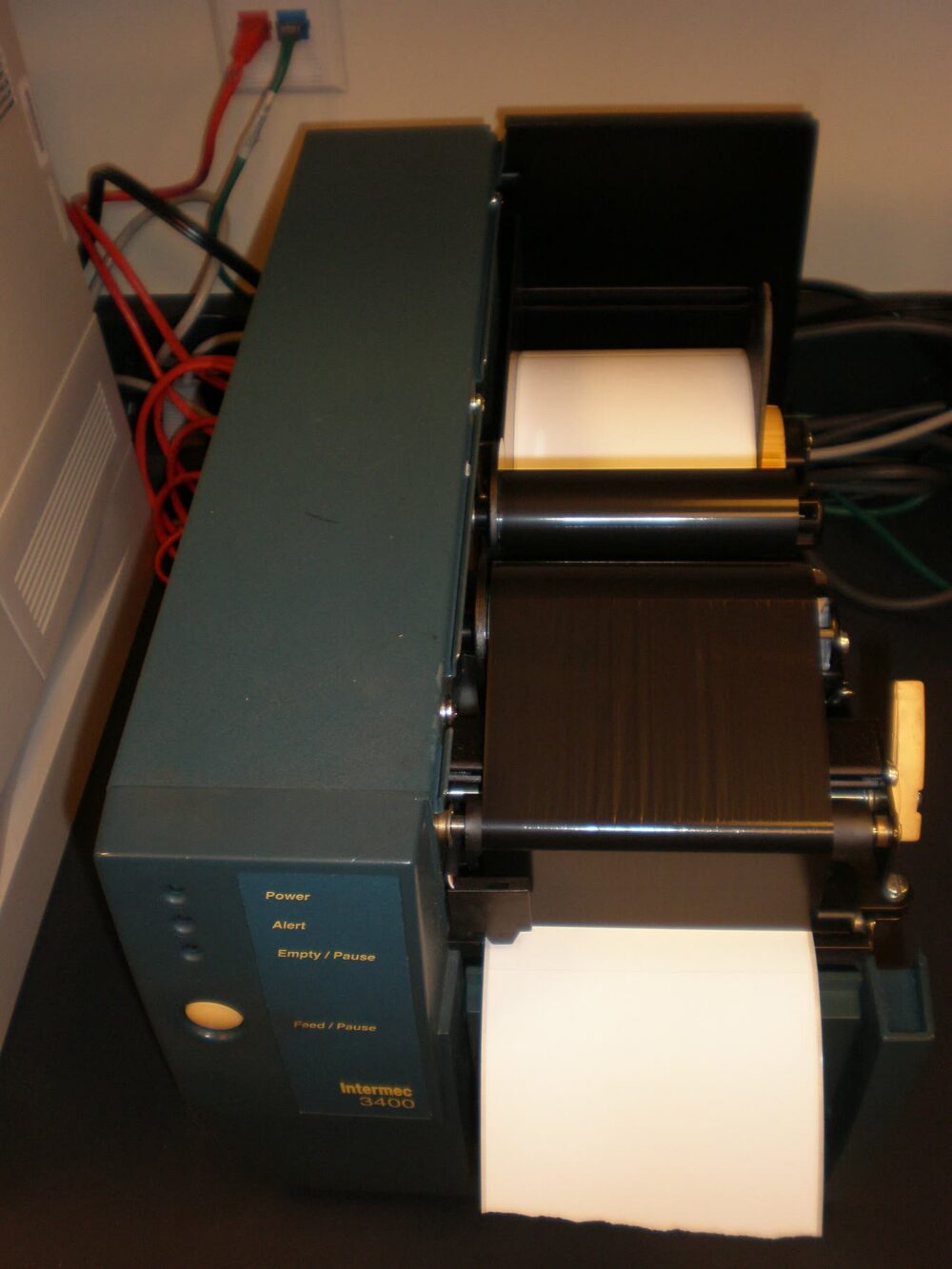
Target does carry budget‑friendly label printers that can handle basic small‑business labeling, especially for Etsy or eBay sellers printing a few dozen shipping labels a week. You’ll see handheld label makers, portable sticker printers, and low‑cost thermal label printers from brands like Jadens in the mix. These can be a sensible starting point if your volume is modest and you’re willing to trade some durability and polish for price. The risk isn’t that they’re fake; it’s that a very cheap unit may struggle under heavier business use or not play well with your shipping and inventory tools.
If you plan to lean on a label printer as part of your workflow every day, you need to move beyond the “office gadget” mindset and treat this like a small piece of infrastructure. That means understanding what people mean by “Target label printers,” checking the print technology and connectivity, and choosing the buying channel that gives you a realistic escape route if the printer disappoints.
What Buyers Mean by “Target Label Printers” and the Main Trust Worries
“Target label printers” isn’t a brand name; it’s shorthand for label printers sold by the Target retail chain.
On the Target label maker search page, you’ll typically find:
- Handheld label makers (DYMO/Brother‑style devices) aimed at home organizing.
- Portable sticker printers, often compact thermal models that print small decorative or organizing stickers.
- Desktop thermal label printers, including budget‑oriented units positioned for shipping labels and barcodes; Jadens thermal printers show up in this category.
Target’s portable sticker printer results tilt toward casual use: compact designs, mobile apps, and an emphasis on crafts. That’s fine for branding stickers or lightweight product labels, but it’s different from the industrial desktop units you’ll see in an Epson commercial label printer overview.
For a small ecommerce business, the realistic worries are:
- Volume mismatch: A budget thermal printer that’s happy printing a few dozen labels a week may bog down or overheat if you push it toward hundreds per day.
- Durability: Casings and feed mechanisms on cheaper units can feel fragile; repeated jams or worn parts cost you time.
- Print longevity: Direct thermal labels can fade if exposed to heat, sunlight, or rough handling.
- Software and ecosystem: Some portable printers are locked into proprietary apps and label sizes that don’t integrate smoothly with carriers or platforms like Australia Post, USPS, eBay, or Shopify.
Community chatter on social platforms like Facebook and Reddit often reflects this split: budget thermal printers from brands such as Jadens or Rongta are popular with resellers because they’re affordable and “good enough” for modest workloads, but setup quirks and occasional reliability complaints are common anecdotal themes.
If you’re an Australian eBay seller shipping 10-20 parcels a week, a Target‑sourced budget printer can be a practical, low‑risk first step. If you’re running a fast‑growing Shopify store and planning to print hundreds of barcoded stock labels and shipping labels daily, you should be more cautious and start applying stricter trust checks.
Universal Trust Checks for Budget Label Printers (Wherever You Buy)
Before you trust a budget label printer from Target, Kmart, an office supplier, or a marketplace, answer one compact checklist in your head: Will this printer handle my label type, volume, and software with acceptable reliability for at least a couple of years? Here’s how to check that in concrete terms.
1. Print technology fit: direct thermal vs thermal transfer
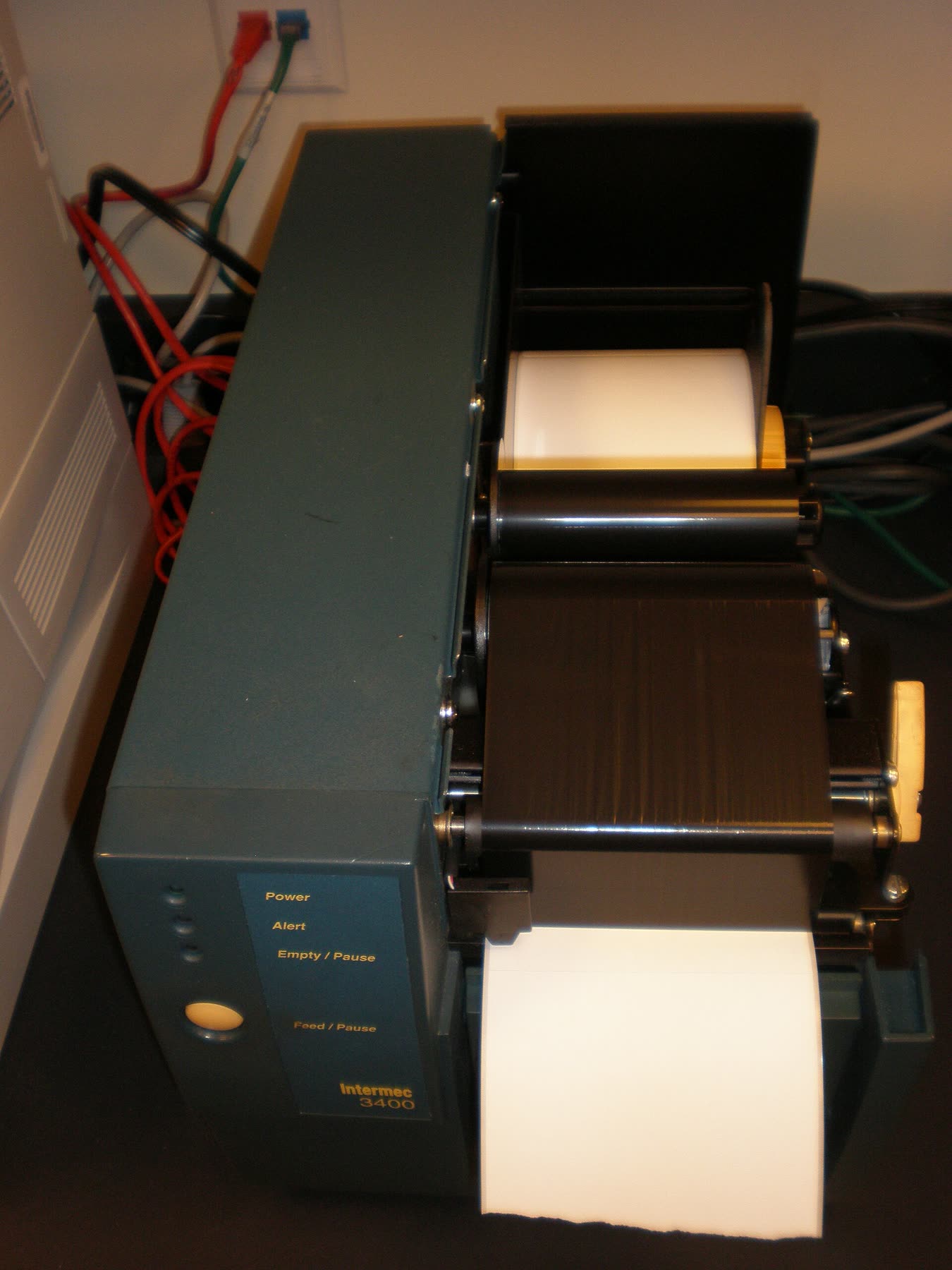
Label printers generally use either direct thermal or thermal transfer printing, as outlined in Wikipedia’s label printer overview:
| Print tech | How it works | Better suited to… | Key trust risk |
|---|---|---|---|
| Direct thermal | Heat darkens a special coating on the label | Short‑life labels (shipping, short‑term) | Fading over time, weaker in heat/sunlight |
| Thermal transfer | Heat transfers ink from a ribbon onto the label | Long‑life, harsh‑environment labels | Higher supply cost; usually more complex hardware |
| Craft sticker printers | Often direct thermal, tuned for small stickers | Decorative or light branding stickers | May not support carrier formats or durable materials |
Most budget Target options (including Jadens thermal models surfaced in search) are direct thermal. For short‑life labels—shipping labels, short‑turnover inventory—direct thermal is usually fine. If you need labels to survive months or years in storage or harsh environments, you should look toward thermal‑transfer units from commercial‑grade lines like those in Epson’s commercial label printers.
2. Label size, resolution, and speed for your actual use
From label printer guides and vendor specs such as the Epson LabelWorks LW‑PX300, useful checks include:
- Label sizes supported: Can it handle standard carrier shipping label formats (commonly around 4×6 inches) and narrow barcode labels, or only tiny stickers? A printer limited to narrow widths will frustrate you if carriers expect full‑size labels.
- Resolution needs: If you’re printing text and barcodes, typical budget resolutions are usually fine. Detailed logos or very small text may look fuzzy on low‑resolution heads.
- Speed: For side‑hustle volumes, speed is rarely the bottleneck. If you plan batch label runs for stock (hundreds in one go), look at labels‑per‑minute in product descriptions; slow units turn into a daily annoyance.
A practical small‑business test: write down your most demanding job (for example, “50 Australia Post or USPS shipping labels in one evening plus 30 bin labels each weekend”) and ask whether the printer’s width, resolution, and speed plausibly cover that without feeling stretched.
3. Connectivity and ecosystem compatibility
Wireless label printer guides, including DHgate’s editorial discussion of Wi‑Fi/Bluetooth/NFC connectivity, highlight three common options: Wi‑Fi, Bluetooth, and NFC. For a Target‑type budget printer, you’ll usually see USB plus Bluetooth or Wi‑Fi.
- USB‑only units are fine for a single PC setup but awkward if you print from multiple laptops or a tablet.
- Bluetooth works well for a phone‑based workflow but has limited range and can be finicky in crowded environments.
- Wi‑Fi offers more flexibility for shared use; several devices can send jobs to one printer.
Check compatibility with your actual tools:
- Operating systems: Windows, macOS, and any Chromebooks you use.
- Label files from carriers: PDFs or PNGs from AusPost, USPS, eBay, Etsy, Shopify shipping tools.
- Any inventory or point‑of‑sale system you rely on.
A compact craft‑oriented sticker printer that only talks to its own mobile app will not replace a proper shipping label printer, even if the hardware looks similar.
4. Durability signals (without lab testing)
You won’t be stress‑testing hardware, so look for indirect durability clues drawn from cross‑brand advice:
- Construction: Photos and descriptions that show a solid hinge, clear label path, and less “toy‑like” finish usually indicate better survivability.
- Business positioning: Units framed as “commercial” or “industrial” on pages like Epson’s commercial label printers are designed for heavier duty than craft‑oriented sticker printers.
- Community feedback: Search for the specific model name plus “jam,” “error,” or “setup” on Reddit or Facebook. Mixed experiences are normal, but patterns of feed issues or premature failures should steer you away.
Scenario example: an Australian eBay seller working from home, shipping 15 orders a week, might accept lighter construction and the occasional jam from a low‑cost Target printer. The same device in a busy stockroom printing labels every morning would be a riskier bet.
5. Cross‑border sourcing and extra verification (including DHgate)
On any marketplace, you should:
- Scrutinize seller ratings and how long they’ve been active.
- Compare product descriptions closely to confirm print tech, label sizes, connectivity, and operating system support.
- Read buyer feedback that mentions business use (volume, reliability, integration) rather than just “works” comments.
How Target and Other Channels Handle Buyer Protection for Label Printers
You’re not only choosing a printer; you’re choosing a channel that determines how painful things get if the printer isn’t up to the job.
Major retailers such as Target (US) and Target Australia typically provide clear, local processes for returns and exchanges, though the exact terms depend on the store and country. For a budget label printer, that usually means:
- You may be able to inspect the unit in person (in some stores), or at least buy knowing it comes through a large retail supply chain.
- If the printer is obviously defective early on, you have a straightforward way to seek a remedy via customer service.
Brand sites like Epson Australia, shown in their commercial label printer lineup, tend to focus on professional and industrial users. You often get:
- More detailed technical documentation and clearer positioning for specific use cases (warehouse, logistics, healthcare).
- Access to support channels that understand label printers as business tools, not household gadgets.
Marketplaces and cross‑border options offer greater variety and price spread. For label printers, that can mean:
- A wide range of emerging‑brand devices that don’t appear on local shelves.
- More aggressive pricing on mid‑range and high‑end models, especially in bulk, which may appeal if you’re moving toward wholesale volumes.
The trade‑off is that marketplaces generally require more buyer‑driven verification. You rely heavily on seller reputation, product photos and descriptions, and other buyers’ feedback to decide whether the printer is likely to be reliable and compatible with your systems.
A reasonable path for many small Australian or US sellers choosing their first label printer is:
- Start with a budget direct‑thermal unit from a local channel like Target if your volume and label life are modest.
- As your business stabilizes and volumes grow, re‑evaluate whether you need a more durable thermal‑transfer or commercial‑grade unit from a brand site or carefully vetted marketplace seller.
By making your decision on print technology, connectivity, ecosystem compatibility, and channel protections in that order, you’ll avoid both overpaying for industrial gear you don’t need and under‑spec’ing a printer that can’t keep up with your business.