
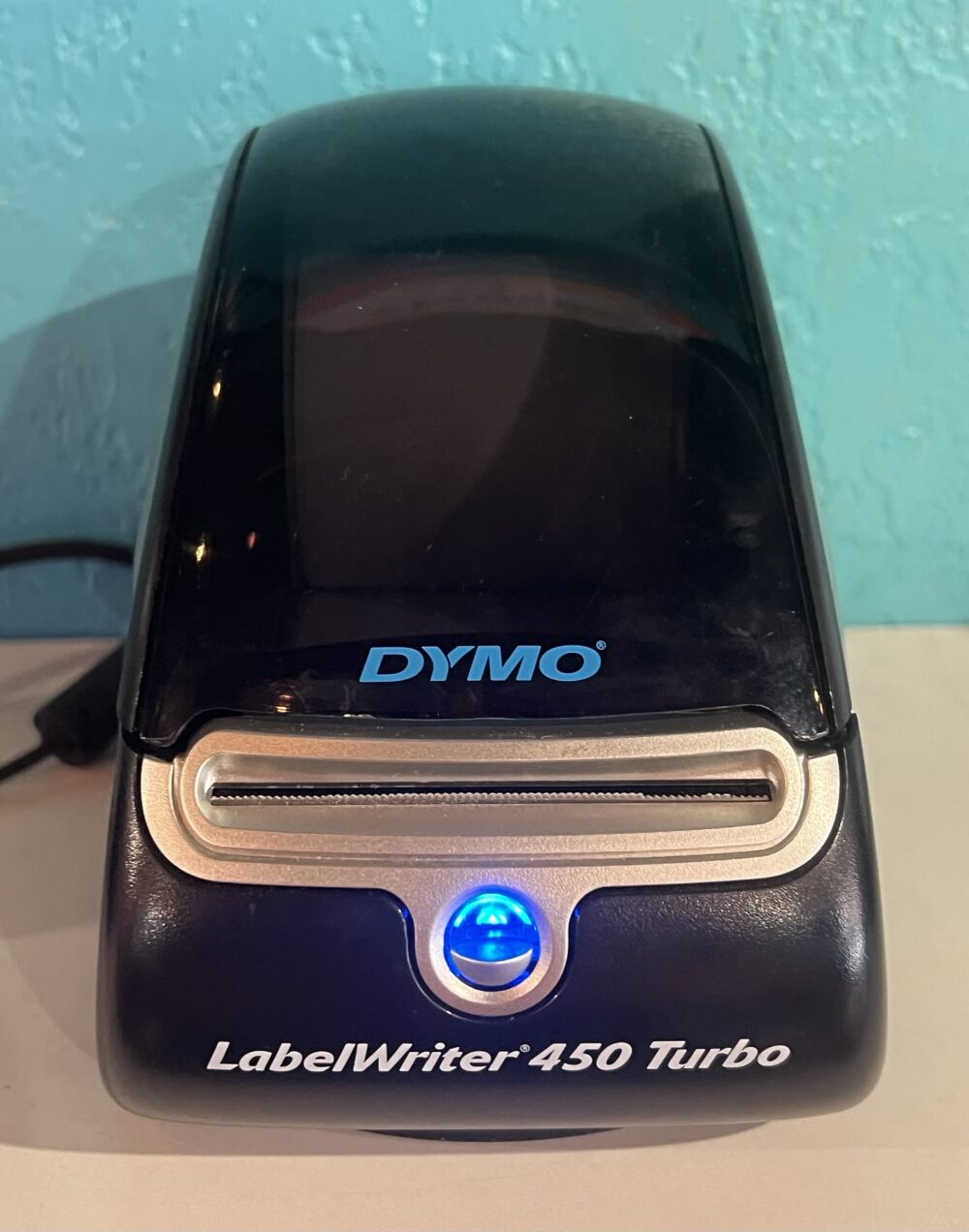
Dymo LabelWriter printers are compact direct-thermal label printers designed to spit out rolls of labels fast without using ink or toner. For a Canadian small business shipping orders, the key decision is label size: smaller LabelWriter models are ideal for address labels, barcodes, and product stickers, while larger format units such as the 5XL class are built to handle wider labels suitable for common ecommerce shipping label layouts. If you expect to print full shipping labels regularly, you’ll want that wider-format capability; if you mostly need shelf tags and barcode labels, a smaller LabelWriter is usually enough.
What Dymo LabelWriter Printers Are and How They Work
A Dymo LabelWriter is a desktop label printer that connects to your computer and prints on rolls of adhesive labels using direct thermal technology. Direct thermal means the printer uses heat on specially coated label stock instead of ink cartridges or toner, which keeps operating costs predictable and maintenance simple over time.
On Dymo’s Canadian site, LabelWriter printers are positioned for mailing, shipping, and office organization, with support for multiple label sizes so you can handle address labels, file-folder labels, barcodes, and more from the same machine.Dymo LabelWriter overview The workflow is straightforward: you design labels in Dymo’s software (or integrated apps), select the label size loaded in the printer, and print directly from your computer.
For a small ecommerce operation, that translates into:
- Quick printing of address labels for letter mail or small parcels.
- Barcodes and inventory labels for stock bins or product packaging.
- Shipping labels on compatible wide-format models for parcels going through major carriers.
Because the system is roll-based and direct thermal, it’s best for labels that don’t need to last years in harsh environments. Shelf, parcel, and short-term inventory tags are a good fit; long-term outdoor labels are less ideal.
LabelWriter Model Types and Fit for Shipping Labels
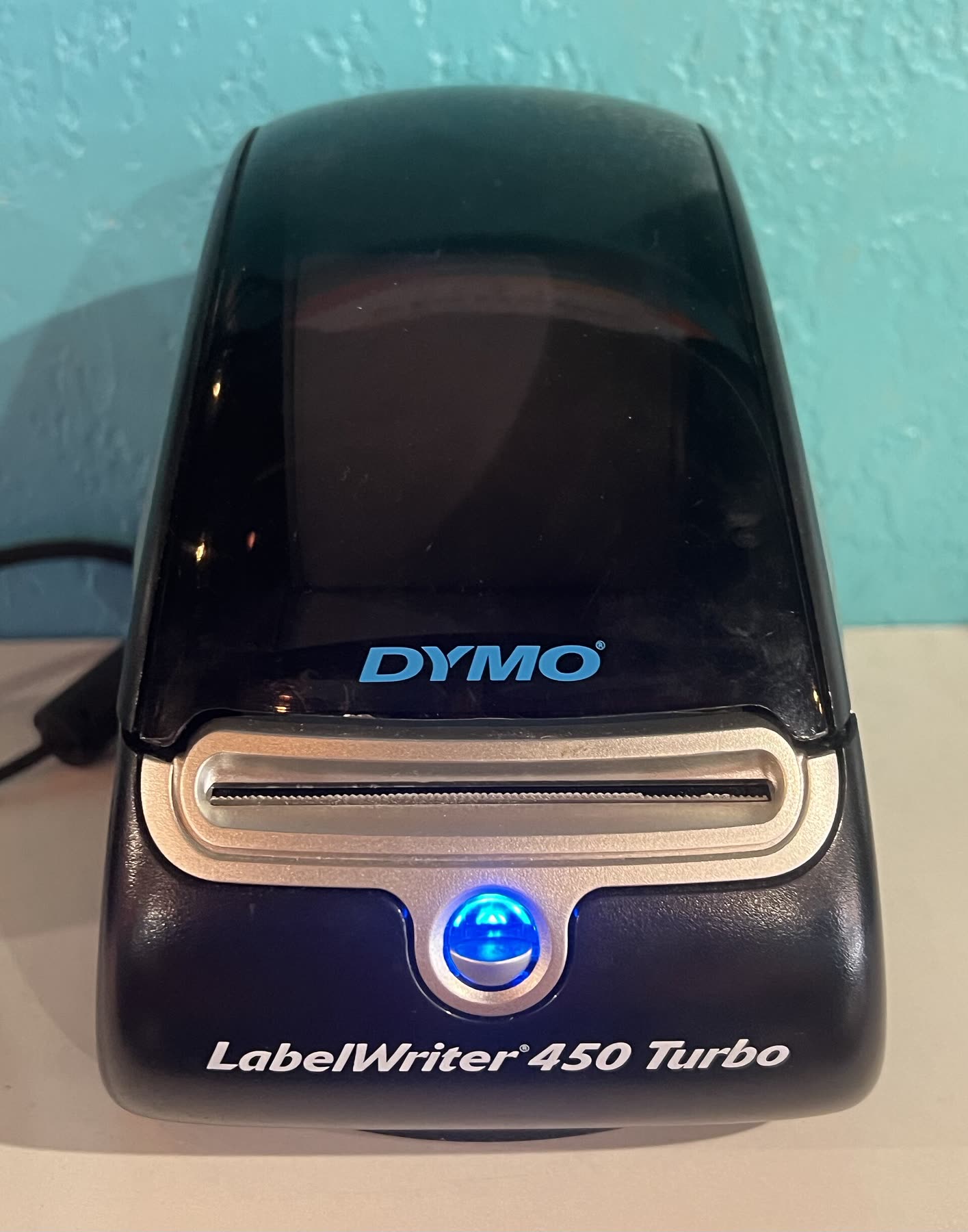
Within the LabelWriter family, you’ll see a mix of smaller office-focused units and larger-format models aimed at shipping. Dymo highlights that LabelWriter printers can create and print labels in many sizes for mailing, shipping and general office tasks,Dymo LabelWriter overview but not all models support the same maximum width.
Broadly, you can think of three model classes:
| Typical use case | Model class (examples) | Label size focus | Shipping label suitability |
|---|---|---|---|
| Office & organization | Standard LabelWriter units | Small/medium address & file labels | Good for address labels on parcels; not ideal for full shipping labels |
| Mixed office + light shipping | Midrange LabelWriter variants | Wider address & barcode labels | May handle some shipping layouts depending on carrier and template |
| Dedicated shipping & wide labels | Wide-format models such as 5XL class | Wide labels for parcel shipping | Designed with wide labels suitable for typical ecommerce shipping use |
Dymo’s information on the 5XL class specifically notes support for wide labels that make it suitable for shipping applications.Dymo LabelWriter 5XL product For many Canadian ecommerce sellers, this is the pivot point: if your platform or carrier gives you a shipping label layout that assumes a wide label, a wide-format LabelWriter class is the safer choice.
Micro seller vs growing ecommerce shop
Micro seller (under ~10 parcels/week). If you’re running a side hustle and printing only a handful of parcels, you can:
- Use a standard LabelWriter for address labels and let carriers print the rest at the counter, or
- Print shipping labels on regular paper and tape them to packages.
In this scenario, a smaller LabelWriter focused on address and product labels will likely cover your needs and stay compact on a shared desk.
Growing shop (daily parcel pickups). Once you’re shipping most days and buying labels through an ecommerce platform or shipping tool, speed and label size start to matter more. Here, a wide-format LabelWriter class such as the 5XL typically fits better because it:
- Handles wide parcel labels in one pass.
- Keeps everything on rolls, reducing manual cutting or taping.
Thermal label printer roundups for ecommerce shipping often call out wide-format thermal units as a good fit for growing businesses because of their speed and low consumable costs compared with inkjet printing.ClickShip thermal printer article Dymo’s wide-format LabelWriter models sit in that same general category.
Buying Dymo LabelWriter Printers and Supplies in Canada
Once you know whether you need a standard or wide-format LabelWriter, the next step is picking a buying channel. You effectively have three platform types to choose from:
- Domestic retail platforms.
Canadian retailers such as Staples list multiple Dymo LabelWriter models in their business printing categories,Staples Canada Dymo label printers and Best Buy Canada offers professional label makers that include Dymo units for office use.Best Buy Canada professional label makers Retail platforms are typically strongest for:
- Genuine brand hardware and supplies.
- Straightforward returns through local stores or Canadian customer service.
- Quick delivery within Canada.
For most small businesses buying one or two printers plus label rolls, this is usually the least risky route.
- General online marketplaces.
Large marketplaces (for example, Amazon.ca or eBay) often carry both new and used Dymo LabelWriter units and compatible label rolls. Here you get:
- More variety, including older or refurbished models.
- Third-party labels that may undercut brand pricing.
The trade-off is that you’ll need to watch seller ratings carefully and confirm that label sizes match the exact LabelWriter model you plan to use.
- Cross-border and wholesale-style marketplaces.
Some businesses look beyond Canada for better pricing or bulk supplies. Cross-border marketplaces can be one way to source generic thermal label printers or compatible labels if brand hardware is not a strict requirement. For example, DHgate is a global marketplace where different sellers list thermal label printers and label rolls.
If you consider this route, treat it as a higher-variance option:
- Confirm whether the printer is branded Dymo or a generic thermal unit; don’t assume compatibility.
- Check label roll specs (width, core size, direct-thermal vs other types) against the Dymo documentation you already have.
- Factor in cross-border shipping time and potential import costs.
DHgate’s own editorial guidance on thermal printers stresses matching printer type, label size, speed, and durability to your use case,DHgate thermal printer tips which is a good mindset to keep even if you ultimately buy from a Canadian retailer instead. If you want a deeper look at how DHgate operates as a marketplace in general, you can read our broader platform explainer: What DHgate is and how the marketplace works.
Matching platform type to your business
For a micro seller, a single LabelWriter from Staples or Best Buy plus a few rolls of labels is usually the simplest setup: your focus is reliable hardware and minimal admin work, not shaving every cent off label costs.
For a growing ecommerce business, splitting your purchases can make sense:
- Buy the main LabelWriter device (especially a wide-format model) from a domestic retailer or a well-known marketplace seller.
- Experiment with compatible third-party labels for volume orders, whether through Canadian distributors or vetted cross-border sellers, once you’re comfortable with the exact specs your printer requires.
If you start comparing multiple marketplaces, our neutral overview of platform types at online marketplaces and shopping platforms can help map each option to your risk tolerance and buying style.
The key is to choose the printer class first—standard vs wide-format—based on how often you print shipping labels, then use platform choice (local retail vs marketplace vs cross-border) to balance price, convenience, and confidence in the hardware and label compatibility.