
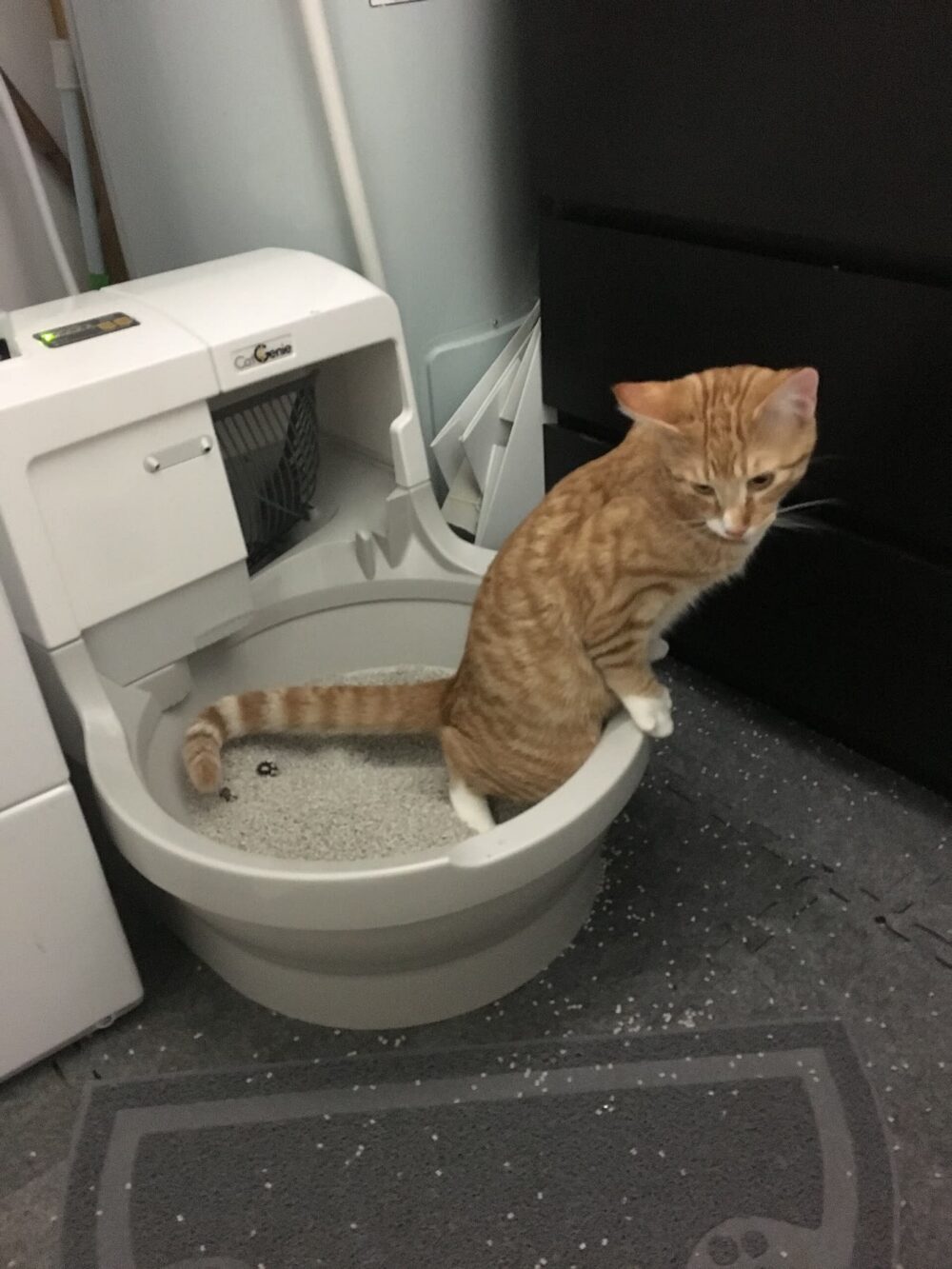
If you’re shopping for Neakasa litter boxes in Canada—especially the Neakasa M1—you’ll most often run into two Canada-facing routes: major retail marketplaces and a smaller set of Canadian specialty ecommerce stores. For example, the Neakasa M1 open-top self-cleaning unit is listed on Walmart.ca, and TNest (a Canada-oriented retailer) lists an “Neakasa automatic litter box M1” with “M1 Plus / upgraded” wording.
Because “M1,” “M1 Plus,” and “M1 Lite” can be used inconsistently across listings, your safest move is to cross-check the model name against Neakasa’s own lineup pages before you pay.
Canada buying landscape for Neakasa litter boxes (what’s actually showing up)
Two patterns show up quickly in Canada searches:
- Retail marketplace listings (Canada-facing): A Neakasa M1 listing appears on Walmart.ca (Neakasa M1 listing). This kind of route can mean you’re choosing among individual sellers and offer configurations, so it’s important to identify the actual seller and included items on the product page.
- Canadian specialty ecommerce: TNest’s Neakasa M1 page is a Canada-oriented storefront listing that uses “M1” plus “M1 Plus / upgraded” language. This route can be simpler to reason about because you’re typically buying from one storefront, but you may see fewer variants.
For model verification, Neakasa’s own lineup page—Neakasa cat litter box collection—is useful as a “source of truth” for what models exist and what they’re called.
Platform routes compared: retail marketplaces vs specialty Canadian stores vs manufacturer store vs resale
| Route (Canada buyer) | Where you’ll see Neakasa M1/M1 variants | What this route is best for | The “gotcha” to watch (Neakasa-specific) |
|---|---|---|---|
| Retail marketplace listing | Example: Walmart.ca Neakasa M1 listing | Comparing offers/bundles in one place | Listing titles can be keyword-heavy; confirm the exact model name and what’s included before checkout. |
| Specialty Canadian ecommerce retailer | Example: TNest “Neakasa automatic litter box M1” | A more straightforward “single-storefront” checkout | “M1 Plus / upgraded” wording may be unclear—verify whether it represents a distinct bundle, revision, or just listing language. |
| Manufacturer lineup + product pages (reference point) | Neakasa litter box collection | Confirming what models exist and what they’re called | Neakasa runs different regional stores; an EU page like Neakasa M1 (EU store) is useful for model confirmation, not Canada availability/terms. |
| Third-party deal content | Modern Cat’s Neakasa M1 page | Finding advertised promo codes to test at checkout | Promo codes change; treat this as “deal intel,” not a guaranteed discount. |
| Peer-to-peer resale (local) | Commonly via local buy/sell groups and marketplaces | Potentially finding a used unit locally | Listings can be vague; ask the seller to confirm the exact model name shown on the unit/packaging and compare against Neakasa’s official naming. |
| Cross-border sourcing marketplaces (small sellers, general) | For example, DHgate | Exploring marketplace-style sourcing as a category | Don’t assume a branded model is available or correctly labeled; rely on manufacturer model naming to avoid wrong-SKU sourcing. |
Which route fits you: 3 common Canada scenarios (buyer + small reseller)
Scenario 1: “I want the least complicated Canada-facing purchase path.”
- Start with a Canada-facing listing where checkout and the seller identity are clearly shown (for example, a listing like the one on Walmart.ca).
- Before paying, open Neakasa’s lineup page in a second tab: Neakasa cat litter box collection.
- Match the model name exactly (e.g., M1 vs M1 Lite). If the listing uses extra words like “Plus” or “upgraded,” treat that as a prompt to read the included-items/specs area more carefully.
Scenario 2: “I’ll trade time for a deal, but I don’t want the wrong model.”
- Check at least two routes: a marketplace listing (like Walmart.ca) and a Canadian specialty retailer (like TNest).
- If you’re chasing a promo code, confirm it still applies at checkout; Modern Cat has advertised a code on its M1 page: Modern Cat deal listing.
- Use Neakasa’s own product pages to spot “close but not the same” models—M1 Lite is a separate model page and is marketed as self-cleaning with a “14 days scoop-free” claim (Neakasa M1 Lite). Treat that duration as Neakasa’s marketing language rather than a guaranteed outcome for every home.
Scenario 3 (small ecommerce business): “I want to test demand without getting stuck with the wrong SKU.”
- Treat model confusion as the primary risk (M1 vs M1 Lite, and “Plus/upgraded” wording used in some listings).
- Build a one-page internal “SKU truth sheet” from the manufacturer’s naming: Neakasa cat litter box collection. Document the exact model name you will sell and the exact in-box items you’ll promise.
- When you evaluate any listing (any platform), reject anything that can’t clearly answer: “Is this M1 or M1 Lite?” If you need a visual reference because a listing is vague, an official regional page like Neakasa M1 (EU) can help confirm how the M1 is positioned (open-top/automatic), but don’t use it to infer Canada availability or purchase terms.
Callout: the model-name & variant trap (M1 vs “M1 Plus” vs M1 Lite)
Neakasa’s own pages make clear that M1 Lite exists as a separate model name (M1 Lite product page). Meanwhile, Canada-facing listings may use “M1 Plus” or “upgraded” language (for example, TNest’s M1 page). The safest interpretation is: treat anything beyond the base model name as listing language until the specs and included-items section prove what you’ll actually receive.
Sources: Walmart.ca listing, TNest listing, Neakasa lineup, Neakasa M1 Lite, Neakasa M1 EU page, Modern Cat deal page