
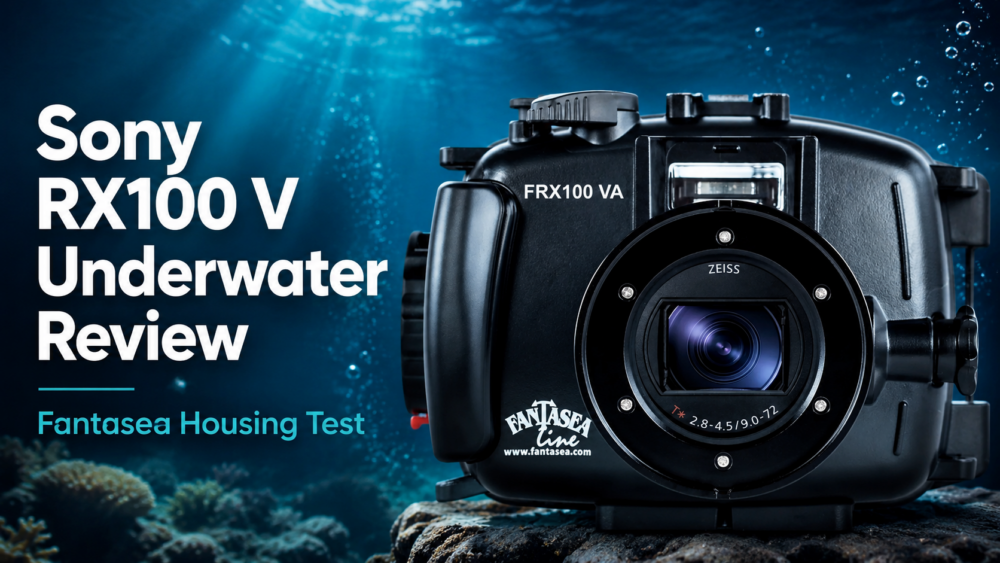
Quick answer: DHgate can be a reasonable place to compare low-risk Sony RX100 V accessories such as cases, straps, screen protectors and non-powered mounts. Treat batteries, chargers and firmware differently: confirm the exact camera model, prefer Sony-specified power accessories, and download firmware only from Sony Support. A low price is not worth a poor fit, unsafe power component or untrusted software file.
Last reviewed: September 2, 2026. This guide covers the Sony DSC-RX100M5 (RX100 V). Sony also sold the DSC-RX100M5A (RX100 VA), so verify the model printed on the camera before buying or downloading anything.
Which RX100 V accessories are lower risk?
| Accessory | Main check | Buying route |
|---|---|---|
| Case, pouch or wrist strap | Camera dimensions, access to controls and attachment points | Marketplace comparison can make sense |
| Screen protector | Exact RX100 generation and cutout dimensions | Marketplace comparison can make sense |
| Tripod or non-powered mount | Thread, load rating and clearance | Use a seller with measurements and a return path |
| Battery or charger | NP-BX1 compatibility, electrical specifications and seller traceability | Prefer Sony or an established camera retailer |
| Firmware | Exact model and current installed version | Sony Support only |
Sony’s RX100 V help guide identifies the supplied rechargeable battery as the NP-BX1 and lists the supplied Micro USB cable, AC adaptor, wrist strap and strap adaptors. Use those identifiers as compatibility references, not a seller’s title alone.
How to check an accessory listing before buying
- Confirm the camera model. Check for DSC-RX100M5 or DSC-RX100M5A on the camera and in Sony’s documentation.
- Match dimensions and interfaces. Look for measured internal case size, screen-protector dimensions, tripod thread details and access to the battery/card door.
- Require original listing evidence. Prefer photos showing the actual accessory, connectors, labels, packaging and measurements instead of only a generic render.
- Check recent seller performance. Read recent product-specific reviews and look for consistent reports about fit, material and delivery.
- Compare the complete cost. Include shipping, tax, delivery time and the cost of replacing an item that does not fit.
- Keep payment and messages on-platform. Do not move the transaction to a seller-requested payment channel.
For a reusable marketplace screen, apply the site’s DHgate accessory listing checks and the broader listing and seller risk checklist. If the seller makes a compatibility or brand claim, use the seller-claim verification process before ordering.
Why batteries and chargers need a stricter standard
Power accessories can damage the camera or fail at the moment you need them. Sony’s help guide says to use the specified battery pack and warns about charging conditions, heat, water and short-circuit risks. A listing that merely says “for RX100” is not enough.
- Match the battery designation and the camera model.
- Check voltage, capacity and charger input/output markings against official documentation.
- Avoid products with missing manufacturer identity, unreadable labels or implausible capacity claims.
- Do not use a swollen, leaking, damaged or unusually hot battery.
- Choose a seller and payment route that preserve a documented return or dispute path.
For batteries, chargers and adapters, the safer route is normally Sony or an established camera retailer with traceable product support. DHgate is better suited to simple accessories whose fit and material can be checked without relying on uncertain electrical claims.
Where to get RX100 V firmware
Do not buy firmware and do not download it from a marketplace listing, seller message, file-sharing page or unofficial mirror. Use the Sony DSC-RX100M5 downloads page, choose the exact model and operating system, and read Sony’s installation requirements before starting.
Sony’s support page currently lists the DSC-RX100M5 firmware update and its official instructions. Those instructions explain how to check the installed version and warn that the update is model-specific and should not be interrupted. If the support page says your installed version does not need the update, stop rather than forcing it.
When DHgate is the wrong route
Choose Sony or a specialist retailer when you need a genuine battery, a safety-critical power accessory, guaranteed fit before a trip, local warranty support or fast replacement. Use DHgate only when the item is low risk, the listing provides enough measurements and evidence, and the savings still make sense after shipping and return friction.
Bottom line
Use DHgate selectively for uncomplicated RX100 V accessories, not as a one-stop source. Verify DSC-RX100M5 versus DSC-RX100M5A, match measurements and interfaces, and vet the seller. Buy power accessories through a traceable route, and obtain firmware only from Sony Support.